Top 5 Data Loss Prevention Software for Remote Workers for 2026 (Prices and Free Plans)
Compare 5 best data loss prevention software for remote workers, with prices, free plans and who each fits. Verdicts stay brief and factual. Decide faster.
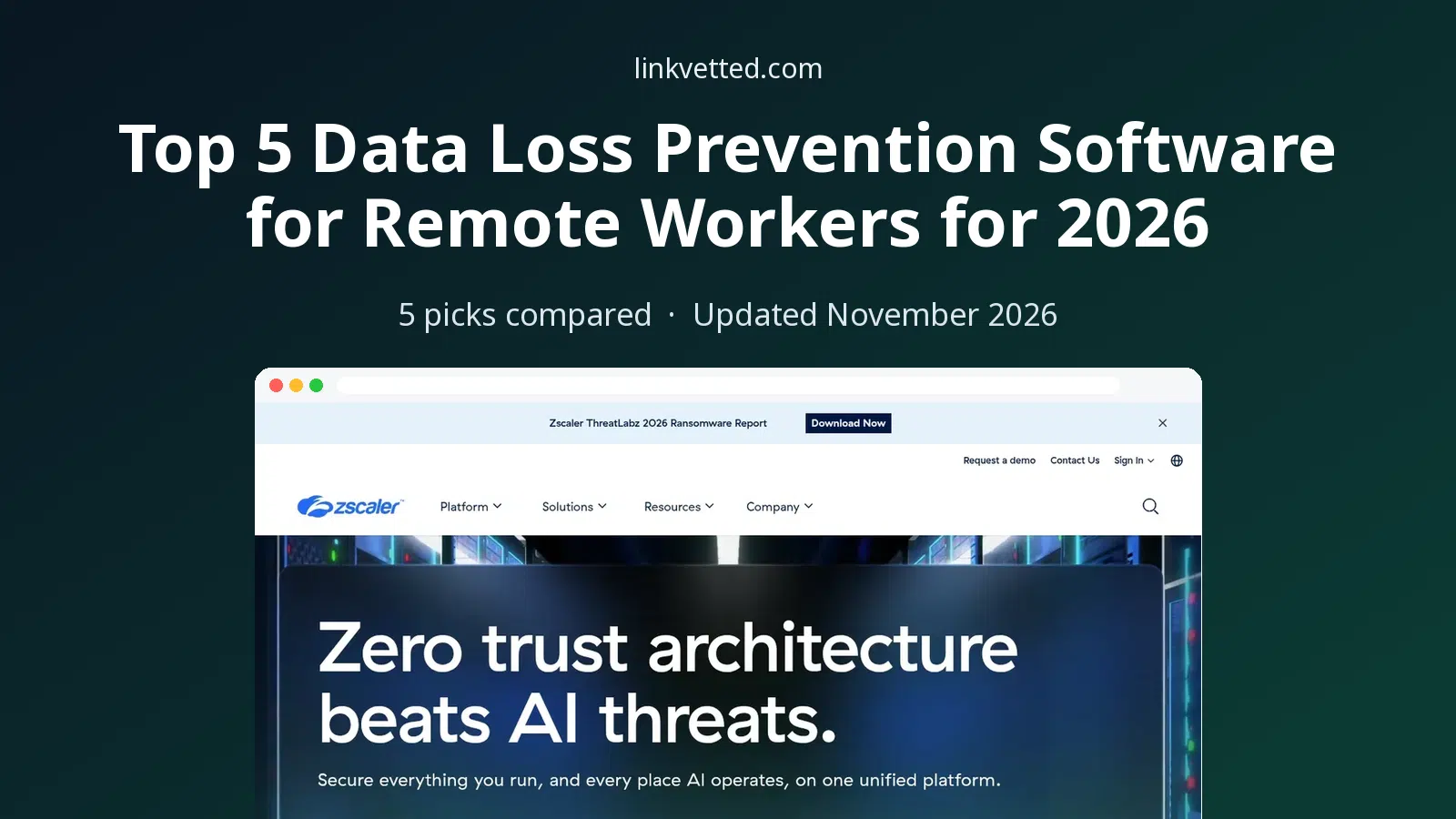
- Editor's choice
 Zscaler
Zero trust security for remote access
Starts atPricing on requestVisit zscaler.comFull review - Great alternative
 Palo Alto Networks Prisma Access
Secure remote access for hybrid workforce
Starts atPricing on requestVisit paloaltonetworks.comFull review - Also consider
 Netskope
Cloud and data security for remote teams
Starts atPricing on requestVisit netskope.comFull review
Direct answer
Zscaler comes first here, mainly for zero trust security for remote access. Palo Alto Networks Prisma Access fits secure remote access for hybrid workforce; Netskope fits cloud and data security for remote teams. The full list of 5 tools follows, with free plan facts. None of these vendors publish plan prices, so pricing is on request for every option.
TL;DR:
- Zscaler is the opening pick, best for zero trust security for remote access.
- Pricing across the list, from Zscaler to Microsoft Purview, is by quote only.
- A fair warning about Netskope: may require network architecture changes.
- Microsoft Purview is the one to check for integrated data security and governance.
- A permanent free plan is missing from all 5 tools, Zscaler and Microsoft Purview included; plan for a trial or a premium start.
Last checked November 2026. Pricing on request: vendors did not publish plan prices when this guide was last checked (November 2026), so ask each vendor for a written quote.
Quick comparison
| Tool | Best for | Starts at | Free plan? | |
|---|---|---|---|---|
| Zscaler | Zero trust security for remote access | Pricing on request | Not stated | Visit |
| Palo Alto Networks Prisma Access | Secure remote access for hybrid workforce | Pricing on request | Not stated | Visit |
| Netskope | Cloud and data security for remote teams | Pricing on request | Not stated | Visit |
| Trellix Data Loss Prevention | Centralized management of endpoint DLP | Pricing on request | Not stated | Visit |
 Microsoft Purview | Integrated data security and governance | Pricing on request | Not stated | Visit |
The 5 tools in detail
LinkVetted compared 5 data loss prevention software for remote workers. The goal is a practical shortlist: published prices, free plan facts, best-fit use cases and honest limits for every entry.
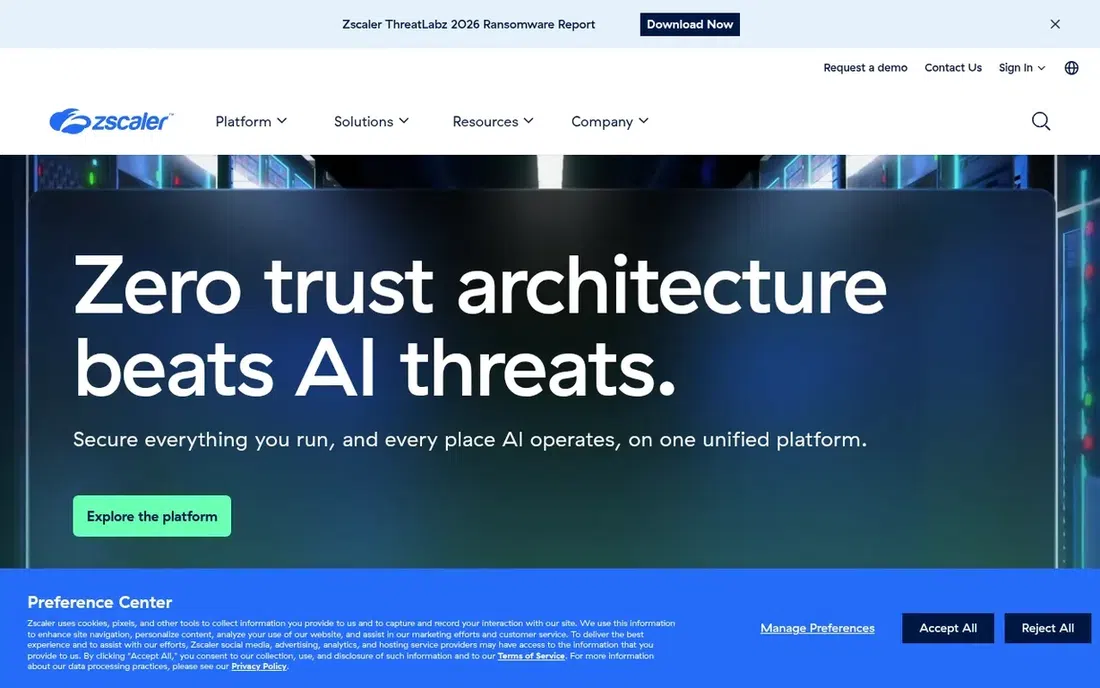
Zscaler is a good fit for zero trust security for remote access. On top of that, for straightforward DLP, more straightforward choices exist.
Drawbacks to consider: Needs careful policy configuration.
It is a strong match for enterprises committed to zero trust. In daily use, Zscaler's thorough approach may be more than small teams need, and policy setup can be intricate. Zscaler does not show a starting price in this comparison, so check the vendor site for current pricing. As for free access: Not stated.
- Global enterprise focus
- Secure digital transformation
- May be overkill for small teams
Palo Alto Networks Prisma Access
Best for: Secure remote access for hybrid workforce
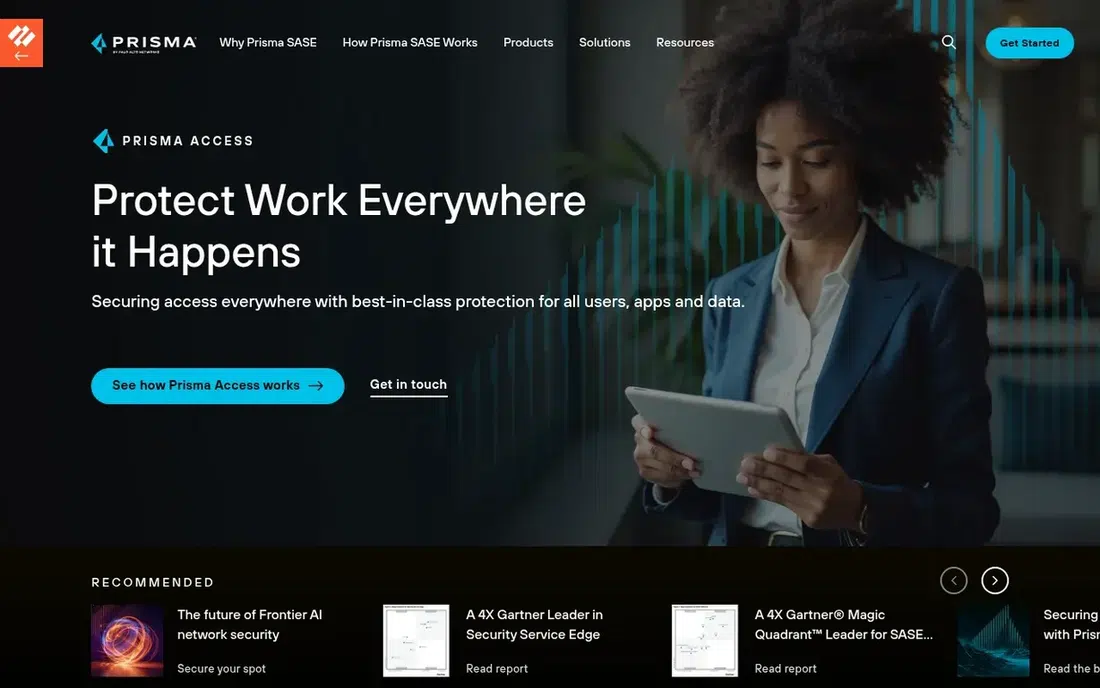
Pick Palo Alto Networks Prisma Access if this describes you: secure remote access for hybrid workforce. Prisma Access is a cloud-delivered security platform from Palo Alto Networks that gives you secure remote access for the hybrid workforce.
Trade-offs to know: Needs expertise to handle.
This comparison lists no price for Palo Alto Networks Prisma Access; ask the vendor. Free options: Not stated.
- Cloud-delivered security system
- Guards hybrid workforce
- Can be expensive for smaller firms
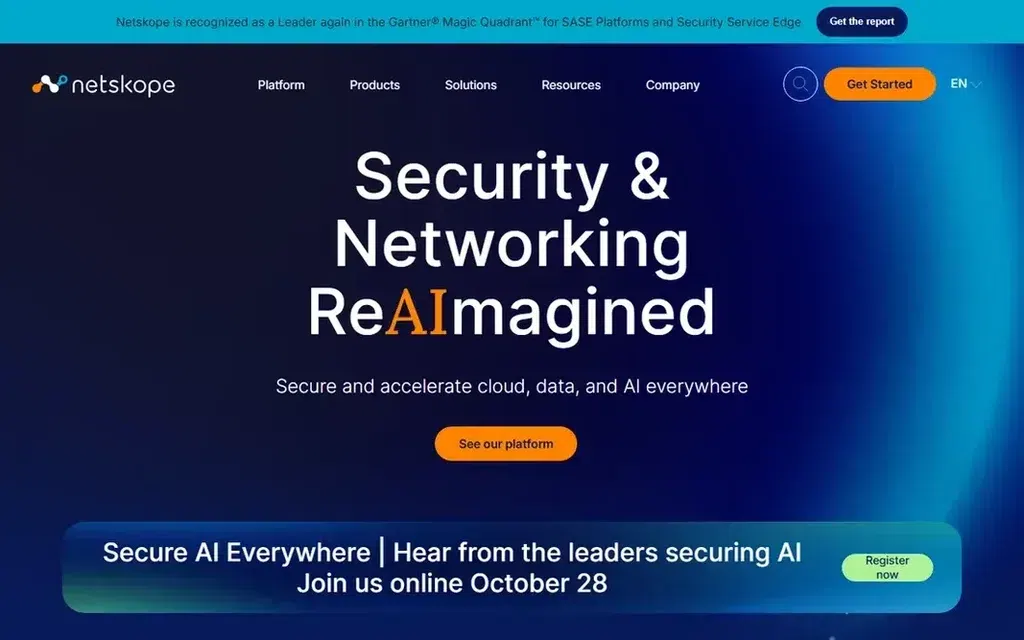
Netskope serves cloud and data security for remote teams. It offers unified visibility, advanced SASE and SSE protection, and optimized performance.
That said, Netskope may need significant network changes and can be complicated to deploy. Check the vendor site for Netskope pricing; none is listed in this comparison. Free access: Not stated.
What to check first: May require network architecture changes.
- Optimized performance for remote access
- Unified visibility across cloud and data
- Can be complicated to deploy initially
Trellix Data Loss Prevention
Best for: Centralized management of endpoint DLP
Where Trellix Data Loss Prevention fits: centralized management of endpoint DLP. Trellix Data Loss Prevention guards corporate-owned devices, external storage, and shared drives with centralized management. It helps prevent data loss on endpoints used by remote workers.
Downsides: May need endpoint agent deployment.
Reasons to shortlist it: Guards corporate devices and storage.
More specifically, for cloud-first strategies, other tools might be better. Trellix DLP may need endpoint agent deployment and gives you fewer cloud-native features than some competitors. Pricing for Trellix Data Loss Prevention is not stated here, so ask the vendor for current figures. Free access: Not stated.
- Centralized management console
- Focus on endpoint data loss
- Restricted cloud-native features
Microsoft Purview targets integrated data security and governance. Microsoft Purview strengthens data security, management, and governance with full visibility and control. It helps secure and handle the data estate, including remote worker data.
Watch-outs: May need extra licensing.
It is a natural fit for organizations already using Microsoft 365 and seeking integrated DLP and compliance. It is a strong match for Microsoft-centric organizations. No starting price is listed for Microsoft Purview here; confirm pricing on the vendor site. Trial and free access: Not stated.
- Compliance management features
- Integrated with Microsoft ecosystem
- Best value for Microsoft-centric shops
How these tools were picked
Pre-purchase checklist
- Request quotes from Zscaler, Microsoft Purview and the others; the list shows no fixed prices.
- Before choosing Zscaler, weigh its main limit: may be overkill for small teams.
- List the apps you already depend on and check that Trellix Data Loss Prevention supports each one on the plan you would buy.
- Verify that exporting from Zscaler is possible on your plan and covers all your records.
- Check whether the features you need in Netskope sit on the entry plan or only on higher tiers.
FAQ
Can DLP software protect data on personal devices used for work?
Some DLP options can extend protection to personal devices through agents or cloud-based controls, but capabilities vary. In daily use, check whether the tool supports bring-your-own-device (BYOD) scenarios and enforces policies consistently.
Do these tools publish their prices?
No. None of the tools, from Zscaler to Microsoft Purview, shows a fixed starting price here, so budget time for quotes.
How do I choose the right DLP tool for my remote team?
Consider your existing infrastructure, the types of data you have to protect, and how your remote workers access data. Evaluate tools based on integration, ease of management, and coverage for cloud and endpoint environments.
Is Zscaler the right pick for everyone comparing data loss prevention software for remote workers?
No single tool suits every team. Zscaler comes first because it fits zero trust security for remote access, while Palo Alto Networks Prisma Access suits secure remote access for hybrid workforce and Netskope suits cloud and data security for remote teams. Match the tool to your own size, budget and workflow before deciding.
How are the tools for data loss prevention software for remote workers ordered?
The order follows typical fit for data loss prevention software for remote workers, with Zscaler first and Microsoft Purview last, then price clarity and free access. It is editorial judgement, not a score, so another team could rank the tools differently.
Can I try these tools before paying?
Not by default. None of the tools, from Zscaler to Microsoft Purview, lists a free plan or a free trial here, so ask each vendor for a demo before committing.
Sources
- https://www.zscaler.com
- https://www.paloaltonetworks.com/prisma/access
- https://www.netskope.com
- https://www.trellix.com/products/dlp
- https://www.microsoft.com/en-us/security/business/microsoft-purview