Best Customer Quoting Software in 2026: 8 Tools Compared
Compare the best customer quoting software for 2026, with pricing, templates, eSignatures, CRM links, and approvals to help teams send clear quotes faster.

- Editor's choice
 PandaDoc
Branded quotes with eSignatures and payments
Starts at$19 per monthVisit pandadoc.comFull review - Great alternative
 QuoteWerks
Detailed CPQ for IT, manufacturing, and services sellers
Starts at$15 per monthVisit quotewerks.comFull review - Also consider
 Proposify
Fast, template-led proposals and quotes
Starts atSee websiteVisit proposify.comFull review
TL;DR:
- PandaDoc and Proposify suit teams that want polished, branded quotes with eSignatures and payment links in one document.
- QuoteWerks and DealHub suit teams that need strict pricing control, product configuration, and approval steps before a quote goes out.
- HubSpot Sales Hub makes sense when quotes already live inside HubSpot, while Qwilr and GetAccept suit smaller teams that want speed.
- Published starting prices run from about $15 to $19 per user per month for entry plans, with enterprise CPQ tools priced on request.
Quick comparison
| Tool | Best for | Starts at | Free plan? | |
|---|---|---|---|---|
| PandaDoc | Branded quotes with eSignatures and payments | $19 per month | Free trial | Visit |
| QuoteWerks | Detailed CPQ for IT, manufacturing, and services sellers | $15 per month | Free trial | Visit |
| Proposify | Fast, template-led proposals and quotes | See website | Free trial | Visit |
 DealHub | Guided quoting with approvals and revenue workflows | See website | Free trial | Visit |
 HubSpot Sales Hub | Quoting inside HubSpot CRM | See website | Free trial | Visit |
 Qwilr | Interactive web-based quotes and proposals | See website | Free trial | Visit |
 GetAccept | Quotes with tracking, chat, and eSignatures | See website | Free trial | Visit |
 Conga CPQ | Complex enterprise product configuration | See website | Free trial | Visit |
The best customer quoting software
A good quote does more than list a price. It answers questions before a buyer asks them, shows exactly what is included, and makes approval simple. These eight tools cover that range, from simple branded documents to full configure, price, and quote systems.
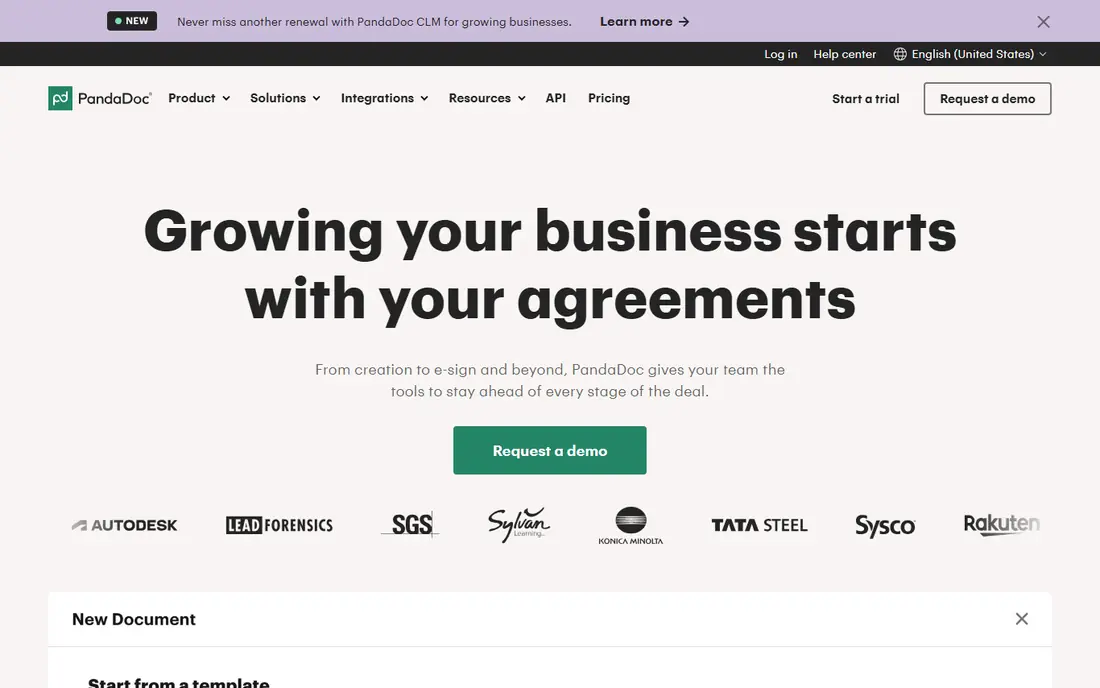
PandaDoc is our pick for most small and mid-sized teams that send quotes every week. The editor makes it easy to build a clean document, add a pricing table with optional items, and collect a signature and payment without asking the buyer to print anything. Templates, a content library on higher plans, and document analytics help a team reuse what works and follow up at the right time.
The catch is scale and control. The Essentials plan starts at $19 per user per month and is limited in seats, so larger teams will move to Business at a higher price. Teams that need deep product configuration rules, distributor pricing, or complex approval chains may find PandaDoc lighter than a dedicated CPQ tool. For straightforward service and product quotes, though, it hits a strong balance of polish and speed.
- Polished templates and pricing tables
- Built-in eSignatures and payments
- Document analytics show when a quote is opened
- Entry plan seats are limited
- Advanced CRM features sit on higher plans
QuoteWerks takes a different approach from document-first tools. It starts with the catalog, the price, and the margin, then builds the quote from those rules. That focus helps IT providers, integrators, and manufacturers who sell bundles, services, and recurring items together and need to avoid pricing errors. Links to CRM and PSA systems, plus QuickBooks and Sage, keep the quote connected to the rest of the sale.
The trade-off is presentation and learning time. The interface is dense and functional rather than modern, and a team with a large catalog should plan time to set up products, pricing, and templates. Once that work is done, repeat quotes become much faster and more consistent. If pricing accuracy matters more than design flair, QuoteWerks deserves a close look.
- Strong pricing, bundling, and recurring revenue controls
- Links to CRM, PSA, and accounting tools
- Distributor pricing support
- Interface feels dated next to newer tools
- Setup takes more time for complex catalogs

Proposify suits teams that win work with well-written proposals, not just price lists. A rep can start from a template, drop in saved sections, adjust pricing, and send a branded document that a buyer can sign online. The pipeline view shows which proposals are viewed, signed, or stalled, which makes follow-up less guesswork.
The main limits are on the pricing side. Proposify does not offer the same depth of configuration and discount control as a full CPQ platform, so teams with complex product rules may need another tool or manual checks. Pricing is also quoted rather than listed in full on the site, so buyers should request a current quote before budgeting. For agencies, consultants, and service firms, the speed gain is often worth that trade.
- Large template library and reusable content
- ESignatures and payment options
- Clear pipeline view for sent proposals
- Pricing is not published as clearly as some rivals
- Deep CPQ rules are limited
DealHub sits between a document tool and a full enterprise CPQ system. It guides reps through product choices, applies pricing rules, routes discounts for approval, and connects the signed quote to billing. That structure helps teams that have grown past spreadsheets but do not want a long enterprise rollout. Managers gain visibility into deal terms, and finance gains cleaner handoffs.
The drawback is transparency at the start. Pricing is not published as a simple entry price, so small teams may find the sales process heavier than they expect. DealHub also works best when a team already has a CRM and a defined sales process to encode. For mid-market teams with approval pain and discount leakage, it can pay for itself quickly.
- Guided selling and quote workflows
- Approval controls for discounts
- Links to CRM and billing systems
- Quote-based pricing makes budgeting harder
- Best value for mid-market and larger teams
HubSpot Sales Hub is the natural choice for teams already running on HubSpot. Quotes are built from the deal record, so product, price, and contact details stay in sync and reps do not retype data. Payment links, eSignatures, and deal reporting sit in the same system, which shortens the path from quote to closed deal.
The catch is that quoting is not a standalone bargain. The strongest features sit on paid Sales Hub tiers, and a team that adds marketing, service, and operations hubs can see costs climb. Teams outside HubSpot also gain little from switching CRM systems just for quotes. For existing HubSpot users, though, the convenience and data quality are hard to beat.
- Quotes pull directly from CRM deals and products
- ESignatures and payment links included on paid plans
- Strong reporting
- Full quoting features require paid Sales Hub plans
- Costs rise as seats and hubs grow
Qwilr turns a quote into a web page rather than a static file. Buyers can read it on a phone, accept terms, and sign without downloading software, and sellers can see when the page is opened and which sections get attention. That format suits agencies, consultants, and creative teams whose quotes need to sell the work as well as state the price.
The limits show up for product-heavy sellers. Qwilr does not offer deep configuration, complex discount rules, or distributor pricing in the way QuoteWerks or Conga do. It is best treated as a presentation and acceptance tool with solid pricing tables, not as a pricing engine. For service quotes where clarity and response speed matter, it is a strong option.
- Web pages that look better than PDF attachments
- Analytics on views and accepts
- Templates for services and agencies
- Less CPQ depth than dedicated quoting platforms
- Pricing varies by plan and billing
GetAccept focuses on what happens after a quote is sent. Sellers see opens and engagement, can chat with the buyer inside the document, and can add a short video to explain the offer. That feedback loop helps reps follow up with a relevant message instead of a generic check-in. ESignatures and CRM links keep the signed deal in the pipeline without extra admin.
The trade-off is depth and design. GetAccept is not the best choice for highly customized document design or complex product configuration, and some useful features sit above the entry plan. Teams that lose deals to slow follow-up, though, will value the tracking and chat more than extra templates. It works well for sales teams that send many quotes and need to know which ones need attention today.
- Real-time tracking and buyer chat
- ESignatures and video messages
- CRM links for pipeline visibility
- Some advanced features require higher plans
- Design control is less flexible than Proposify
Conga CPQ is built for companies with large catalogs, bundles, options, and pricing rules that a person cannot reliably apply by hand. It guides configuration, applies discounts and approvals, and produces consistent quotes across a large sales team. For Salesforce shops, the fit is especially natural, and the wider Conga family covers contracts and document generation as well.
The honest catch is scope. Conga is an enterprise purchase with quote-based pricing and implementation work, so a small team sending simple quotes will find it slow and costly. It also rewards teams that invest in catalog clean-up and process design before rollout. For large, complex sellers, that investment buys accuracy and control that simpler tools cannot match.
- Strong product and pricing rules for complex catalogs
- Works with Salesforce
- Quote and contract workflows in one family
- Enterprise pricing and implementation effort
- Overkill for simple quotes
How we picked these
We compared official feature pages, pricing pages, and public product documentation, plus app listings and user reviews, for tools that send customer quotes in 2026. We favored tools that are still sold and supported, that offer templates, pricing tables, eSignatures, and CRM links, and that cover different team sizes and levels of pricing complexity. We left out generic document editors and invoicing-only apps that do not manage a quote workflow from draft to acceptance.
What to check before you buy quoting software
Start with your catalog, not the template gallery. If you sell a handful of services with standard prices, a document-first tool will serve you well. If you sell bundles, options, and recurring services, look for configuration rules, discount approvals, and margin visibility before you fall for a pretty layout.
Check the full path to a signed deal. Confirm how eSignatures work, whether payment links are included, how taxes and optional items appear, and how the accepted quote flows into your CRM, accounting system, or billing tool. A quote tool that creates retyping work after acceptance will cost more in time than it saves in design.
Trial tips that save time
Run the trial on a real quote, not a demo product. Import your actual services, set your tax and payment terms, and send the test quote to a colleague on a phone. Watch how long approval takes, how the document looks on mobile, and how easy it is to revise a price after the buyer asks a question. Those three tests reveal more than a feature checklist.
FAQ
What is customer quoting software?
Customer quoting software helps a business create, send, and track price quotes for products or services. It usually includes templates, pricing tables, eSignatures, and reminders, so a buyer can review, accept, and pay without a long email chain.
How much does quoting software cost?
Entry plans for tools on this list start at about $15 to $19 per user per month where prices are published, while mid-market and enterprise CPQ tools are priced on request. Always confirm the seat count, billing term, and which features sit on each plan before you budget.
Do I need CPQ or just a quote tool?
You need CPQ when product options, bundles, discounts, and approvals create errors or delays. A simpler quote or proposal tool is enough when prices are standard and the main need is a clear, branded document with a signature.
Can quoting software connect to my CRM?
Most tools on this list connect to major CRMs such as HubSpot, Salesforce, and Zoho, or offer an API and Zapier links. Check that quotes, contacts, and deal stages sync both ways, so accepted quotes do not need manual entry.
Is eSignature legally valid in a quote?
In the US, electronic signatures are generally valid under federal and state law for most business agreements, but rules vary by document type and industry. Use a tool with audit trails and signer identity checks, and get legal advice for regulated contracts.