Best Customer Portal Software in 2026: 8 Tools Compared
Best customer portal software compared for 2026: 8 client portal platforms for support, tickets, files, and self-service, with pricing and limits noted.
- Editor's choice
 Zendesk
Mature support teams
Starts at$19 per agent per monthVisit zendesk.comFull review - Great alternative
 Freshdesk
Affordable all-round support
Starts at$19 per agent per monthVisit freshdesk.comFull review - Also consider
 Zoho Desk
Zoho ecosystem teams
Starts at$7 per user per monthVisit zoho.comFull review
TL;DR:
- Zendesk is our pick for established support teams that need a mature portal, knowledge base, and automation in one place.
- Freshdesk and Zoho Desk offer the best value for growing teams that want a portal without enterprise pricing.
- HubSpot Service Hub fits teams already running HubSpot CRM, where portal data stays beside sales and marketing records.
- SuiteDash is the best budget bundle for small firms that also need CRM, projects, and file sharing in the portal.
- Check whether ticket tracking is included in the plan you buy, since some vendors gate it behind higher tiers.
Quick comparison
| Tool | Best for | Starts at | Free plan? | |
|---|---|---|---|---|
| Zendesk | Mature support teams | $19 per agent per month | No | Visit |
| Freshdesk | Affordable all-round support | $19 per agent per month | Yes | Visit |
| Zoho Desk | Zoho ecosystem teams | $7 per user per month | Yes | Visit |
 HubSpot Service Hub | HubSpot CRM teams | See website | Yes | Visit |
 Salesforce Service Cloud | Large CRM-centred enterprises | $25 per user per month | No | Visit |
 Help Scout | Small email-first teams | $25 per user per month | Yes | Visit |
 Intercom | Product-led AI-first teams | $19 per seat per month | No | Visit |
 SuiteDash | Small firms wanting a bundle | $19 per month | No | Visit |
The best customer portal software
A good customer portal lets clients find answers, submit and track tickets, and share files without waiting for an email reply. The best choice depends on whether you need a support portal, a client workspace, or both.
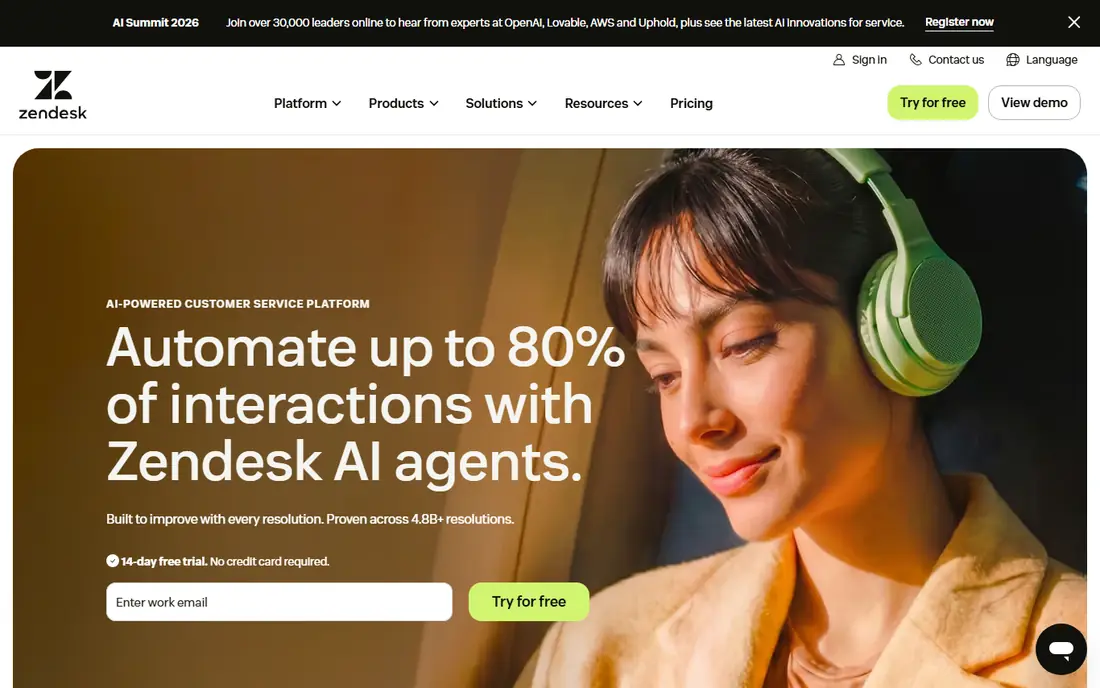
Zendesk is the safe default for a support team that has outgrown a shared inbox. Its help centre, customer portal, ticketing, and automation work as one system, and the reporting is deep enough for a growing support operation. Teams with high ticket volume will appreciate how well it handles queues, triggers, and self-service deflection.
The catch is price and tiering. The entry price looks friendly, but useful portal and automation features sit on higher plans, so the real monthly cost is often higher. Check the plan that includes the portal features you need before you compare it with cheaper rivals.
- Mature help centre and portal
- Strong automation
- Broad integrations
- Costs climb at scale
- Portal ticket features need higher tiers
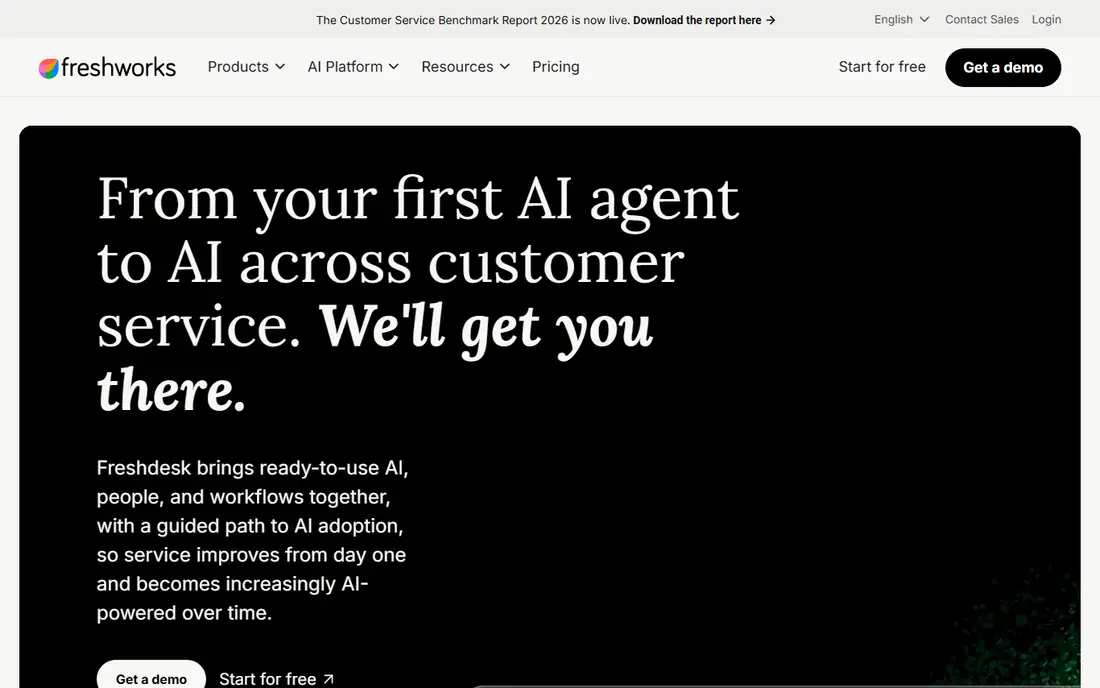
Freshdesk is a strong value pick for teams that want a proper portal without enterprise complexity. Setup is fast, the knowledge base is easy to maintain, and the free plan lets a very small team start without a budget discussion. Automation and AI features help deflect repeat tickets as volume grows.
It is not as deep as Zendesk for large, multi-team operations, and some reporting and automation features need a higher tier. For a growing team that values speed and price over depth, Freshdesk is hard to beat.
- Easy setup
- Free plan for small teams
- Freddy AI across the suite
- Best features gated to higher tiers
- Reporting is lighter than Zendesk
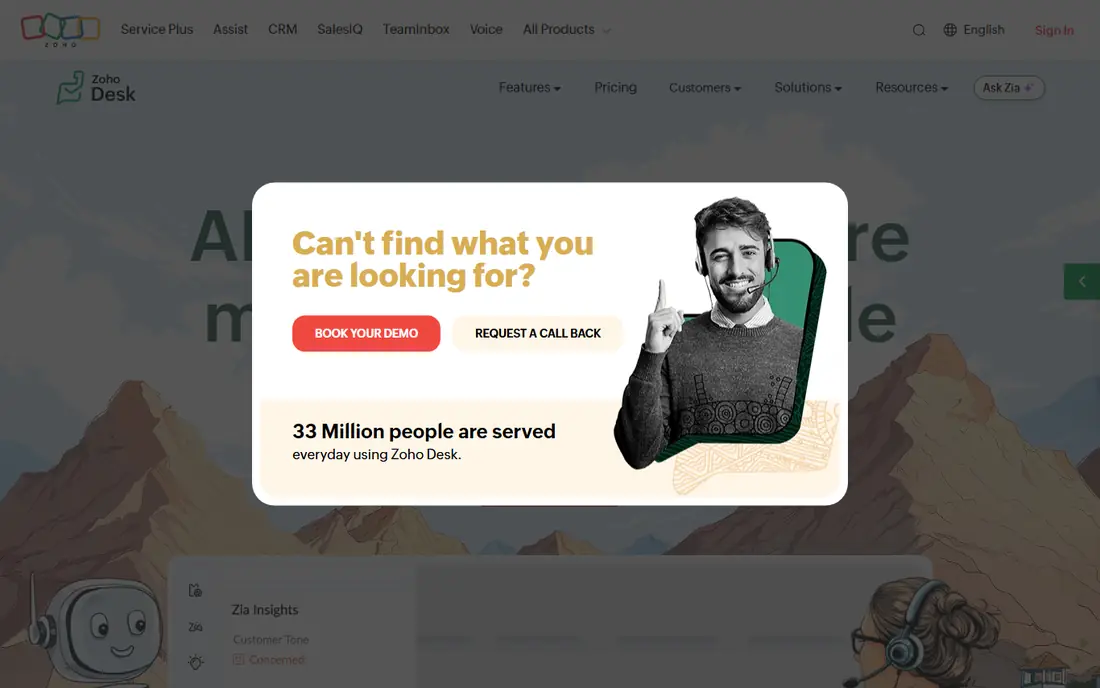
Zoho Desk is the budget champion in this list, and it is especially strong for teams already using Zoho CRM, Books, or other Zoho apps. The portal includes a help centre, ticket tracking, and community forums, and the free plan covers up to three agents. That combination is rare at this price.
The interface is less polished than Zendesk or Freshdesk, and advanced configuration takes patience. If your team already lives in Zoho, those trade-offs are easy to accept. If not, trial the portal as a customer first, since that view is what your clients will judge.
- Very low entry price
- Multilingual help centre
- Community forums
- Interface feels dated to some users
- Learning curve for advanced setup
HubSpot Service Hub makes sense when support, sales, and marketing already share HubSpot CRM. Customers see ticket status beside their account history, and agents see the full customer record without switching tools. The free tools let a small team start, and the paid tiers add automation, feedback, and deeper reporting.
Costs can rise quickly as seats and AI features are added, and the full customer portal experience is strongest on higher tiers. Teams already committed to HubSpot will still find it the cleanest option, but teams shopping on price alone should compare Freshdesk and Zoho Desk first.
- CRM-native portal and ticket visibility
- Free tools to start
- Strong reporting
- Price rises fast with seats and AI add-ons
- Full portal features need higher tiers
Salesforce Service Cloud, including its Agentforce Service offering, is built for large teams that run their business on Salesforce. The portal can show cases, knowledge, and account data in one place, and automation can route and resolve work across departments. For an enterprise with complex service processes, that depth is hard to match.
Smaller teams should be cautious. Setup is complex, admin skill is needed, and implementation costs can exceed the licence cost. It is our pick for large Salesforce estates, not for a small team that just needs a simple portal.
- Deep CRM context
- Powerful automation and workflows
- Enterprise scale
- Complex setup
- Needs admin skill and often implementation help
Help Scout suits small teams that want support to feel like email, not like a ticket system. Customers get a clean help centre and a simple way to reach a human, while agents work from a shared inbox that is easy to learn. Setup takes hours, not weeks, which matters for a small business.
Larger teams will hit limits in automation, reporting, and channel depth. If your support operation is small and email-led, Help Scout is a calm, well-designed choice. If you run phone, chat, and social at scale, a broader suite fits better.
- Simple shared inbox
- Fast setup
- Clean customer-facing docs
- Lighter automation and reporting
- Less suited to large multi-channel teams
Intercom is built for product-led companies that support customers inside the product. Its messenger, help centre, and Fin AI agent work together so many questions are resolved without a human reply. That model suits SaaS teams with high chat volume and a strong knowledge base.
Pricing needs care. Seat pricing plus a per-outcome charge for AI resolutions means the monthly bill moves with usage, and add-ons can push it higher. Trial it with real ticket volume and model the AI cost before you commit.
- Strong in-app messaging
- Fin AI agent for self-service
- Good help centre
- AI outcome pricing adds up
- Total cost is harder to predict
SuiteDash is different from the rest of this list: it is a client portal bundle, not just a helpdesk. Small firms get a branded portal with CRM, projects, file exchange, invoicing, and support tickets for a flat monthly price with unlimited users. For an agency, consultancy, or small service firm, that bundle can replace several tools.
Pure support depth is lighter than Zendesk or Freshdesk, so a high-volume support team should not expect the same automation. For a small firm that mainly needs a professional client workspace with tickets included, SuiteDash offers strong value.
- Portal plus CRM, projects, and files
- Unlimited users on paid plans
- White-label options
- Less mature as a pure helpdesk
- Support depth is lighter than Zendesk
How we picked these
We compared official pricing pages, portal features, and public reviews for software that offers a real customer-facing portal, not just an internal ticket queue. We favoured tools that are actively maintained in 2026, that include a knowledge base and ticket tracking, and that serve small businesses as well as enterprises. We used See website where pricing varies by tier or quote, and we did not claim hands-on testing.
How to choose a customer portal
Decide what customers should do unaided
Write down the top ten reasons customers contact you, then check whether each one can be solved in the portal. A portal that only shows articles will not cut ticket volume if customers mainly need order status, file uploads, or payment help. Test the customer view during every trial, not just the agent view.
Check ticket tracking by plan
Some vendors include a help centre on every plan but gate ticket tracking, custom branding, or customer login behind higher tiers. Confirm the exact plan that includes the portal features you need, and price that plan, not the entry plan, when you compare vendors.
Plan content and ownership
A portal fails when articles go stale. Assign an owner, review the top articles monthly, and track which searches return no answer. The best portal software helps here with search reports and feedback, but the habit matters more than the tool.
FAQ
What is the best customer portal software?
Zendesk is our pick for established support teams, while Freshdesk and Zoho Desk offer better value for growing teams. HubSpot Service Hub is best for teams already on HubSpot CRM, and SuiteDash is best for small firms that want a full client workspace bundle.
What is the best client portal software for small businesses?
SuiteDash and Freshdesk are strong small-business picks. SuiteDash bundles CRM, projects, and files with the portal, while Freshdesk offers a simpler support portal with a free plan. Choose SuiteDash for client workspaces and Freshdesk for support-led portals.
Does HubSpot offer a customer portal?
Yes, HubSpot Service Hub includes a customer portal with knowledge base and ticket visibility, with fuller portal features on higher tiers. Teams already using HubSpot CRM get the most value, since portal data stays beside sales and service records.
Is Zoho Desk really free?
Zoho Desk offers a free plan for up to three agents, with paid plans starting at $7 per user per month. The free plan covers core ticketing and help centre use, but advanced automation and reporting need a paid tier.
How much does Zendesk cost?
Zendesk pricing starts at $19 per agent per month on annual billing, with higher tiers for fuller portal, automation, and reporting features. Budget for the tier that includes the portal features you need, not just the entry price.
Can a customer portal reduce support tickets?
Yes, when it covers the reasons customers actually contact you. A portal with good search, clear articles, and ticket tracking can deflect repeat questions, but it needs fresh content and regular review of failed searches to keep working.