Best Customer Relationship Management Software in 2026: 8 CRMs Compared
Best customer relationship management software for 2026: we compare 8 CRMs on price, ease of use, automation, and fit for small and growing sales teams.
- Editor's choice
 HubSpot
small teams that want a free start
Starts atFreeVisit hubspot.comFull review - Great alternative
 Salesforce
larger teams that need deep customization
Starts at$25 per user per monthVisit salesforce.comFull review - Also consider
 Zoho CRM
budget-focused small businesses
Starts atSee websiteVisit zoho.comFull review
TL;DR:
- HubSpot has the most useful free starting point, while paid plans get costly as seats and hubs grow.
- Salesforce offers the deepest customization, but it needs more setup and a larger budget.
- Zoho CRM and Pipedrive give smaller teams strong value without a long implementation.
- Pick by pipeline size and team habits first, then check automation, reporting, and integration limits.
Quick comparison
| Tool | Best for | Starts at | Free plan? | |
|---|---|---|---|---|
| HubSpot | small teams that want a free start | Free | Yes | Visit |
| Salesforce | larger teams that need deep customization | $25 per user per month | Free trial | Visit |
| Zoho CRM | budget-focused small businesses | See website | Free trial | Visit |
 Pipedrive | sales teams that live in the pipeline | See website | Free trial | Visit |
 Monday Sales CRM | teams that want flexible boards | See website | Free trial | Visit |
 Freshsales | teams that want built-in phone and email tools | See website | Yes | Visit |
 Close | outbound sales teams | See website | Free trial | Visit |
 Insightly | small teams that also track projects | See website | Free trial | Visit |
The best customer relationship management software
We compared widely used CRMs on contact and deal tracking, pipeline views, automation, reporting, pricing, and integrations, with a focus on what small and mid-sized teams can run without a dedicated administrator.
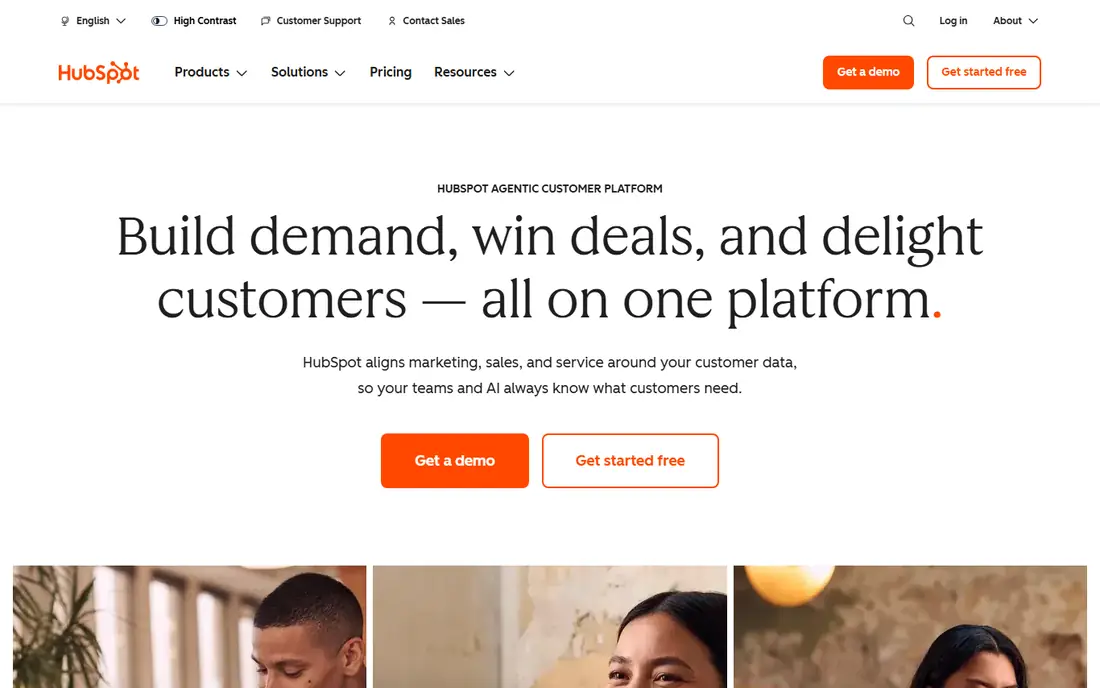
For readers who want small teams that want a free start, HubSpot is a strong place to start. HubSpot brings sales, marketing, and service tools into one system, and its free CRM covers contacts, companies, deals, and tasks without a card. That makes it easy to test whether a shared pipeline helps before you pay.
In daily use, the layout stays clear and the core tasks are easy to find. HubSpot also has a large integration library and a familiar layout, so new users can usually find deals, tasks, and email history without much training. Before you commit, check the plan limits, the add-on costs, and how well it connects with the tools you already use, because those details decide the real monthly cost.
- Free CRM with contacts and deals
- Wide integration range
- Clear pipeline views
- Paid hubs get costly
- Advanced reporting sits on higher tiers
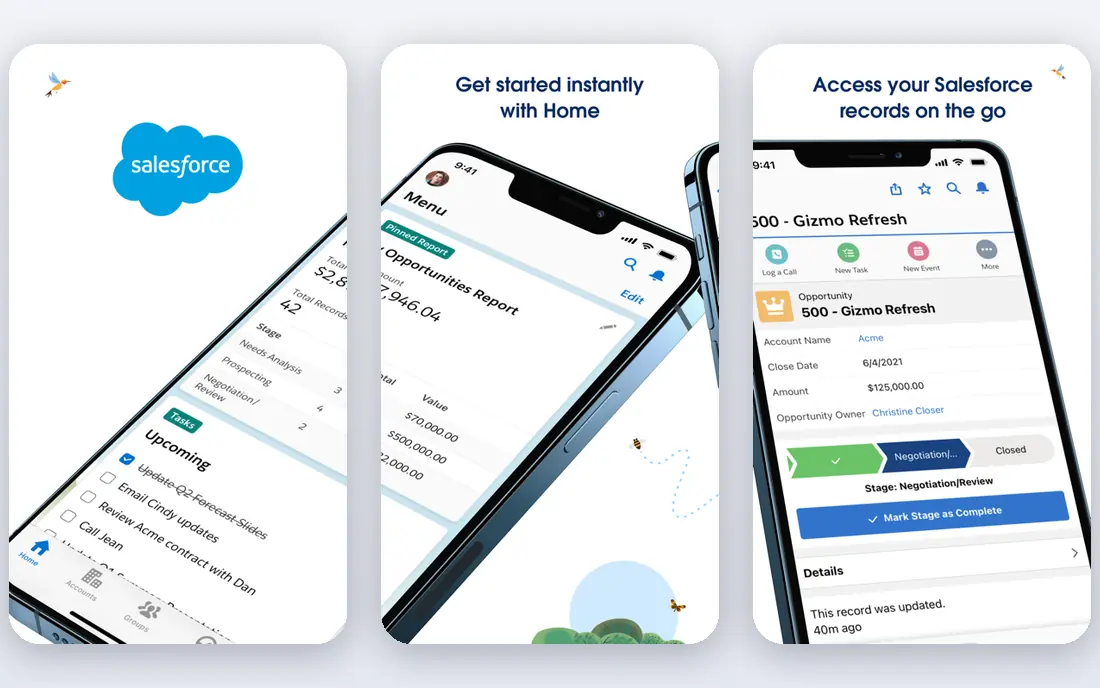
Salesforce stands out for larger teams that need deep customization. Salesforce Sales Cloud starts at $25 per user per month for Starter Suite, with higher suites and editions for teams that need more automation and control. Its strength is flexibility, from custom objects to detailed reports and a wide partner ecosystem.
Day to day, the value comes from fewer manual steps and clearer records. Salesforce suits teams with a defined sales process and someone to own setup. Smaller teams should weigh that setup time against simpler rivals, and check which edition includes the automation they need. It is worth running a trial with your real data and your real workflow, rather than judging it from a demo, so you can see where it helps and where it adds friction.
- Very deep customization
- Strong reporting
- Huge app ecosystem
- Setup takes time
- Higher tiers cost much more
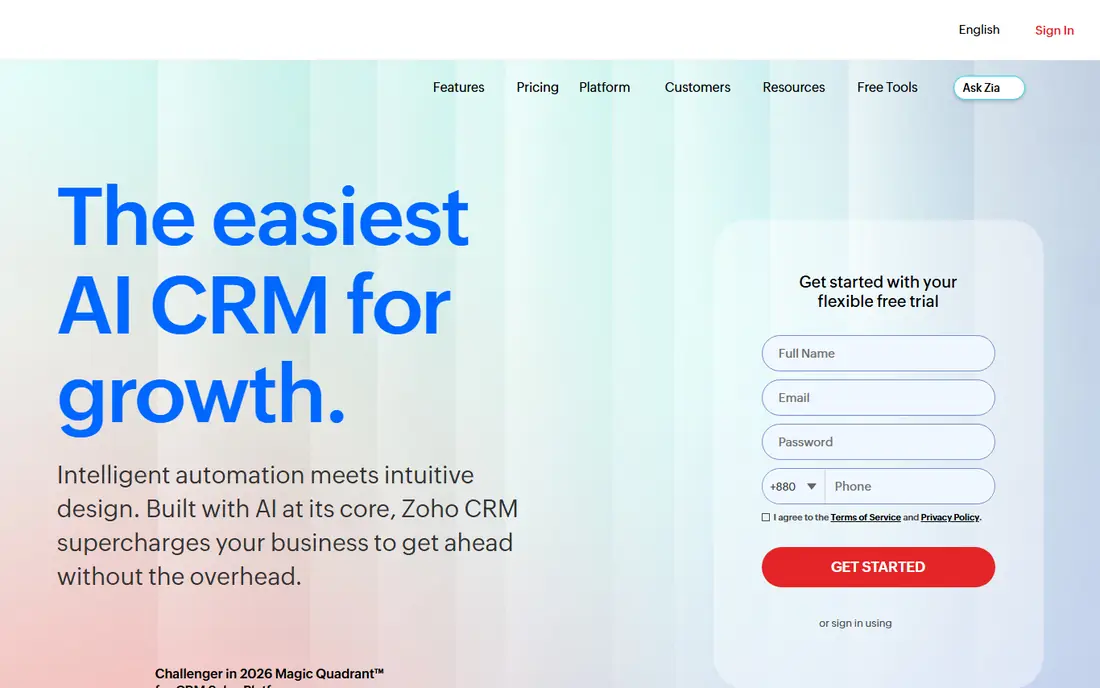
If budget-focused small businesses is your main need, Zoho CRM deserves a close look. Zoho CRM is a strong value pick for teams that want pipeline tracking, email integration, and automation without a premium price. It also fits well with other Zoho apps for mail, books, and support.
The practical test is simple: can your team use it without constant help. Zoho CRM works best when you take time to set up fields, stages, and workflows for your own process. The free and entry plans cover the basics, while growing teams may need a paid tier for deeper automation and analytics. We suggest you list the features you need on day one, then compare that list with what each plan actually includes, since entry plans often leave out reporting or automation.
- Low entry cost
- Broad feature set
- Good automation on paid plans
- Interface can feel busy
- Some features need higher tiers
We rate Pipedrive highly for sales teams that live in the pipeline. Pipedrive is built around a visual pipeline, so deals, activities, and next steps stay visible at a glance. It suits reps who want to move deals forward without digging through menus.
What matters most is fit, not feature count. Pipedrive also keeps pricing simple with per-user plans, which helps small teams forecast cost. Teams that need strong marketing automation may need another tool alongside it. Check support hours, data export options, and contract terms before you pay, and keep a short list of deal breakers so a polished demo does not distract from a missing must-have.
- Clear visual pipeline
- Easy deal tracking
- Predictable per-user pricing
- Marketing tools are lighter
- Reporting depth varies by tier
Among the options here, Monday Sales CRM is the clearest fit for teams that want flexible boards. Monday Sales CRM turns pipelines into boards, timelines, and dashboards that a team can shape to its own process. It suits teams that like visual planning and want sales, projects, and tasks in one workspace.
Setup time and learning time matter as much as price. Monday Sales CRM is flexible, which is both a strength and a risk. Spend time on board design early, or the freedom can turn into clutter. Check which plan includes the automation and reporting limits your team needs. A short trial with two or three real cases will tell you more than a long feature list, and it will show whether the tool suits the way your team already works.
- Flexible boards and views
- Strong automation options
- Easy customization
- Costs rise with seats and features
- CRM depth varies by setup
Freshsales earns its place for teams that want built-in phone and email tools. Freshsales, from Freshworks, combines CRM records with phone, email, and chat, so reps can work from one screen. It is a practical pick for teams that handle many inbound calls and emails each day.
The best way to judge it is against your current process. Freshsales also offers lead scoring and forecasting on paid plans, which helps managers spot deals that need attention. Start on the free or entry plan, then move up only when the team uses the extra tools each week. Compare how long a common task takes now with how long it takes in the trial, and weigh that saving against the subscription, the setup time, and any training your team will need.
- Built-in phone, email, and chat tools
- AI-assisted insights on paid plans
- Clear deal views
- Free plan is limited
- Advanced features need higher tiers
For outbound sales teams, Close is worth serious consideration. Close is made for outbound teams that call and email at volume. Its built-in dialer, sequences, and pipeline views cut the need to switch between separate calling and CRM tools.
Price alone can mislead, because limits and add-ons change the total. Close keeps the focus on activity and follow-up, which suits teams measured on calls, emails, and meetings booked. Teams that need deep marketing or service suites may pair it with another platform. Read the pricing page in full, confirm what counts as a user or a contact, and ask about renewal terms so the second year does not bring a surprise.
- Built-in calling and email sequences
- Fast pipeline updates
- Good for high-volume outreach
- Less suited to complex enterprise needs
- Fewer broad business tools
Rounding out this set, Insightly is a solid choice for small teams that also track projects. Insightly pairs customer records with project tracking, so a deal that closes can move into delivery work without a new system. That link suits small service businesses and consultancies.
A tool only helps if people keep using it. Insightly is also easier to set up than enterprise CRMs, with contact timelines and task links that keep client history in view. Larger teams with complex reporting needs should test its dashboards before committing. Look for clear navigation, sensible defaults, and help that is easy to reach, and be honest about whether your team will adopt a new habit or fall back to spreadsheets and email.
- CRM plus project tracking
- Clear contact timelines
- Simple setup
- Smaller integration range than leaders
- Reporting is less deep
How we picked these
We compared official feature pages, pricing pages, app listings, and public reviews for each CRM. We favored tools that cover contacts, deals, tasks, and reporting in one place, that publish clear pricing, and that connect with common email, calendar, and accounting tools. We did not claim hands-on testing. Prices change, so check the vendor pricing page before you buy.
We also weighed the cost of growth. A low entry price means less if each extra seat, contact tier, or automation add-on pushes the bill up fast. That is why the notes below flag plan limits and the point at which a team may need to move up a tier.
How to choose the right CRM
Start with your pipeline, not the feature list. Write down each stage a deal passes through, who owns it, and what action moves it forward. A CRM that matches that flow will get used. A CRM that forces a new process will often be abandoned, even if it has more features.
Next, test automation and reporting on a real week of work. Can it log emails, remind owners about follow-ups, and show which deals are stuck. Can a manager see the pipeline without asking each rep for an update. Those answers matter more than a long list of integrations you may never switch on.
Finally, add up the full cost for your team size over a year. Include seats, onboarding, and any paid add-ons. Ask how to export your data, what happens if you cancel, and whether monthly billing is available. A clear exit path is a sign of a vendor that expects to earn renewal.
FAQ
What is customer relationship management software?
It is software that stores contacts, companies, deals, tasks, and communication history in one place. It helps a team track a sale from first contact to close, and then keep the relationship after the sale. Good CRM software reduces lost follow-ups and gives managers a clear view of the pipeline.
Is a free CRM enough for a small business?
A free CRM can be enough when you have a small team, a simple pipeline, and basic reporting needs. It starts to fall short when you need automation, custom reports, forecasting, or control over who sees what. At that point, compare the paid tier with a mid-priced rival before you lock in.
How much should a CRM cost per user?
Entry plans in this list range from free to about $25 per user per month, while mid-tier plans often run $49 to $100 per user per month. The right budget depends on seat count, automation needs, and whether marketing or service tools are bundled. Always total the cost for your whole team, not just one seat.
Which CRM is best for startups?
HubSpot, Zoho CRM, and Pipedrive are common startup picks because they start quickly and do not need a long setup. HubSpot suits teams that also want marketing tools. Zoho CRM suits budget-focused teams. Pipedrive suits teams that live in the pipeline view.
Can I switch CRMs later?
Yes, but plan the move carefully. Export contacts, deals, notes, and history before you cancel, and check what formats the new tool can import. Run both tools for a short overlap, train the team on the new pipeline, and confirm that email and calendar connections still work.