Best Customer Insights Software in 2026: 8 Tools Compared
Best customer insights software compared in 2026, with survey tools, feedback analysis, product analytics, research libraries and user testing for teams.
- Editor's choice
 Qualtrics
Enterprise experience management
Starts atSee websiteVisit qualtrics.comFull review - Great alternative
 Medallia
Enterprise customer feedback at scale
Starts atSee websiteVisit medallia.comFull review - Also consider
 Dovetail
Research repository for teams
Starts at$30 per monthVisit dovetail.comFull review
TL;DR:
- Qualtrics and Medallia suit large experience programs, while Dovetail and Productboard are easier for a small team to start.
- Dovetail starts at $30 per month and Productboard at $19 per maker per month, which makes both easy to trial.
- The best tool depends on the signal you need: surveys, product behavior, support text or watched user sessions.
- Check data ownership, privacy controls and integrations before you centralize customer feedback in one place.
Quick comparison
| Tool | Best for | Starts at | Free plan? | |
|---|---|---|---|---|
| Qualtrics | Enterprise experience management | See website | Free trial | Visit |
| Medallia | Enterprise customer feedback at scale | See website | No | Visit |
| Dovetail | Research repository for teams | $30 per month | Free trial | Visit |
 Productboard | Feedback into product roadmaps | $19 per maker per month | Free trial | Visit |
 Hotjar | Heatmaps and session insight | Free | Yes | Visit |
 Mixpanel | Product behavior analytics | Free | Yes | Visit |
 Amplitude | Behavioral analytics at scale | Free | Yes | Visit |
 UserTesting | Watch real users use your product | See website | No | Visit |
The best customer insights software
We compared official pricing pages, feature lists and public reviews to shortlist these options for best customer insights software. Each pick below fits a different budget, team size or workflow, so use the comparison table to narrow the list before you read the full reviews.
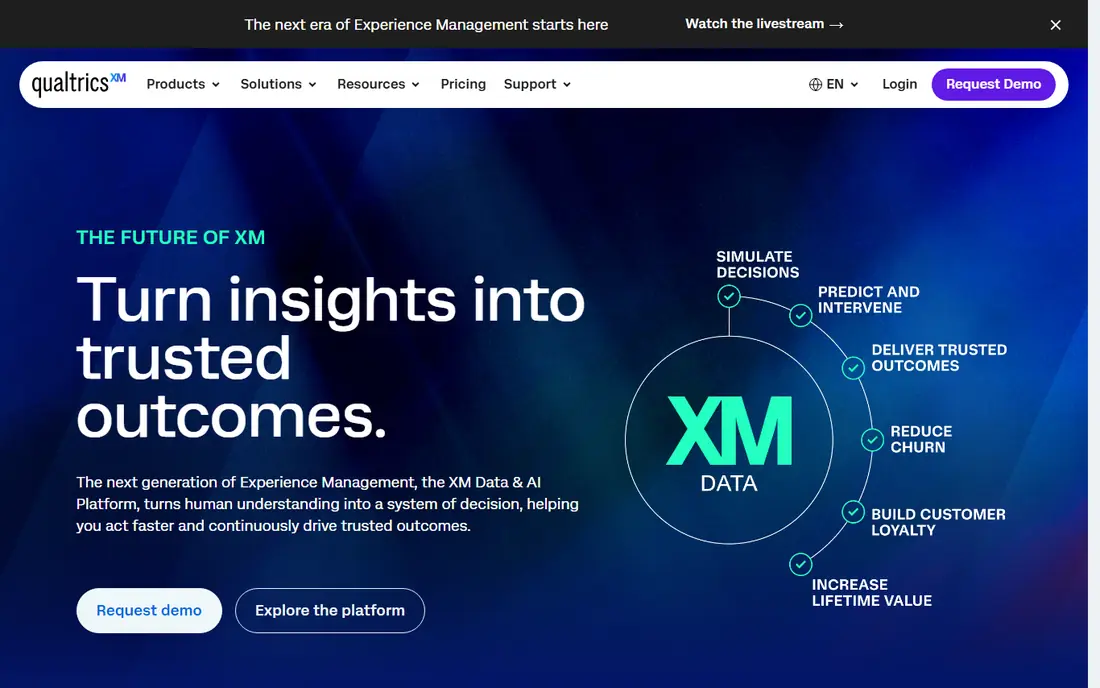
Qualtrics is an enterprise experience platform for surveys, customer experience programs and follow-up workflows. Teams can run governed surveys across channels, route low scores to owners and track whether follow-up actually happened.
It fits large firms with multi-team experience programs. The trade-off is cost and setup: pricing is quoted, and a program this broad needs an owner to keep surveys, permissions and reporting clean.
- Survey programs
- Experience analytics
- Closed-loop follow-up
- Quote-based pricing
- Setup needs dedicated ownership

Medallia pulls surveys, reviews and social feedback into one customer experience view, then routes insights to owners for action. That breadth helps large firms that hear from customers in many places and need one place to triage themes.
It fits enterprise CX teams with mature programs. The trade-off is scale: smaller teams may find the platform and its implementation heavier than a focused survey or research tool.
- Surveys, reviews and social feedback in one view
- Insight routing
- Enterprise pricing and implementation effort
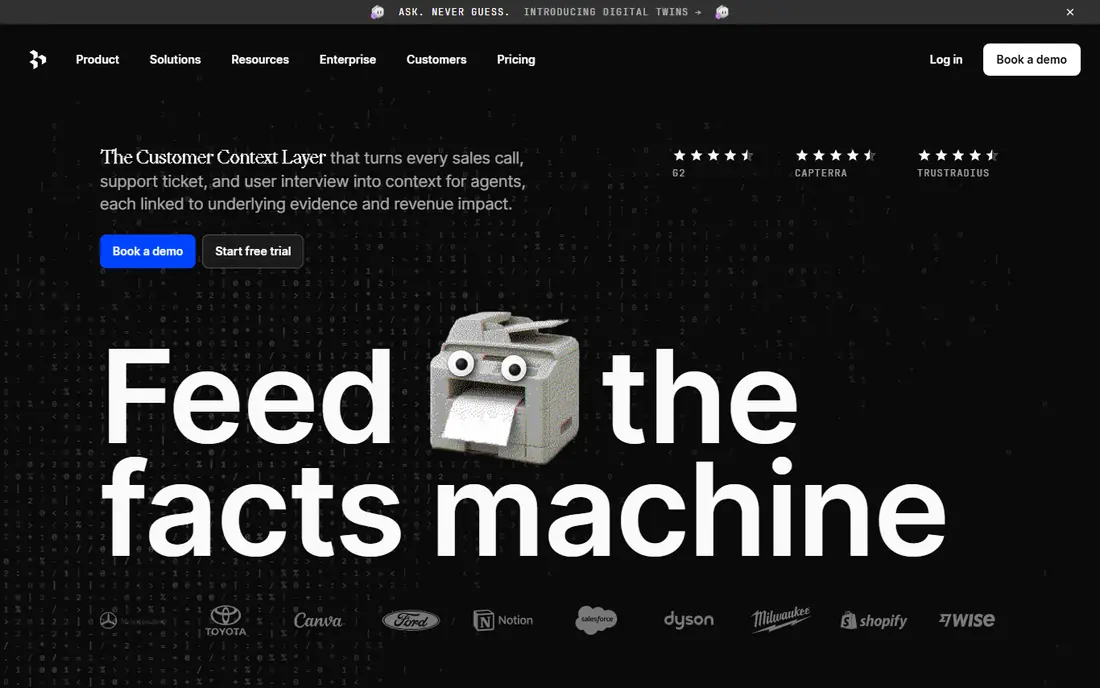
Dovetail gives product and UX teams a searchable home for interviews, notes, videos and themes. Researchers can tag highlights, build themes and share findings without digging through scattered docs and drives.
It fits teams doing regular user research. The trade-off is scope: it organizes research well, but it is not a survey engine or a product analytics tool on its own.
- Searchable research library
- Tagging and themes
- Video and notes support
- Best for qualitative research, not for large survey programs
Productboard turns customer feedback into prioritized product work, with a roadmap view that shows why a feature was chosen. Product teams can link feedback to features, score ideas and share plans with stakeholders.
It fits product teams that need feedback to shape a roadmap. The trade-off is per-maker pricing: as more product managers need edit access, the bill grows, so plan seats carefully.
- Feedback collection
- Prioritization
- Roadmap sharing
- Per-maker pricing can rise as product teams grow
Hotjar, now under Contentsquare, shows how visitors use a site through heatmaps, session recordings and on-site surveys. That visual evidence helps teams see where users hesitate, rage-click or drop off, which surveys alone rarely reveal.
It fits website and product teams improving pages. The trade-off is privacy and limits: mask sensitive fields, follow your privacy policy and check session caps on the free plan.
- Heatmaps
- Session recordings
- Surveys and feedback widgets
- Free plan limits sessions, and recordings need privacy care
Mixpanel tracks product events, funnels and retention, so teams can see which actions lead to conversion and which users return. Cohort views help compare new and returning users without exporting data to a spreadsheet for every question.
It fits product teams with event data to analyze. The trade-off is setup: you must plan events and properties first, or the dashboards will show activity without clear meaning.
- Event analytics
- Funnels
- Retention and cohort analysis
- Needs event tracking setup before insights appear
Amplitude offers behavioral analytics with journey views that link user sequences to conversion and retention. Teams can test hypotheses about onboarding and feature use, then watch whether changes move the metrics that matter.
It fits data-minded product teams. The trade-off is skill: the free tier is useful for learning, but deeper analysis needs someone comfortable with events, cohorts and funnels.
- Event analytics
- Journey analysis
- Experimentation links
- Free tier caps events, and advanced work needs analytics skill
UserTesting answers a different question from analytics: what do real people actually do with your product, and why. Teams can run moderated or unmoderated tests, watch video, hear think-aloud comments and spot friction that numbers alone hide.
It fits teams validating designs or flows before launch. The trade-off is cost and time: pricing is quoted, and each test needs a clear task and time to review results.
- Moderated and unmoderated tests
- Video feedback
- Audience panels
- Quote-based pricing
- Each test takes planning and review time
How we picked these
We started from the main keyword, best customer insights software, and checked official vendor pages for pricing, plans and core features, plus app store listings and public reviews where they added useful detail. We kept only products that exist and work today, that truly fit the topic, and that offer a clear route to buy, trial or contact the vendor.
We did not claim hands-on testing we did not do. Instead, we compared what each vendor publishes, how pricing works in practice, and where each product has an honest limit. A product that fits one team well may be a poor fit for another, so the reviews above note the trade-off for each pick.
How to choose customer insights software
Start from the question, not the tool. Surveys answer satisfaction, product analytics answer behavior, research tools answer why, and session tools answer where users struggle. Pick one primary signal, then add a second tool only if the first leaves a gap.
Start with the job, not the feature list
Write down the one job this tool must do in the first month, then check that job on a trial or demo before you look at extra features. If the core job feels slow or confusing, extra features will not fix it. Ask who will own the tool day to day, since an unowned tool is rarely used well.
Check total cost, not only the headline price
Add seats, usage limits, setup help and any percentage fees to the headline price. A cheap entry tier can cost more once your team grows, while a quote-based tool can be good value if it replaces two other subscriptions. Get the full cost in writing before you sign a yearly plan.
Trial with real work before you commit
Run a real task, a real list or a real campaign in the trial, not only a guided demo. Invite the people who will use the tool daily, and ask them to note friction in the first week. That short trial usually reveals more than a long feature comparison.
A short trial checklist
Use the same checklist for every option you trial, so the comparison stays fair. Note setup time, how long support takes to reply, whether exports work cleanly, and whether the price changes when you add a second user or a second location. Write down any feature that only appears on a higher tier, since that detail often decides the final cost.
Keep notes from the people who will use the tool each day, not only from the person who chose it. Ask them which step felt slow, which report they actually opened, and whether they would keep using the tool after the first month. If the answer is unclear, run a second short trial with a different option before you sign a yearly contract, since switching later usually costs more time than a careful trial now.
FAQ
Which customer insights tool is best?
There is no single winner for every team. Match the product to your main job, your budget and your current tools, then use the pros and cons above to rule out options that do not fit.
What is the difference between customer insights and product analytics?
For best customer insights software, the right choice depends on your budget, team size and main job. Shortlist two or three options from the list above, trial them with real work, and pick the one your team will actually use each week.
Is there a free customer insights tool?
It depends on your situation and on the product you choose. Check the free plan or trial terms, read the privacy and contract terms, and test the tool with a small job before you commit to a larger plan.
How do teams turn feedback into product decisions?
Prices vary widely in this category, from free plans to quote-based enterprise tiers. Use the comparison table for starting prices, then ask each vendor for an all-in quote that covers seats, usage and support.
What privacy checks matter for customer insights tools?
For best customer insights software, the right choice depends on your budget, team size and main job. Shortlist two or three options from the list above, trial them with real work, and pick the one your team will actually use each week.