Best Customer Feedback Tools in 2026: 8 Tools Compared
Best customer feedback tools for 2026: compare 8 customer feedback software options, prices, and features for surveys, NPS, and product feedback. Compare p
- Editor's choice
 Qualtrics
large teams running research-grade programs
Starts atSee websiteVisit qualtrics.comFull review - Great alternative
 SurveyMonkey
teams needing quick, reliable surveys
Starts at$39 per monthVisit surveymonkey.comFull review - Also consider
 Typeform
teams wanting conversational surveys
Starts at$28 per monthVisit typeform.comFull review
TL;DR:
- Qualtrics and Medallia suit enterprise programs, while SurveyMonkey, Typeform, and Survicate suit smaller teams with published prices.
- Feedback tools split into surveys, product request boards, and full experience platforms.
- Typeform suits conversational surveys, Survicate suits in-app feedback, and UserVoice suits feature requests.
- Check response limits, channels, and whether AI analysis is included or an add-on before you buy.
Quick comparison
| Tool | Best for | Starts at | Free plan? | |
|---|---|---|---|---|
| Qualtrics | large teams running research-grade programs | See website | No | Visit |
| SurveyMonkey | teams needing quick, reliable surveys | $39 per month | Yes | Visit |
| Typeform | teams wanting conversational surveys | $28 per month | Yes | Visit |
 Medallia | enterprises running always-on CX programs | See website | No | Visit |
 Survicate | product teams running in-app feedback | $49 per month | Yes | Visit |
 UserVoice | product teams managing feature requests | See website | Free trial | Visit |
 Canny | small product teams tracking requests | See website | Free trial | Visit |
 InMoment | mid-market teams wanting AI-analyzed feedback | See website | No | Visit |
The best customer feedback tools
We compared official feature pages, pricing pages, mobile or web app listings, and public documentation for each option below. The list mixes well known leaders with smaller tools that fit specific needs, so you can shortlist two or three and trial them with real work.

For many buyers, this is the first option worth a close look. Qualtrics fits large teams running research-grade programs. It stands out for research-grade surveys; advanced analytics and dashboards; enterprise experience management. That combination makes it useful in daily work, not only on a demo page, and it helps explain why so many teams keep returning to it when they compare options side by side.
The test that matters is a live survey or board with real customers, checked for mobile design, completion, and dashboard clarity. The trade-off is quote-only pricing; a steep learning curve for small teams. Before you commit, check the current price of See website and the free plan status of No on the vendor site, because plan limits and prices change. If the limits fit your team size and workflow, it is a sound shortlist choice.
- Research-grade surveys
- Advanced analytics and dashboards
- Enterprise experience management
- Quote-only pricing
- A steep learning curve for small teams
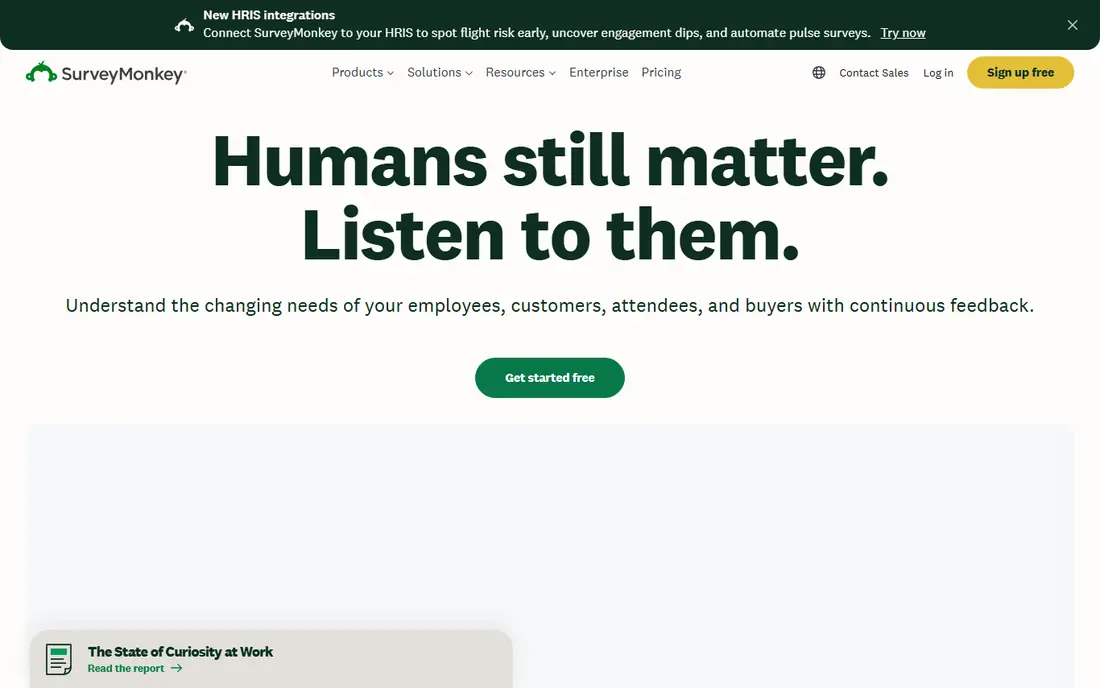
This option earns its place for a clear, practical reason. SurveyMonkey fits teams needing quick, reliable surveys. It stands out for a free Basic plan; many templates; strong analysis and integrations. That combination makes it useful in daily work, not only on a demo page, and it helps explain why so many teams keep returning to it when they compare options side by side.
A good feedback tool should make it easy to follow up with unhappy customers and to update requesters when work ships. The trade-off is response limits on lower plans; team plans need a minimum number of users. Before you commit, check the current price of $39 per month and the free plan status of Yes on the vendor site, because plan limits and prices change. If the limits fit your team size and workflow, it is a sound shortlist choice.
- A free Basic plan
- Many templates
- Strong analysis and integrations
- Response limits on lower plans
- Team plans need a minimum number of users
If you want a focused tool rather than a sprawling suite, start here. Typeform fits teams wanting conversational surveys. It stands out for a conversational one-question format; strong branding; good completion rates. That combination makes it useful in daily work, not only on a demo page, and it helps explain why so many teams keep returning to it when they compare options side by side.
For feedback tools, response limits and channels matter most, so check monthly caps and in-app options before you judge features alone. The trade-off is response limits on lower plans; advanced analytics need higher tiers. Before you commit, check the current price of $28 per month and the free plan status of Yes on the vendor site, because plan limits and prices change. If the limits fit your team size and workflow, it is a sound shortlist choice.
- A conversational one-question format
- Strong branding
- Good completion rates
- Response limits on lower plans
- Advanced analytics need higher tiers
This is a strong choice when simplicity matters more than sheer depth. Medallia fits enterprises running always-on CX programs. It stands out for feedback across many channels; AI analysis of text and signals; enterprise dashboards. That combination makes it useful in daily work, not only on a demo page, and it helps explain why so many teams keep returning to it when they compare options side by side.
The test that matters is a live survey or board with real customers, checked for mobile design, completion, and dashboard clarity. The trade-off is quote-only pricing; implementation suits larger teams with dedicated staff. Before you commit, check the current price of See website and the free plan status of No on the vendor site, because plan limits and prices change. If the limits fit your team size and workflow, it is a sound shortlist choice.
- Feedback across many channels
- AI analysis of text and signals
- Enterprise dashboards
- Quote-only pricing
- Implementation suits larger teams with dedicated staff
Teams that need a dependable everyday option should weigh this one carefully. Survicate fits product teams running in-app feedback. It stands out for in-app, website, and email surveys; NPS, CSAT, and CES tracking; a free plan. That combination makes it useful in daily work, not only on a demo page, and it helps explain why so many teams keep returning to it when they compare options side by side.
A good feedback tool should make it easy to follow up with unhappy customers and to update requesters when work ships. The trade-off is higher volumes need higher plans; advanced features are gated by tier. Before you commit, check the current price of $49 per month and the free plan status of Yes on the vendor site, because plan limits and prices change. If the limits fit your team size and workflow, it is a sound shortlist choice.
- In-app, website, and email surveys
- NPS, CSAT, and CES tracking
- A free plan
- Higher volumes need higher plans
- Advanced features are gated by tier
This pick suits buyers who want proven tools with wide support. UserVoice fits product teams managing feature requests. It stands out for feedback forums and voting; product roadmaps; prioritization tools. That combination makes it useful in daily work, not only on a demo page, and it helps explain why so many teams keep returning to it when they compare options side by side.
For feedback tools, response limits and channels matter most, so check monthly caps and in-app options before you judge features alone. The trade-off is quote and plan details vary; it is less suited to general survey research. Before you commit, check the current price of See website and the free plan status of Free trial on the vendor site, because plan limits and prices change. If the limits fit your team size and workflow, it is a sound shortlist choice.
- Feedback forums and voting
- Product roadmaps
- Prioritization tools
- Quote and plan details vary
- It is less suited to general survey research
For a balance of price and features, this one deserves attention. Canny fits small product teams tracking requests. It stands out for feedback boards and voting; changelogs; simple prioritization. That combination makes it useful in daily work, not only on a demo page, and it helps explain why so many teams keep returning to it when they compare options side by side.
The test that matters is a live survey or board with real customers, checked for mobile design, completion, and dashboard clarity. The trade-off is pricing is plan-based; survey and analytics depth is lighter than Qualtrics. Before you commit, check the current price of See website and the free plan status of Free trial on the vendor site, because plan limits and prices change. If the limits fit your team size and workflow, it is a sound shortlist choice.
- Feedback boards and voting
- Changelogs
- Simple prioritization
- Pricing is plan-based
- Survey and analytics depth is lighter than Qualtrics
This final pick rounds out the list with a different strength. InMoment fits mid-market teams wanting AI-analyzed feedback. It stands out for feedback across sources with AI analysis; CX dashboards; industry templates. That combination makes it useful in daily work, not only on a demo page, and it helps explain why so many teams keep returning to it when they compare options side by side.
A good feedback tool should make it easy to follow up with unhappy customers and to update requesters when work ships. The trade-off is quote-only pricing; setup can take time for complex programs. Before you commit, check the current price of See website and the free plan status of No on the vendor site, because plan limits and prices change. If the limits fit your team size and workflow, it is a sound shortlist choice.
- Feedback across sources with AI analysis
- CX dashboards
- Industry templates
- Quote-only pricing
- Setup can take time for complex programs
How we picked these
We compared official vendor pages, pricing pages, and public product descriptions for customer feedback tools that are still sold in 2026. We kept tools that collect surveys, product feedback, or experience signals, and we marked quote-only vendors as See website. We weighed survey design, channels, analysis, integrations, and price. We did not claim hands-on testing, and we based the findings on vendor pages and public reviews. Feedback tools differ widely, so we grouped them by job: surveys, product requests, and enterprise experience programs.
How to choose a feedback tool
Start with the question you need answered. A survey tool suits satisfaction, NPS, and research questions. A product feedback board suits feature requests and prioritization. An experience platform suits always-on feedback across support, product, and physical locations. Using a survey tool for feature voting, or a feedback board for research, usually leads to messy data. Pick the job first, then shortlist tools built for that job.
What to check before you pay
Response limits and channels decide the real cost. Check monthly response caps, survey limits, and whether in-app, email, website, and link surveys are all included. Also check whether text analysis, sentiment, and trend dashboards are included or paid add-ons. A tool that looks cheap at entry level can become costly once you need higher volumes or AI analysis. Ask for a quote based on your expected monthly responses, not only the headline monthly price.
How to run a useful trial
Run a small live survey or feedback board with real customers before you commit. Test how easy it is to create the survey, how it looks on mobile, and how clear the results dashboard is for a non-analyst. Check whether you can close the loop, such as following up with unhappy customers or updating requesters when a feature ships. That follow-up step is where feedback tools earn their value, because collecting feedback without action quickly erodes trust.
FAQ
What is the best customer feedback tool?
Qualtrics suits large teams running research-grade programs, while SurveyMonkey suits teams that need quick, reliable surveys. Typeform suits conversational surveys, and Survicate suits in-app product feedback. The best customer feedback software for you depends on channels, volume, and whether you need research depth or product voting.
What is the best tool for customer feedback surveys?
SurveyMonkey and Typeform are strong survey choices, with SurveyMonkey offering a broad template library and Typeform offering a conversational format. Survicate adds in-app and website surveys for product teams. Check response limits and mobile design before you choose.
What is the best platform for customer feedback from product users?
UserVoice and Canny suit product teams that need feedback boards, voting, and roadmaps. Survicate suits in-app surveys and NPS tracking. Use a board for feature requests and a survey tool for satisfaction questions, rather than forcing one tool to do both.
Is there a free customer feedback tool?
SurveyMonkey, Typeform, and Survicate offer free plans with response and feature limits. Free plans suit small tests and very small teams, but growing programs usually need a paid plan for higher volumes and analysis. Check current limits on the vendor site before you rely on a free plan.
How do I choose between Qualtrics and SurveyMonkey?
Qualtrics suits enterprise research and experience programs with complex analysis and dashboards. SurveyMonkey suits faster, simpler surveys with published pricing and a free plan. If your team needs advanced statistics, large programs, and dedicated support, Qualtrics is worth a quote. If you need quick surveys, SurveyMonkey is usually enough.