Choosing CRM Software for Remote Teams in 2026: 6 Options Compared
6 best CRM software for remote teams, with entry costs, free tiers and the buyer each one serves. Pros and cons for every tool. Reviewed in November 2026.
- Editor's choice
 Pipedrive
Pipeline-focused remote sales teams
Starts atSee websiteVisit pipedrive.comFull review - Great alternative
 Freshsales
AI-assisted lead capture and deal closing
Starts atSee websiteVisit freshworks.comFull review - Also consider
 HubSpot CRM
Small teams wanting AI-assisted deal tracking
Starts atSee websiteVisit hubspot.comFull review
Direct answer
Pipedrive comes first here, mainly for pipeline-focused remote sales teams. Listed starting prices: Copper from $23 per seat a month. For a different need, Freshsales covers AI-assisted lead capture and deal closing and HubSpot CRM covers small teams wanting AI-assisted deal tracking. The full list of 6 tools follows, with prices and free plan facts.
TL;DR:
- Pipedrive is the opening pick, best for pipeline-focused remote sales teams.
- One limit worth knowing about HubSpot CRM: deeper capabilities may need add-on products.
- Pipedrive, Zoho CRM and the 4 others all need a premium plan or a trial, since no free plan is listed.
- Copper is the lowest-priced starter here at $23 per seat per month.
- Zoho CRM suits teams managing multi-step sales operations.
Last checked November 2026. Prices and plan details were read from the vendors' own pages in November 2026; vendors change plans often, so confirm the current price on the vendor site before you buy.
Quick comparison
| Tool | Best for | Starts at | Free plan? | |
|---|---|---|---|---|
| Pipedrive | Pipeline-focused remote sales teams | See website | Not stated | Visit |
| Freshsales | AI-assisted lead capture and deal closing | See website | Not stated | Visit |
| HubSpot CRM | Small teams wanting AI-assisted deal tracking | See website | Not stated | Visit |
 Copper | Google Workspace-based remote teams | $23 per seat a month | Free trial | Visit |
 Monday CRM | Cross-functional revenue teams wanting adaptability | See website | Not stated | Visit |
 Zoho CRM | Teams managing multi-step sales operations | See website | Not stated | Visit |
Our 6 CRM software for remote teams
LinkVetted compared 6 CRM software for remote teams. The goal is a practical shortlist: published prices, free plan facts, best-fit use cases and honest limits for every entry.
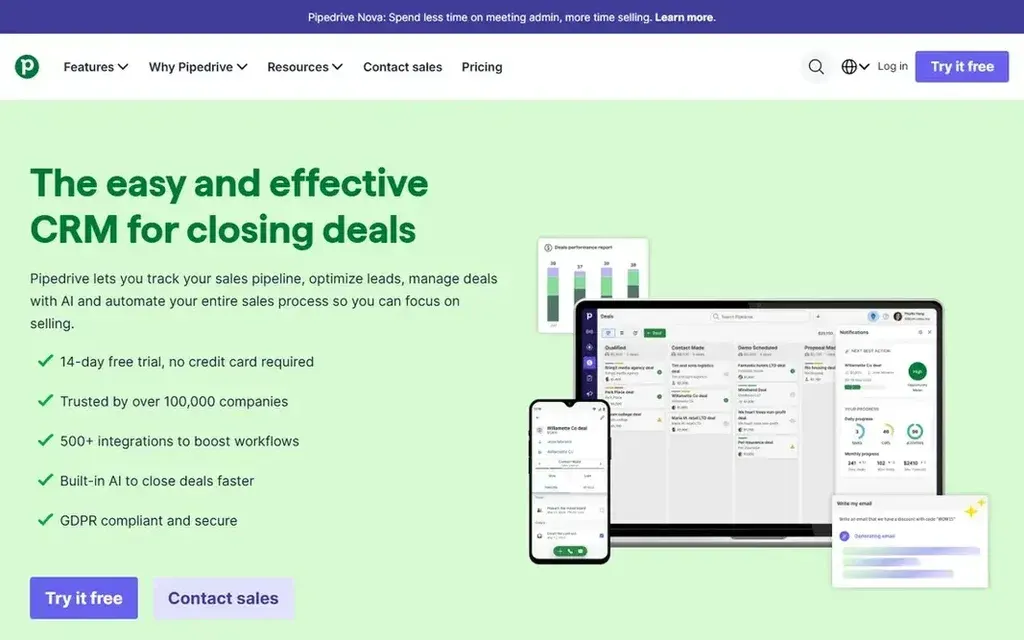
Pipedrive makes the most sense for pipeline-focused remote sales teams. Pipedrive is sales-centric, so teams needing deep service, marketing or project functionality in the same system may need integrations or a broader system.
Where it falls short: Advanced needs may need added integrations.
Verify how customization and reporting match your process before deciding. Pipedrive shows no starting price here, so confirm the cost on the vendor site. Free options: Not stated.
- Built around lead and deal progression
- Marketed as simple to use for sales teams
- Narrower scope than full-suite platforms
Freshsales is designed for AI-assisted lead capture and deal closing. If you already depend on other Freshworks products, integration fit is worth checking; if not, compare carefully.
Points against: Best value relies on wider Freshworks fit.
Remote sales teams that manage a steady flow of inbound leads can use it to centralize lead handling and provide reps a consistent working view. Check the vendor site for Freshsales pricing; none is listed in this comparison. Trial and free access: Not stated.
- Focus on capturing leads efficiently
- AI-powered CRM positioning
- Advanced customization may be restricted

HubSpot CRM is aimed squarely at small teams wanting AI-assisted deal tracking. Since the core product targets small companies, teams with highly complicated sales processes may find they need extra connected tools.
Beyond that, confirm which features sit in the core product compared with adjacent offerings before committing. For remote teams, that means a shared record of contacts and pipeline stages that distributed reps can update from anywhere. HubSpot CRM does not show a starting price in this comparison, so check the vendor site for current pricing. On free options: Not stated.
Where it falls short: Deeper capabilities may need add-on products.
- Straightforward fit for small firms
- Built-in AI supports everyday sales work
- Configuration takes time for complicated pipelines
Copper was built for Google Workspace-based remote teams. For remote teams already living in Gmail, Calendar and Drive, that native placement can cut context switching and encourage consistent CRM updates.
In practice, confirm how data, permissions and reporting align with your Workspace setup before adopting. In daily use, since Copper is tied closely to Google Workspace, organizations standardized on other productivity suites may not capture the same benefit. Price to start with Copper: $23 per seat per month. As for free access: Free trial.
Points against: Value relies on Google Workspace adoption.
- Low friction for Gmail-centric teams
- Built into Google Workspace
- Less suited to non-Google environments
Monday CRM is a good fit for cross-functional revenue teams wanting adaptability. Review how automation and permissions behave across distributed users. Remote teams wanting a ready-made sales process from day one may prefer a dedicated sales CRM.
Trade-offs to know: Adaptability can need careful configuration.
As for the details, remote teams that span multiple functions can build shared boards that keep handoffs visible across locations. That adaptability means teams must design and maintain their own structures, and some deeper CRM capabilities may rely on extra components. Check the vendor site for Monday CRM pricing; none is listed in this comparison. As for free access: Not stated.
- AI agents positioned to work the pipeline
- Adaptable
- May need extras for deeper CRM functions
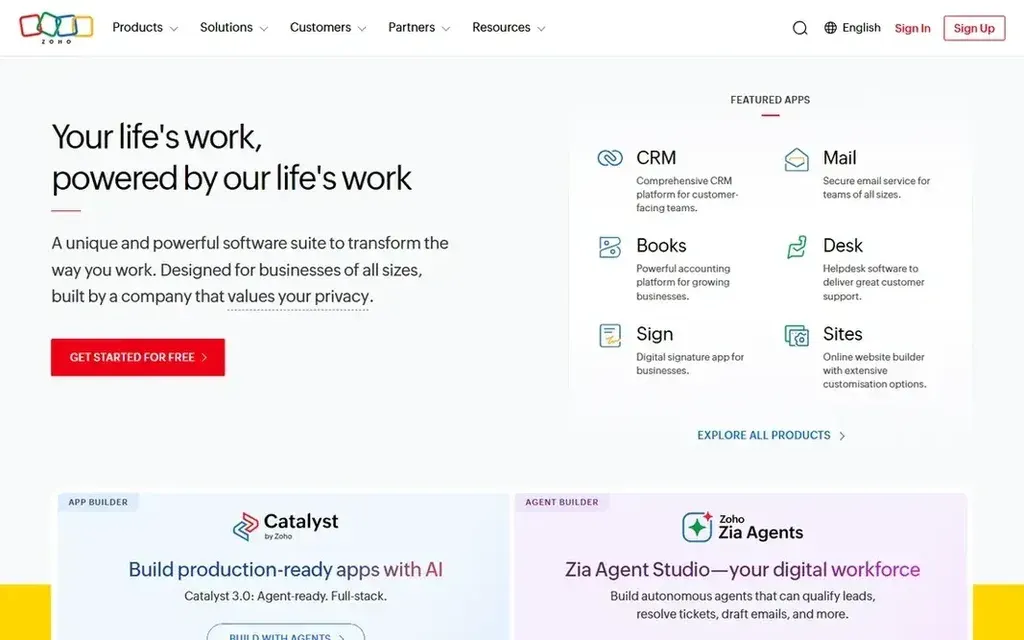
Where Zoho CRM fits: teams managing multi-step sales operations. Remote sales organizations that run structured, multi-stage processes can map their workflows into the platform and provide distributed reps a consistent view of accounts and opportunities. It tends to suit teams that want configurability and are willing to invest time in setup.
Check how automation and integrations align with your existing stack. On top of that, if your priority is a minimal, fast-to-adopt pipeline tool, a more straightforward CRM could be a better match. This comparison lists no price for Zoho CRM; ask the vendor. Free access: Not stated.
Trade-offs to know: Feature depth can mean a steeper setup.
- Described as an agentic CRM product
- Targeted at managing sales operations end to end
- Interface may feel dense for very small teams
How we compared the tools
Before you commit
- Confirm the entry price on the vendor page. For Pipedrive, Freshsales, HubSpot CRM and others that means a quote rather than a fixed price.
- Run a trial of Copper with real work before paying for a year; your own workflow is the best test.
- Read the limits listed for Pipedrive first: narrower scope than full-suite systems.
- Ask Pipedrive how an export works before you move any records in; an easy exit lowers the risk.
- Ask Monday CRM about contract length, onboarding fees and user minimums before you sign.
FAQ
Should a remote team choose a sales-only CRM or a broader product?
Sales-only tools for example Pipedrive tend to be quicker to adopt for pipeline-focused teams. Broader products like Dynamics 365 Sales or monday CRM make more sense when sales links closely to marketing, service or delivery work across the organization.
Is Pipedrive the right pick for everyone comparing CRM software for remote teams?
No single tool suits every team. Pipedrive comes first because it fits pipeline-focused remote sales teams, while Freshsales suits AI-assisted lead capture and deal closing and HubSpot CRM suits small teams wanting AI-assisted deal tracking. Match the tool to your own size, budget and workflow before deciding.
Can I try these tools before paying?
Often, yes. Copper offers a free trial. Use your own data and a real task during the test, and check what the free tier or trial limits before you rely on it. Each of the 6 options in this CRM software for remote teams guide has its own card above with the price, free plan and limits.
How are the tools for CRM software for remote teams ordered?
Pipedrive sits first and Zoho CRM last because the order follows typical fit for CRM software for remote teams, then price clarity and free access. It is a judgement call, so read each profile for fit and limits.
Do these tools publish their prices?
Not all of them. Pipedrive, Freshsales, HubSpot CRM and others publish no starting price, so expect a quote request for those. The rest, Copper included, show a starting price, though seats and billing terms still change the final cost.
What makes a CRM well suited to remote teams?
Remote-friendly CRMs keep contacts, deals and activity history visible to everyone regardless of location. They connect with the communication and productivity tools the team already uses.
Sources
- https://www.pipedrive.com
- https://www.freshworks.com/crm/sales
- https://www.hubspot.com/products/crm
- https://www.copper.com
- https://monday.com/crm
- https://www.zoho.com/crm