Best CRM Software Comparison in 2026: 10 Platforms Compared
Our best CRM software comparison reviews HubSpot, Salesforce, Zoho, Pipedrive and more on price, pipelines, automation, integrations, and ease of use.
- Editor's choice
 HubSpot CRM
Teams that want one system for sales and marketing
Starts atFreeVisit hubspot.comFull review - Great alternative
 Salesforce
Large teams and complex sales processes
Starts at$25 per user per monthVisit salesforce.comFull review - Also consider
 Zoho CRM
Small teams that want strong features for less
Starts at$14 per user per monthVisit zoho.comFull review
TL;DR:
- HubSpot is our pick for teams that want a free start and a path to marketing, sales, and service tools on one record.
- Zoho CRM and Freshsales offer the strongest value for small teams that need real CRM features at a low per-user price.
- Pipedrive is the simplest pipeline tool here, while Salesforce is the most flexible option for large or complex teams.
- Monday Sales CRM suits teams that already think in boards and want to track projects and deals together.
- Compare total cost, not just the starting price, because seat minimums, add-ons, and automation limits change the bill fast.
Quick comparison
| Tool | Best for | Starts at | Free plan? | |
|---|---|---|---|---|
| HubSpot CRM | Teams that want one system for sales and marketing | Free | Yes | Visit |
| Salesforce | Large teams and complex sales processes | $25 per user per month | Free trial | Visit |
| Zoho CRM | Small teams that want strong features for less | $14 per user per month | Yes | Visit |
 Pipedrive | Sales teams that live in their pipeline | $14 per user per month | Free trial | Visit |
 Freshsales | Teams that sell by phone and email | $9 per user per month | Yes | Visit |
 Monday Sales CRM | Teams that like boards and visual workflows | $12 per user per month | Free trial | Visit |
 Close | Outbound teams that call and email all day | $35 per user per month | Free trial | Visit |
 Insightly | Small teams that need CRM plus project tracking | $29 per user per month | Free trial | Visit |
 Copper | Teams that live in Google Workspace | $25 per user per month | Free trial | Visit |
 Capsule | Small teams that want a simple CRM | $18 per user per month | Free trial | Visit |
The best CRM software
A CRM should do three things well: keep every contact and deal in one place, remind your team what to do next, and show which deals are actually moving. The tools below differ in price, setup effort, and depth. We compared them on pipeline tools, automation, integrations, reporting, and the real starting price, so you can match the tool to your team size rather than buying features you will never use.
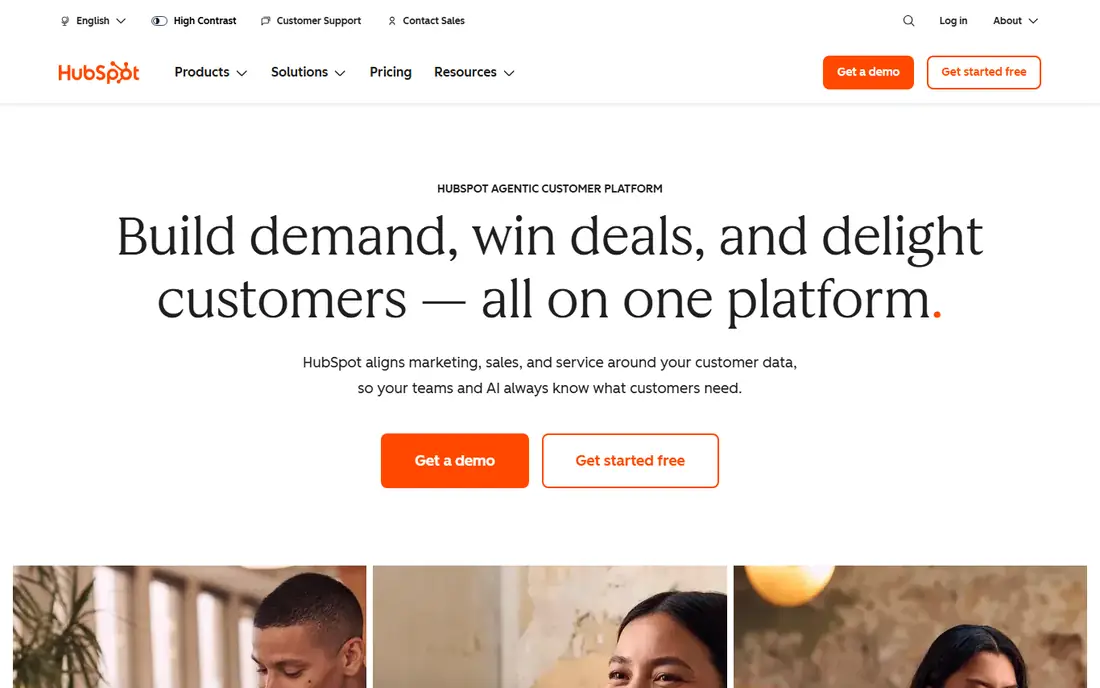
HubSpot is a good first CRM because the free plan is genuinely usable for a small team. You can store contacts, track deals, log emails, and build simple pipelines without paying. As you grow, you can add sales, marketing, and service hubs, plus automation and reporting, on the same contact record.
The catch is cost at scale. Starter plans are affordable, but Professional and Enterprise plans rise sharply, and some features require a minimum number of seats. If you are a small team that wants a clean start and a clear upgrade path, HubSpot is hard to beat. If you know you will stay small and price-sensitive, Zoho or Freshsales may save you money.
- Generous free CRM
- Contact, deal, and email tools included
- Wide integration library
- Paid hubs get expensive as you add seats and features
- Advanced reporting sits on higher tiers
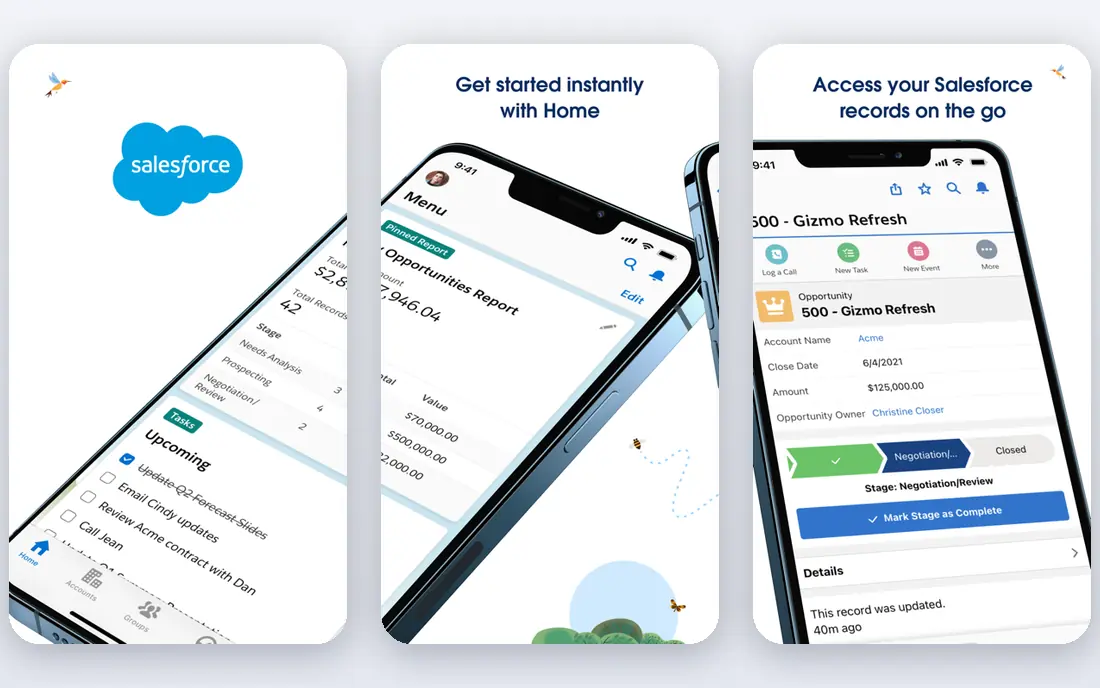
Salesforce is the most capable CRM on this list, and also the one that needs the most care to set up well. You can model complex sales processes, approvals, territories, and forecasting, and connect it to almost any business system through its marketplace. For a company with several teams, product lines, or regions, that depth matters.
For a team of three, Salesforce is often more tool than you need. The starter price looks modest, but useful professional features sit on higher tiers, and custom work can add consulting costs. Choose Salesforce when your process is complex and you have someone to own it. Choose a simpler tool when speed matters more than depth.
- Deep customization and reporting
- Huge app marketplace
- Strong security and permission controls
- Setup can be slow without an admin
- Higher tiers cost much more than the starter price
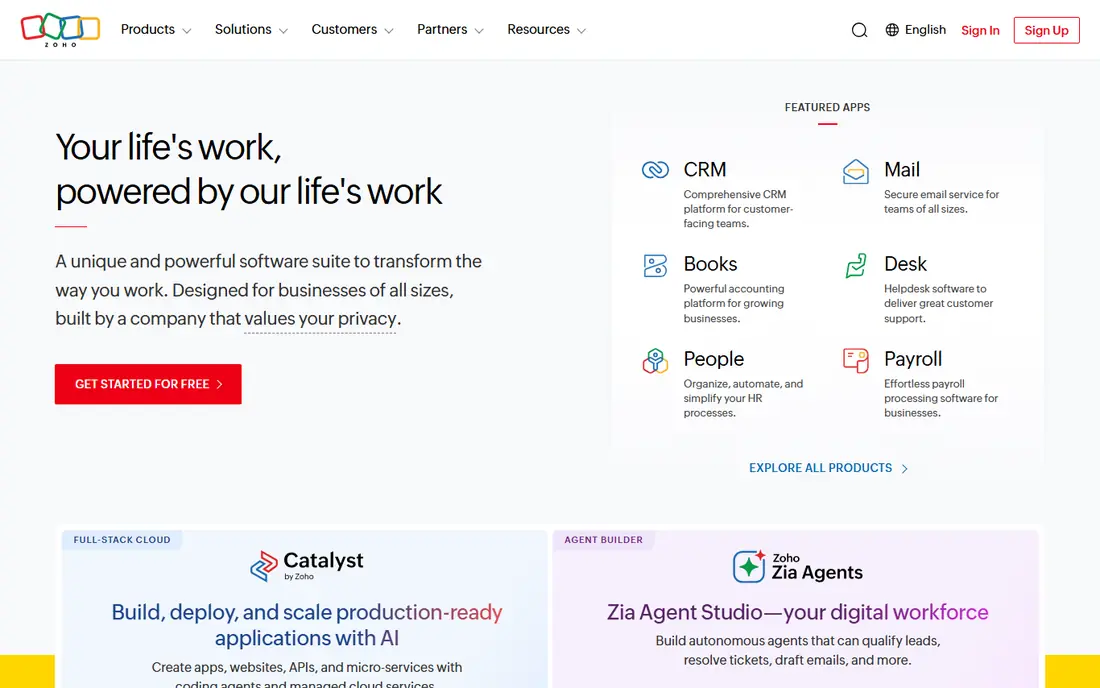
Zoho CRM gives small teams a lot for the price. Standard plans include pipelines, automation, email tools, and customization that other vendors reserve for higher tiers. The free edition covers up to three users, which makes it a real trial for a tiny team, not just a demo.
The trade-off is polish. The interface packs in many options, and new users may need time to learn where things live. Zoho also works best when you use other Zoho apps, such as Mail or Books, although it still connects to outside tools. If value and flexibility matter more than a slick first impression, Zoho is our value pick.
- Low starting price
- Strong automation and customization
- Free plan for up to 3 users
- Interface can feel busy
- Some tools work best inside the wider Zoho suite
Pipedrive is built around one idea: a deal should always have a clear next step. Its pipeline view is clean, dragging deals between stages feels natural, and activity reminders help reps follow up on time. Teams that sell by phone and email often adopt it quickly because there is little to learn.
Pipedrive is less strong as a full marketing platform. If you need landing pages, complex email campaigns, or deep service tools, you will likely pair it with other apps. For a sales-first team that wants a pipeline tool everyone will actually use, Pipedrive is our pick for simplicity.
- Clear visual pipeline
- Activity reminders keep deals moving
- Easy to learn
- Marketing tools are thinner than HubSpot
- Reporting depth grows only on higher plans
Freshsales, from Freshworks, suits teams that want calling, email, and deal tracking in one place without a high starting price. The free plan covers a small team, and the growth plan adds more automation and reporting at a price that stays friendly for small businesses. Built-in phone tools mean reps can call and log activity without switching apps.
The honest limit is depth. Very complex sales processes, heavy customization, or unusual reporting needs may push you toward Salesforce or Zoho. For a straightforward sales team that wants to start fast and keep costs low, Freshsales is a strong middle option.
- Low starting price
- Built-in phone and email tools
- AI lead scoring on higher plans
- Customization is more limited than Salesforce or Zoho
- Some features need higher tiers
Monday Sales CRM appeals to teams that already plan work on boards. You can track leads, deals, and client projects in the same workspace, build custom views, and automate status changes and reminders. That flexibility helps agencies, service firms, and teams with varied workflows.
The catch is that flexibility can blur the line between CRM and project tool. If you want a strict sales pipeline with deep forecasting, Pipedrive or Salesforce may fit better. If your team juggles deals, tasks, and client delivery together, Monday keeps that work visible in one place.
- Flexible boards for deals and projects
- Automations and dashboards
- Easy to customize views
- Minimum seat rules on some plans
- Can feel more like project software than a pure CRM
Close is made for teams that prospect hard. Reps can call, text, and email from inside the CRM, log activity automatically, and work through call lists without switching tools. The power dialer on higher plans helps teams that make many calls a day, and the interface stays focused on the next conversation.
Close costs more at entry than the budget tools here, and it is not the best choice if your main need is marketing automation or complex reporting. For an outbound sales team where call volume drives revenue, the time saved inside one tool can justify the price.
- Built-in calling, SMS, and email
- Power dialer on higher plans
- Fast for high-volume outreach
- Higher starting price
- Less suited to marketing-heavy teams
Insightly suits service businesses that sell a project and then deliver it. You can move a deal into a project, track tasks and milestones, and keep client history in one record. That link between sales and delivery is useful for consultants, agencies, and firms that manage ongoing client work.
The entry price is higher than Zoho or Freshsales, and automation is solid rather than deep. If you only need a sales pipeline, a cheaper tool may serve you better. If you want sales and project delivery in one system without enterprise complexity, Insightly is worth a trial.
- Combines contacts, deals, and projects
- Clean interface
- Good for service businesses
- Higher entry price than budget rivals
- Automation depth is moderate
Copper is built for Google Workspace teams. It pulls contact details from Gmail, logs emails and meetings, and keeps deal records close to the inbox and calendar where reps already work. Setup is quick for a Workspace shop, and the interface stays simple.
Outside Google Workspace, much of that advantage fades, and teams that need heavy customization may find Copper limited. If your team runs on Gmail, Drive, and Calendar, Copper can feel like a natural extension of that setup. If you run on Microsoft 365, look at HubSpot or Pipedrive instead.
- Deep Gmail and Google Calendar integration
- Simple setup for Workspace users
- Clean contact records
- Less value outside Google Workspace
- Fewer deep customization options than Salesforce
Capsule is for teams that want a CRM without a long setup project. Contacts, deals, tasks, and history are easy to find, and the tool stays out of the way. Small businesses, freelancers with a team, and firms that mainly need to track relationships and follow-ups will find it fits well.
Capsule will not match Salesforce on reporting or Zoho on automation depth. That is the point. If your team has avoided CRMs because they felt too complex, Capsule lowers the barrier and still gives you a shared record of every customer and deal.
- Simple and fast to learn
- Clean contact and deal records
- Good integrations for its size
- Fewer advanced automation and reporting features
- Not built for large enterprise teams
How we picked these
We compared official pricing pages, feature pages, and public documentation for each vendor, focusing on pipeline tools, automation, integrations, reporting, and the price a small team would actually pay. We favored tools that are widely used in the US, that offer a free plan or trial, and that cover different team sizes and styles, from simple pipelines to enterprise platforms. We did not claim hands-on testing, and we note that vendors change plan names and prices, so confirm the current price before you sign.
How to choose the right CRM
Start by listing your must-have steps, not a wish list of features. Write down how a lead becomes a customer in your business, who touches it, and what reports you need each week. Then test two or three tools with real data from your own pipeline, not sample data. A CRM that looks good in a demo can still fail if your team will not log calls or update deal stages.
Check the total cost for your actual team size. Some plans have seat minimums, some charge extra for automation, calling, or advanced reports, and some require annual billing for the advertised price. Also check data import, email and calendar connections, and how easy it is to export your data later. A CRM should make leaving possible, even if you plan to stay.
Finally, assign one owner. The owner sets up pipelines, cleans duplicate contacts, trains new hires, and reviews reports. Without an owner, even the best CRM becomes a messy address book. With an owner and a simple process, even a modest CRM can lift follow-up rates and give you a clear view of your pipeline.
FAQ
What is the best CRM software comparison for small businesses?
For most small businesses, the choice comes down to HubSpot for a free start, Zoho CRM or Freshsales for value, and Pipedrive for a simple pipeline. Test each with your real deals for a week, and pick the one your team updates without being chased. The best CRM is the one your team actually uses every day.
Which CRM is cheapest for a small team?
Zoho CRM and Freshsales offer the lowest entry prices here, with free plans for very small teams and paid plans from about $9 to $14 per user per month. Capsule and Pipedrive sit a step higher but stay affordable for small teams. Always check seat minimums and annual billing terms, since those change the real monthly cost.
Is Salesforce too complex for a small business?
Salesforce can work for a small business with a complex process, but it often needs more setup time and admin care than simpler tools. Small teams that want to start in a day usually do better with HubSpot, Pipedrive, or Zoho. Choose Salesforce when you need deep customization, strict permissions, or room to grow into a large operation.
What is the difference between HubSpot and Salesforce?
HubSpot is easier to start with and bundles marketing, sales, and service tools around one contact record, while Salesforce offers deeper customization and enterprise controls. HubSpot suits teams that want a fast start and an all-in-one system. Salesforce suits teams with complex processes, multiple departments, or strict governance needs.
Do I need a paid CRM, or is a free plan enough?
A free plan is enough if you have a small contact list, a simple pipeline, and one or two users. Paid plans become worth it when you need automation, team permissions, better reporting, calling tools, or higher contact limits. Start free, track where you hit limits, and upgrade only for features that save real time.
How long does it take to set up a CRM?
A simple CRM such as Pipedrive or Capsule can be set up in a day, including importing contacts and building a pipeline. HubSpot and Zoho usually take a few days to a week for a small team. Salesforce can take weeks for a complex setup, especially if you need custom objects, workflows, or integrations with other systems.