Best CRM Software According to Experts in 2026: 8 Tools Compared
Compare the best crm software according to experts in 2026, with current pricing, free plans, strengths, limits, and picks for small and growing sales teams.
- Editor's choice
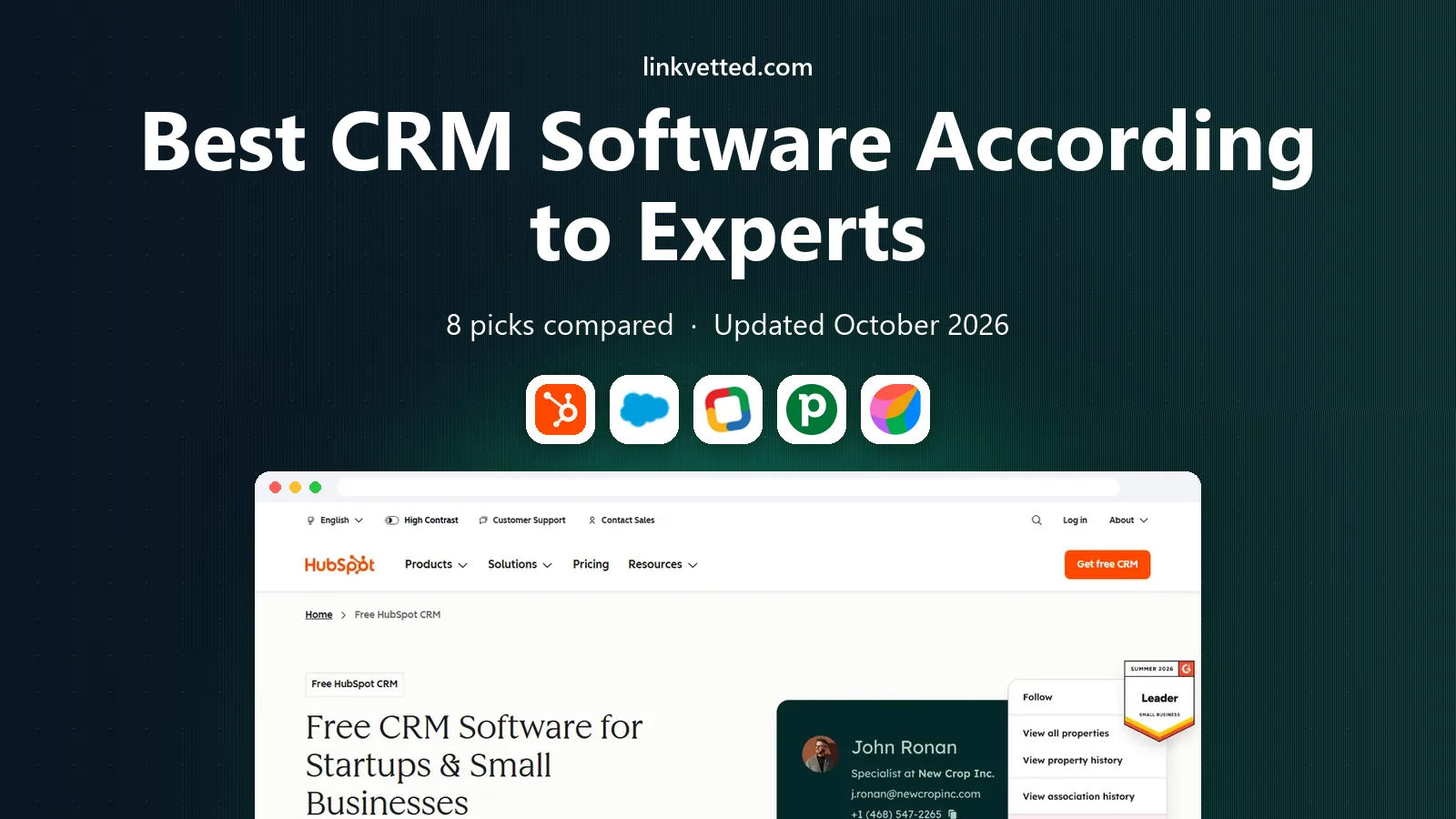
 HubSpot CRM
Small teams starting free
Starts atFreeVisit hubspot.comFull review - Great alternative
 Salesforce Sales Cloud
Growing companies that need scale
Starts at$25 per user per monthVisit salesforce.comFull review - Also consider
 Zoho CRM
Value-focused small businesses
Starts at$14 per user per monthVisit zoho.comFull review
TL;DR:
- HubSpot and Zoho offer the lowest-cost starting points, while Salesforce scales furthest for complex sales processes.
- Pipedrive and Close suit teams that want a clear pipeline and fast daily use over heavy customization.
- Free plans exist, but paid tiers add automation, reporting, and seats that most growing teams will need.
- Check seat minimums and add-on hubs before you compare headline prices, since totals can differ a lot.
Quick comparison
| Tool | Best for | Starts at | Free plan? | |
|---|---|---|---|---|
| HubSpot CRM | Small teams starting free | Free | Yes | Visit |
| Salesforce Sales Cloud | Growing companies that need scale | $25 per user per month | Free trial | Visit |
| Zoho CRM | Value-focused small businesses | $14 per user per month | Free trial | Visit |
 Pipedrive | Sales teams that live in a pipeline | $14 per user per month | Free trial | Visit |
 Freshsales | Teams that want fast setup | $9 per user per month | Yes | Visit |
 monday Sales CRM | Teams that already like boards | $12 per user per month | Free trial | Visit |
 Close | Outbound sales teams | $29 per user per month | Free trial | Visit |
 Copper | Google Workspace teams | $29 per user per month | Free trial | Visit |
The best best crm software according to experts picks
We compared the tools experts and reviewers most often recommend for small and growing businesses, then checked current pricing and free plans on vendor sites. The list below mixes low-cost starters with platforms that can grow with a larger sales team.

HubSpot CRM is our pick for most small teams because the free plan covers the basics without a trial clock. You can store contacts, track deals, log calls, and send tracked emails from one dashboard, then add marketing or service tools only when you need them.
The catch is pricing at scale. Starter plans are modest, but Professional and Enterprise bundles can cost far more than a simple CRM, so map which hubs you truly need before you upgrade. For a team under 20 people, the free and Starter tiers usually cover the core sales workflow.
- Free plan with contacts, deals and email tracking
- Strong marketing and sales tools in one place
- Large integration library
- Paid tiers rise fast as you add hubs and seats

Salesforce Sales Cloud remains the default choice when a company expects rapid growth or complex sales processes. It handles territory rules, approval flows, forecasting, and custom objects that simpler tools cannot match, and the AppExchange adds thousands of vetted add-ons.
The trade-off is effort. You will likely need an admin or a partner to set it up well, and the entry Starter tier is simpler than the full platform many buyers picture. Choose it when your process is complex enough to justify that setup work.
- Deep customization and automation
- Huge app marketplace
- Strong reporting and forecasting
- Setup takes time and admin skill
- Higher tiers are costly

Zoho CRM gives small businesses a lot for a modest monthly fee. Even the Standard tier includes workflow rules, email integration, and lead scoring basics, and it connects cleanly to Zoho Books, Campaigns, and Desk if you already use that suite.
New users sometimes find the settings menus deep and the layout crowded. Spend an afternoon on templates and field cleanup before inviting the whole team, and the day-to-day view becomes much calmer. For budget-conscious teams, the value here is hard to beat.
- Low starting price with automation included
- Wide Zoho app suite
- Good customization for the price
- Interface feels busy at first
- Support quality varies by plan
Pipedrive suits teams that want to see every deal at a glance and know the next step for each one. Dragging a deal between stages, setting a follow-up, and logging a call takes seconds, which helps adoption among reps who dislike heavy admin work.
It is less suited as an all-in-one marketing platform. If you need deep email campaigns or customer service ticketing, you will pair it with other tools. As a pure sales pipeline, though, it stays focused and fast.
- Clear visual pipeline that is easy to learn
- Strong activity reminders
- Good email and calendar sync
- Marketing and project tools are limited
- Reporting is basic on lower tiers
Freshsales, from Freshworks, appeals to teams that want to start selling this week rather than after a long implementation. The free plan covers contacts, deals, and basic pipelines, and the paid Growth tier adds automation and more users without a steep jump.
The limit shows up when your sales process needs unusual objects or approval chains. For standard pipelines, quotes, and follow-ups, it is more than enough. Teams that outgrow it usually move up because of complexity, not because the basics fail.
- Simple setup with built-in phone and email
- AI lead scoring on higher tiers
- Free plan for small teams
- Customization is lighter than Salesforce or Zoho
- Advanced reporting sits on higher tiers
monday Sales CRM works well for teams that think in boards rather than in traditional CRM records. You can track deals, onboarding, and delivery on linked boards, and dashboards pull the numbers together for weekly reviews without exporting to a spreadsheet.
That flexibility is also the risk. Without clear board rules, a workspace can drift into clutter. Set owners, stages, and required fields early, and it becomes a shared view that sales, delivery, and support can all read the same way.
- Flexible boards for pipeline and project tracking
- Visual dashboards
- Many templates
- Three-seat minimum on paid plans
- Can feel like a project tool first
Close is built for reps who make a lot of calls. Dialing, texting, and emailing sit inside the lead record, so a rep never jumps between a phone tool and a CRM to log activity. That single inbox saves time on outbound days and keeps follow-ups visible.
Marketing teams may want a separate email platform, since Close focuses on sales outreach rather than campaigns. If your week is mostly calls and follow-ups, that focus is a strength. If you need deep marketing journeys, pair it with a dedicated tool.
- Built-in calling, SMS, and email in one inbox
- Strong for high-volume outreach
- Fast pipeline views
- Less suited for marketing automation
- Fewer native integrations than larger CRMs
Copper is the natural pick for a team that already lives in Gmail and Google Drive. Contacts, emails, and files link to records with little manual entry, and the pipeline view stays simple enough for a small team to adopt in days.
Microsoft 365 shops will get less from it, since the tightest integrations target Google tools. Within a Google Workspace company, however, that focus removes a lot of copy work and keeps the CRM close to where selling actually happens.
- Deep Gmail and Google Calendar integration
- Simple contact and pipeline views
- Quick setup
- Best value only for Google Workspace users
- Reporting is lighter than enterprise CRMs
How we picked these
We compared official feature pages, pricing pages, app store listings, and public user reviews for each product, and kept only tools that are live today and truly fit the topic. We favored tools with clear pricing or a clear quote process, a documented integration set, and support options a small team can actually use.
We also weighed the honest trade-offs. A low starting price can hide per-seat add-ons, and a feature-rich enterprise tool can slow down a small team. Our pick in each guide balances fit, cost, and ease of day-to-day use rather than the longest feature list.
We also checked support and learning resources, since a tool is only useful if your team can get help when a deadline is near. Look for live chat or phone support on your plan, clear help guides, and an onboarding path that fits a small team without a dedicated trainer.
How to choose a CRM without overbuying
Start with your daily workflow, not the feature list. List the five actions your team repeats each week, such as logging calls, sending quotes, or following up on stale deals, and test those exact actions in a trial. A tool that makes those five actions fast will beat a tool with 50 features you never open.
Next, count total cost, not just the seat price. Add seats, required add-ons, onboarding, and any marketing or service hub you plan to add in year one. A free plan can be the right start, but confirm what happens when you pass its contact or automation limits.
Finally, assign an owner. One person should own fields, stages, and duplicate rules, and review them monthly. Without that owner, even the best CRM fills with stale deals and duplicate contacts, and the team stops trusting the numbers.
Before you sign, run a short pilot with real work and a real deadline. A pilot shows whether staff actually use the tool under pressure, where approvals stall, and what training is still missing. It also gives you evidence for renewal talks, since you can point to time saved or errors avoided rather than to a demo promise.
FAQ
What is the best CRM software for a small business?
For most small teams, HubSpot CRM or Zoho CRM is the safest start because both offer low-cost entry points and cover contacts, deals, and follow-ups. Pipedrive is a strong choice if the pipeline view matters most. Test two tools with real deals before you commit to a paid plan.
Do I need a paid CRM plan?
Not always at first. Free plans work for a solo founder or a team of two or three with simple pipelines. Paid plans become worth it when you need automation, team permissions, deeper reporting, or more contacts and integrations.
Is Salesforce too much for a small business?
Salesforce Starter can work for a small team, but the full platform shines for larger or more complex sales operations. If your process needs custom objects, approvals, or territory rules, the extra setup pays off. If not, a simpler tool will save time and money.
How much does CRM software cost per month?
Expect roughly 9 to 29 dollars per user per month for small business tiers, before add-ons. Enterprise tiers and bundles can cost far more, so ask for a written quote that lists seats, hubs, and renewal terms.
Can I switch CRMs later?
Yes, most tools export contacts, companies, and deals as CSV files, and many offer import tools or migration help. Clean your data before you move, and keep the old system read-only for a month so nothing is lost in the switch.
How should I run a trial before buying?
Start with a real past project, not a blank demo account, and invite the people who will use the tool daily. Set a clear success test, such as finishing the task faster or with fewer errors, and review the result with the team before you sign a contract.