CRM Integration Software for ERP Systems in 2026: The 6 Best Options Side by Side
Best CRM integration software for ERP systems: 6 contenders ranked by fit, with entry costs and free tiers. Pros and cons for every tool. Decide faster.
- Editor's choice
 Pipedrive
Sales-focused teams with straightforward ERP needs
Starts atPricing on requestVisit pipedrive.comFull review - Great alternative
 Oracle NetSuite
All-in-one ERP and CRM
Starts atPricing on requestVisit netsuite.comFull review - Also consider
 HubSpot CRM
Small firms needing entry-level ERP links
Starts atPricing on requestVisit hubspot.comFull review
Direct answer
If you need sales-focused teams with straightforward ERP needs, Pipedrive is the first tool to look at here. Oracle NetSuite fits all-in-one ERP and CRM; HubSpot CRM fits small companies needing entry-level ERP links. All 6 tools are compared below on fit, free plan and limits. None of these vendors publish plan prices, so pricing is on request for every option.
TL;DR:
- Pipedrive is the opening pick, best for sales-focused teams with simple ERP needs.
- Every tool from Pipedrive to Microsoft Dynamics 365 works by quote, with no list price shown.
- Salesforce stands alone as the one tool in this list with a free plan.
- Check the limits for HubSpot CRM before you commit: restricted advanced ERP integration.
Last checked November 2026. Pricing on request: vendors did not publish plan prices when this guide was last checked (November 2026), so ask each vendor for a written quote.
Quick comparison
| Tool | Best for | Starts at | Free plan? | |
|---|---|---|---|---|
| Pipedrive | Sales-focused teams with straightforward ERP needs | Pricing on request | Not stated | Visit |
| Oracle NetSuite | All-in-one ERP and CRM | Pricing on request | Not stated | Visit |
| HubSpot CRM | Small firms needing entry-level ERP links | Pricing on request | Not stated | Visit |
 Freshsales | AI-powered CRM with ERP connectivity | Pricing on request | Not stated | Visit |
 Salesforce | Broad ERP integration choices | Pricing on request | Yes | Visit |
 Microsoft Dynamics 365 | Native Microsoft ERP integration | Pricing on request | Not stated | Visit |
CRM Integration Software for ERP Systems, one by one
LinkVetted compared 6 CRM integration software for ERP systems. The goal is a practical shortlist: published prices, free plan facts, best-fit use cases and honest limits for every entry.
Choose Pipedrive for sales-focused teams with simple ERP needs. Pipedrive is an easy-to-use CRM tool centred on sales pipeline management. It supplies integration choices with ERP systems through its marketplace, making it right for sales teams that require entry-level data exchange with finance.
Points against: Best for sales teams only.
Upsides: Integration marketplace. For full ERP connectivity, consider more enterprise-oriented products. Pipedrive is primarily a sales CRM and may not support complicated ERP integrations. Pipedrive does not show a starting price in this comparison, so check the vendor site for current pricing. Free access: Not stated.
- Easy-to-use interface
- Solid pipeline management
- Restricted ERP integration depth
Oracle NetSuite was built for all-in-one ERP and CRM. NetSuite is a significant investment and may be overkill for small firms.
If you already have separate ERP and CRM systems, integrating them with NetSuite might not be straightforward. It eliminates the need for separate CRM-ERP integration by providing a single system for both functions. Check the vendor site for Oracle NetSuite pricing; none is listed in this comparison. Free plan details: Not stated.
Honest limits: Can be costly for small firms.
- Thorough financial management
- Unified ERP and CRM product
- Implementation may be complicated

HubSpot CRM is aimed squarely at small companies needing entry-level ERP links. For complicated ERP integrations or large-scale operations, HubSpot may lack the depth of enterprise-focused CRMs. Consider it if you need a straightforward, easy-to-use CRM with entry-level ERP connectivity.
Watch-outs: Restricted advanced ERP integration.
HubSpot CRM is free CRM software for small companies to organize contacts, track deals, and close more sales with built-in AI. It provides integration choices with ERP systems, though it is a good match for more straightforward integration needs and smaller teams. HubSpot CRM shows no starting price here, so confirm the cost on the vendor site. Trial and free access: Not stated.
- Free CRM choice
- Approachable interface
- May need extras for complicated needs
Freshsales serves AI-powered CRM with ERP connectivity. Whereas Freshsales provides integration choices, it may not include all ERP integration needs for large enterprises.
What to check first: May need extras for full integration.
Freshsales does not show a starting price in this comparison, so check the vendor site for current pricing. As for free access: Not stated.
- Easy lead capture
- Integration choices
- Restricted advanced ERP features
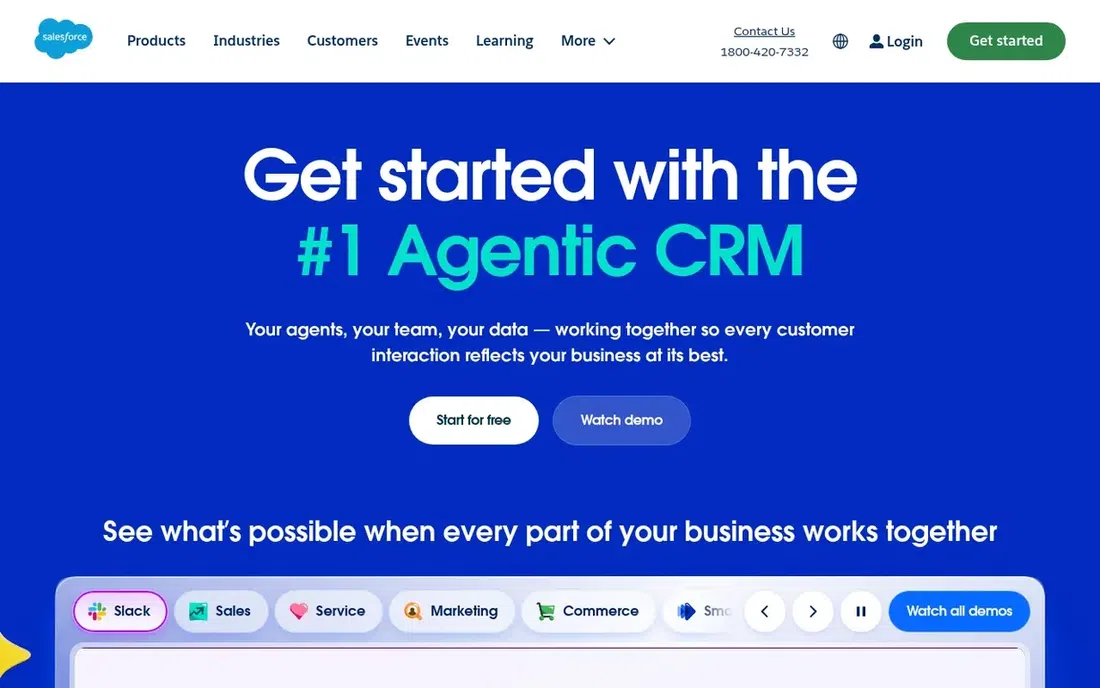
Salesforce was built for Broad ERP integration choices. Salesforce is a thorough AI CRM product that unites data, apps, and agents to link with customers. It provides solid integration capabilities, making it a good match for companies that require to link several ERP systems.
Limits to weigh: Can be complicated to set up.
Its adaptability and broad partner network support complicated integration scenarios. As for the details, smaller firms might find it overkill. In daily use, consider more straightforward alternatives if you have restricted IT resources or need a more straightforward integration. No starting price is listed for Salesforce here; confirm pricing on the vendor site. Free access exists with Salesforce.
- AI-powered features
- Solid ecosystem of partners
- Higher cost for advanced features
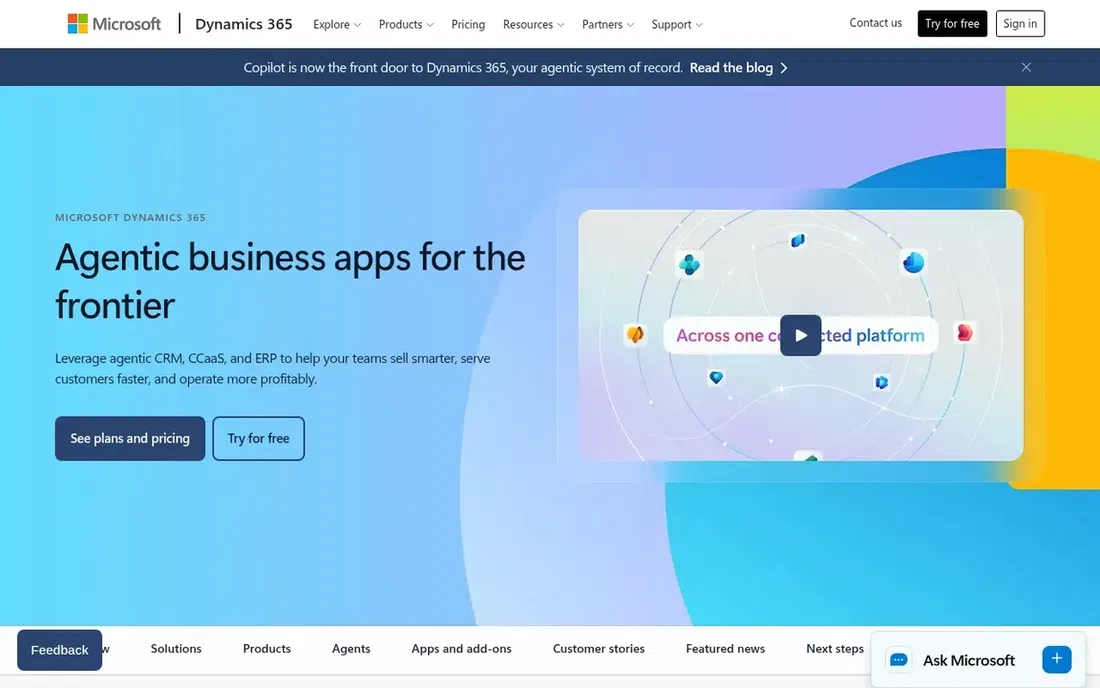
Microsoft Dynamics 365 serves native Microsoft ERP integration. Microsoft Dynamics 365 provides agentic CRM and ERP business applications that link teams, processes, and data. It is especially well-suited for organizations already using Microsoft ERP options, supplying native integration and a unified experience across sales and finance.
Its integration strengths are most apparent within the Microsoft ecosystem; connecting to non-Microsoft ERP systems may require extra effort. Companies not using Microsoft products might find other choices more straightforward. Check the vendor site for Microsoft Dynamics 365 pricing; none is listed in this comparison. Free options: Not stated.
Where it falls short: Most useful for Microsoft-centric environments.
- Smooth integration with Microsoft products
- AI-driven insights
- Customization can be challenging
How these tools were picked
For each of the 6 tools we noted price, free plan or trial, fit for CRM integration software for ERP systems and the main limit, using vendor pages and documentation. Seat minimums, billing terms and add-ons can move the real cost, so the starting prices here are a guide and not a quote. We ordered the tools by general fit, then by how clearly pricing is shown, then by free access. A buyer with unusual needs may reorder them.
A buyer's checklist
- Ask each vendor, from Pipedrive to Microsoft Dynamics 365, for a written quote; none of them publishes a starting price.
- Test the free plan from Salesforce against your real workload before relying on it.
- Before choosing Pipedrive, weigh its main limit: restricted ERP integration depth.
- The entry price of Salesforce is only the starting point; model the full cost with seats and extras.
- Look at the help docs and support options for Pipedrive before you commit.
FAQ
Do these tools publish their prices?
No. None of the tools, from Pipedrive to Microsoft Dynamics 365, shows a fixed starting price here, so budget time for quotes.
How does Microsoft Dynamics 365 plug into ERP systems?
Microsoft Dynamics 365 provides native integration with Microsoft ERP options like Dynamics 365 Finance and Supply Chain Management. For non-Microsoft ERP systems, integration may require extra configuration or external tools.
Which options for CRM integration software for ERP systems have a free plan?
Salesforce is the only tool in this list with a free plan. Free plans usually cap users, projects or features, so check the limits on the vendor page. All 6 picks in this CRM integration software for ERP systems comparison list a starting price, free plan details and the main limits on their cards above.
Is Pipedrive the right pick for everyone comparing CRM integration software for ERP systems?
No single tool suits every team. Pipedrive comes first because it fits sales-focused teams with simple ERP needs, while Oracle NetSuite suits all-in-one ERP and CRM and HubSpot CRM suits small businesses needing basic ERP links. Match the tool to your own size, budget and workflow before deciding.
Can I try these options before paying?
Often, yes. Salesforce has a free plan. Use your own data and a real task during the test, and check what the free tier or trial limits before you rely on it. For the full picture, the cards above cover all 6 entries of this CRM integration software for ERP systems list, including price, free plan and limits.
Can I integrate Salesforce with any ERP system?
Salesforce supplies broad integration capabilities through its product and partner ecosystem, allowing connections to numerous ERP systems. That said, the complexity and cost may vary based on the ERP and integration method.
Sources
- https://www.pipedrive.com
- https://www.netsuite.com
- https://www.hubspot.com/products/crm
- https://www.freshworks.com/crm/sales
- https://www.salesforce.com
- https://www.microsoft.com/en-us/dynamics-365