5 CRM and Scheduling Tools for Solopreneurs Worth Shortlisting in 2026
Best CRM and scheduling tools for solopreneurs: 5 contenders ranked by fit, with entry costs and free tiers. Caveats come with every verdict. Read the profiles.
- Editor's choice
 Acuity Scheduling
Appointment-based service companies
Starts at$16 a monthVisit acuityscheduling.comFull review - Great alternativeCopper CRM
Google Workspace-centered firms
Starts at$23 per seat per monthVisit copper.comFull review - Also consider
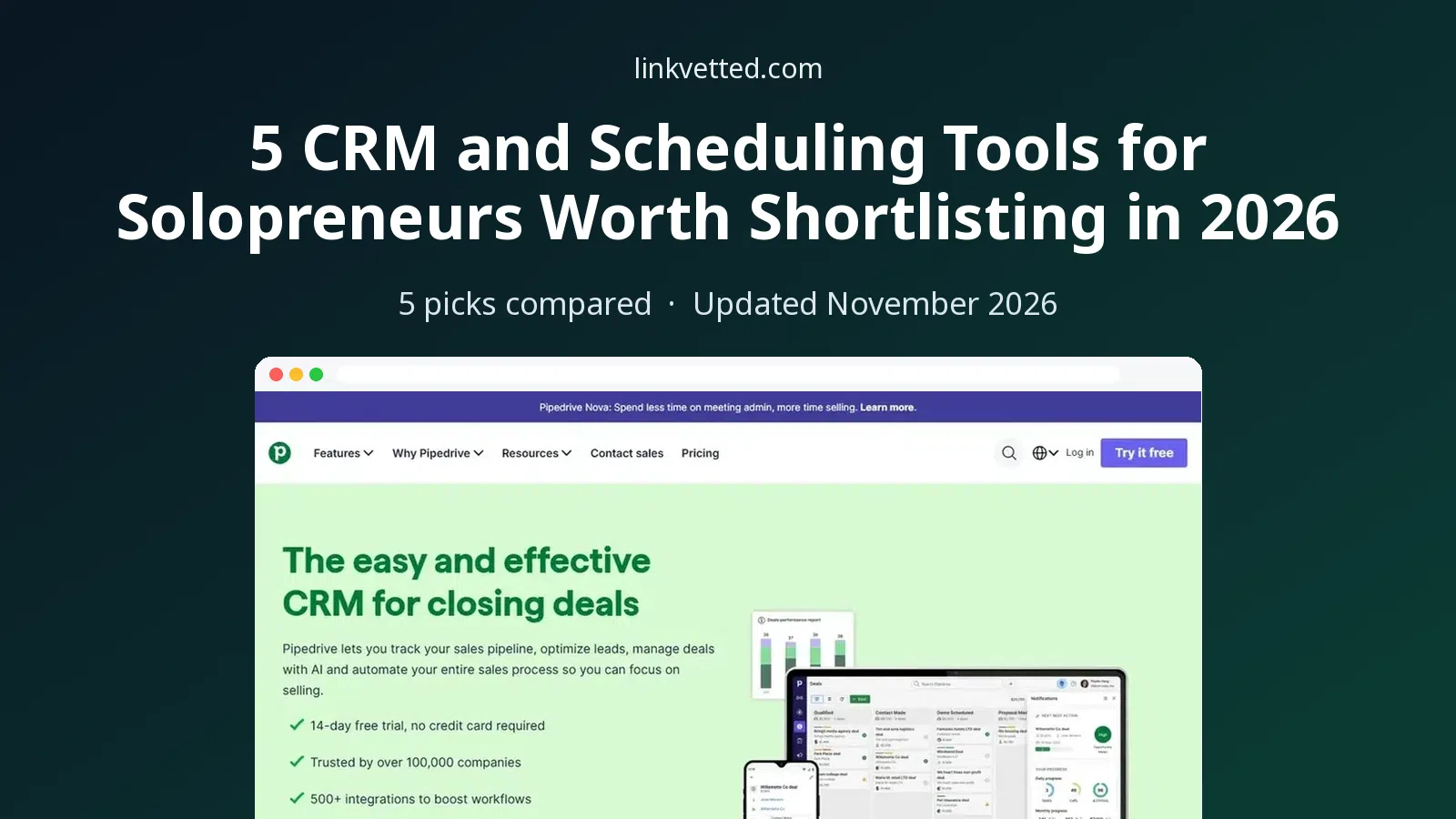
 Pipedrive
Visual pipeline management
Starts atSee websiteVisit pipedrive.comFull review
Direct answer
This list puts Acuity Scheduling first for appointment-based service companies. Listed starting prices: Acuity Scheduling from $16 a month and Copper CRM from $23 per seat per month. For a different need, Copper CRM covers Google Workspace-centered firms and Pipedrive covers visual pipeline management. All 5 tools are compared below on price, free plan and limits.
TL;DR:
- The list opens with Acuity Scheduling, aimed at appointment-based service companies.
- A fair warning about HubSpot CRM: deeper features can feel broad for one person.
- Acuity Scheduling, Zoho CRM and the 3 others all need a premium plan or a trial, since no free plan is listed.
- For the cheapest start, look at Acuity Scheduling: $16 per month.
- Zoho CRM is the one to check for managing sales operations end to end.
Last checked November 2026. Prices and plan details were read from the vendors' own pages in November 2026; vendors change plans often, so confirm the current price on the vendor site before you buy.
Quick comparison
| Tool | Best for | Starts at | Free plan? | |
|---|---|---|---|---|
| Acuity Scheduling | Appointment-based service companies | $16 a month | Free trial | Visit |
| Copper CRM | Google Workspace-centered firms | $23 per seat per month | Free trial | Visit |
| Pipedrive | Visual pipeline management | See website | Not stated | Visit |
 HubSpot CRM | All-in-one contact and deal tracking | See website | Not stated | Visit |
 Zoho CRM | Managing sales operations end to end | See website | Not stated | Visit |
Our 5 CRM and scheduling tools for solopreneurs
If you are comparing CRM and scheduling tools for solopreneurs, this page covers 5 tools in one place: what each is best for, what it costs to start, whether it has a free plan, and the main limit to know about.
Acuity Scheduling targets appointment-based service businesses. Acuity Scheduling is appointment booking and scheduling software with scheduling automation and full customization.
Honest limits: Less suited to pipeline-heavy sales.
The same adaptability means time spent configuring settings before the calendar runs itself. In daily use, customization lets you shape the booking experience instead of accept a fixed template. Acuity Scheduling pricing: $16 per month. Free plan details: Free trial.
- Full customization choices
- Appointment booking focus
- Customization takes initial setup
Copper CRM
Best for: Google Workspace-centered firms
Copper CRM makes the most sense for Google Workspace-centered companies. For a solopreneur already working in Gmail and the Google ecosystem, that means fewer tabs and a CRM that sits where email and files already live.
What to check first: Most handy if you already live in Google Workspace.
Worth adding: managing leads, deals and projects in one place also asks you to decide how to separate them. On cost, Copper CRM starts like this: $23 per seat per month. Trial and free access: Free trial.
- Built into Google Workspace
- Deals and projects together
- Project and deal views need setup
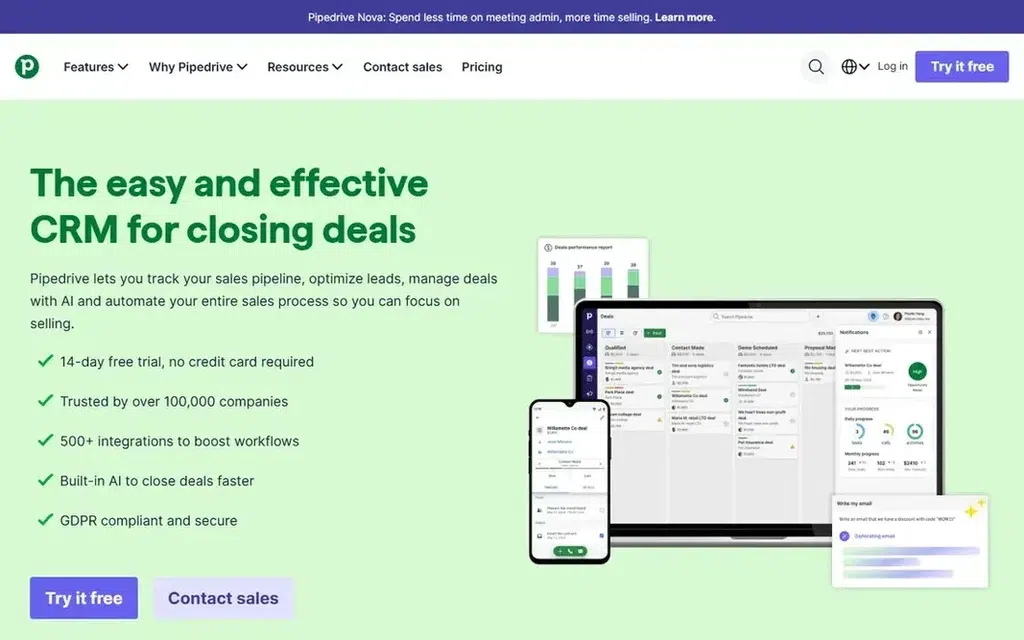
Pipedrive targets visual pipeline management. That makes it a natural fit for a solopreneur who sells through a defined set of stages and wants a clear view of what is where. It rewards people who keep their pipeline current and use stages to decide what to do next.
Limits to weigh: Scheduling is not the core focus.
For everyday use, Solopreneurs who rarely work a deal pipeline may find the stage model more structure than they need. For everyday use, since the product centers on pipeline management, meeting scheduling is not its primary job. So you would pair it with a dedicated scheduler. This comparison lists no price for Pipedrive; ask the vendor. As for free access: Not stated.
- Lead and deal tracking
- Easy-to-use positioning
- Pipeline discipline is required to get value

HubSpot CRM is designed for all-in-one contact and deal tracking. If your priority is a narrow, pipeline-first workflow, a leaner CRM may feel quicker to run.
The main drawbacks: Deeper features can feel wide for one person.
For a solopreneur, that means a single place to hold leads and pipeline without stitching tools together. Choose HubSpot when you want room to grow into more of the system later. Pricing for HubSpot CRM is not stated here, so ask the vendor for current figures. Free access: Not stated.
- Organizes contacts and tracks deals
- Built-in AI features
- Setup takes some configuration
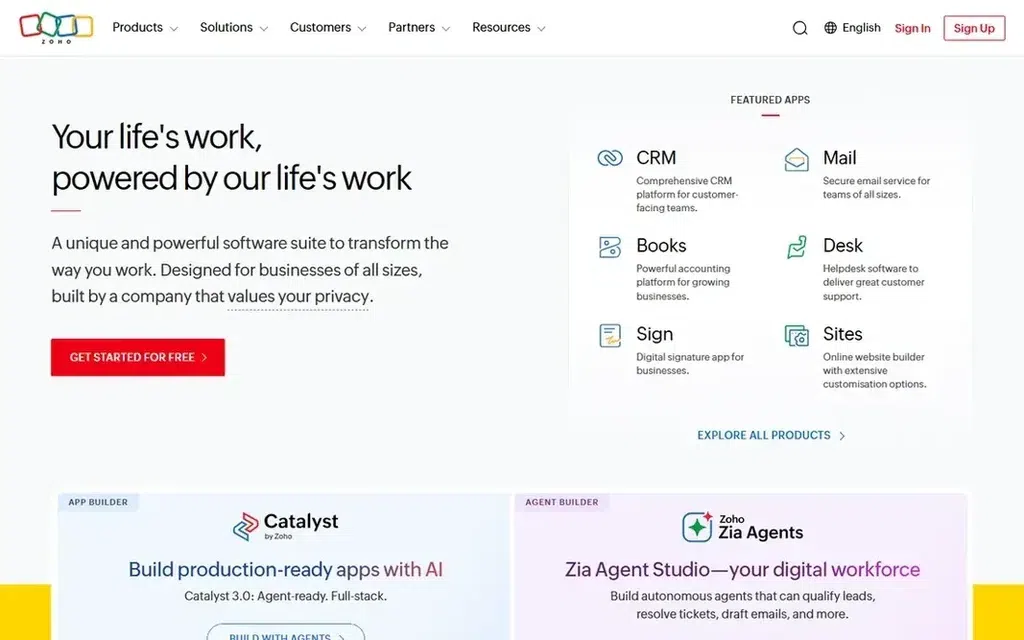
Zoho CRM was built for managing sales operations end to end. Zoho CRM describes itself as an agentic CRM product that helps teams handle sales operations and close more deals.
Honest limits: Configuration choices add decisions.
It fits solopreneurs who expect to formalize their sales process and want a CRM that can carry more process over time. Check the vendor site for Zoho CRM pricing; none is listed in this comparison. Trial and free access: Not stated.
- Made for sales operations
- Agentic CRM system positioning
- Large feature set takes learning
How we chose
Before you commit
- Ask Pipedrive, HubSpot CRM and Zoho CRM for a written quote, since no starting price is shown.
- Run a trial of Acuity Scheduling and Copper CRM with real work before paying for a year; your own workflow is the best test.
- Read the limits listed for Acuity Scheduling first: customization takes initial setup.
- Let daily users try Copper CRM on real work; their feedback beats any feature checklist.
- See whether Zoho CRM offers onboarding or training, and whether it is included in the price.
FAQ
Is Acuity Scheduling the right pick for everyone comparing CRM and scheduling tools for solopreneurs?
No single tool suits every team. Acuity Scheduling comes first because it fits appointment-based service businesses, while Copper CRM suits Google Workspace-centered businesses and Pipedrive suits visual pipeline management. Match the tool to your own size, budget and workflow before deciding.
Does any tool for CRM and scheduling tools for solopreneurs here have a free plan?
No tool in this list, Acuity Scheduling and Zoho CRM included, has a permanent free plan. Acuity Scheduling, Copper CRM offer a trial. Trials and quotes are the usual route, so plan a short evaluation period.
How are the tools for CRM and scheduling tools for solopreneurs ordered?
Acuity Scheduling sits first and Zoho CRM last because the order follows typical fit for CRM and scheduling tools for solopreneurs, then price clarity and free access. It is a judgement call, so read each profile for fit and limits.
What is the cheapest option for CRM and scheduling tools for solopreneurs in this list?
On published monthly entry prices, Acuity Scheduling is the lowest here at $16 per month. Entry price is only part of the cost, because seats, add-ons and billing terms can change the total. Prices, free plan details and limits for all 5 tools in this CRM and scheduling tools for Solopreneurs roundup sit on the individual cards above.
Sources
- https://acuityscheduling.com
- https://www.copper.com
- https://www.pipedrive.com
- https://www.hubspot.com/products/crm
- https://www.zoho.com/crm