5 Best Meeting Scheduling Tool for Customer Success for 2026, Vetted and Compared
Shortlisting the best meeting scheduling tool for customer success? 5 products compared on cost, free access and ideal buyer. Built for quick decisions.
- Editor's choiceMicrosoft Bookings
Microsoft 365 organizations
Starts atSee websiteVisit microsoft.comFull review - Great alternative
 Cal.com
Adaptable open scheduling for bookings
Starts at$12 per user a monthVisit cal.comFull review - Also consider
 HubSpot Meetings
Teams already working in HubSpot
Starts atSee websiteVisit hubspot.comFull review
Direct answer
For Microsoft 365 organizations, Microsoft Bookings is where this list starts. Listed starting prices: Cal.com from $12 per user a month, Chili Piper from $12 per user a month and Calendly from $10 per seat a month. Look at Cal.com for adaptable open scheduling for bookings, and at HubSpot Meetings for teams already working in HubSpot. The full list of 5 tools follows, with prices and free plan facts.
TL;DR:
- Number one here is Microsoft Bookings, a fit for Microsoft 365 organizations.
- For all-in-one client meeting workflow, Calendly is worth a look.
- One limit worth knowing about Chili Piper: built around marketing pipeline.
- Cal.com, Calendly: these are the 2 tools out of 5 that offer a free plan.
Last checked November 2026. Prices and plan details were read from the vendors' own pages in November 2026; vendors change plans often, so confirm the current price on the vendor site before you buy.
Quick comparison
| Tool | Best for | Starts at | Free plan? | |
|---|---|---|---|---|
| Microsoft Bookings | Microsoft 365 organizations | See website | Not stated | Visit |
| Cal.com | Adaptable open scheduling for bookings | $12 per user a month | Yes | Visit |
| HubSpot Meetings | Teams already working in HubSpot | See website | Not stated | Visit |
| Chili Piper | Routing inbound interest to the right rep | $12 per user a month | Not stated | Visit |
 Calendly | All-in-one client meeting workflow | $10 per seat a month | Yes | Visit |
Meeting Scheduling Tool for Customer Success compared in detail
LinkVetted put together this guide to meeting scheduling tool for customer success for readers who want a clear shortlist without reading every vendor page. It compares 5 tools on starting price, free plans, who each one suits and where each one falls short.
Microsoft Bookings
Best for: Microsoft 365 organizations
Pick Microsoft Bookings if this describes you: Microsoft 365 organizations. Microsoft Bookings is an online booking and appointment scheduling app within Microsoft 365. On top of that, customization choices mean someone has to configure pages and appointment types thoughtfully.
Worth adding: if you want minimal setup and a single booking link, a lighter tool may be quicker. Customer success teams that already run on Microsoft 365 can keep booking pages close to their existing calendar and mail setup, which helps when multiple managers share client-facing scheduling needs. Its natural home is the Microsoft 365 environment, so organizations on other products may prefer a standalone scheduler. Microsoft Bookings shows no starting price here, so confirm the cost on the vendor site. As for free access: Not stated.
Watch-outs: Tied to the Microsoft 365 environment.
- Deals with varied appointment types
- Adaptable customization choices
- Setup choices can take time to configure
Where Cal.com fits: adaptable open scheduling for bookings. Customer success teams that want a customizable booking foundation can use it to run client meetings whereas keeping control over how scheduling works.
On cost, Cal.com starts like this: $12 per user per month. Cal.com offers a free plan.
Downsides: Needs setup to match your workflow.
- Designed for online bookings
- Positioned as a scheduling system
- Fewer built-in client success extras
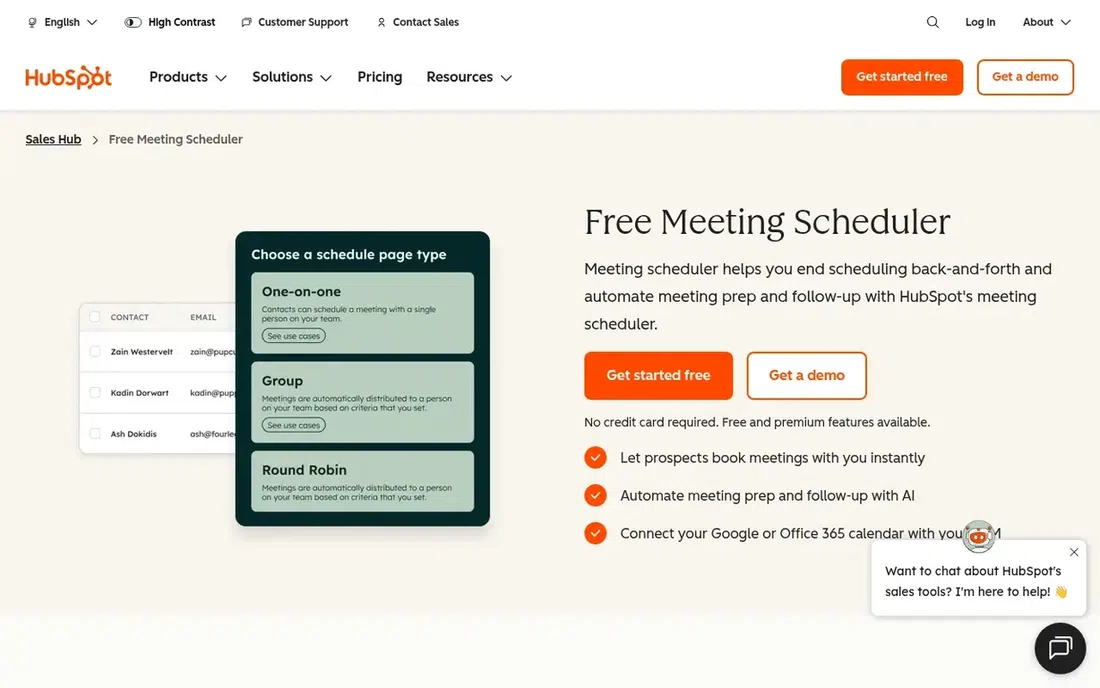
In short, HubSpot Meetings is for teams already working in HubSpot. Clients get a straightforward booking page, and managers keep meeting activity near the account context. More specifically, as a scheduling component, it is less deep than dedicated scheduling products when used on its own.
Drawbacks to consider: Less standalone depth than dedicated schedulers.
In daily use, HubSpot Meetings is a meeting scheduler from HubSpot that lets you book meetings quick, presented as a free meeting scheduler on the product page. In practice, teams outside the HubSpot ecosystem may not gain much from it. Check the vendor site for HubSpot Meetings pricing; none is listed in this comparison. Free plan details: Not stated.
- Books meetings in seconds
- Suits a connected sales product
- Most value includes the wider system
Chili Piper
Best for: Routing inbound interest to the right rep

Chili Piper makes the most sense for routing inbound interest to the right rep. Customer success teams that deal with inbound requests alongside sales will find the routing and automatic booking handy when a client needs the correct owner rapidly. For everyday use, Chili Piper describes itself as agentic marketing software that turns traffic into pipeline.
Where Chili Piper stands out: Routes prospects to the right rep.
Its agents recognize every visitor, answer their questions, route them to the right rep, book the meeting and follow up if the visitor leaves. If your priority is a plain scheduling page with calendar overlays, a more straightforward scheduler is a better fit. Also, the product is framed around marketing and pipeline generation, so a success team that primarily books routine check-ins may find it indirect. Confirm how routing rules would map to your success coverage model. Chili Piper starts at: $12 per user per month. On free options: Not stated. Watch-outs: Heavier than a straightforward booking link.
- Recognizes visitors and answers questions
- Books the meeting and follows up
- Built around marketing pipeline
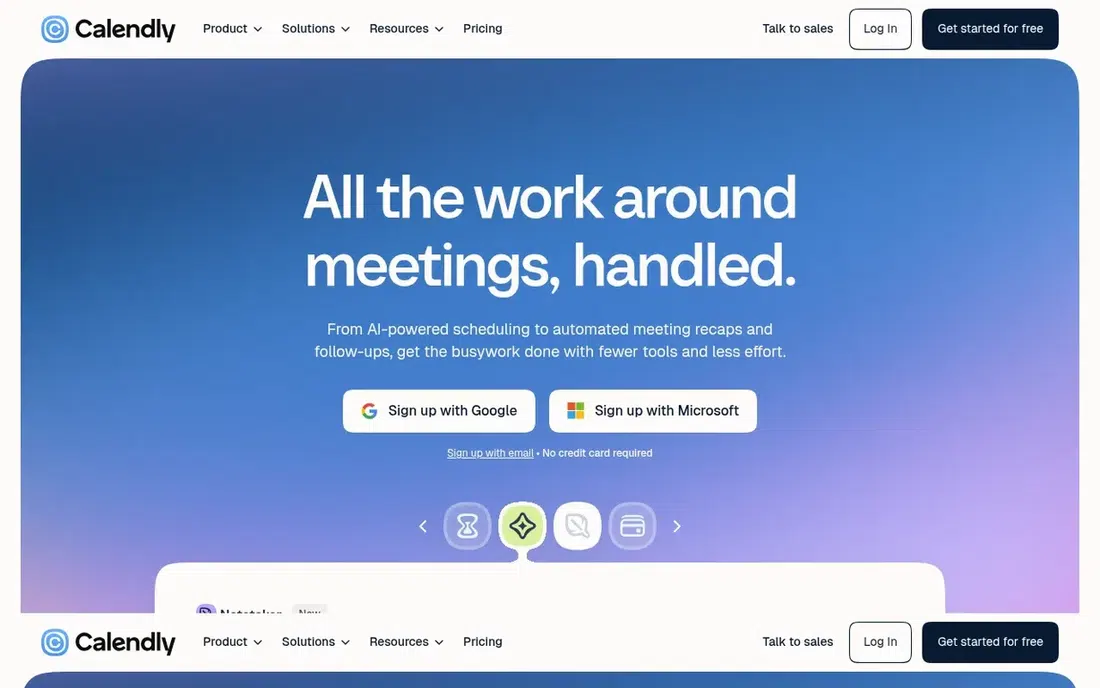
Pick Calendly if this describes you: all-in-one client meeting workflow. Check which capabilities your team will actually use before standardizing on it.
Teams that need visitor recognition and automatic rep routing should look at a demand-focused choice instead. The starting price for Calendly: $10 per seat per month. Calendly includes a free tier.
Where it falls short: Wide feature set can feel busy.
- Payments and meeting prep
- Bundles notetaking and contact management
- Advanced routing needs other tools
What went into this list
We compared the tools on published pricing, free plan or trial availability, feature coverage for meeting scheduling tool for customer success, and the limits each vendor documents. Treat prices as a snapshot: vendors change plans often, so check the vendor site for the figure that applies today. Tools are placed by general fit for meeting scheduling tool for customer success, with price clarity and free access as tie-breakers. A different team can reasonably rank them differently.
Things to verify first
- Ask Microsoft Bookings and HubSpot Meetings for a written quote, since no starting price is shown.
- Read the fine print on the free plans from Cal.com and Calendly; seat, project and feature caps differ.
- Read the limits listed for Microsoft Bookings first: tied to the Microsoft 365 environment.
- Test the integrations you rely on with Chili Piper before committing; some connectors sit on upper tiers.
- Ask Calendly which support channels and response times come with the plan you would buy.
FAQ
Which options for meeting scheduling tool for customer success have a free plan?
On this list, Cal.com and Calendly include a free plan. Caps on seats, usage or features are common, so test the free plan against your real workload.
Do these tools publish their prices?
Not all of them. Microsoft Bookings and HubSpot Meetings publish no starting price, so expect a quote request for those. The rest, Cal.com included, show a starting price, though seats and billing terms still change the final cost.
How are the tools for meeting scheduling tool for customer success ordered?
The order follows typical fit for meeting scheduling tool for customer success, with Microsoft Bookings first and Calendly last, then price clarity and free access. It is editorial judgement, not a score, so another team could rank the tools differently.
What should I check before rolling out a scheduler?
Test the client-facing booking flow, confirm how meetings sync to your records, and verify routing rules for shared accounts. More specifically, a short pilot with a few success managers surfaces most issues early.
Is Microsoft Bookings the right pick for everyone comparing meeting scheduling tool for customer success?
No single tool suits every team. Microsoft Bookings comes first because it fits Microsoft 365 organizations, while Cal.com suits flexible open scheduling for bookings and HubSpot Meetings suits teams already working in HubSpot. Match the tool to your own size, budget and workflow before deciding.
Which scheduling tool is a good match for a customer success team?
Microsoft Bookings is the pick this page puts first, mainly for Microsoft 365 organizations. If your situation differs, Cal.com suits adaptable open scheduling for bookings, and HubSpot Meetings suits teams already working in HubSpot. Compare price and limits before you decide.
Sources
- https://www.microsoft.com/en-us/microsoft-365/business/scheduling-and-booking-app
- https://cal.com
- https://www.hubspot.com/products/sales/schedule-meeting
- https://www.chilipiper.com
- https://calendly.com