Best Customer Success Software for Freelancers (2026): 6 Picks Checked on Vendor Pages
Best customer success software for freelancers in 2026: 6 contenders with entry costs and free tiers. Prices and drawbacks included. Quick comparison inside.
- Editor's choice
 LiveAgent
Small teams wanting one inbox for all channels
Starts at$11 per agent a monthVisit liveagent.comFull review - Great alternative
 Help Scout
Customer-first freelancers wanting easy-to-learn support
Starts at$25 per user a monthVisit helpscout.comFull review - Also consider
 Zoho Desk
Freelancers wanting a unified AI help desk
Starts atSee websiteVisit zoho.comFull review
Direct answer
LiveAgent comes first here, mainly for small teams wanting one inbox for all channels. Listed starting prices: LiveAgent from $11 per agent a month, Help Scout from $25 per user a month and Crisp from $45 per month per workspace. Help Scout is better for customer-first freelancers wanting easy-to-learn support, and Zoho Desk is better for freelancers wanting a unified AI help desk. The other 3 tools in the list cover narrower or pricier cases.
TL;DR:
- LiveAgent sits first on this list: small teams wanting one inbox for all channels.
- Groove fits freelancers wanting AI-native support automation.
- One limit worth knowing about Zoho Desk: feature depth may exceed solo needs.
- Help Scout stands alone as the one tool in this list with a free plan.
Last checked November 2026. Prices and plan details were read from the vendors' own pages in November 2026; vendors change plans often, so confirm the current price on the vendor site before you buy.
Quick comparison
| Tool | Best for | Starts at | Free plan? | |
|---|---|---|---|---|
| LiveAgent | Small teams wanting one inbox for all channels | $11 per agent a month | Free trial | Visit |
| Help Scout | Customer-first freelancers wanting easy-to-learn support | $25 per user a month | Yes | Visit |
| Zoho Desk | Freelancers wanting a unified AI help desk | See website | Not stated | Visit |
 Crisp | Chat-first freelancers handling client conversations | $45 per month per workspace | Free trial | Visit |
 HubSpot Service Hub | Expanding freelance practices needing an AI service system | See website | Not stated | Visit |
| Groove | Freelancers wanting AI-native support automation | $99 a month | Free trial | Visit |
Our 6 customer success software for freelancers
If you are comparing customer success software for freelancers, this page covers 6 tools in one place: what each is best for, what it costs to start, whether it has a free plan, and the main limit to know about.
LiveAgent was built for small teams wanting one inbox for all channels. LiveAgent is help desk software targeted at small teams, bringing email, live chat, phone and social media into one inbox with AI agents.
Freelancers who receive client requests across multiple channels can consolidate them and respond from a single place. Consider LiveAgent when multi-channel coverage in one inbox is the priority and you are ready to set each channel up properly. What you pay to start with LiveAgent: $11 per agent per month. Free options: Free trial.
Trade-offs to know: Channel breadth may be excessive for solo work.
- Phone and social in one inbox
- AI agents included
- Initial channel setup required
Help Scout is built with customer-first freelancers wanting easy-to-learn support in mind. Help Scout describes itself as an AI-driven support product for customer-first brands, emphasizing capable and easy-to-learn features. As for the details, freelancers who treat client communication as a core part of their service can use it to keep conversations personal whereas still benefiting from automation.
Worth adding: the system is framed around brands and support teams. So a freelancer working alone may find parts of it broader than necessary. On top of that, very high-volume ticketing operations are not its primary focus. On cost, Help Scout starts like this: $25 per user per month. Help Scout offers a free plan.
Points against: May be more than a solo practice needs.
- Targeted at customer-first brands
- AI-driven support product
- Less suited to heavy ticketing operations
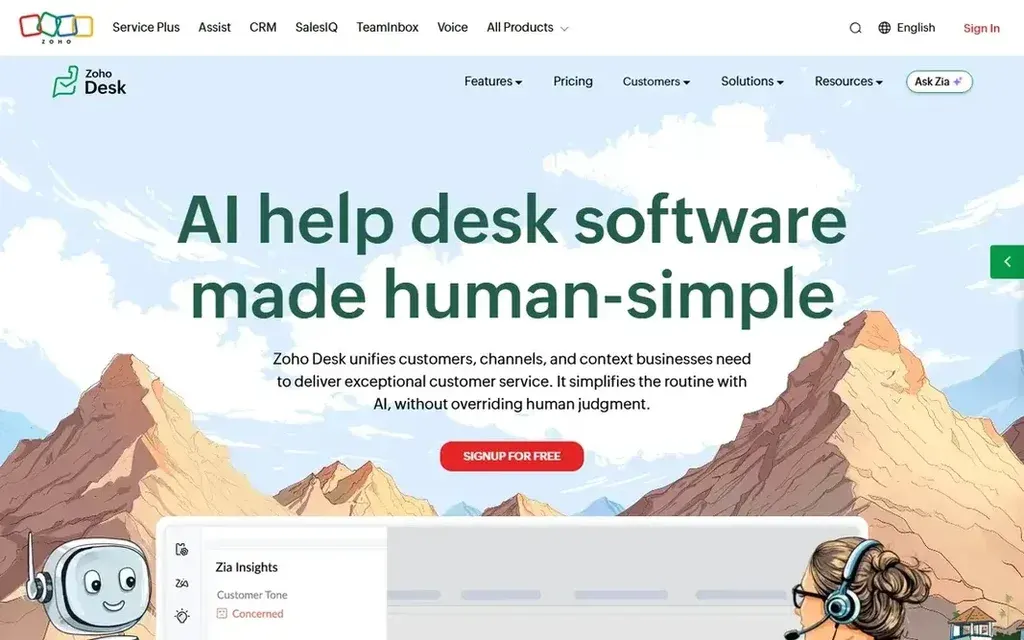
Zoho Desk is designed for freelancers wanting a unified AI help desk. Zoho Desk is a unified help desk system built around smooth collaboration between AI and human agents, with the stated goal of delivering support at scale.
Watch-outs: Needs setup to match your workflow.
The system is pitched at firms of every size, which means plenty of settings to work through before it feels tailored to a one-person operation. Check the vendor site for Zoho Desk pricing; none is listed in this comparison. On free options: Not stated.
- AI and human collaboration focus
- Aimed at every business size
- Feature depth may exceed solo needs
Pick Crisp if this describes you: chat-first freelancers handling client conversations. Crisp is an all-in-one AI-powered multichannel messaging product that helps firms link instantly with customers or leads waiting for support.
As for the details, freelancers whose client contact happens mostly through chat can centralize those conversations and add automation as volume grows. In daily use, the vendor notes a rapidly evolving tool set, so features can change over time. Entry price for Crisp: $45 per month per workspace. Free options: Free trial.
Where it falls short: Tool set is still evolving.
- AI-powered support features
- Made for instant customer connection
- Messaging focus may limit desk-style workflows
HubSpot Service Hub
Best for: Expanding freelance practices needing an AI service system
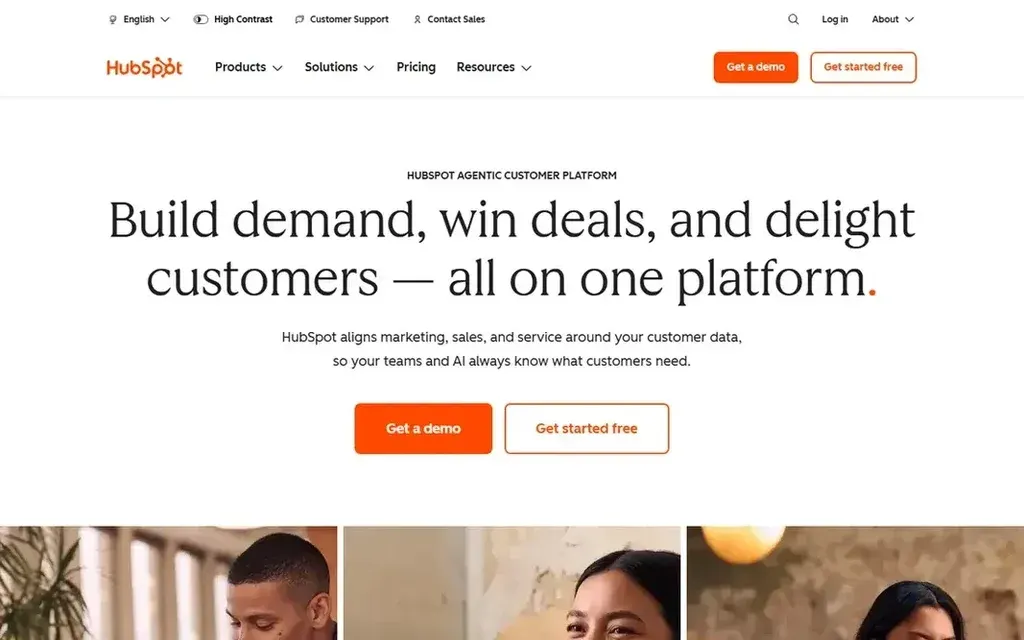
HubSpot Service Hub was built for expanding freelance practices needing an AI service system. For freelancers, the appeal is having support tooling that can expand alongside a client base instead of being replaced when work picks up.
From a buyer's view, configuration also takes some effort before it runs smoothly. Check the vendor site for HubSpot Service Hub pricing; none is listed in this comparison. As for free access: Not stated.
Where it is weaker: Setup can take time to configure.
- Designed for expanding teams
- Part of a broader customer product
- Product breadth may overwhelm solo users
Groove
Best for: Freelancers wanting AI-native support automation
Choose Groove for freelancers wanting AI-native support automation. The full feature scope can also exceed what a solo practice uses.
Points against: AI-first design may need adjustment.
In practice, an AI-first design means trusting automated agents with parts of client communication, which not every freelancer will want at once. Groove is presented as an AI-native customer support product, with AI agents that investigate, resolve and act, alongside the support features users expect from established help desks. The starting price for Groove: $99 per month. Trial and free access: Free trial.
- AI agents that investigate and resolve
- AI-native support system
- Feature scope can exceed solo needs
Selection criteria
Selection started from tools commonly considered for customer success software for freelancers, then narrowed to 6 that have clear pricing information or a clear quote process. Plan names, prices and limits change often. Treat the figures here as a starting point and verify them with the vendor. Position on the page reflects fit for a typical buyer first, with price clarity and free access breaking ties. Treat it as a guide, not a ruling.
What to check before you buy
- Ask Zoho Desk and HubSpot Service Hub for a written quote, since no starting price is shown.
- Look at the free plan from Help Scout closely: its caps decide whether it is usable for real work.
- Take the trial from LiveAgent, Crisp and Groove and push a live task through it before you pay.
- Before choosing LiveAgent, weigh its main limit: channel breadth may be excessive for solo work.
- Confirm minimum seats and billing terms with HubSpot Service Hub before you commit to an annual plan.
- Check whether the features you need in Crisp sit on the entry plan or only on higher tiers.
FAQ
What role does AI play in these customer success tools?
Most of the tools listed emphasize AI for automating routine replies, assisting with responses or resolving typical questions. As for the details, the depth varies, so review how each vendor describes its AI features and whether you can keep human oversight where it matters.
How are the tools for customer success software for freelancers ordered?
The order follows typical fit for customer success software for freelancers, with LiveAgent first and Groove last, then price clarity and free access. It is editorial judgement, not a score, so another team could rank the tools differently.
Which options for customer success software for freelancers have a free plan?
Help Scout is the only tool in this list with a free plan. Free plans usually cap users, projects or features, so check the limits on the vendor page. Several others offer a trial instead.
Is LiveAgent the right pick for everyone comparing customer success software for freelancers?
No single tool suits every team. LiveAgent comes first because it fits small teams wanting one inbox for all channels, while Help Scout suits customer-first freelancers wanting intuitive support and Zoho Desk suits freelancers wanting a unified AI help desk. Match the tool to your own size, budget and workflow before deciding.
Do these tools publish their prices?
Not all of them. Zoho Desk and HubSpot Service Hub publish no starting price, so expect a quote request for those. The rest, LiveAgent included, show a starting price, though seats and billing terms still change the final cost.
Sources
- https://www.liveagent.com
- https://www.helpscout.com
- https://www.zoho.com/desk
- https://crisp.chat
- https://www.hubspot.com/products/service
- https://www.groovehq.com