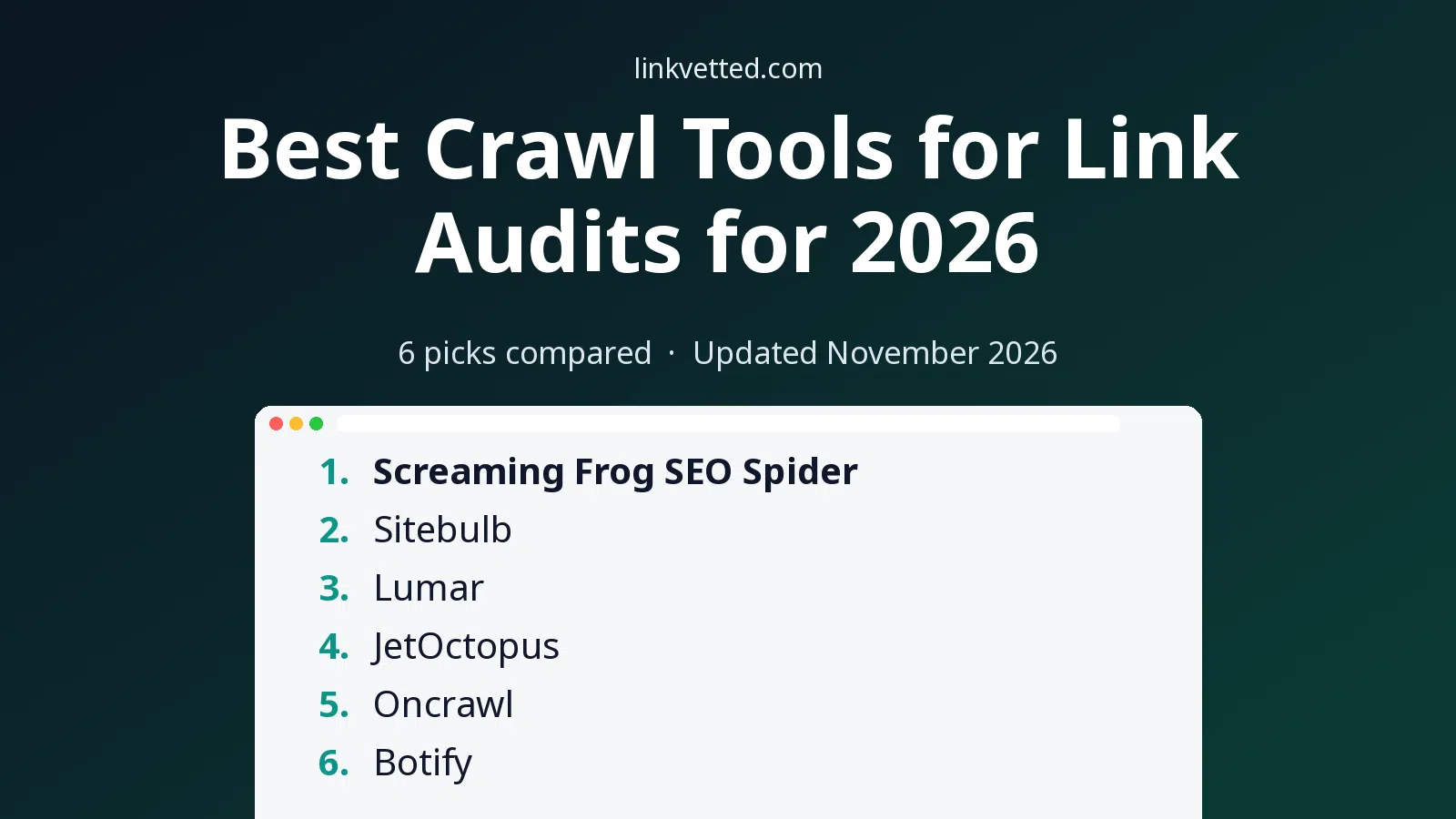
Best Crawl Tools for Link Audits for 2026: Our 6 Vetted Picks
A practical guide to the best crawl tools for link audits in 2026, covering what each crawler does, its limits and how to pick one for your workflow.
- Editor's choice
 Screaming Frog SEO Spider
Hands-on technical link audits
Starts atSee websiteVisit screamingfrog.co.ukFull review - Great alternative
 Sitebulb
Visual crawl reporting for clients
Starts atSee websiteVisit sitebulb.comFull review - Also consider
 Lumar
Scheduled cloud crawling at scale
Starts atSee websiteVisit lumar.ioFull review
Direct answer
My top pick is Screaming Frog SEO Spider, because its crawler exports internal and external link data in a form you can filter and reconcile quickly. For larger sites or teams that want cloud crawling, Sitebulb and DeepCrawl (now Lumar) are the other two I would look at first. Screaming Frog suits hands-on audits, Sitebulb suits visual reporting, and Lumar suits scheduled crawling at scale. I based this on vendor documentation and public sources, not hands-on testing.
TL;DR:
- A link audit needs a crawler that exports both internal and external links, not just page titles and status codes.
- Desktop crawlers such as Screaming Frog are cheap to start but depend on your machine and crawl limits.
- Cloud crawlers such as Lumar run on a schedule and suit large sites where a desktop crawl would take too long.
- Crawl data only shows what the crawler finds; you still need a separate backlink source to audit links pointing in from other sites.
- Check export formats and API access before you commit, because link audits usually end in a spreadsheet or a database.
Last checked November 2026. Plan prices are not quoted in this guide because they change often; see each vendor's own pricing page for current figures before you buy.
Quick comparison
| Tool | Best for | Starts at | Free plan? | |
|---|---|---|---|---|
| Screaming Frog SEO Spider | Hands-on technical link audits | See website | Free plan | Visit |
| Sitebulb | Visual crawl reporting for clients | See website | Free trial | Visit |
| Lumar | Scheduled cloud crawling at scale | See website | Not stated | Visit |
| JetOctopus | Fast cloud crawls with log analysis | See website | Free trial | Visit |
| Oncrawl | Data-heavy SEO and link analysis | See website | Free trial | Visit |
 Botify | Enterprise sites with complex link structures | See website | Not stated | Visit |
The best crawl tools for link audits compared
I compared these tools from vendor documentation and public sources, looking at what each crawler exports, how it handles link data and where it stops being a good fit. I did not run hands-on tests, so treat this as a starting shortlist to check against your own site rather than a lab result.
Screaming Frog SEO Spider is a desktop crawler that sits on your laptop or desktop and crawls a site the way a browser would. It is the tool I reach for first on a link audit because the link exports are granular: you get every internal link, every external link, anchor text and the status of the target. For a small agency, it covers most audits without a subscription to a cloud platform.
For link audits specifically, the workflow is to crawl the site, then filter the external link report to see which outbound links are broken, redirected or pointed at pages you did not intend to link to. The internal link report shows orphan pages and pages with too few inbound internal links. You can export both to CSV and reconcile them against a backlink source.
The limits are practical. Very large sites can take a long time to crawl on a laptop, and the free version caps how much you can crawl. If you audit sites with hundreds of thousands of URLs regularly, a cloud crawler will save you time.
- Exports internal and external links in detail
- runs on your own machine
- strong filtering and custom extraction
- Desktop-bound for large crawls
- interface takes time to learn
Sitebulb is a desktop crawler with a strong reporting layer. It turns crawl data into visual reports that are easier to walk a client through than a raw spreadsheet. If you send audit summaries to clients, that presentation layer matters as much as the crawl itself.
On link audits, Sitebulb highlights internal linking issues, broken links and redirect chains in a way that is easy to filter. You can export the link data and use its hints to prioritise fixes. It also handles JavaScript rendering, which matters on sites where links are added by scripts.
The main limit is ecosystem size. There are fewer integrations and community guides than with Screaming Frog, so if you rely on a specific plugin or workflow, check compatibility first. Teams that only need raw exports may find the reporting layer more than they need.
- Clear visual reports
- good link and redirect analysis
- desktop app with cloud options
- Fewer third-party integrations
- smaller user community
Lumar, formerly DeepCrawl, is a cloud crawler built for sites that are too large or too complex to crawl reliably from a laptop. Crawls run on Lumar's infrastructure and can be scheduled, so you get regular snapshots of link health without tying up your machine.
For link audits, Lumar's value is consistency. You can set a crawl to run weekly and compare link data between runs, which helps you spot new broken links or redirects as they appear. Its reports cover internal linking, redirects and canonical signals, all of which feed a link audit.
The trade-off is setup effort. Lumar is built for organisations with dedicated SEO resource, and smaller teams may find the configuration and cost harder to justify. If you audit one small site occasionally, a desktop tool is simpler.
- Cloud-based, so no local machine limits
- scheduled crawls
- handles very large sites
- Heavier setup
- aimed at larger organisations
JetOctopus
Best for: Fast cloud crawls with log analysis
JetOctopus is a cloud crawler that pairs site crawling with log file analysis. That combination is useful in a link audit because crawl data shows what links exist on the page, while logs show which of those links search engines actually fetch.
For link work, JetOctopus lets you filter internal and external links, check redirects and see crawl behaviour over time. Because it runs in the cloud, you can crawl large sites without waiting on a local machine, and you can schedule crawls to keep link data current.
The limit is familiarity. JetOctopus is less common in small agency workflows, so there are fewer tutorials and community answers when something goes wrong. Teams that want a simple desktop crawl may find it more tool than they need.
- Fast crawler
- combines crawl data with log analysis
- handles large sites
- Less familiar to smaller teams
- interface has a learning curve
Oncrawl
Best for: Data-heavy SEO and link analysis
Oncrawl is a cloud SEO platform with a crawler at its core. It is built for teams that want to combine crawl data with analytics, logs and other sources, then segment the results. For a link audit, that means you can isolate link issues by template, section or traffic level rather than reading one long list.
Its link features cover internal linking, redirects and broken links, and the segmentation is the part that stands out. You can ask which sections of the site have the most broken outbound links, or which templates produce the most redirect chains, and get an answer without exporting everything.
The limit is the learning curve. Oncrawl rewards teams that invest time in configuration, and smaller sites may not generate enough data to justify it. If you want a quick crawl and a CSV, a desktop tool is faster to start.
- Deep crawl data
- strong segmentation and filtering
- combines with other data sources
- Configuration takes time
- better suited to technical teams
Botify is an enterprise SEO platform built around crawling very large sites and combining crawl data with log files and analytics. It is aimed at organisations where the site is too big for desktop tools and the link structure changes constantly.
In a link audit, Botify helps by showing how search engines crawl the site and which links they follow, then letting you segment that data by page group. That is useful when you need to explain link issues to stakeholders across a large organisation.
The limit is fit. Botify is not designed for small sites or one-off audits, and the onboarding process assumes a team with technical resource. Smaller agencies and solo consultants should look at desktop tools first.
- Built for very large sites
- combines crawl and log data
- strong reporting
- Enterprise focus
- onboarding takes effort
How I chose
I built this list from vendor documentation and public sources: product pages, help centres, feature lists and published guides. I looked at what each crawler exports for links, whether it runs on a desktop or in the cloud, how it handles large sites and what kind of team it is built for. I did not run hands-on tests, so I am describing documented capability rather than measured performance.
The second filter was fit. A tool that is excellent for an enterprise site can be the wrong choice for a small agency auditing a few hundred pages, and the reverse is also true. I weighed setup effort, export options and the kind of link data each tool surfaces, then grouped them by the job they do best. Where a vendor does not publish a free plan, I have said so rather than guessing.
What to check before you buy
- Confirm the crawler exports both internal and external links with anchor text and target status, since a link audit needs both sides.
- Check whether the tool runs on your desktop or in the cloud, and whether crawl size limits fit the largest site you audit.
- Look at export formats: CSV, API access and scheduled exports matter if link data feeds a spreadsheet or database.
- Ask how the tool handles JavaScript-rendered links, because links added by scripts may not appear in a basic crawl.
- Check whether crawl data can be combined with log files or analytics, which helps you see which links are actually fetched.
- Confirm the free plan or trial limits before you commit, and test on one real site rather than a demo.
FAQ
What is a crawl tool in a link audit?
A crawl tool fetches pages on a site and records the links it finds, including internal links between pages and external links pointing out. In a link audit, that data helps you find broken links, redirect chains, orphan pages and pages with weak internal linking. It does not replace a backlink tool, which shows links pointing in from other sites.
Do I need a cloud crawler or a desktop crawler?
It depends on site size and how often you audit. A desktop crawler such as Screaming Frog or Sitebulb is enough for small and mid-sized sites and gives you direct control over the crawl. A cloud crawler such as Lumar, JetOctopus, Oncrawl or Botify suits very large sites, scheduled audits and teams that cannot tie up a local machine.
Can a crawl tool audit backlinks from other sites?
Not fully. A crawler sees links on pages it fetches, so it can confirm outbound links and internal links, but it does not maintain an index of links pointing in from other domains. For that side of a link audit you need a separate backlink data source, then you can reconcile its export against your crawl data.
How often should I run a link audit crawl?
For most sites, a monthly crawl is enough to catch new broken links and redirects. Sites that publish often or change templates regularly may benefit from weekly crawls, especially if a cloud tool can schedule them. The key is to compare runs so you can see what changed rather than reading a fresh report each time.
What should I check first in crawl link data?
Start with broken internal links and redirect chains, because they affect how link equity moves through the site. Then look at orphan pages and pages with very few internal links. External link checks come next: broken outbound links, links to redirected pages and links you did not intend to place.
Sources
- https://www.screamingfrog.co.uk/seo-spider/
- https://sitebulb.com/
- https://www.lumar.io/
- https://jetoctopus.com/
- https://www.oncrawl.com/
- https://www.botify.com/