6 Best Cold Email Tools for Link Building for 2026, Vetted and Compared
A practical guide to the best cold email tools for link building in 2026, compared from vendor documentation and public sources, with limits and fit notes.
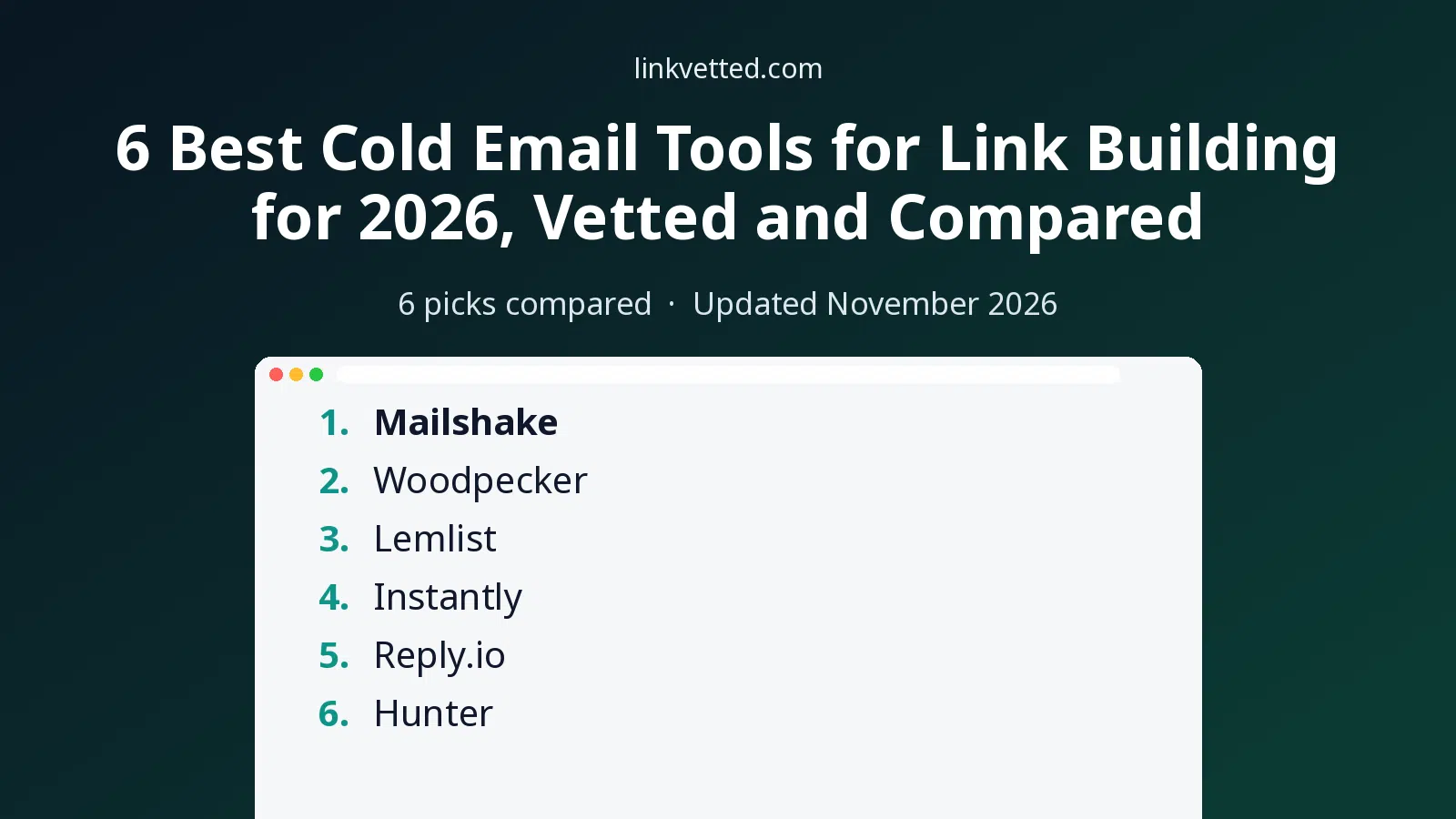
- Editor's choice
 Mailshake
Simple tracked outreach sequences
Starts atSee websiteVisit mailshake.comFull review - Great alternative
 Woodpecker
Shared outreach across several senders
Starts atSee websiteVisit woodpecker.coFull review - Also consider
 Lemlist
Multi-step campaigns with personalisation
Starts atSee websiteVisit lemlist.comFull review
Direct answer
My first pick is Mailshake, because it is built around sending tracked outreach sequences and managing replies, which is close to how link building actually works. For teams that want a shared inbox for multiple link builders, I would look at Woodpecker. If you already run Google Workspace and want sending plus inbox in one place, Instantly and Lemlist are worth reviewing. I compared these from vendor documentation and public sources, not hands-on tests.
TL;DR:
- A cold email tool only helps link building if it keeps replies organised, because link building is a conversation, not a one-way blast.
- Deliverability features such as custom tracking domains and sending limits matter more than template libraries for outreach.
- Most tools now offer a free trial or a limited free plan, but you should confirm current terms on the vendor site before you commit.
- Connecting your own mailbox is standard, so check how each tool handles multiple senders and shared team inboxes.
- No tool guarantees links; the tool supports your process, and the quality of your prospect list still decides the outcome.
Last checked November 2026. Plan prices are not quoted in this guide because they change often; see each vendor's own pricing page for current figures before you buy.
Quick comparison
| Tool | Best for | Starts at | Free plan? | |
|---|---|---|---|---|
| Mailshake | Simple tracked outreach sequences | See website | Free trial | Visit |
| Woodpecker | Shared outreach across several senders | See website | Free trial | Visit |
| Lemlist | Multi-step campaigns with personalisation | See website | Free trial | Visit |
 Instantly | Sending from Google Workspace mailboxes | See website | Free trial | Visit |
 Reply.io | Outreach with follow-up automation | See website | Free trial | Visit |
 Hunter | Finding contacts before you send | See website | Free plan | Visit |
The best cold email tools for link building compared
I put this comparison together from vendor documentation and public sources, and I did not run hands-on tests of each tool. My aim is to help you shortlist tools that fit a link building workflow, where you research a site, find a contact, send a short pitch and then manage the reply. I have noted where each tool is stronger or weaker for that job.
Mailshake is a cold outreach tool centred on email sequences, templates and reply management. It fits a solo link builder or a small agency that wants one place to run a pitch, follow up and see who replied. The interface is built around campaigns, so you can keep a link building push separate from other outreach.
For link building, the useful part is the sequence and reply view. You add prospects, write a short pitch, set follow-ups and then work through replies in one list. Because it sends from your connected mailbox, the reply lands where you expect it. That keeps the back-and-forth of a link request in one thread rather than scattered across inboxes.
The limit is that Mailshake does not find prospects for you, and the defaults lean toward sales outreach. If you want a tool that also builds your prospect list, you will need a separate research step. Skip it if you need heavy CRM features inside the same tool.
- Clear sequence builder
- reply tracking
- mailbox connection with your own address
- Sales-oriented defaults
- limited native prospect sourcing
Woodpecker is a cold email platform aimed at teams that send from several mailboxes. It handles sequences, follow-ups and reply detection, and it is designed so more than one person can work the same campaign. That suits an agency where several link builders pitch different niches.
In a link building workflow, the multi-sender setup is the main draw. You can spread sending across mailboxes and keep replies visible to the team. Campaign views help you see which pitches are still running and which have replies waiting. It is a reasonable fit when outreach volume is shared rather than owned by one person.
The drawback is complexity. A solo link builder will spend time on settings that a single mailbox does not need. If you send a small number of pitches each week, a lighter tool is easier to manage.
- Multiple connected mailboxes
- team-friendly campaign view
- follow-up automation
- Setup takes time
- more than a solo user needs
Lemlist is an outreach platform for multi-step campaigns that can include email and other steps. It supports personalisation fields, so a pitch can reference the prospect's site or a recent article. It is used by agencies that run structured campaigns across several client niches.
For link building, the personalisation and step logic are the practical parts. You can build a sequence that opens with a specific reference, follows up after a set delay and stops when someone replies. Reporting helps you see which step gets replies, which is useful when you refine a pitch. It suits a team that sends regularly and wants a repeatable process.
The trade-off is that the feature set is wide, and learning it takes time. If you only send a handful of pitches a month, the setup cost outweighs the benefit. Check the current plan limits on the vendor site before you decide.
- Personalisation fields in sequences
- multi-channel steps
- campaign reporting
- Broad feature set takes learning
- overkill for occasional sending
Instantly is a cold email tool built around connecting mailboxes and running campaigns, with a unified inbox for replies. It is often used by teams that already run Google Workspace and want to send from several addresses without adding another system.
For link building, the unified inbox is the useful piece. Replies from different mailboxes land in one place, so you can work through them in a single pass. Warm-up features are relevant if you are adding a new sending address. Campaign setup is straightforward for a short pitch and a follow-up.
The limit is depth. Contact records are lighter than a full CRM, so if you track long relationships with editors and writers, you may want a separate record system. It fits teams that want sending and replies handled cleanly, not a full outreach database.
- Connects multiple Google mailboxes
- warm-up features
- unified inbox
- Contact records are lighter
- less suited to complex CRM needs
Reply.io is an outreach platform for sequences, follow-ups and reply handling. It is built for sales-style outreach but the mechanics apply to link building: add contacts, run a sequence, stop on reply and track outcomes.
In a link building process, the sequence automation saves time on follow-ups. You can set a short first pitch, then a reminder, and let the tool stop sending once someone responds. Contact and campaign views help you keep prospects organised by site or niche. It works best when you have a defined pitch and a clean list.
The drawback is that plan tiers and features need careful reading to match your needs. Setup also takes thought, because the defaults are sales-oriented. If you want something you can run in an afternoon, this is more tool than you need.
- Sequence automation
- reply detection
- contact and campaign views
- Plan tiers need careful reading
- setup for link building takes thought
Hunter is mainly an email finding and verification tool. You give it a domain and it returns public email addresses associated with that site, which is the research step before a link pitch. It also offers limited sending features, but its core job is finding contacts.
For link building, Hunter fits the front of the workflow. You identify the site, find a relevant contact and verify the address before you add it to your sending tool. That reduces wasted sends to dead addresses. Many teams pair it with a separate outreach tool rather than using it alone.
The limit is that sending is secondary here. If you want sequences, reply management and reporting in one place, Hunter is not that tool. It fits teams that already have a sending platform and need better contact data.
- Email finding by domain
- verification
- works alongside a sending tool
- Sending is secondary
- not a full outreach platform
How I chose
I chose these tools by reading vendor documentation and public sources, then checking how each one fits a link building workflow. The key questions were simple: can you connect your own mailbox, can you run a short sequence with follow-ups, and can you see and manage replies in one place? I also looked at whether the tool finds contacts or expects you to bring your own list, because that changes how much extra work you need.
I did not run hands-on tests, and I have not measured deliverability or reply rates for any of these tools. Instead I noted the limits each vendor documents and where a tool is clearly built for sales rather than outreach. I left out tools where the public information was thin or where the fit with link building was unclear. Treat this as a shortlist to check against your own process, not a ranking.
What to check before you buy
- Confirm the tool sends from your own mailbox, so replies arrive in a thread you already monitor.
- Check how replies are handled: a unified inbox or a clear reply view saves time when several pitches are running.
- Look at whether you can connect several senders if more than one person does outreach.
- Read the plan limits on contacts and sends, because link building lists grow as you add prospects.
- Check whether the tool finds contacts or expects you to bring a verified list from elsewhere.
- Review the vendor's own documentation on sending limits and warm-up before you add a new address.
FAQ
Do I need a cold email tool for link building?
No, but it helps once you send more than a handful of pitches a week. A tool keeps sequences, follow-ups and replies in one place, so you do not lose track of who replied. For very low volume, a normal inbox and a spreadsheet can work. The tool becomes useful when volume and follow-ups start to slip.
Can these tools find the right contact for a link pitch?
Some can, but not all. Hunter is built around finding and verifying contacts by domain, while the sending tools mostly expect you to bring a list. A common setup is to find contacts in one tool and send from another. Check each vendor's documentation to see what is included in the plan you are considering.
How do I keep replies organised across several mailboxes?
Look for a unified inbox or a shared reply view. Tools such as Instantly and Woodpecker are built with multiple senders in mind, so replies from different addresses can be worked in one place. Confirm how the tool handles reply detection and whether it stops a sequence when someone responds.
Will a cold email tool get my pitches delivered?
A tool can support good sending practice, but it cannot guarantee delivery. Connecting your own mailbox, keeping volume sensible and using the vendor's warm-up features all help. Beyond that, a relevant, short pitch to a contact who actually covers your topic matters more than the software. No tool promises links or placements.
Are the free plans enough for link building?
It depends on volume and features. Some tools offer a free trial, and Hunter has a free plan, but limits vary and change. For regular outreach you will likely need a paid plan. Check the current limits on each vendor's site before you rely on a free tier for a campaign.
Sources
- https://mailshake.com
- https://woodpecker.co
- https://lemlist.com
- https://instantly.ai
- https://reply.io
- https://hunter.io