Best Cold Email Software in 2026: 8 Products Compared
Compare the best cold email software in 2026 for outbound sales teams, with deliverability tools, inbox rotation, sequencing, and current monthly pricing.

- Editor's choice
 Instantly
High-volume solo senders
Starts at$47 per monthVisit instantly.aiFull review - Great alternative
 Smartlead
Agencies running many inboxes
Starts at$39 per monthVisit smartlead.aiFull review - Also consider
 Lemlist
Personalized multichannel outreach
Starts at$69 per monthVisit lemlist.comFull review
TL;DR:
- Instantly and Smartlead suit high-volume sending, while Lemlist suits teams that prize personalization and multichannel steps.
- Apollo is the best starting point if you still need a lead list, because it combines prospect data with sending.
- Deliverability features such as warmup, inbox rotation, and bounce handling matter more than template counts.
- Always check how billing works, by seats, by inboxes, or by contacts, because that decides your real monthly cost.
Quick comparison
| Tool | Best for | Starts at | Free plan? | |
|---|---|---|---|---|
| Instantly | High-volume solo senders | $47 per month | Free trial | Visit |
| Smartlead | Agencies running many inboxes | $39 per month | Free trial | Visit |
| Lemlist | Personalized multichannel outreach | $69 per month | Free trial | Visit |
 Apollo | Finding leads and sending in one tool | Free | Yes | Visit |
 Saleshandy | Budget teams needing lead data | $41 per month | Free trial | Visit |
 Woodpecker | Small teams sending carefully | $35 per month | Free trial | Visit |
 Reply | SDR teams using email and LinkedIn | $59 per month | Free trial | Visit |
 Mailshake | Sales teams wanting a simple sequencer | $58 per month | No | Visit |
The best cold email software
Cold email still works when lists are clean, sending is careful, and follow-ups are relevant. We compared tools on deliverability, sequencing, personalization, data, and pricing, with a focus on what small businesses and sales teams actually pay.
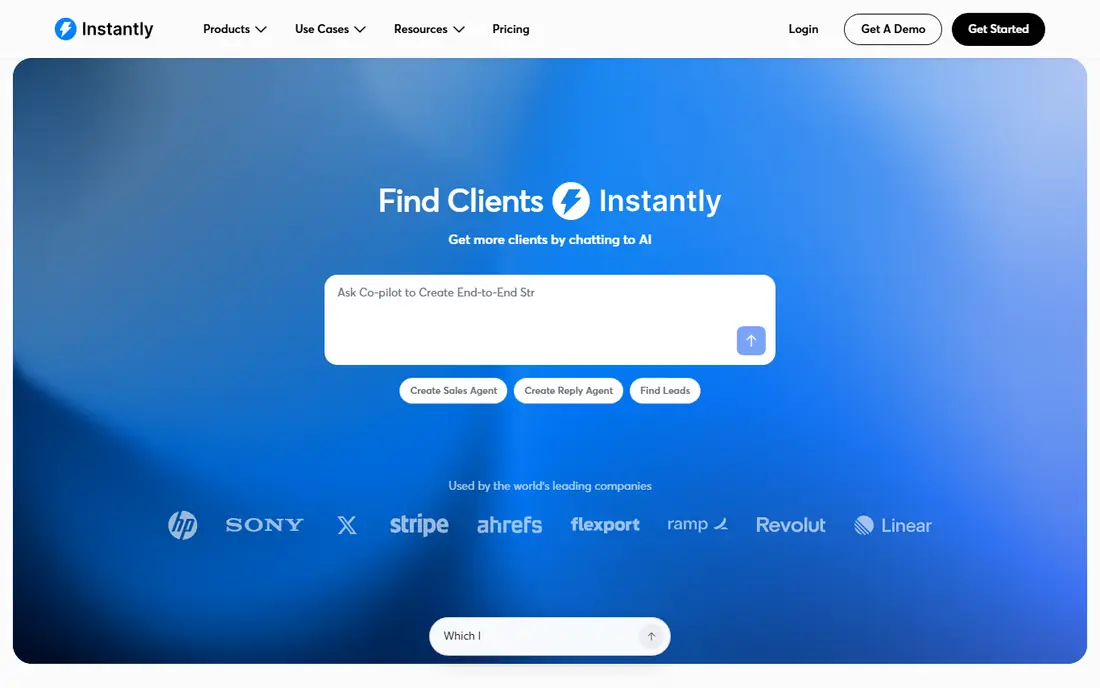
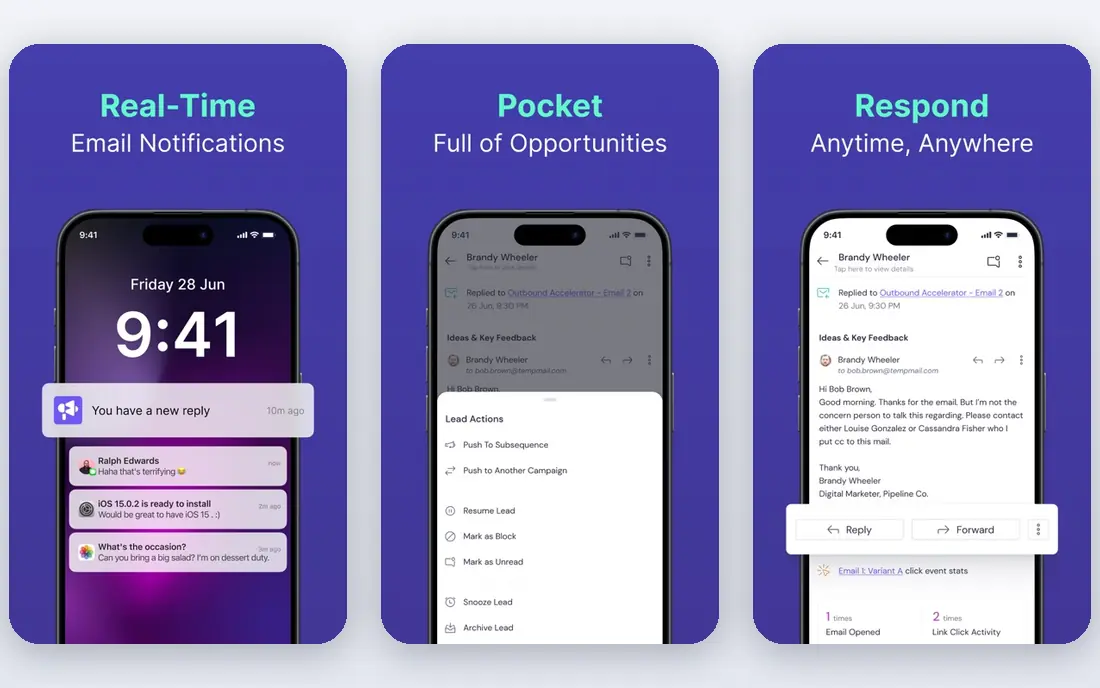
Instantly appeals to senders who want to scale without a steep learning curve. You can connect many inboxes, rotate sending across them, and warm up new domains from inside the same tool. That combination helps protect deliverability when volume grows. The gap is data. Instantly does not include its own prospect database, so you need a separate source for leads, and its lead and CRM add-ons add to the bill. If you already have clean lists and want a fast, volume-friendly sender, Instantly is a strong fit.
- Unlimited inboxes on paid plans
- Built-in warmup and rotation
- Simple setup for new senders
- No native lead database
- Add-ons for leads and CRM raise the total cost
Smartlead is built for scale. Agencies can manage many client inboxes, rotate sending, and monitor deliverability from one place, which is harder in tools designed for a single sender. Unlimited warmup on paid plans is a practical benefit for teams that add domains often. New senders may find it less welcoming than Instantly. Prospect data costs extra, and the settings reward teams that already understand domain warmup, bounce handling, and sending limits. For an agency or a team running serious volume, Smartlead offers infrastructure that simpler tools lack.
- Unlimited warmup and mailbox rotation
- Agency-friendly inbox management
- Strong deliverability controls
- Prospecting is an add-on rather than core
- Interface favors experienced outbound teams
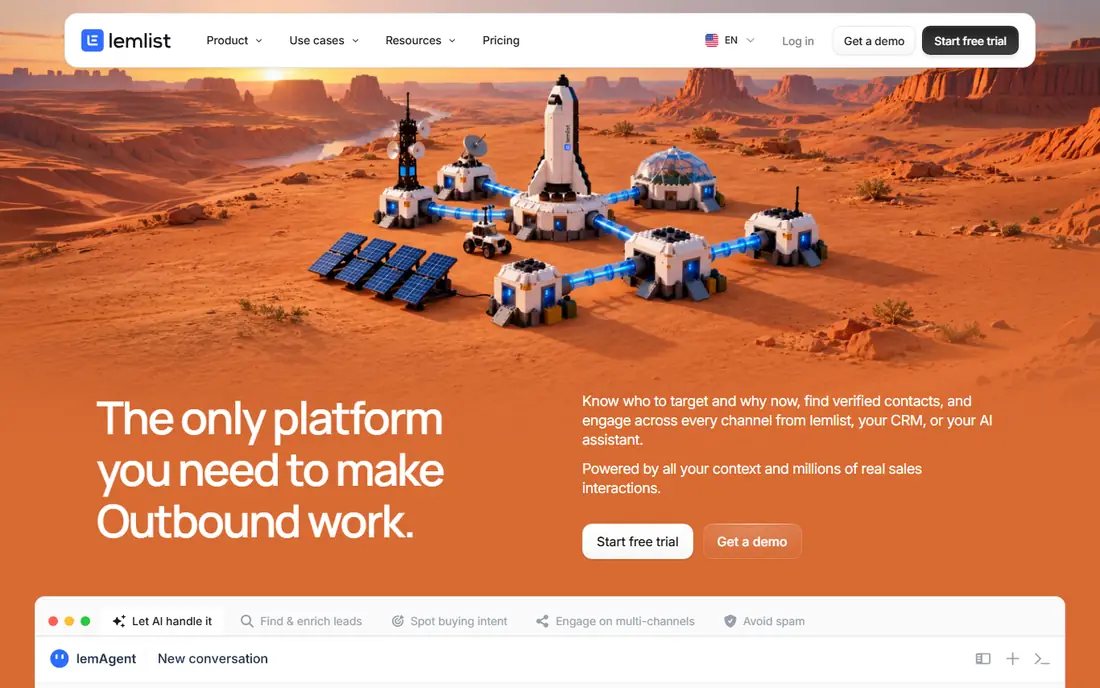
Lemlist wins on personalization. Dynamic images, custom landing pages, and tailored first lines help a message feel written for one person, not blasted to a list. Sequences can also include LinkedIn steps and calls, which suits teams that work a prospect across channels. That depth costs more per seat. At $69 per month on monthly billing, a team of five pays far more than on a flat-volume tool. If your edge is relevance to a smaller, higher-value list, Lemlist is worth the premium. If your edge is volume, Instantly or Smartlead will stretch further.
- Personalized images and videos
- LinkedIn and call steps in sequences
- Built-in warmup
- Per-user pricing adds up for larger teams
- Less cost-efficient for pure high-volume sending
Apollo solves the first problem many outbound teams face, which is finding anyone to email. Its database, filters, and enrichment tools let you build a list, then run sequences, calls, and LinkedIn tasks without exporting to another tool. A free plan makes it easy to test that flow. Accuracy is the honest catch. Contact data is stronger in some regions than others, so verify key prospects before a large send. Paid plans start at $49 per user per month billed yearly, with credits for data, so heavy data users should model that cost. If you need data and sending together, Apollo is the most complete starting point.
- Large prospect database with filters
- Sequences, dialer, and LinkedIn steps
- Free plan for testing
- Data accuracy varies outside the US
- Per-seat plus credit costs can grow
Saleshandy positions itself as a budget-friendly all-rounder. It combines sequences, warmup, inbox rotation, and a lead finder in one tool, which reduces the need for three separate subscriptions. Flat pricing by volume rather than per seat also helps small teams budget. The limits show in data depth. Verification can cost extra, and reporting is more basic than in tools built for large SDR teams. For a small business that wants one tool for finding, warming, and sending, without agency-level infrastructure, Saleshandy is a sensible compromise.
- Flat pricing that suits small teams
- Built-in warmup and lead finder
- Sequence automation
- Verification and some data features cost extra
- Analytics are less deep than larger rivals
Woodpecker suits teams that would rather send fewer, safer emails than chase maximum volume. Its sending controls, bounce detection, and condition-based follow-ups help you stop a sequence when a prospect replies or bounces, which protects your domain. The interface stays focused on email rather than sprawling across channels. Larger agencies may outgrow it. It lacks some of the high-volume inbox management and multichannel depth of Smartlead or Reply. For a small B2B team that values deliverability and control over raw speed, Woodpecker is a calm, reliable choice.
- Careful sending controls and bounce handling
- Condition-based sequences
- Straightforward pricing
- Limited scale features for large agencies
- Fewer multichannel options than Lemlist or Reply
Reply is a full sales engagement tool, not just an email sender. SDR teams can build sequences that mix email, LinkedIn touches, calls, and tasks, and track replies in one inbox. That structure helps teams that work prospects over weeks, not just with a single blast. Cost is per user, starting at $59 per month, so team size drives the bill quickly. Advanced AI features sit on higher tiers. If your team already works across email and LinkedIn and needs shared reporting, Reply justifies its price. If you only send email, a simpler tool will cost less.
- Multichannel sequences with email, LinkedIn, and calls
- AI-assisted sequence help
- CRM connections
- Per-user pricing
- Higher tiers needed for advanced AI features
Mailshake keeps outreach simple. You can build sequences, personalize with merge fields, and add calls and social steps without learning a complex platform. For sales teams that want a dependable sequencer and already handle deliverability elsewhere, that simplicity is appealing. The drawbacks are clear. There is no free plan, and warmup is sold as an add-on, so your first-month cost may exceed the headline price. Data also needs a separate source. If you want a straightforward tool and you already have lists and warmed domains, Mailshake does the job without excess features.
- Simple sequence builder
- Phone dialer and CRM tools on higher plans
- Email and social steps
- No free plan
- Warmup is an add-on rather than built in
How we picked these
We checked official pricing pages, feature pages, and public pricing audits from 2026 for each tool, and read vendor documentation on warmup, inbox rotation, bounce handling, and sequence options. We favored tools that are actively sold, that publish clear starting prices or trials, and that cover different needs, from solo volume sending to multichannel SDR work. We did not claim hands-on testing we did not do, and we note where pricing varies between monthly and yearly billing.
What to check before you buy
Start with deliverability, not templates. Ask how warmup works, whether inbox rotation is included, how bounces are handled, and what happens when a prospect replies. A tool that sends fast but burns your domain will cost more in lost replies than any feature saves. Next, model your real cost. Some tools charge per user, some charge a flat fee by volume, and some charge by active contacts or credits. Add seats, inboxes, warmup add-ons, verification, and lead data to get a true monthly total for your team size. A cheap headline price can double once those items are included. Finally, check list quality and consent rules. Cold email rules vary by country and by provider, and Gmail and Microsoft enforce sending limits and authentication rules. Use verified lists, honor opt-outs quickly, and keep daily sending per inbox modest while a domain warms up.
Warmup and sending limits
Warmup gradually raises sending volume from a new domain so providers learn to trust it. Skipping warmup, or sending hundreds of emails from a fresh domain on day one, is a common cause of spam placement. Choose a tool with built-in warmup if you are starting a new domain.
Personalization versus volume
High personalization works best for high-value prospects where each reply matters. High volume works best when your offer is broad and your list is large. Most teams need a mix, so check whether the tool supports both tailored first lines and bulk sequences without forcing you into one style.
FAQ
What is the best cold email tool for beginners?
Apollo is a good beginner choice if you need leads as well as sending, because its free plan covers both. Instantly is a good choice if you already have a list and want simple, high-volume sending with built-in warmup and rotation.
How many cold emails should I send per day?
Keep volume modest per inbox, especially on a new domain, and let warmup raise it gradually. Many teams start low and increase over several weeks, rather than sending hundreds from one inbox on the first day, which risks spam placement and domain damage.
Do I need a separate warmup tool?
Not always. Instantly, Smartlead, Lemlist, and Woodpecker include warmup, while Mailshake sells it as an add-on. If your chosen tool lacks warmup, you will need a separate warmup service or a careful manual warmup plan.
Is cold email legal?
Rules depend on where you and your recipients are located, and on provider policies. In general, use accurate sender details, honor opt-outs, and avoid misleading subject lines. Check the rules for your market and for business versus consumer recipients before a large campaign.
What is the difference between Instantly, Smartlead, and Lemlist?
Instantly favors simple high-volume sending, Smartlead favors agency-scale infrastructure with many inboxes, and Lemlist favors personalized multichannel sequences. The right choice depends on whether volume, scale, or personalization is your main constraint.