Best Cold Emailing Software in 2026: 8 Tools Compared
Compare the best cold emailing software in 2026, including Instantly, Smartlead, lemlist, and Apollo, for outreach, warmup, and deliverability in one guide.

- Editor's choice
 Instantly
High-volume sending
Starts at$47 per monthVisit instantly.aiFull review - Great alternative
 Smartlead
Agencies and many inboxes
Starts at$39 per monthVisit smartlead.aiFull review - Also consider
 lemlist
Personalized multichannel outreach
Starts at$69 per monthVisit lemlist.comFull review
TL;DR:
- Instantly and Smartlead lead for volume senders because flat pricing and unlimited inboxes keep costs predictable as you scale.
- lemlist leads for personalized outreach that mixes email with LinkedIn steps and custom images or video.
- Apollo suits teams that need contact data and sending in one account, rather than buying a list elsewhere.
- Deliverability matters more than send volume: warm up domains, verify lists, and keep daily sends per inbox modest.
- Cold email must follow spam laws and provider rules. Only email business contacts with a legitimate reason, include an opt-out, and honor replies fast.
Quick comparison
| Tool | Best for | Starts at | Free plan? | |
|---|---|---|---|---|
| Instantly | High-volume sending | $47 per month | Free trial (14 days) | Visit |
| Smartlead | Agencies and many inboxes | $39 per month | Free trial (14 days) | Visit |
| lemlist | Personalized multichannel outreach | $69 per month | Free trial (14 days) | Visit |
 Apollo | Contact data plus sending | Free | Yes | Visit |
 Reply.io | Multichannel SDR outreach | $59 per month | Free trial (14 days) | Visit |
 Woodpecker | Small team simplicity | $35 per month | Free trial (7 days) | Visit |
 Mailshake | Teams new to cold email | See website | Free trial | Visit |
 Saleshandy | Budget all-in-one outreach | $41 per month | Free trial (7 days) | Visit |
The best cold emailing software
Cold emailing software does more than send messages. It warms up inboxes, rotates sending across domains, tracks replies, and stops sequences when someone responds. The best cold emailing software also protects your domain reputation, because one careless campaign can hurt deliverability for months. We compared official pricing pages, feature pages, and documentation for tools available in October 2026, focusing on sending limits, inbox model, deliverability tools, and total cost.
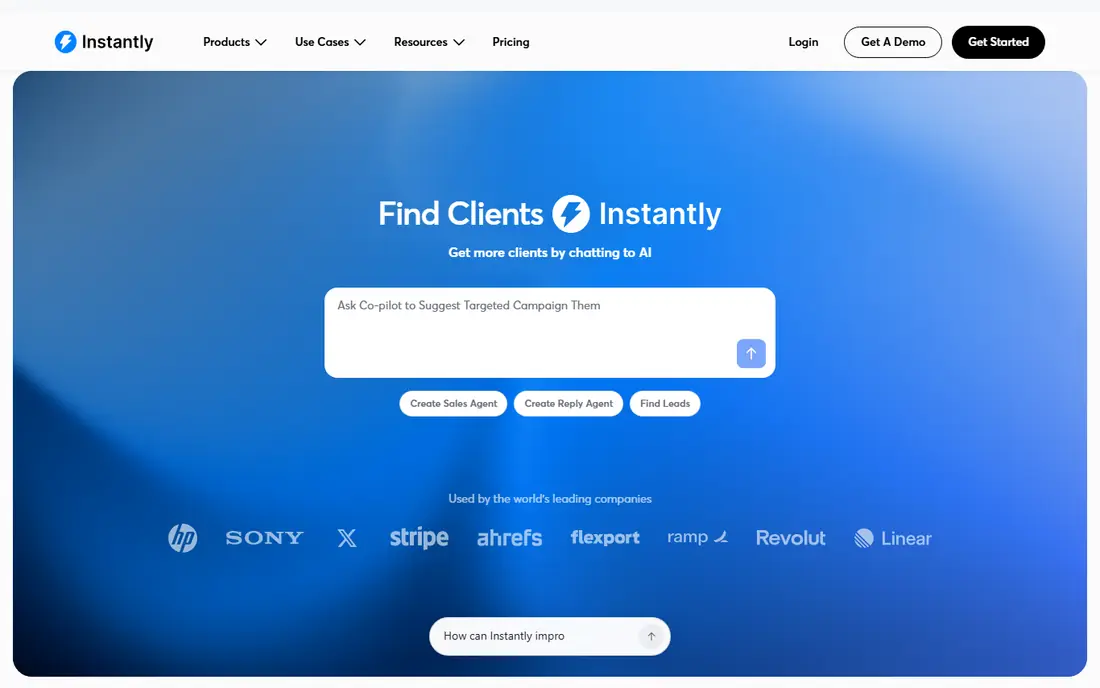
Instantly is built for senders who need volume without a per-seat bill that triples after two hires. Paid plans charge a flat fee by volume, with unlimited email account connections, so you can rotate sending across many inboxes and domains. Warmup is included, and higher plans add Unibox, a shared inbox for replies across accounts. That model suits solo founders and small teams sending thousands of emails a month.
The catch is that lead data is not included in the core sending plan. Instantly offers a separate lead database and CRM, so a team that needs both sending and prospect data should price the bundle, not just the sending plan. Entry Growth is listed at $47 per month, with a lower annual rate, and a 14-day trial lets you test deliverability before you commit. Start with one domain, warm it up, and scale sends slowly.
- Unlimited email accounts on paid plans
- Built-in warmup
- Unified inbox on higher plans
- Lead data and CRM are separate paid add-ons
- Analytics depth varies by plan
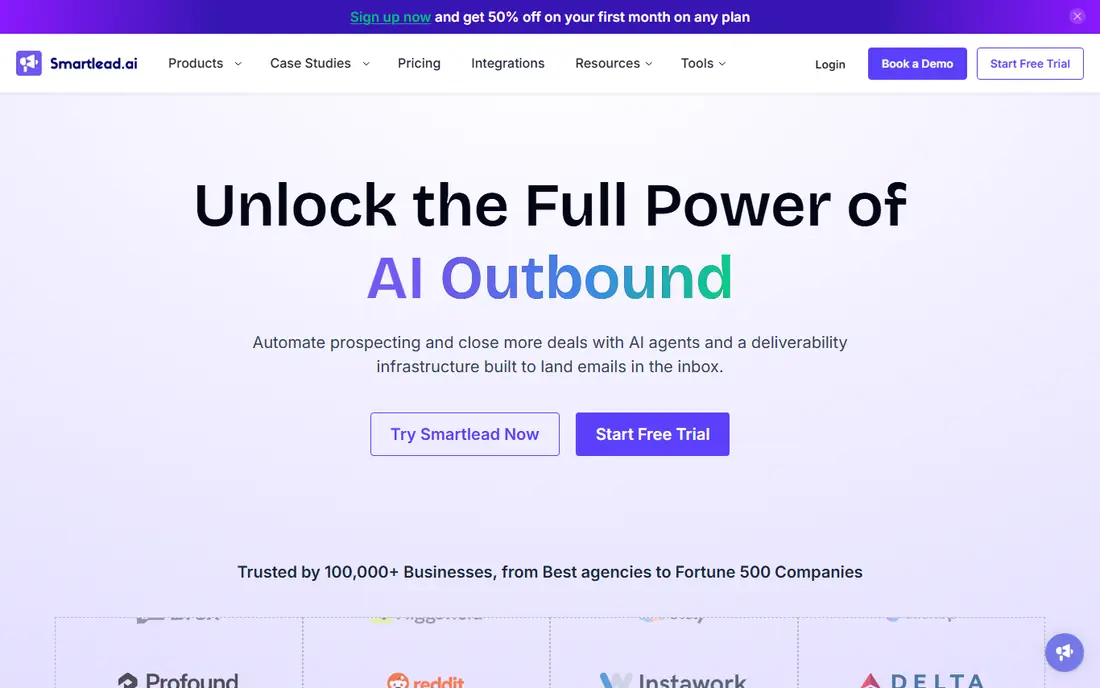
Smartlead is the agency favorite in this list because it handles many clients and many inboxes from one account. Like Instantly, it charges a flat fee by volume with unlimited mailboxes, and it includes warmup and a master inbox for replies. White-label portals and client management tools help agencies run outreach for several brands without mixing up campaigns. Entry pricing is listed at $39 per month, or $32.50 per month billed annually.
The trade-off is learning curve and add-ons. New users may need a few days to set up domains, warmup, and campaign rules correctly, and lead data costs extra. Smartlead suits an agency or a team with several sending domains, while a solo sender with one domain may find Instantly simpler. Either way, verify your list and warm up each new domain before you send at full volume.
- Unlimited mailboxes
- Built-in warmup
- Master inbox for agencies
- White-label options
- Lead data is a separate add-on
- Interface takes time to learn for new users
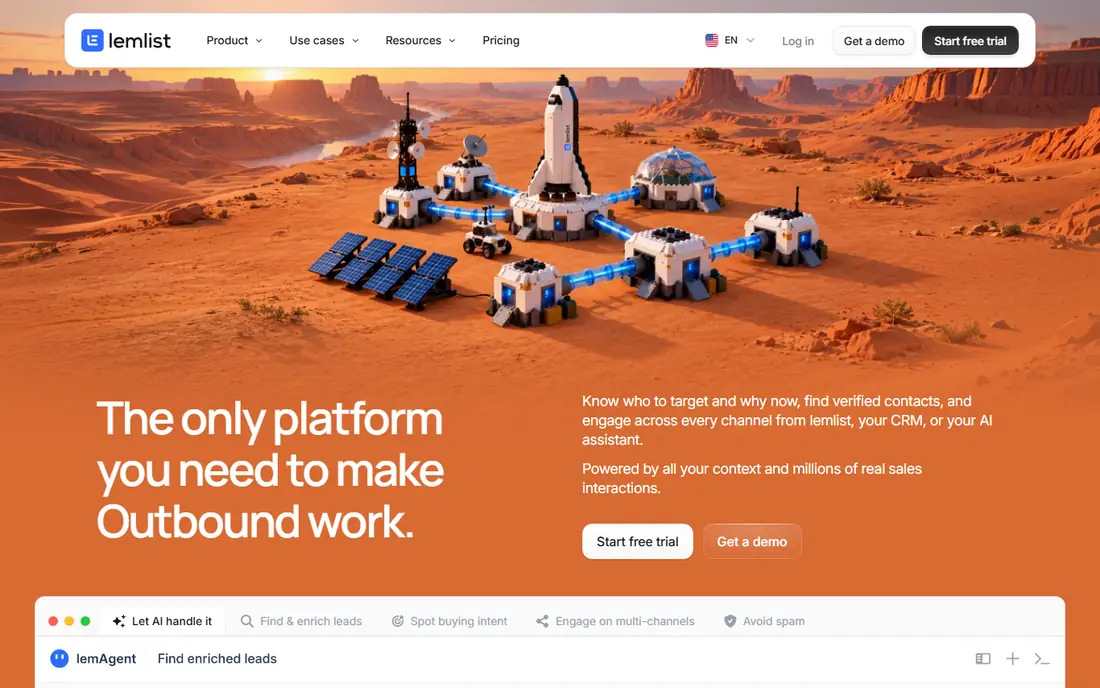
lemlist stands out when personalization is the strategy, not just volume. You can add custom images, videos, and landing pages to emails, and multichannel plans add LinkedIn steps, calls, and SMS to the same sequence. The current Email plan is listed at $69 per month billed monthly, with a lower annual rate, and includes lemwarm warmup and a lead database. That bundle suits a founder or SDR who wants fewer tools and more tailored messages.
The catch is team cost. The multichannel plan is priced per user, at $109 per user per month billed monthly, so a team of five pays far more than a flat-fee volume plan. LinkedIn automation also carries account risk if used aggressively, so keep LinkedIn steps modest and human. Choose lemlist if reply quality matters more than raw send count, and choose Instantly or Smartlead if volume is the main goal.
- Strong personalization with images and video
- LinkedIn steps on multichannel plans
- Built-in lead database on current plans
- Multichannel plan costs more per user
- Per-user pricing rises with team size
Apollo solves the first problem many cold emailers face: finding the right contacts. Its database covers millions of contacts and companies, and you can build lists, enrich records, and send sequences from the same account. A free plan lets you test list building and basic sending before you pay, which is rare in this category. For a team with no lead list yet, that free start is a practical advantage.
The trade-off is the credit and seat model. Paid plans are per user, with Basic listed at $49 per user per month, and sending limits and credits vary by plan, so a team must track usage to avoid surprises. Apollo is also more complex to set up than a pure sending tool. Pick Apollo if data and sending in one bill matters most, and pair it with a warmup habit from day one.
- Large contact database
- Sequences and dialer in one account
- Free plan for testing
- Sending limits and credits need careful tracking
- Per-seat pricing on paid plans
Reply.io suits SDR teams that work across channels, not just email. You can build sequences that mix email, LinkedIn steps, calls, and SMS, then track replies and meetings in one place. AI features help draft messages and handle replies, and CRM integrations keep outreach data in sync with your sales pipeline. That breadth makes Reply.io a good fit for a team with a defined sales process and several reps.
The cost is per user, listed from $59 per user per month, with a lower annual rate, so a ten-person team faces a much larger bill than a flat-fee volume tool. Setup also takes longer, since multichannel sequences need careful rules for timing and channel order. Choose Reply.io if your team already works multichannel and needs one system for it, and choose a simpler sender if email alone is enough.
- Email, LinkedIn, calls, and SMS in one sequence
- AI SDR features
- CRM integrations
- Per-user pricing adds up for larger teams
- Setup takes longer than a simple sender
Woodpecker is the calm, simple option for small teams that want to send carefully, not blast at scale. Setup is straightforward, pricing is based on prospects contacted, and the centralized inbox keeps replies in one place. Entry pricing is listed around $35 per month for a starter prospect count, with a 7-day trial. That clarity helps a small team budget without decoding credit systems or per-seat tiers.
The limit is scale. Woodpecker does not match Instantly or Smartlead for unlimited inboxes and high-volume rotation, and LinkedIn steps cost extra as an add-on. For a team sending a few hundred to a few thousand emails a month with care, that limit may not matter. Pick Woodpecker if simplicity and careful sending matter more than maximum volume.
- Simple setup and clear pricing by prospects
- Deliverability tools
- Centralized inbox
- Smaller scale than Instantly or Smartlead
- LinkedIn is an add-on
Mailshake is a friendly first tool for teams new to cold email. The sequence builder is easy to follow, onboarding guides help with domain setup and warmup, and some plans add a phone dialer for teams that call as well as email. That guidance matters, because many beginners damage a domain by sending too much, too fast, from a new address. Mailshake's simpler flow reduces that risk.
The catch is pricing clarity and scale. Current plans and add-ons vary, so check the pricing page for the seat and sending limits that match your team, and note that agency features are thinner than Smartlead's. Mailshake suits a small team learning outreach with a modest list, and it is a good stepping stone before moving to a high-volume platform.
- Easy sequence builder
- Phone dialer on some plans
- Good onboarding for beginners
- Pricing varies by plan and add-ons
- Fewer agency tools than Smartlead
Saleshandy offers a strong value bundle for budget teams: unlimited email accounts, a built-in lead database, and a unified inbox on every plan, with entry pricing listed at $41 per month billed monthly or $34 per month billed annually. That combination covers sending, data, and replies in one bill, which is rare at this price. A 7-day trial lets you test the flow before you pay.
The downside is polish. Some users find the interface busier than Instantly or Woodpecker, and AI features vary by plan, so check what your tier includes. Saleshandy is best for a solo rep or small team that wants an all-in-one tool on a tight budget, and who is willing to spend an afternoon learning the dashboard.
- Unlimited inboxes on plans
- Built-in lead database
- Unified inbox on every plan
- Interface feels busy for some users
- Advanced AI features vary by plan
How we picked these
We compared official pricing pages, feature pages, and documentation for cold emailing software available in October 2026. We favored tools with warmup, reply detection, inbox rotation or clear sending limits, and a current trial or free plan. We left out tools that were discontinued, that only found emails with no sending, or that encouraged spammy practices such as purchased lists with no verification. Prices change by billing term and plan, so confirm the current pricing page before you buy.
How to protect deliverability
Warm up every new domain and inbox for at least two to four weeks, starting with a small number of sends per day and increasing slowly. Verify every list before you send, remove bounces and role-based addresses, and keep your daily sends per inbox modest, since a sudden spike is a classic spam signal. Set up SPF, DKIM, and DMARC for each sending domain, and use a separate domain for cold outreach rather than your main company domain.
Write like a person, not a blast. Personalize the first line with a real detail, keep the message short, offer one clear next step, and include an easy opt-out. Stop a sequence the moment someone replies, even if the reply is negative, and honor opt-outs immediately. Track reply rate and bounce rate, not just open rate, because opens are unreliable and replies show real interest. If deliverability drops, pause, check your domain health, and fix the cause before you send more.
FAQ
What is the best cold emailing software for beginners?
Woodpecker and Mailshake are good beginner picks because setup is simple and pricing is clear. Instantly is also easy to start if you want volume later. Start with one domain, warm it up, and send to a small verified list before you scale.
What is the best email outreach tool for agencies?
Smartlead leads for agencies because it handles many clients, unlimited mailboxes, and white-label portals in one account. Instantly is a strong second choice for volume-focused agencies. Price the whole client portfolio, not just one campaign, before you choose.
Is cold emailing legal?
Cold email to businesses is legal in the US under CAN-SPAM if you follow its rules, including accurate headers, a clear opt-out, and a valid postal address, but rules differ by country and by recipient type. The EU GDPR and other privacy laws are stricter, especially for personal addresses. This is not legal advice, so check the rules for each market you email and consult a lawyer for a large program.
How many cold emails should I send per day?
Keep daily sends per inbox modest, especially on a new domain. Many deliverability guides suggest starting around 10 to 20 per day during warmup and rising slowly, with a lower ceiling for a single inbox than for a rotated set of inboxes. Your tool, domain age, and list quality all affect the safe number, so watch bounce and spam complaint rates and pause if they rise.
What is the best cold email marketing software with a lead database?
Apollo is the strongest pick when data and sending must live in one account, thanks to its large contact database and free starting plan. lemlist and Saleshandy also bundle lead data on current plans. Compare credit costs and data accuracy for your target market, since database quality varies by industry and region.
Do I need warmup for cold email?
Yes. Warmup gradually builds a sender reputation for a new domain or inbox by sending and receiving small volumes over weeks. Skipping warmup is one of the fastest ways to land in spam and harm a domain. Use your tool's built-in warmup, keep sends low at first, and never send a large blast from a brand-new domain.