Best CRM Email Marketing Software in 2026: 8 Tools Compared
Best crm email marketing software for 2026: compare 8 crm and email tools for contacts, automation, campaigns, lists, and sales follow-up for small teams.
- Editor's choice
 HubSpot
All in one CRM and email
Starts atFreeVisit hubspot.comFull review - Great alternative
 ActiveCampaign
Deep automation
Starts at$15 per monthVisit activecampaign.comFull review - Also consider
 Mailchimp
Email campaigns and segments
Starts atFreeVisit mailchimp.comFull review
TL;DR:
- HubSpot suits teams that want CRM and email in one system with a real free plan.
- ActiveCampaign suits teams that want deep email automation and lead nurturing.
- Zoho CRM and Brevo suit small budgets, with free plans for contacts and email sends.
- Contact based pricing can rise fast, so check your list size and send volume before you pick a plan.
Quick comparison
| Tool | Best for | Starts at | Free plan? | |
|---|---|---|---|---|
| HubSpot | All in one CRM and email | Free | Yes | Visit |
| ActiveCampaign | Deep automation | $15 per month | Free trial | Visit |
| Mailchimp | Email campaigns and segments | Free | Yes | Visit |
 Zoho CRM | Affordable CRM for small teams | Free | Yes | Visit |
 Salesforce | Enterprise CRM and marketing | $25 per month | Free trial | Visit |
 Keap | Small business sales and email | See website | Free trial | Visit |
 Constant Contact | Simple email for small business | $12 per month | Free trial | Visit |
 Brevo | Email and SMS by sends | Free | Yes | Visit |
The best CRM email marketing software
These tools combine contact records with email campaigns, so sales and marketing can see the same customer history. We favored tools with clear CRM features, not email only senders.

HubSpot is our pick for most small teams because the free CRM is genuinely useful. You can store contacts, track deals, send marketing email, and log tasks without paying at first. That shared record helps sales follow up on the same history marketing used, which is the core promise of CRM email software.
The catch is the upgrade path. Starter plans start low, but Professional tiers with deeper automation and reporting cost far more. If your list grows or you need advanced workflows, budget for that jump. For a first combined system, HubSpot is still the easiest place to start.
- Free CRM for up to 1,000 contacts
- Email, deals, and tasks in one record
- Large app marketplace
- Paid marketing tiers rise in cost fast
- Some automation needs higher plans
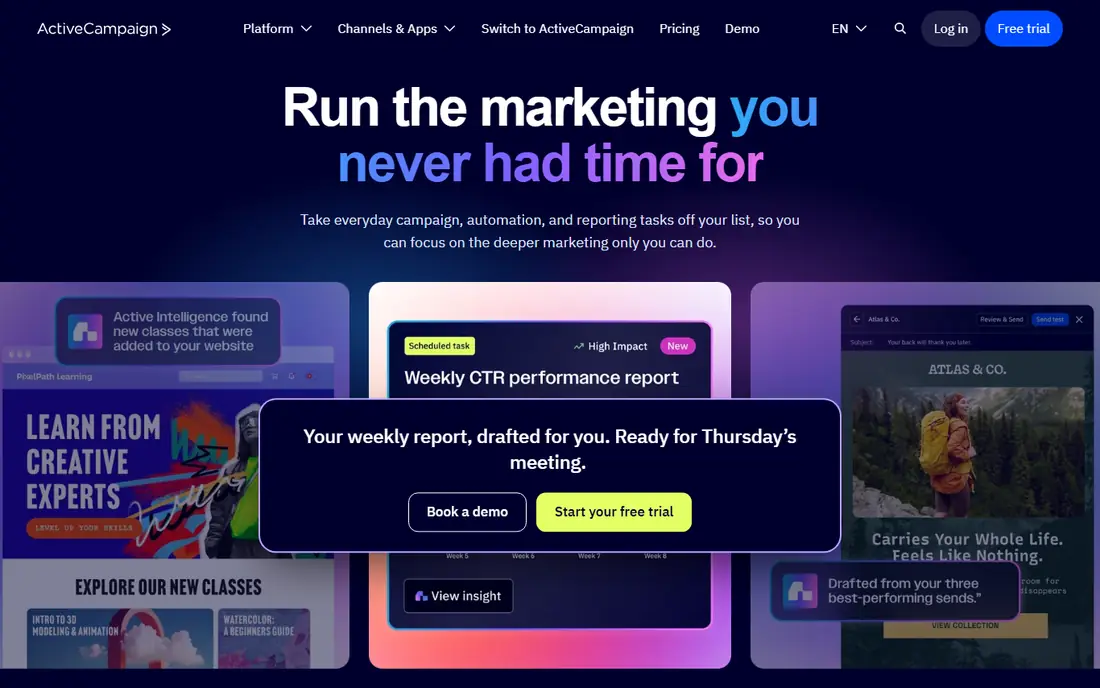
ActiveCampaign suits teams that live on automation. You can build multi-step journeys based on opens, clicks, site visits, and purchases, and branch the path by behavior. That depth helps nurture leads over weeks without manual follow-up.
There is no free plan, only a trial, so budget from day one. Sales CRM features also need higher plans, which can surprise buyers who expect a full CRM at the entry price. If email automation is your main job, ActiveCampaign is worth the cost.
- Visual automation builder with branching
- Lead scoring and site tracking
- Strong email deliverability tools
- No free plan
- Sales CRM features sit in higher plans or add-ons
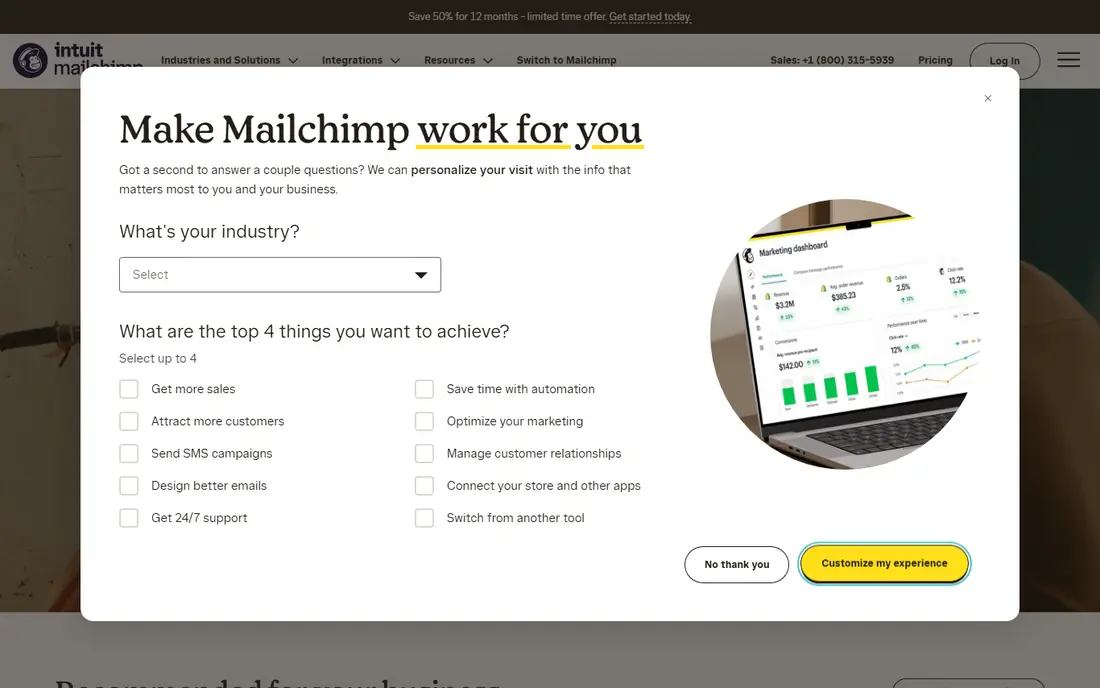
Mailchimp is best known for email, but it also stores contacts, tags, and basic customer data. Its editor is friendly, templates are plentiful, and segments help you send different messages to different groups. For newsletters and promotions, it remains a fast, familiar choice.
The CRM side is lighter than a full sales CRM. Deal tracking and deep sales workflows are not its strength, and pricing rises as contacts grow. Use Mailchimp when email is the main job and CRM needs are simple, and pair it with a sales CRM if deals get complex.
- Easy campaign builder and templates
- Audience segments and basic automation
- Wide store and app connectors
- Contact based pricing climbs with list size
- CRM features are lighter than HubSpot or Salesforce
Zoho CRM suits budget conscious teams that want a real sales CRM. The free plan covers three users, contacts, deals, and tasks, and paid plans add workflow automation at a modest per user price. Zoho Campaigns adds email marketing, with a free tier for small lists.
The split between CRM and Campaigns is the main friction. You must connect the two apps and learn both interfaces. If your team already uses Zoho, or you want low cost customization, Zoho is a strong value pick.
- Free plan for up to three users
- Deep customization
- Works with Zoho Campaigns for email
- Email marketing sits in a separate Zoho Campaigns app
- Interface takes time to learn
Salesforce is the enterprise standard for CRM, and its marketing tools cover large, complex campaigns. You can track accounts, opportunities, and customer journeys in detail, and build reports that slice data many ways. For growing firms with complex sales processes, that depth matters.
The trade off is complexity and cost. Salesforce needs admin time, training, and often a consultant for setup. Small teams may find it more than they need. If you expect complex sales and marketing at scale, Salesforce is the platform to grow into.
- Deep CRM, reporting, and customization
- Marketing Cloud for large campaigns
- Huge partner ecosystem
- Setup and admin time are high
- Total cost rises with add-ons and users
Keap suits service businesses that want CRM, email, payments, and appointments in one place. A coach, agency, or consultancy can track a lead, send a nurture sequence, book a call, and invoice from the same record. That all in one shape saves time for small teams.
Pricing starts higher than HubSpot free or Zoho free, and setup can take effort. Keap is not the cheapest start, but it can replace several tools for a small service firm. Ask for a current quote and a demo with your exact workflow before you buy.
- CRM, email, invoicing, and appointments in one app
- Automation for follow-up
- Built for service businesses
- Higher starting cost than rivals
- Implementation help is often recommended
Constant Contact suits small businesses that want simple, reliable email without a steep learning curve. Templates, list tools, and basic automation cover newsletters, promotions, and event invites. Support is a real strength for teams with no marketing specialist.
CRM depth is limited compared with HubSpot or Zoho. You can store contacts and track basic activity, but complex deal pipelines are not the focus. Pick Constant Contact when simple email and ease of use matter most.
- Simple editor and templates
- Event and survey tools
- Helpful support for beginners
- CRM features are basic
- Automation is lighter than ActiveCampaign
Brevo suits teams with large lists but modest send volumes, because pricing is based on emails sent rather than contacts stored. The free plan allows 300 emails a day, and paid plans add automation, SMS, and landing pages. That model can save money for firms with big lists and few campaigns.
The CRM is useful but not as deep as Salesforce or HubSpot for complex sales. If your main need is email and SMS marketing with a contact record attached, Brevo is a strong, low cost pick. Check send limits and automation features at your volume before you commit.
- Free plan with 300 emails per day
- Priced by sends, not contacts
- Email, SMS, and automation in one app
- CRM features are lighter than full sales CRMs
- Higher automation tiers cost more
How we picked these
We compared official pricing pages, feature pages, and app listings for CRM email tools available in October 2026. We looked at contact records, email automation, segmentation, reporting, and integrations, and we checked free plans and entry prices. We favored tools that truly combine CRM and email, rather than email only senders with a contact list.
We did not claim hands-on testing. Our findings rest on vendor pages and public reviews. Pricing depends on contacts, users, and sends, so check the current plan at your list size before you buy.
How to choose CRM email marketing software
Start with your list and your sales process. If sales tracks deals and stages, you need a real CRM such as HubSpot, Zoho, or Salesforce. If email is the main job and sales is simple, Mailchimp, Constant Contact, or Brevo may be enough.
Next, test automation on a real journey. Build a welcome series, a follow-up after a download, and a re-engagement email for inactive contacts. The tool that makes those three journeys easy is usually the right one, even if its feature list is shorter.
Finally, check deliverability and data rules. Look at domain authentication, unsubscribe handling, and list hygiene tools. A CRM email tool must keep your sender reputation clean, or even the best campaign will land in spam.
A useful extra step is to clean your list before you migrate to a new CRM email tool. Remove duplicates, fix obvious typos in domains, and separate engaged contacts from people who have not opened an email in a year. A clean list improves deliverability and gives you a truer picture of campaign results. Then set up domain authentication on day one, including SPF, DKIM, and DMARC records, with help from your IT team or domain provider. Without those records, even good campaigns can land in spam. Finally, agree on naming rules for tags, lists, and campaigns, so reports stay comparable as your team grows. Good data habits will help any tool in this list perform better.
FAQ
What is the best email CRM software?
HubSpot is the best all round pick for most small teams, because it pairs a free CRM with email marketing in one record. ActiveCampaign is better for deep automation, and Zoho CRM is better for low cost sales tracking.
What is the best CRM software for email marketing?
The best choice depends on your sales depth. HubSpot, Salesforce, and Zoho CRM offer full sales records plus email tools. Mailchimp and Brevo offer strong email with lighter CRM features, which suits simple sales processes.
Is there a free CRM with email marketing?
Yes. HubSpot offers a free CRM for up to 1,000 contacts with email tools. Zoho CRM offers a free plan for up to three users, and Brevo offers a free email plan with 300 sends per day. Check limits on contacts, sends, and automation before you rely on a free plan.
How does CRM email marketing automation work?
Automation sends messages based on triggers such as a signup, a download, a purchase, or inactivity. The CRM record stores the contact history, so each message can use the right name, product interest, and stage. Good automation feels personal, not generic.
How much does CRM email software cost?
Entry prices in this list range from free to about $25 per user per month, but total cost depends on contacts, users, and sends. Contact based tools rise as your list grows, while send based tools such as Brevo rise with volume. Model your cost at your current list size and at double that size.