Top 6 Container Security Tools for Remote Teams for 2026 (Prices and Free Plans)
Searching for the best Container security tools for remote teams? Here are 6 options with prices and free plans. Each entry gets a plain verdict. Facts only.
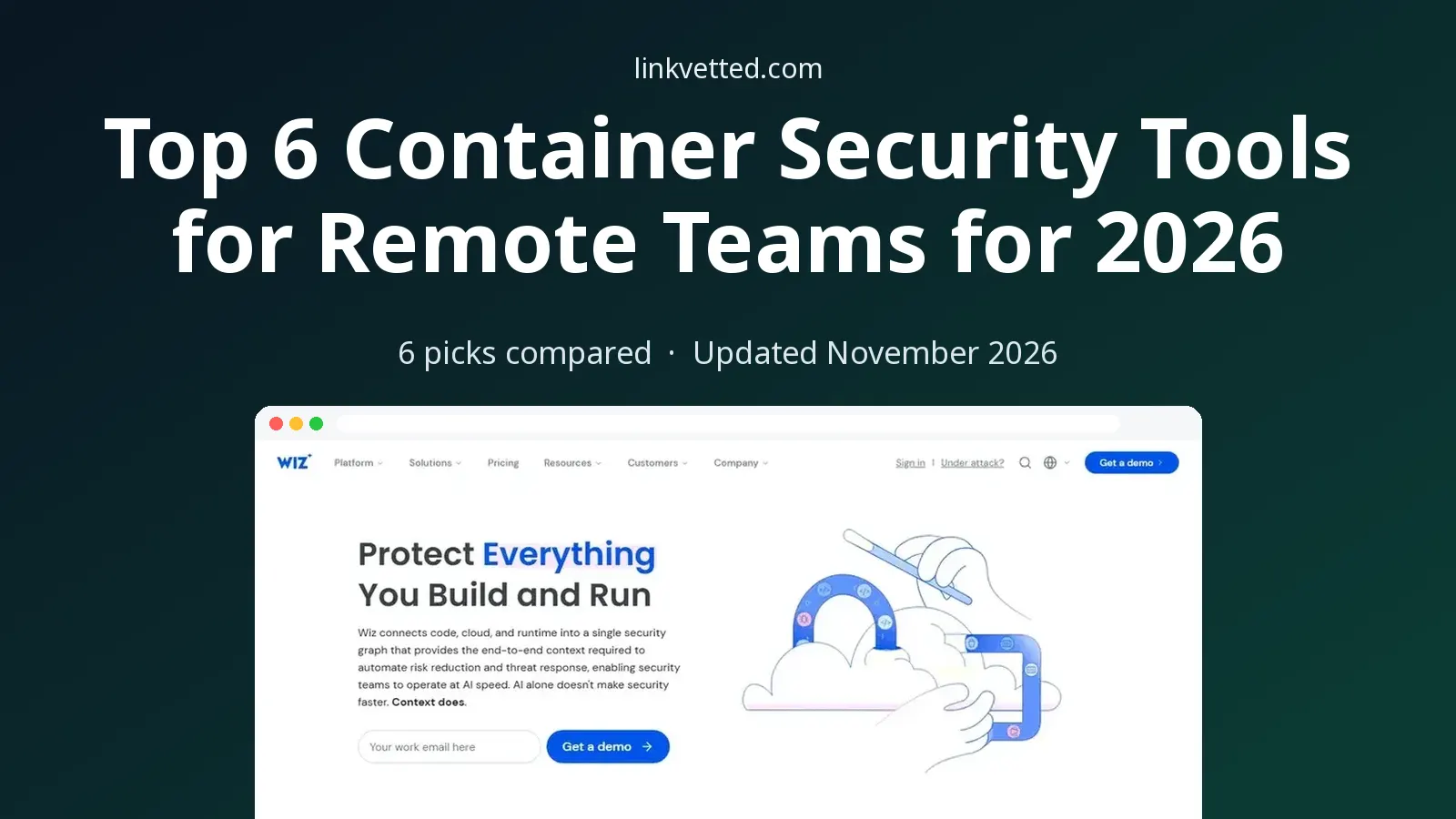
- Editor's choice
 Anchore
SBOM-powered software supply chain security
Starts atSee websiteVisit anchore.comFull review - Great alternativeSnyk Container
Developer-first container vulnerability management
Starts at$25 a monthVisit snyk.ioFull review - Also consider
 Aqua Security
Runtime policy enforcement and threat detection
Starts atSee websiteVisit aquasec.comFull review
Direct answer
Anchore leads the list, best for SBOM-powered software supply chain security. Listed starting prices: Snyk Container from $25 a month. Look at Snyk Container for developer-first container vulnerability management, and at Aqua Security for Runtime policy enforcement and threat detection. Prices, free plans and limits for all 6 tools follow.
TL;DR:
- Number one here is Anchore, a fit for SBOM-powered software supply chain security.
- Starting prices begin at $25 per month with Snyk Container.
- Snyk Container stands alone as the one tool in this list with a free plan.
- The main caution on Snyk Container: less focused on runtime threat detection.
Last checked November 2026. Prices and plan details were read from the vendors' own pages in November 2026; vendors change plans often, so confirm the current price on the vendor site before you buy.
Quick comparison
| Tool | Best for | Starts at | Free plan? | |
|---|---|---|---|---|
| Anchore | SBOM-powered software supply chain security | See website | Free trial | Visit |
| Snyk Container | Developer-first container vulnerability management | $25 a month | Yes | Visit |
| Aqua Security | Runtime policy enforcement and threat detection | See website | Not stated | Visit |
 Wiz | Agentless cloud and AI security | See website | Not stated | Visit |
 Orca Security | AI-powered cloud security system | See website | Not stated | Visit |
 Prisma Cloud | Thorough cloud native application protection | See website | Not stated | Visit |
Our 6 Container security tools for remote teams
If you are comparing Container security tools for remote teams, this page covers 6 tools in one place: what each is best for, what it costs to start, whether it has a free plan, and the main limit to know about.
Anchore works best for SBOM-powered software supply chain security. Pick Anchore for SBOM-powered supply chain security and compliance.
Where it falls short: May require additional tools for runtime protection.
From a buyer's view, teams needing full runtime security should consider complementary tools. No starting price is listed for Anchore here; confirm pricing on the vendor site. Trial and free access: Free trial.
- Supports compliance with NIST and FedRAMP
- Automates vulnerability scanning
- Focus on supply chain may not handle all container security needs
Snyk Container
Best for: Developer-first container vulnerability management
Snyk Container is aimed squarely at developer-first container vulnerability management. Snyk Container makes it possible for developers to find and fix vulnerabilities in Docker container base images and commands, plus Kubernetes workloads. Snyk Container is primarily concentrated on vulnerability management and may not offer the runtime protection or full cloud security posture management of broader systems.
Downsides: Less concentrated on runtime threat detection.
Worth adding: the tool helps catch issues early in the container lifecycle. As for the details, teams needing broad runtime defense should consider extra tools. The starting price for Snyk Container: $25 per month. Snyk Container includes a free tier.
- Includes Kubernetes workloads
- Fixes issues in Dockerfile commands
- May not offer full CNAPP capabilities
Choose Aqua Security for Runtime policy enforcement and threat detection. The system gives you control based on actual runtime behavior.
Honest limits: May need integration effort for full coverage.
For everyday use, whereas runtime enforcement is capable, teams seeking broad software composition analysis may need extra tools. On top of that, integration with development pipelines may need planning. Aqua Security shows no starting price here, so confirm the cost on the vendor site. Trial and free access: Not stated.
- Spots real threats
- Enforces policy at runtime
- Runtime focus may need complementary code scanning
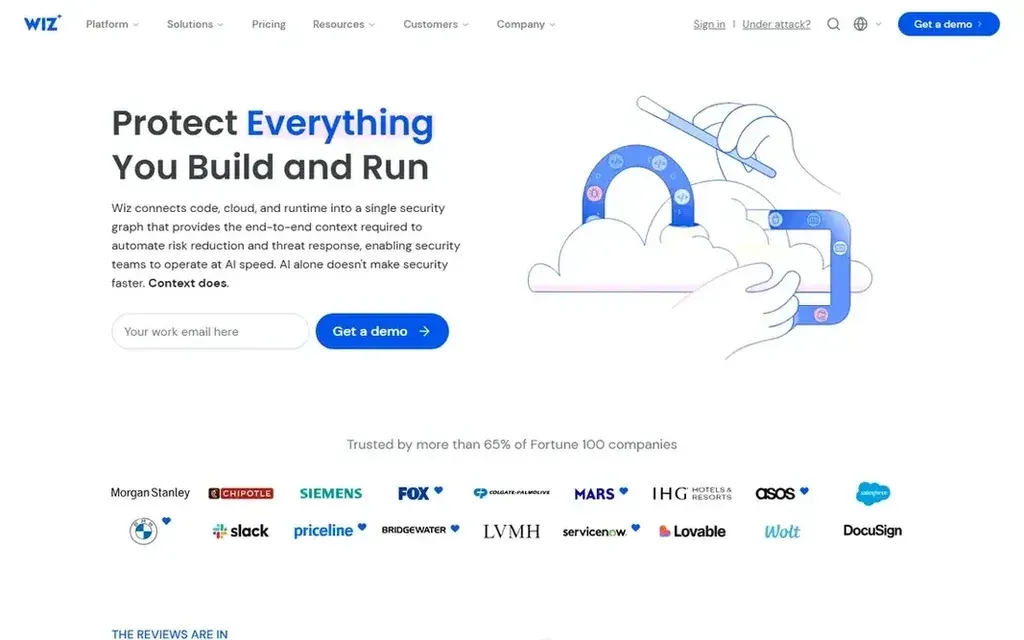
Choose Wiz for Agentless cloud and AI security. Wiz links code, cloud, and runtime into one agentic cybersecurity product designed to prevent risk and detect threats across every cloud and AI layer. In daily use, whereas agentless visibility is a strength, some teams may need deeper runtime enforcement that agent-based tools supply.
Worth adding: choose Wiz for wide cloud and AI security with minimal agent overhead. On top of that, the AI-focused features might exceed the needs of teams focused solely on container security. In daily use, the product emphasizes starting secure and maintaining coverage across multicloud and AI environments. Wiz does not show a starting price in this comparison, so check the vendor site for current pricing. On free options: Not stated.
Drawbacks to consider: Focus on AI layers may be more than some teams need.
- Spans every cloud and AI layer
- Agentic cybersecurity system
- Agentless approach may not suit all runtime needs
Choose Orca Security for AI-powered cloud security system. It fits remote teams looking for a wide product that incorporates AI to enhance security across the application lifecycle.
Points against: AI features may be more than some teams need.
Consider Orca Security for a full, AI-enhanced CNAPP handling build to runtime. This comparison lists no price for Orca Security; ask the vendor. Free options: Not stated.
- Workload defense capabilities
- Comes with AI security features
- System breadth may need onboarding time
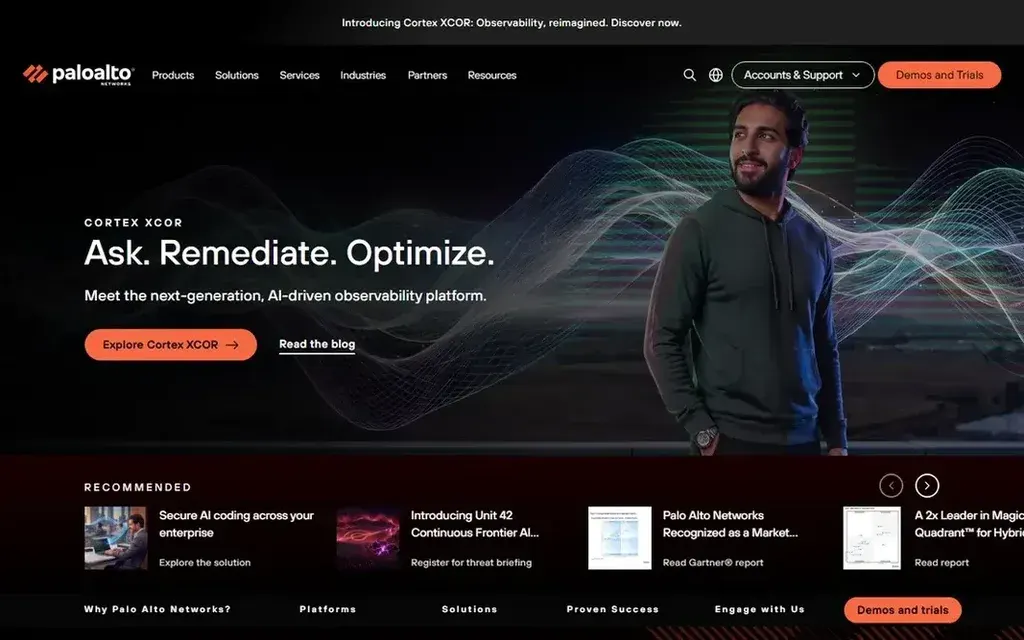
Prisma Cloud is a good fit for thorough cloud native application protection. Prisma Cloud is a Cloud Native Application Protection Platform (CNAPP) that secures applications from code to cloud across any cloud, multicloud, and hybrid environment.
Remote teams benefit from centralized policy and visibility across distributed workloads. Pricing for Prisma Cloud is not stated here, so ask the vendor for current figures. Free access: Not stated.
Limits to weigh: May need significant configuration.
- Wide CNAPP capabilities
- Spans code to cloud security
- Can be complicated to deploy
How the list was put together
LinkVetted looked at what each vendor publishes: pricing, plan limits, feature coverage for Container security tools for remote teams and stated drawbacks. No hands-on testing is claimed. Plan names, prices and limits change often. Treat the figures here as a starting point and verify them with the vendor. The ranking is editorial: typical fit first, then clear pricing, then free access. If your needs are unusual, read the profiles rather than relying on position.
Pre-purchase checklist
- Ask Anchore, Aqua Security, Wiz and others for a written quote, since no starting price is shown.
- Test the free plan from Snyk Container against your real workload before relying on it.
- Take the trial from Anchore and push a live task through it before you pay.
- Before choosing Anchore, weigh its main limit: may need extra tools for runtime protection.
- Map your must-have features to a specific Wiz plan before you compare prices.
- Confirm that Orca Security connects to the apps your team already uses, on the plan you would actually buy.
FAQ
Can I try these tools before paying?
Often, yes. Snyk Container has a free plan and Anchore offers a free trial. Use your own data and a real task during the test, and check what the free tier or trial limits before you rely on it.
Do these tools publish their prices?
Not all of them. Anchore, Aqua Security, Wiz and others publish no starting price, so expect a quote request for those. The rest, Snyk Container included, show a starting price, though seats and billing terms still change the final cost.
What is the cheapest option for Container security tools for remote teams in this list?
On published monthly entry prices, Snyk Container is the lowest here at $25 per month. Entry price is only part of the cost, because seats, add-ons and billing terms can change the total.
How do agentless and agent-based container security tools differ?
Agentless tools collect data via APIs and snapshots without installing software on hosts, simplifying deployment. As for the details, agent-based tools offer deeper runtime visibility and enforcement but require installation and management on each host.
Which options for Container security tools for remote teams have a free plan?
Snyk Container is the only tool in this list with a free plan. Free plans usually cap users, projects or features, so check the limits on the vendor page. One other tool offers a trial instead.
Sources
- https://anchore.com
- https://snyk.io/product/container-vulnerability-management
- https://www.aquasec.com
- https://www.wiz.io
- https://orca.security
- https://www.paloaltonetworks.com/prisma/cloud