8 Best Construction Company Website Platforms for 2026
We compared the best construction company websites builders on templates, quote forms, local search tools and price to help contractors pick a winner.
- Editor's choice
 Wix
Contractors who want templates and apps in one place
Starts at$17/monthVisit wix.comFull review - Great alternative
 Squarespace
Firms where polished project photos do the selling
Starts at$19/monthVisit squarespace.comFull review - Also consider
 Duda
Agencies and firms managing several sites
Starts atSee websiteVisit duda.coFull review
TL;DR:
- A good construction website shows finished projects first, with clear service pages and a simple way to request a quote.
- Wix and Squarespace suit most small and mid-size contractors who want to launch fast without hiring a developer.
- Duda and Webflow suit firms that want more design control or plan to manage several location pages.
- WordPress.com gives the most room to grow, but it needs more upkeep than an all-in-one builder.
- Houzz Pro is the closest fit for contractors who already get leads from Houzz and want a website tied to that profile.
Quick comparison
| Tool | Best for | Starts at | Free plan? | |
|---|---|---|---|---|
| Wix | Contractors who want templates and apps in one place | $17/month | Yes | Visit |
| Squarespace | Firms where polished project photos do the selling | $19/month | No | Visit |
| Duda | Agencies and firms managing several sites | See website | No | Visit |
 Webflow | Firms that want detailed design control | $14/month | Yes | Visit |
 GoDaddy | Contractors who want to launch in a day | See website | No | Visit |
 Hostinger | Small firms on a tight budget | See website | No | Visit |
 WordPress.com | Firms that want room to grow and add features | $4/month | Yes | Visit |
 Houzz Pro | Contractors already active on Houzz | See website | No | Visit |
The best construction company websites for 2026
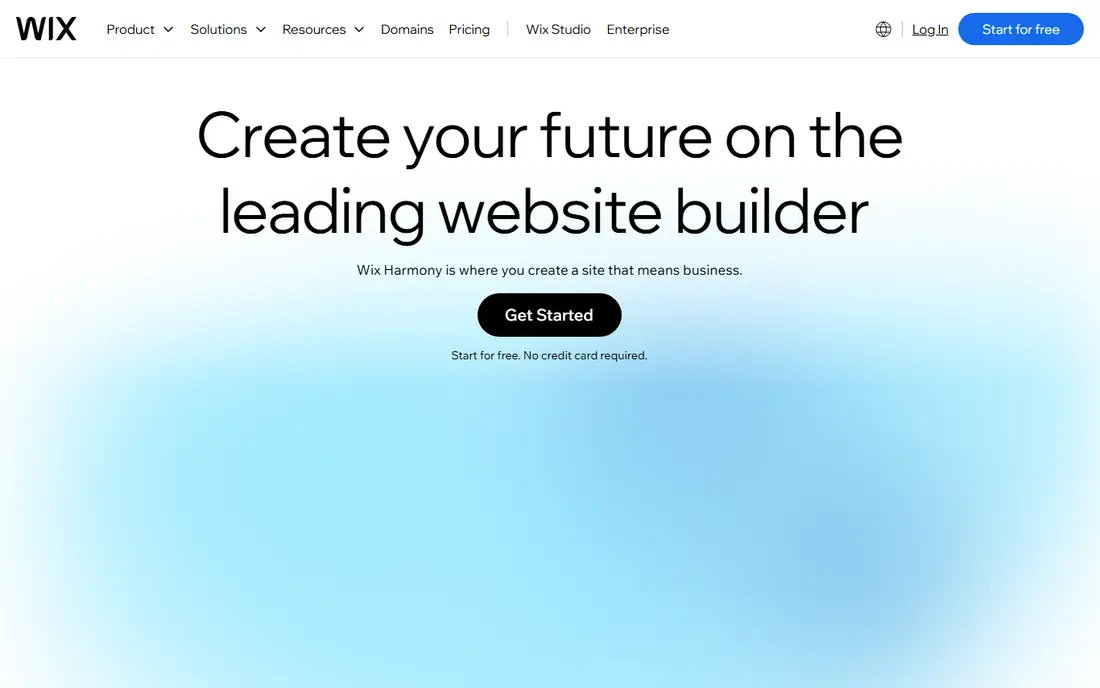
Wix gives a contractor a fast route from a blank page to a working site. Its templates include layouts built for builders, remodelers and trade firms, with space for project galleries, service lists and testimonials. Forms for quote requests and callbacks can be added without code, and the built-in tools cover basic search settings and mobile layouts. The trade-off is upkeep. A site built from many add-on apps can get messy over time, and moving to a new template is not a one-click job. Still, for a small firm that wants control over its own updates, Wix covers the basics well and the free plan lets a team test the editor before paying.
- Large template library, quote and contact forms, app market for bookings and chat
- Switching templates later means rebuilding pages, and costs rise as apps are added

Squarespace stands out when the work itself is the pitch. Its templates handle large photos with care, so a remodel or new build gallery looks sharp on phones and desktops alike. Service pages, testimonials and contact forms are straightforward to set up, and hosting, security certificates and basic analytics come with the plan. The limit is flexibility. Firms that need unusual page structures or deep custom features may find the editor restrictive. For residential builders and design-led firms that value a tidy, credible look over endless options, that restraint is often a plus rather than a problem.
- Clean, photo-led templates, hosting and security included, simple editing
- Less flexibility for custom layouts, and no free plan beyond a trial
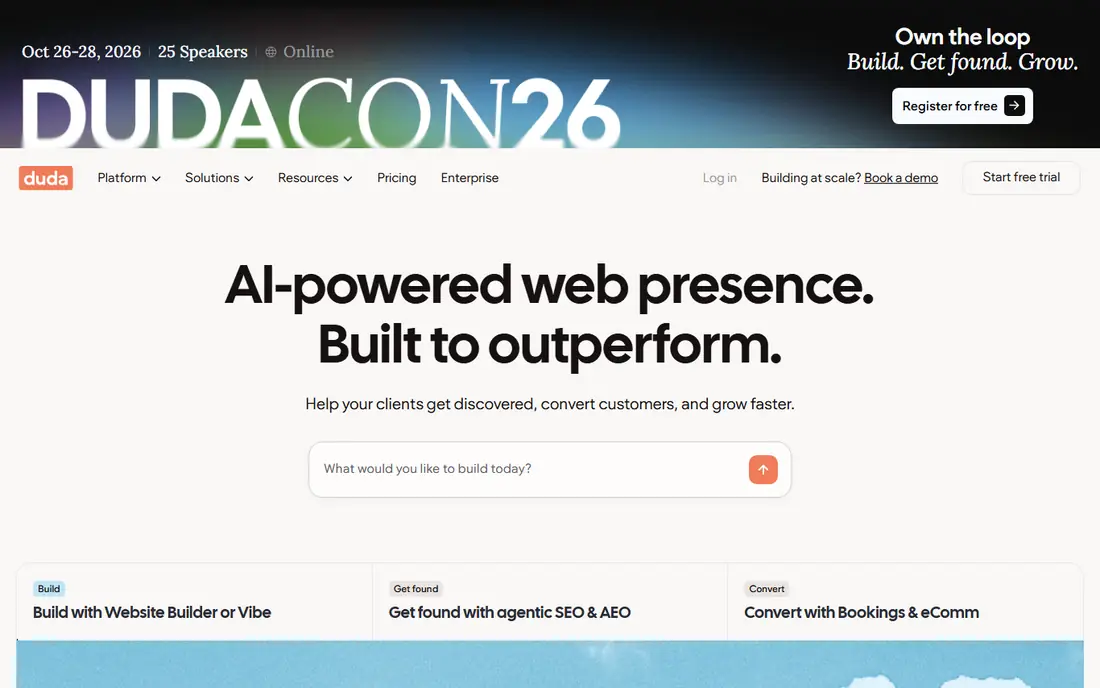
Duda is built for people who run more than one website, which makes it a good fit for construction groups with several brands or locations. Its editor is quick to learn, and features for team roles and client feedback keep revisions tidy. Local business tools help each location page rank for its own area. The downside is choice. The template library is smaller than the big consumer builders, so a firm with a very specific look in mind may need custom work. Pricing is also quote-led on some plans, so ask for a full figure before committing.
- Fast setup, client management tools, solid local search features
- Smaller template range than Wix, and pricing is not published as clearly
Webflow suits a construction firm that cares about exactly how its site looks and behaves. Designers can control spacing, motion and page structure in fine detail, and project collections make it simple to add new jobs to a portfolio without rebuilding pages. Hosting is included, and pages tend to load quickly. That power comes with a learning curve. A busy contractor with no designer on staff may find Webflow slower to use than Wix or Squarespace. It earns its place here for firms that already work with a designer or agency and want a site that stands apart from template-led rivals.
- Precise design control, fast hosting, content collections for projects
- Steeper learning curve, and it is easy to overbuild a simple site
GoDaddy focuses on speed. Its builder asks a few questions about the business, then produces a starter site with service sections, contact details and photos that can be edited in place. Buying the domain, hosting and email in the same place keeps billing simple for a small firm. Design freedom is the compromise. Templates are clean but not especially distinctive, and a firm that wants a custom look will hit limits fast. Check renewal prices carefully too, since first-term rates can be lower than later ones. For a new contractor who needs a credible site this week, GoDaddy is a practical pick.
- Very fast setup, domain and hosting bundled, simple marketing tools
- Design options are limited, and renewal pricing needs checking
Hostinger is the budget option on this list, and it does not feel like a stripped-down one. Its builder includes AI-assisted site creation, templates for trades and services, and tools for galleries, contact forms and search settings. Hosting, a domain and a security certificate are bundled on its plans, which keeps the total bill easy to follow. The catch is depth. Larger firms that need booking systems, multi-location management or heavy custom work will outgrow it sooner than Wix or Duda. For a one-crew contractor or a new trade business, though, Hostinger delivers a professional site at a price that is hard to beat.
- Low cost, AI-assisted setup, hosting and domain included on plans
- Fewer advanced features than larger builders, and support is mainly chat-based
WordPress.com is the long-term pick for a construction firm that expects its site to grow. Thousands of themes and plugins cover everything from quote calculators to job boards, and blogging tools make it easy to publish project stories that help with local search. The free plan is a fair way to test the basics. Growth brings maintenance. Updates, plugin choices and security settings need attention, and a firm without someone technical may want an agency to look after the site. For companies planning to add service areas, careers pages and case studies over several years, that extra effort buys real flexibility.
- Huge range of themes and plugins, strong blogging for project stories, easy to scale
- More upkeep than all-in-one builders, and costs depend on themes and plugins chosen
Houzz Pro takes a different angle from the general builders on this list. It builds a contractor website around the firm's Houzz presence, so reviews, project photos and profile details carry across in one place. Lead management, estimates and client communication tools are part of the wider Houzz Pro package. The catch is fit. A firm with no Houzz presence gets less value from it, and pricing is quote-based rather than published. For remodelers, builders and design-build firms that already win work through Houzz, though, a website that shares that profile and pipeline is a sensible consolidation.
- Website tied to a Houzz profile, lead management tools, trade-focused templates
- Pricing is quote-based, and it makes most sense for firms already using Houzz
How we picked these
We compared official feature pages, pricing pages, app store listings, privacy policies and public reviews for builders that construction firms actually use. We looked for contractor-friendly templates, project galleries, quote and contact forms, mobile layouts and local search tools. We left out builders that could not handle a basic service business site, and we favored platforms with published pricing or a clear way to get a quote.
What to look for in a construction company website
Start with the projects
Visitors judge a builder by its finished work, so the gallery matters more than any other section. Pick a platform that shows large photos well on phones, lets you group projects by type or location, and keeps captions short. Add a brief note on each project about the scope, since that helps a visitor see whether you handle jobs like theirs.
Make the next step obvious
Every page should lead somewhere: a quote form, a phone number or a booking link. Keep forms short, since a long form loses busy homeowners. A platform with built-in forms, click-to-call buttons and automatic replies will turn more visits into conversations than a pretty site with a buried contact page.
Plan for local search
Most construction work is won locally, so the site needs a page per service area and clear business details on each page. Check that the builder supports page titles, descriptions and map embeds without add-ons. A blog or project news section also helps, since fresh project stories give search engines new local content to find.
Count the full cost
Compare renewal prices, not just first-term offers, and add the cost of a domain, email and any apps you need. A cheap builder that needs three paid add-ons can cost more than a pricier all-in-one plan. Also check who can edit the site, since a platform only your agency can update will cost you every time a project finishes.
FAQ
What is the best website for a construction company? There is no single winner, since it depends on budget and who will update the site. Wix and Squarespace suit most small firms, while WordPress.com suits firms planning to grow. Houzz Pro suits remodelers already active on Houzz. What should a construction company website include? At minimum, it needs project photos, a service list, testimonials, a service area note and a short quote form. Larger firms should add case studies, a careers page and a page for each location. Keep navigation simple so visitors reach a project or a form within two clicks. How much does a construction company website cost? A builder-based site typically costs a monthly plan plus a domain, while an agency-built site costs far more up front. Compare renewal rates and add-on costs before choosing, since first-term discounts can hide the real yearly price. Is WordPress or Wix better for a construction company? Wix is easier to run day to day, with hosting and tools in one place. WordPress offers more themes, plugins and room to grow, but it needs more upkeep. Firms without technical help usually do better with Wix, while firms with an agency often get more from WordPress. Do construction companies need a website to get clients? A website is not the only source of work, since referrals and review sites matter too. It does give a firm control over its story, proof of past work and a place to send people who find it elsewhere. Even a simple site with strong photos and a quote form beats a social profile alone.
Sources
https://blog.hubspot.com/website/best-website-builder-for-construction-company https://emergent.sh/learn/best-website-builders-for-construction-companies https://www.wix.com/blog/best-construction-website-builders https://www.wix.com https://www.squarespace.com https://www.duda.co https://webflow.com https://www.godaddy.com https://www.hostinger.com https://wordpress.com https://www.houzz.com/pro