The 5 Best Collections Management Software in 2026, Ranked
5 products for the best collections management software, ranked by fit, with starting costs and free tiers. Every entry states what it lacks. Prices checked.
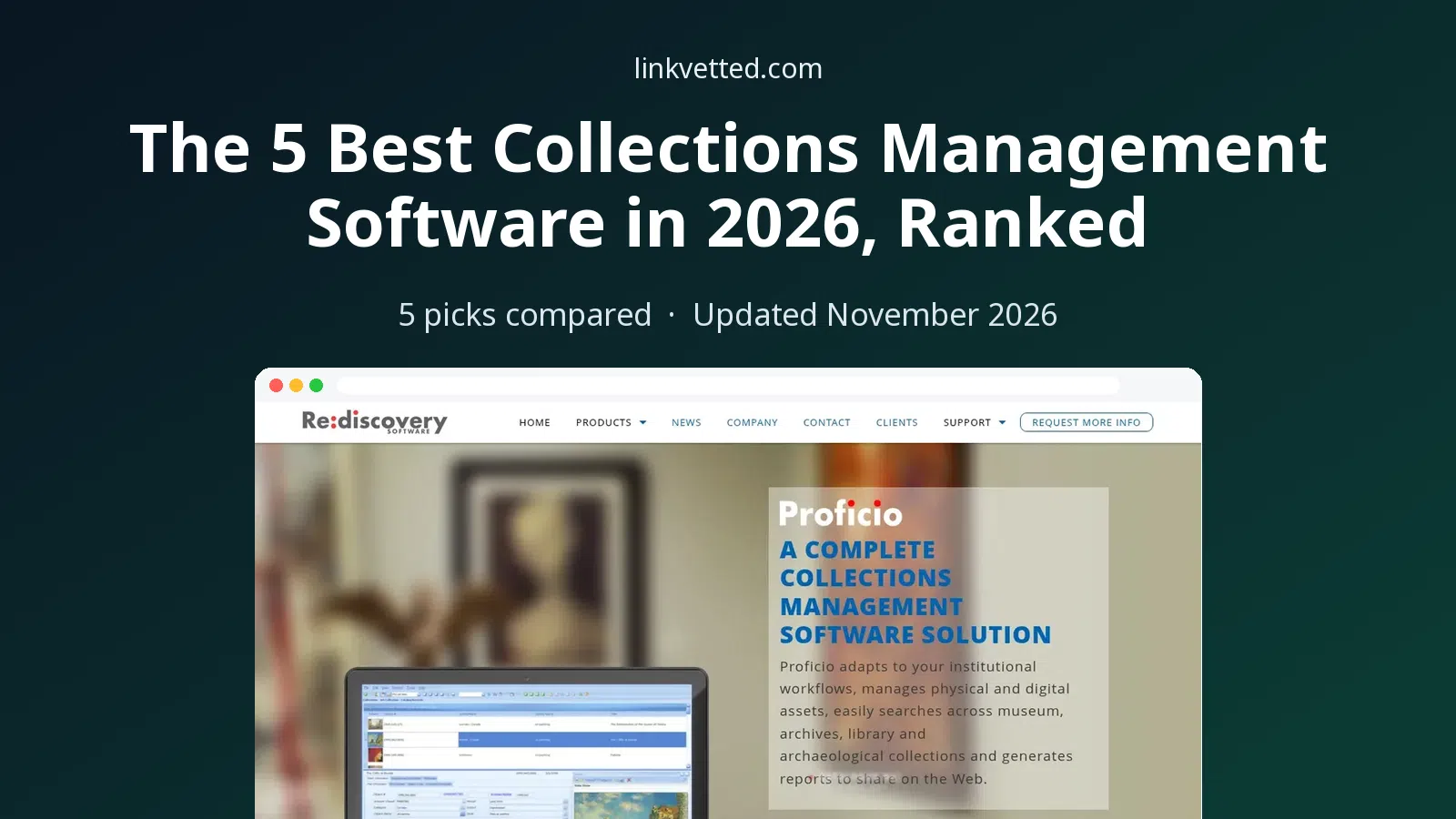
- Editor's choiceRe:discovery
Specialized cataloging for museums and archives
Starts at$975Visit rediscov.comFull review - Great alternativeCatalogIt
Cloud-based collaborative collections management
Starts at$14.99 per monthVisit catalogit.appFull review - Also considerLucidea Argus
Knowledge management for collections
Starts atSee websiteVisit lucidea.comFull review
Direct answer
Start with Re:discovery if you need specialized cataloging for museums and archives. Listed starting prices: Re:discovery from $975 and CatalogIt from $14.99 per month. Alternatives: CatalogIt for cloud-based collaborative collections management, and Lucidea Argus for knowledge management for collections. Details, prices and limits for the rest of the 5 tools are below.
TL;DR:
- Re:discovery sits first on this list: specialized cataloging for museums and archives.
- Just one of the 5 tools, CatalogIt, has a free plan.
- Before buying Lucidea Argus, weigh this: collections features may be less specialized.
- Adlib Museum is the one to check for document automation with museum workflows.
Last checked November 2026. Prices and plan details were read from the vendors' own pages in November 2026; vendors change plans often, so confirm the current price on the vendor site before you buy.
Quick comparison
| Tool | Best for | Starts at | Free plan? | |
|---|---|---|---|---|
| Re:discovery | Specialized cataloging for museums and archives | $975 | Not stated | Visit |
| CatalogIt | Cloud-based collaborative collections management | $14.99 per month | Yes | Visit |
| Lucidea Argus | Knowledge management for collections | See website | Not stated | Visit |
| CollectiveAccess | Adaptable open-source collections management | See website | Not stated | Visit |
| Adlib Museum | Document automation with museum workflows | See website | Not stated | Visit |
5 options for collections management software in detail
This LinkVetted guide covers 5 options for collections management software. Each profile lists a starting price, free plan details, strengths and drawbacks, so you can drop poor fits quickly.
Re:discovery
Best for: Specialized cataloging for museums and archives
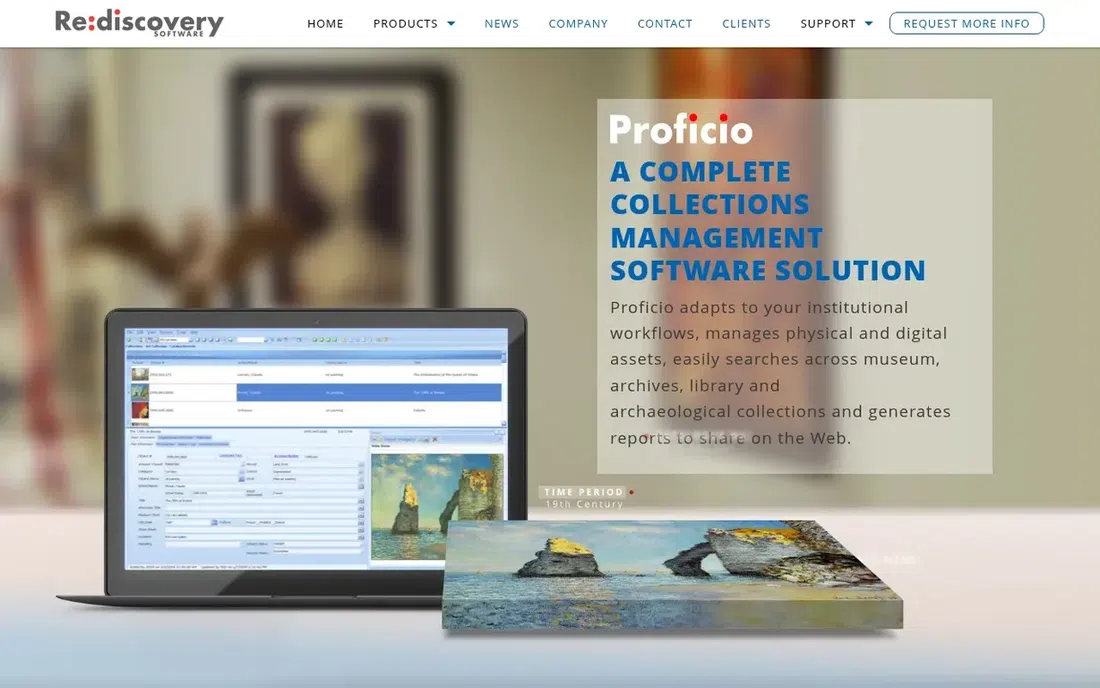
Where Re:discovery fits: specialized cataloging for museums and archives. Re:discovery Software offers collections management options for art museums, archives, libraries, archaeological collections, and historical societies. It is meant to manage complicated cataloging and documentation requirements, making it a good match for institutions with in-depth metadata needs and diverse collection types.
For everyday use, choose Re:discovery for solid, specialized cataloging in traditional museum and archive settings. For everyday use, the system may need training to use its full capabilities. Its collaboration features may not be as cloud-centric as some newer products. Entry price for Re:discovery: $975. As for free access: Not stated.
Downsides: Less emphasis on cloud-first collaboration.
- Used by diverse institution types
- Supports complicated cataloging needs
- May need training to completely utilize
CatalogIt
Best for: Cloud-based collaborative collections management
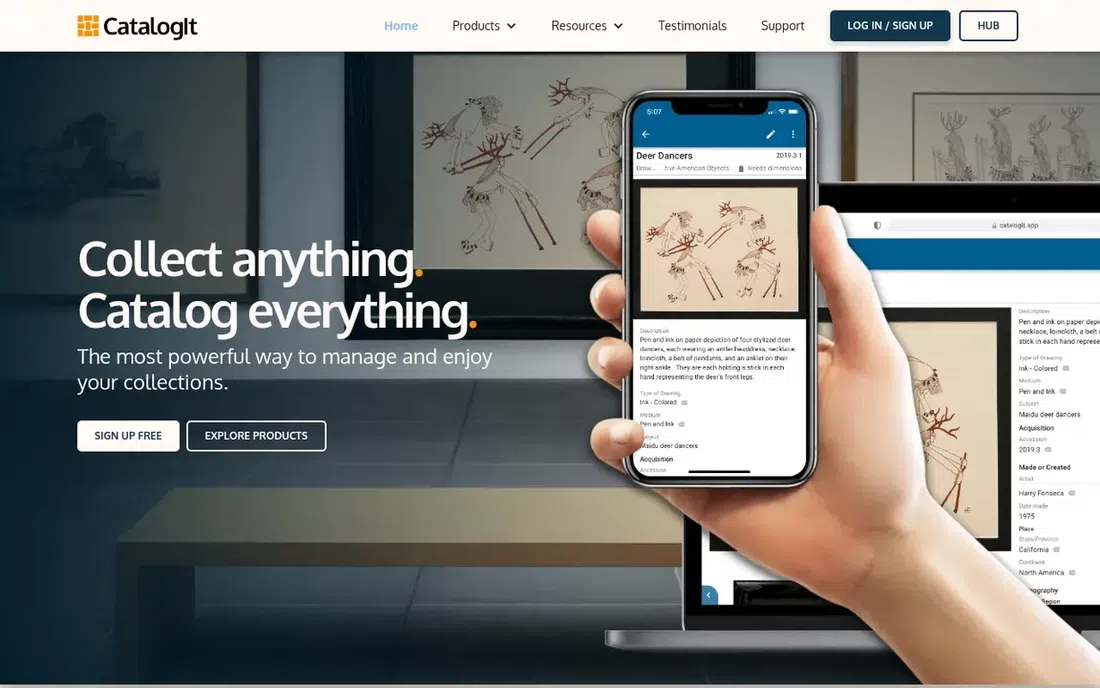
CatalogIt was built for cloud-based collaborative collections management. CatalogIt is a cloud-based collections management system that gives you museum-level capabilities through an easy-to-learn visual interface. This makes it a good fit for institutions seeking an accessible, collaborative product without heavy IT overhead.
Downsides: Subscription-based model.
Beyond that, as a cloud-based option, CatalogIt operates on a subscription model and may offer less customization than open-source systems. As for the details, organizations requiring extensive tailoring of data structures or offline capabilities might have to explore other choices. CatalogIt cost at the entry level: $14.99 per month. CatalogIt has a free plan.
- Supports several users simultaneously
- Cloud-based with mobile and desktop access
- May lack deep customization of open-source choices
Lucidea Argus
Best for: Knowledge management for collections
Lucidea Argus is designed for knowledge management for collections. Lucidea Argus is part of Lucidea's suite of knowledge management, library ILS, and collections management software. It helps organizations redefine how knowledge is shared, making it a good match for institutions that want to link collections management with broader knowledge-sharing initiatives.
As part of a multi-product suite, Argus may offer less depth in specialized museum cataloging than dedicated systems. Lucidea Argus is a solid fit for those seeking an integrated approach to knowledge and collections management. This comparison lists no price for Lucidea Argus; ask the vendor. Trial and free access: Not stated.
Where it is weaker: Collections features may be less specialized.
- Focus on sharing knowledge
- Integrates knowledge management with collections
- Broader suite may need several modules
CollectiveAccess
Best for: Adaptable open-source collections management
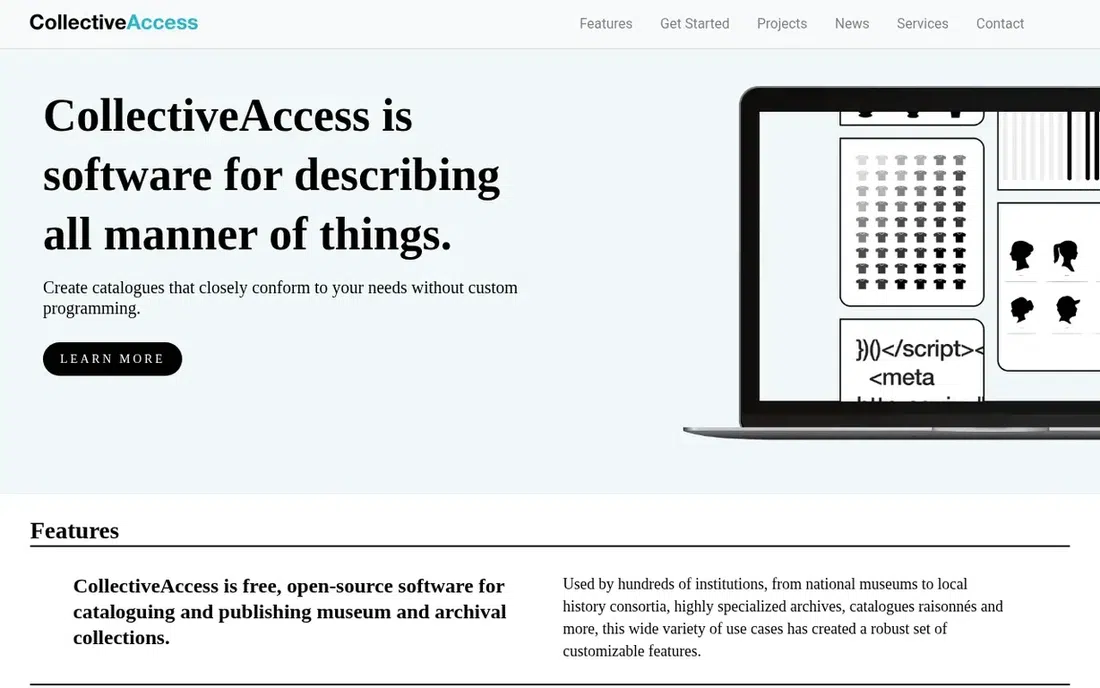
CollectiveAccess targets adaptable open-source collections management. CollectiveAccess is an open-source collections management system built for museums, archives, and cultural organizations. It gives you an adaptable framework that can be tailored to specific cataloging and workflow needs, making it right for institutions with technical support available.
Trade-offs to know: Restricted built-in cloud hosting.
Worth adding: consider CollectiveAccess if you need a highly configurable, open-source option and have the capacity to run it. On top of that, the system usually needs self-hosting and technical expertise for installation and maintenance. Check the vendor site for CollectiveAccess pricing; none is listed in this comparison. Trial and free access: Not stated.
- Supports diverse collection types
- Open-source and configurable
- Needs technical setup
Adlib Museum
Best for: Document automation with museum workflows
Adlib Museum is built with document automation with museum workflows in mind. Institutions needing thorough cataloging and public access features should confirm capabilities. Beyond that, consider Adlib Museum if document automation is a priority within your collections workflows.
Watch-outs: Museum-specific features may be less prominent.
As for the details, Adlib Museum is part of Adlib's document automation and processing software, which aims to simplify intricate business processes and cut labor-intensive workflows. It can be applied to museum documentation and collections-related tasks, especially where automation of routine processes is valuable. Check the vendor site for Adlib Museum pricing; none is listed in this comparison. Free access: Not stated.
- Simplifies document-intensive processes
- Part of a broader automation system
- May need integration for full collections management
What went into this list
The comparison looks at four things: starting price, free access, how well the feature set matches collections management software, and the main limit of each tool. Seat minimums, billing terms and add-ons can move the real cost, so the starting prices here are a guide and not a quote. Position on the page reflects fit for a typical buyer first, with price clarity and free access breaking ties. Treat it as a guide, not a ruling.
Things to verify first
- Ask Lucidea Argus, CollectiveAccess and Adlib Museum for a written quote, since no starting price is shown.
- Look at the free plan from CatalogIt closely: its caps decide whether it is usable for real work.
- Read the limits listed for Re:discovery first: may need training to fully utilize.
- Look at which plan of Adlib Museum unlocks the features you need; entry tiers are often cut down.
- Compare total cost, not headline price: for CollectiveAccess, add extra seats, add-ons and any usage-based charges.
FAQ
How does cloud-based collections management differ from on-premises?
Cloud-based systems like CatalogIt enable live collaboration and remote access without local server infrastructure. On-premises systems may offer more control and customization but need internal IT resources.
Can I try these options before paying?
Often, yes. CatalogIt has a free plan. Use your own data and a real task during the test, and check what the free tier or trial limits before you rely on it.
Is open-source collections management software a decent choice?
Open-source choices like CollectiveAccess offer adaptability and customization but need technical expertise to host and maintain. Cloud-based alternatives may be simpler to deploy for others.
How are the tools for collections management software ordered?
The order follows typical fit for collections management software, with Re:discovery first and Adlib Museum last, then price clarity and free access. It is editorial judgement, not a score, so another team could rank the tools differently.
Which options for collections management software have a free plan?
CatalogIt is the only tool in this list with a free plan. Free plans usually cap users, projects or features, so check the limits on the vendor page.
What is the cheapest option for collections management software in this list?
On published monthly entry prices, CatalogIt is the lowest here at $14.99 per month. Entry price is only part of the cost, because seats, add-ons and billing terms can change the total.
Sources
- https://www.rediscov.com
- https://www.catalogit.app
- https://lucidea.com
- https://www.collectiveaccess.org
- https://www.adlibsoftware.com