The 5 Best Codeless App Builder in 2026, Ranked
Best codeless app builder: 5 tools compared on price, free plans and fit. For data-centric workflows and apps, begin with Airtable. Current for November 2026.
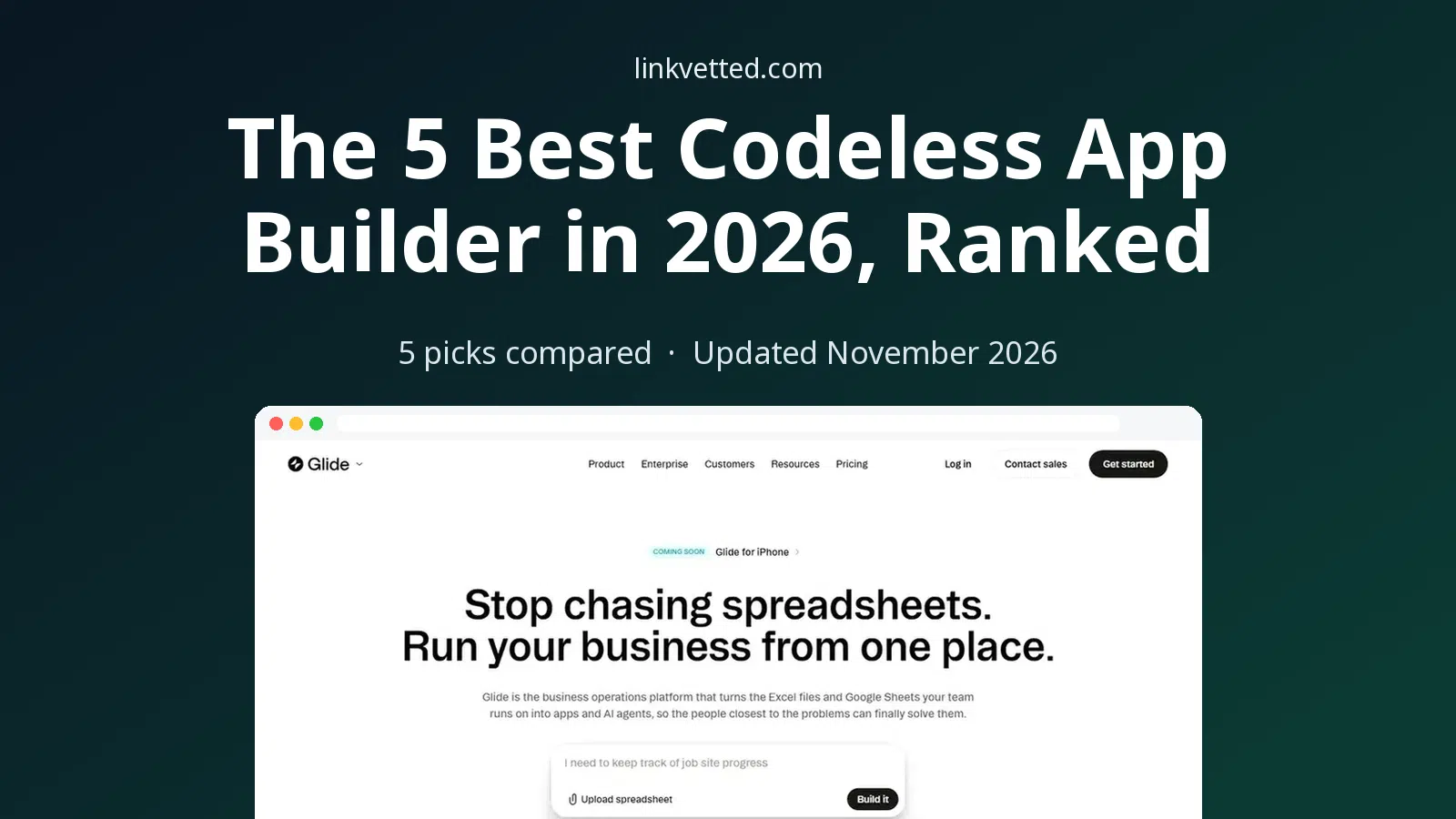
- Editor's choice
 Airtable
Data-centric workflows and apps
Starts at$20 per user a monthVisit airtable.comFull review - Great alternative
 Glide
Internal business apps from spreadsheets
Starts at$25 per monthVisit glideapps.comFull review - Also consider
 Bubble
Full-stack apps with visual control
Starts atSee websiteVisit bubble.ioFull review
Direct answer
Airtable is the first pick on this list for data-centric workflows and apps. Listed starting prices: Airtable from $20 per user a month, Glide from $25 per month and Adalo from $65 per month. For a different need, Glide covers internal business apps from spreadsheets and Bubble covers full-stack apps with visual control. The remaining 2 options are covered below with prices and limits.
TL;DR:
- Airtable takes the first slot, best suited to data-centric workflows and apps.
- Airtable, Glide, Adalo: these are the 3 tools out of 5 that offer a free plan.
- Glide comes with a trade-off: concentrated on business apps instead of consumer products.
- Airtable is the lowest-priced starter here at $20 per user per month.
- Quickbase fits complicated processes and project management.
Last checked November 2026. Prices and plan details were read from the vendors' own pages in November 2026; vendors change plans often, so confirm the current price on the vendor site before you buy.
Quick comparison
| Tool | Best for | Starts at | Free plan? | |
|---|---|---|---|---|
| Airtable | Data-centric workflows and apps | $20 per user a month | Yes | Visit |
| Glide | Internal business apps from spreadsheets | $25 per month | Yes | Visit |
| Bubble | Full-stack apps with visual control | See website | Not stated | Visit |
 Adalo | Native iOS and Android publishing | $65 per month | Yes | Visit |
| Quickbase | Complicated processes and project management | $35 per user a month | Free trial | Visit |
Codeless App Builder, one by one
This LinkVetted guide covers 5 options for codeless app builder. Each profile lists a starting price, free plan details, strengths and drawbacks, so you can drop poor fits quickly.
Airtable is designed for data-centric workflows and apps. Airtable positions itself around enterprise-ready AI workflows, apps, and agents.
More specifically, teams use it for live collaboration, automating repetitive tasks, and simplifying business processes, with apps built on top of the same structured data. For everyday use, Airtable is data-first, so app interfaces and logic follow its structure instead of offering unlimited design freedom. On cost, Airtable starts like this: $20 per user per month. You can start on Airtable without paying.
Drawbacks to consider: Large bases need governance.
- Live collaboration on structured data
- Apps and agents built on enterprise-ready workflows
- App building is tied to its data model
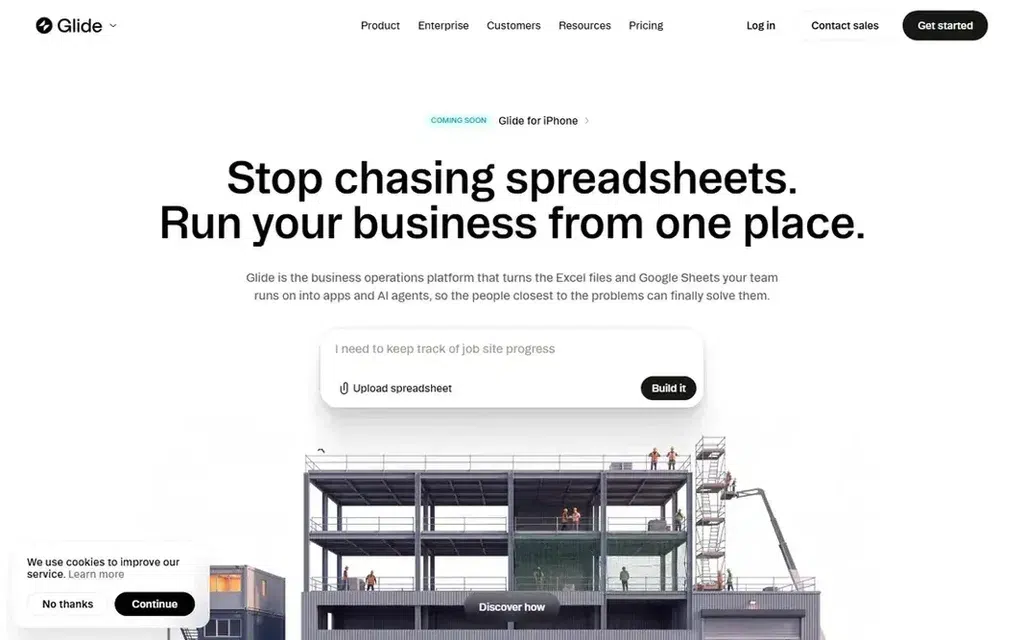
Glide is aimed squarely at internal business apps from spreadsheets. It builds custom apps and agents with AI from a spreadsheet or a prompt, positioning itself for teams that want working tools quickly instead of long development cycles.
Where it falls short: Depends on well-structured source data.
If you need full design control and custom databases, a product like Bubble may suit you better. Glide cost at the entry level: $25 per month. Glide includes a free tier.
- Meant to be ready in minutes
- Geared toward internal business apps and agents
- Concentrated on business apps instead of consumer products
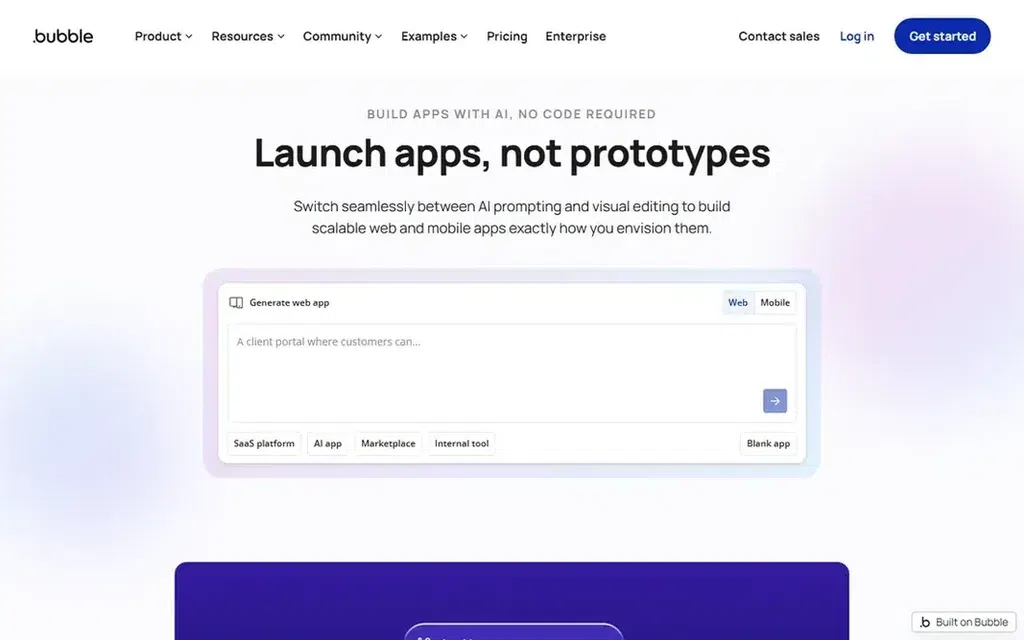
Where Bubble fits: full-stack apps with visual control. Since Bubble spans so much, the ramp-up time is steeper than single-purpose builders, and ambitious apps benefit from planning data structure and permissions early.
Downsides: Complicated apps need careful planning.
It fits founders and product teams building customer-facing or internal web and mobile apps. Pricing for Bubble is not stated here, so ask the vendor for current figures. Free options: Not stated. Highlights: Supports web and mobile apps.
- AI building plus visual editing
- Privacy rules in one place
- Wide feature set takes time to learn
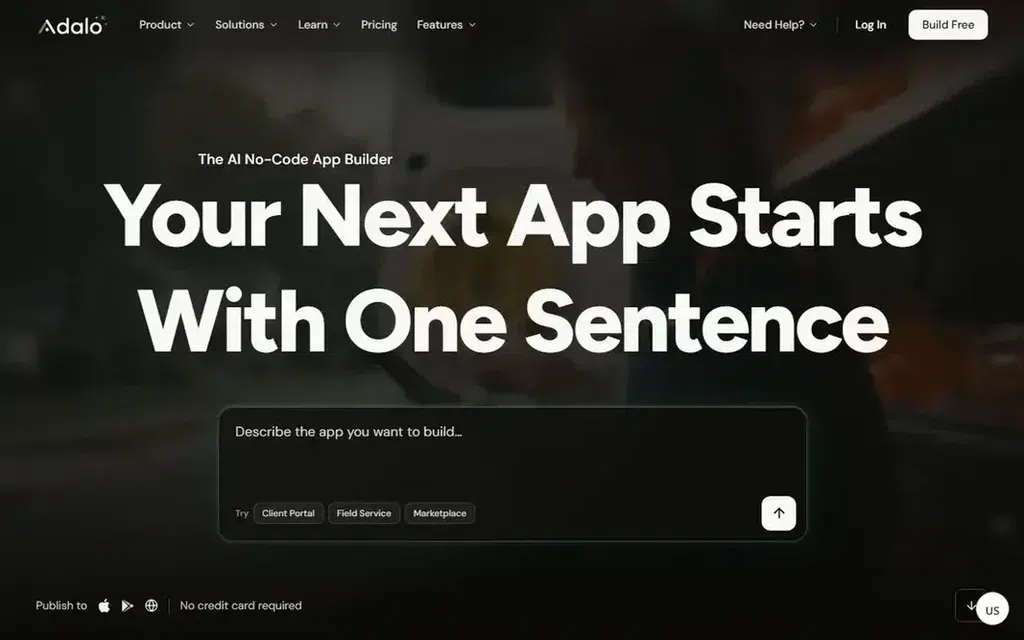
Think of Adalo for native iOS and Android publishing. Adalo is an AI no-code app builder for iOS, Android, and web. That makes it a solid fit for founders and small teams who want a real mobile presence without writing code, and for those who value one project including multiple products.
Also, expect to review generated screens and logic before launch. Pick a database-first or workflow-first product instead when your priority is internal process automation instead of a refined mobile app. The starting price for Adalo: $65 per month. Adalo offers a free plan.
What works well: Describe your app and let Ada build screens, data, logic.
Where it falls short: Most useful for app-style projects instead of complicated backends.
- Web apps from one project
- No code required
- Advanced logic may need workarounds
Quickbase
Best for: Complicated processes and project management
Think of Quickbase for complicated processes and project management. Quickbase is a product for dynamic work and complicated project management, built so teams can rapidly boost any process. It targets organizations running business-critical operations who require to adapt workflows without heavy engineering.
Consider it when complicated, evolving workflows and project oversight are the core requirement. In daily use, teams wanting a light consumer-facing product may prefer a design-led builder. Price to start with Quickbase: $35 per user per month. Free access: Free trial.
Points against: Less suited to straightforward consumer apps.
- Designed for business-critical operations
- Targeted at dynamic work and complicated project management
- Oriented toward enterprise process work
How we chose
Pre-purchase checklist
- Get a written quote from Bubble; the list shows no starting price for them.
- Look at free plan limits closely: Airtable, Glide and Adalo have one, and the caps decide whether it is usable for real work.
- Use real work to test the free trial from Quickbase, rather than a demo project.
- Before choosing Airtable, weigh its main limit: app building is tied to its data model.
- Check whether the features you need in Adalo sit on the entry plan or only on higher tiers.
- See whether Bubble offers onboarding or training, and whether it is included in the price.
FAQ
Is Airtable the right pick for everyone comparing codeless app builder?
No single tool suits every team. Airtable comes first because it fits data-centric workflows and apps, while Glide suits internal business apps from spreadsheets and Bubble suits full-stack apps with visual control. Match the tool to your own size, budget and workflow before deciding.
Can I try these tools before paying?
Often, yes. Airtable, Glide and Adalo have a free plan and Quickbase offers a free trial. Use your own data and a real task during the test, and check what the free tier or trial limits before you rely on it.
What is the cheapest option for codeless app builder in this list?
On published monthly entry prices, Airtable is the lowest here at $20 per user per month. Entry price is only part of the cost, because seats, add-ons and billing terms can change the total. All 5 picks in this Codeless app builder comparison list a starting price, free plan details and the main limits on their cards above.
Do these tools publish their prices?
Not all of them. Bubble publishes no starting price, so expect a quote request for it. The rest, Airtable included, show a starting price, though seats and billing terms still change the final cost.
What is a codeless app builder?
A codeless app builder lets you produce working applications through visual tools, prompts, or existing data rather than writing code. Systems differ in whether they target customer-facing products, native mobile apps, or internal business tools.
Sources
- https://www.airtable.com
- https://www.glideapps.com
- https://bubble.io
- https://www.adalo.com
- https://www.quickbase.com