5 Cloud Design Platforms with Templates Worth Shortlisting in 2026
Need the best cloud design platforms with templates? We compare 5 tools on cost, free access and who each suits. Verdicts stay brief and factual. No filler.
- Editor's choice
 Snappa
AI-generated social and ad graphics
Starts at$10 per monthVisit snappa.comFull review - Great alternative
 Marq
Brand-controlled templates for teams
Starts at$12 a monthVisit marq.comFull review - Also consider
 Designhill
Design marketplace plus DIY tools
Starts at$4.99 each one timeVisit designhill.comFull review
Direct answer
Our first pick is Snappa, best for AI-generated social and ad graphics. Listed starting prices: Snappa from $10 per month, Marq from $12 a month and Designhill from $4.99 each one time. Marq is better for brand-controlled templates for teams, and Designhill is better for design marketplace plus DIY tools. The full list of 5 tools follows, with prices and free plan facts.
TL;DR:
- Snappa is the opening pick, best for AI-generated social and ad graphics.
- Free plans exist at 3 of 5 tools (Snappa, Marq, Venngage).
- A fair warning about Snappa: restricted advanced design features.
- Venngage suits professional infographics and business templates.
- The cheapest monthly starting price in the list is $10 per month, offered by Snappa.
Last checked November 2026. Prices and plan details were read from the vendors' own pages in November 2026; vendors change plans often, so confirm the current price on the vendor site before you buy.
Quick comparison
| Tool | Best for | Starts at | Free plan? | |
|---|---|---|---|---|
| Snappa | AI-generated social and ad graphics | $10 per month | Yes | Visit |
| Marq | Brand-controlled templates for teams | $12 a month | Yes | Visit |
| Designhill | Design marketplace plus DIY tools | $4.99 each one time | Not stated | Visit |
 Canva | Wide template range for general design | See website | Not stated | Visit |
| Venngage | Professional infographics and business templates | $10 per month | Yes | Visit |
Every option for cloud design platforms with templates explained
If you are comparing cloud design platforms with templates, this page covers 5 tools in one place: what each is best for, what it costs to start, whether it has a free plan, and the main limit to know about.
Where Snappa fits: AI-generated social and ad graphics. Snappa is AI graphic design software that turns a single prompt into graphics for social media, ads, blogs, and more. It is geared toward speed and simplicity, helping users produce scroll-stopping visuals without a design background.
Downsides: Restricted advanced design features.
On top of that, teams needing in-depth infographics or brand-locked templates may find it restricted. Templates and preset sizes support typical channels. The starting price for Snappa: $10 per month. Free access exists with Snappa.
- Prompt-to-graphic AI
- Quick social media output
- Best for short-form graphics
Marq is a good fit for brand-controlled templates for teams. Marq, formerly Lucidpress, is brand enablement software that turns any design into a branded template for teams to customize without losing brand control.
The main drawbacks: Centred on brand enablement.
Templates can be locked to approved fonts, colors, and layouts. Solo designers or teams without strict brand rules might prefer a more straightforward template tool. Entry price for Marq: $12 per month. Marq has a free plan.
- Brand template locking
- Team self-service design
- Less suited to solo creatives
Designhill targets design marketplace plus DIY tools. Designhill is a creative marketplace where firms and individuals can source designs and buy products from global designers and artists. It also provides DIY tools and print on demand merchandise.
Honest limits: Less template-focused than others.
Designhill is not primarily a template-driven cloud design system, so teams looking for a large built-in template library may prefer Canva or Venngage. From a buyer's view, marketplace results rely on the individual designer. It is a solid fit when you need custom work or merchandise instead of everyday template editing. The starting price for Designhill: $4.99 each one time. Trial and free access: Not stated.
- Print on demand choices
- DIY design tools
- Marketplace quality varies
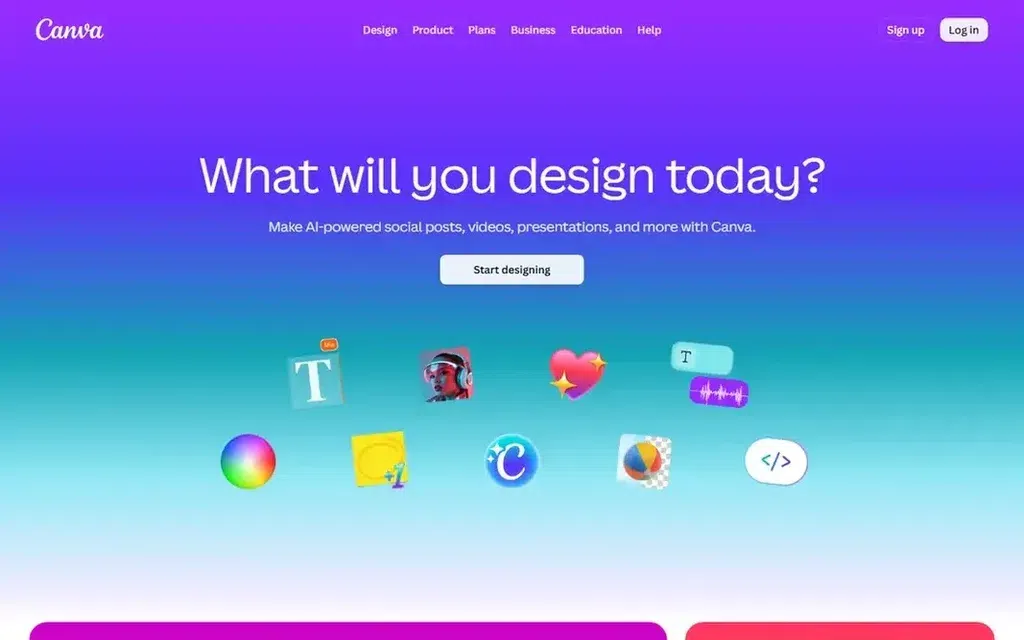
Canva serves wide template range for general design. Canva is an online graphic design tool with templates for social media posts, presentations, posters, videos, logos, and more.
Its visual suite is pitched at non-designers and teams that require fast, refined results. Worth adding: for straightforward visual content with templates, Canva remains a practical choice. Canva does not show a starting price in this comparison, so check the vendor site for current pricing. Trial and free access: Not stated.
Points against: Templates can feel generic.
- Large template library
- Supports social, print, video
- Restricted advanced design controls
Venngage
Best for: Professional infographics and business templates
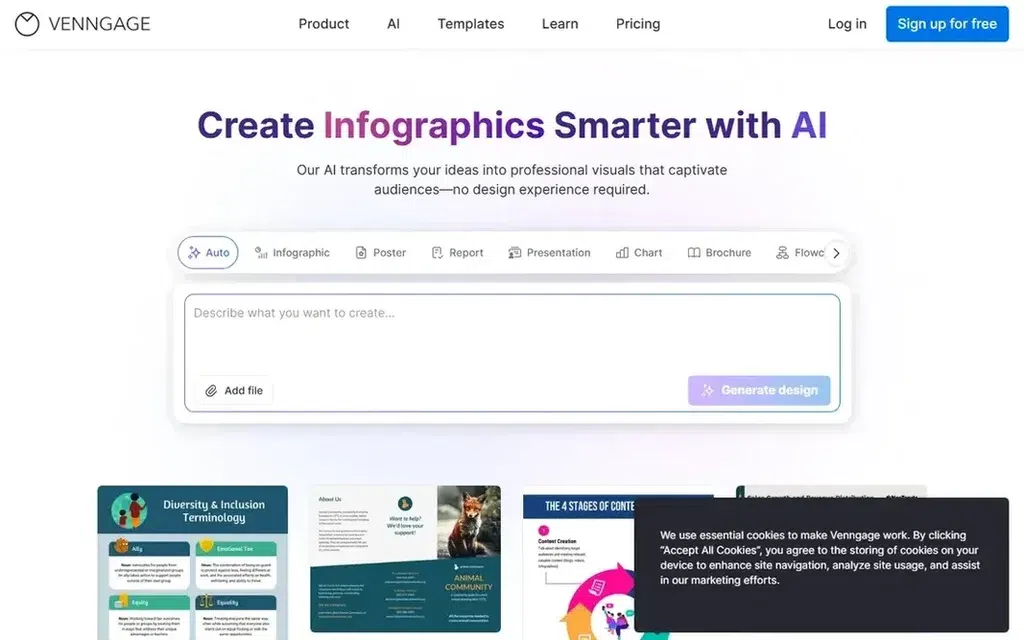
For professional infographics and business templates, Venngage is a natural candidate. It centres on turning information into clear visual stories, with layouts for reports, process diagrams, and comparisons.
Venngage is more specialized than broad systems like Canva, so it may not handle every design need like video editing or product prototyping. Its strength is infographics and business visuals. Venngage cost at the entry level: $10 per month. Venngage has a free plan.
Honest limits: Less suited to UI design.
- Large template collection
- Infographic specialization
- Narrower scope than general design tools
Selection criteria
Selection started from tools commonly considered for cloud design platforms with templates, then narrowed to 5 that have clear pricing information or a clear quote process. Where a price is missing, the vendor does not list one publicly or ties it to a quote. Always confirm before budgeting. The ranking is editorial: typical fit first, then clear pricing, then free access. If your needs are unusual, read the profiles rather than relying on position.
Things to verify first
- Get a written quote from Canva; the list shows no starting price for them.
- Look at free plan limits closely: Snappa, Marq and Venngage have one, and the caps decide whether it is usable for real work.
- Before choosing Snappa, weigh its main limit: restricted advanced design features.
- Ask Snappa about contract length, onboarding fees and user minimums before you sign.
- Look at the help docs and support options for Venngage before you commit.
FAQ
Do these tools publish their prices?
Not all of them. Canva publishes no starting price, so expect a quote request for it. The rest, Snappa included, show a starting price, though seats and billing terms still change the final cost.
How are the tools for cloud design platforms with templates ordered?
Snappa sits first and Venngage last because the order follows typical fit for cloud design platforms with templates, then price clarity and free access. It is a judgement call, so read each profile for fit and limits.
Can I try these tools before paying?
Often, yes. Snappa, Marq and Venngage have a free plan. Use your own data and a real task during the test, and check what the free tier or trial limits before you rely on it.
What is the cheapest option for cloud design platforms with templates in this list?
On published monthly entry prices, Snappa is the lowest here at $10 per month. Entry price is only part of the cost, because seats, add-ons and billing terms can change the total. Each of the 5 options in this cloud design platforms with templates guide has its own card above with the price, free plan and limits.
Which cloud design product is a good match for infographics?
This list starts with Snappa, which fits AI-generated social and ad graphics. For other needs, Marq is aimed at brand-controlled templates for teams, and Designhill at design marketplace plus DIY tools. Check each tool's price and main limit first.
Sources
- https://snappa.com
- https://www.marq.com
- https://www.designhill.com
- https://www.canva.com
- https://venngage.com