Best Clinical Surveillance Software in 2026: Prices, Free Plans and 6 Picks
6 products for the best clinical surveillance software, ranked by fit, with starting costs and free tiers. We note where every tool falls short. No hype.
- Editor's choiceAscom
Workflow intelligence in care settings
Starts atPricing on requestVisit ascom.comFull review - Great alternativeVocera
Connected hospital-wide communication
Starts atPricing on requestVisit vocera.comFull review - Also considerPerfectServe
Clinical communication and alert routing
Starts atPricing on requestVisit perfectserve.comFull review
Direct answer
Ascom comes first here, mainly for workflow intelligence in care settings. Vocera is the stronger choice for connected hospital-wide communication, while PerfectServe suits clinical communication and alert routing. Free plan facts and limits for all 6 tools follow. None of these vendors publish plan prices, so pricing is on request for every option.
TL;DR:
- Ascom sits first on this list: workflow intelligence in care settings.
- Ascom, Hill-Rom and the 4 others all sell by quote; expect sales conversations before you see a price.
- Hill-Rom suits clinical patient care options.
- None of the 6 tools, from Ascom to Hill-Rom, has a free plan, so budget for a subscription or use a trial.
- A fair warning about Epic Systems: implementation is a major undertaking.
Last checked November 2026. Pricing on request: vendors did not publish plan prices when this guide was last checked (November 2026), so ask each vendor for a written quote.
Quick comparison
| Tool | Best for | Starts at | Free plan? | |
|---|---|---|---|---|
| Ascom | Workflow intelligence in care settings | Pricing on request | Not stated | Visit |
| Vocera | Connected hospital-wide communication | Pricing on request | Not stated | Visit |
| PerfectServe | Clinical communication and alert routing | Pricing on request | Not stated | Visit |
| Epic Systems | Surveillance inside a full EHR | Pricing on request | Not stated | Visit |
| Spok | Dependable clinical alert delivery | Pricing on request | Not stated | Visit |
| Hill-Rom | Clinical patient care options | Pricing on request | Not stated | Visit |
The full clinical surveillance software list
If you are comparing clinical surveillance software, this page covers 6 tools in one place: what each is best for, what it costs to start, whether it has a free plan, and the main limit to know about.
Ascom
Best for: Workflow intelligence in care settings
Where Ascom fits: workflow intelligence in care settings. It suits facilities, including long-term care settings, that want to modernize care team communication alongside existing clinical systems.
Beyond that, deployment scope and device choices depend heavily on the site's network and existing infrastructure, so early planning with the vendor is important. Ascom does not show a starting price in this comparison, so check the vendor site for current pricing. Free plan details: Not stated.
Where it falls short: Configuration relies on site infrastructure.
- Serves hospitals and long-term care
- Communication and collaboration focus
- Not a clinical record system
Vocera
Best for: Connected hospital-wide communication
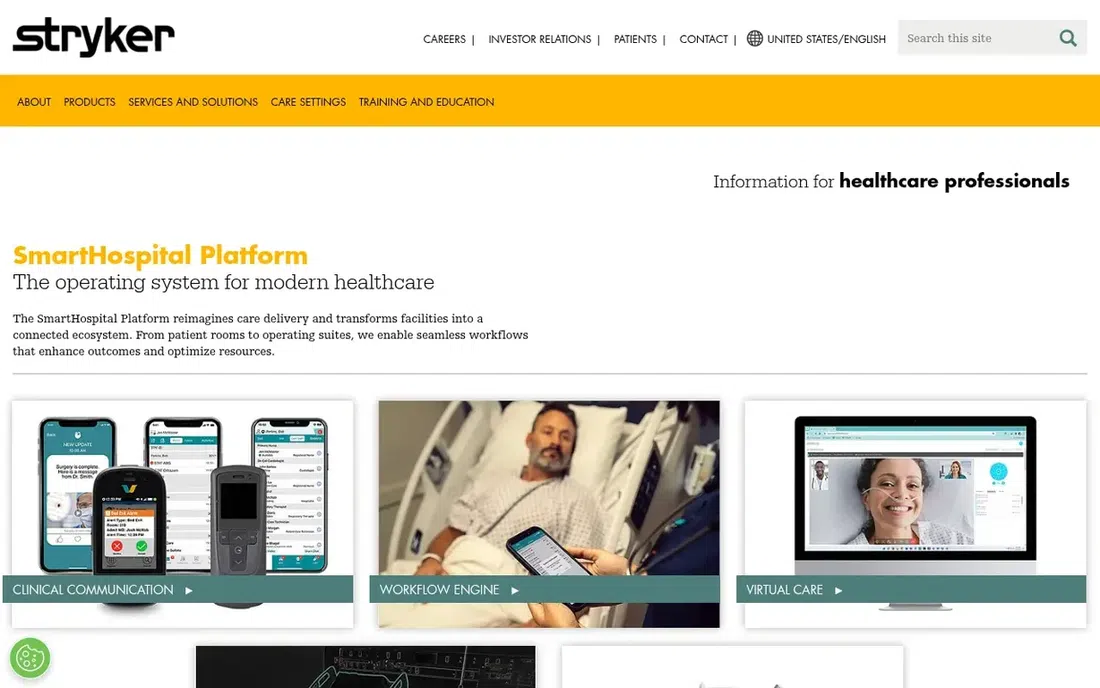
Vocera is designed for connected hospital-wide communication. Its emphasis is on smooth workflows from patient rooms to operating suites, helping teams communicate and respond quickly when a patient's status changes.
Downsides: Value relies on facility-wide rollout.
It suits hospitals that want surveillance signals delivered through live care team communication instead of a separate analytics dashboard. No starting price is listed for Vocera here; confirm pricing on the vendor site. Trial and free access: Not stated.
- SmartHospital Platform spans rooms to operating suites
- Focus on smooth clinical workflows
- Communication-centric instead of chart-centric
PerfectServe
Best for: Clinical communication and alert routing
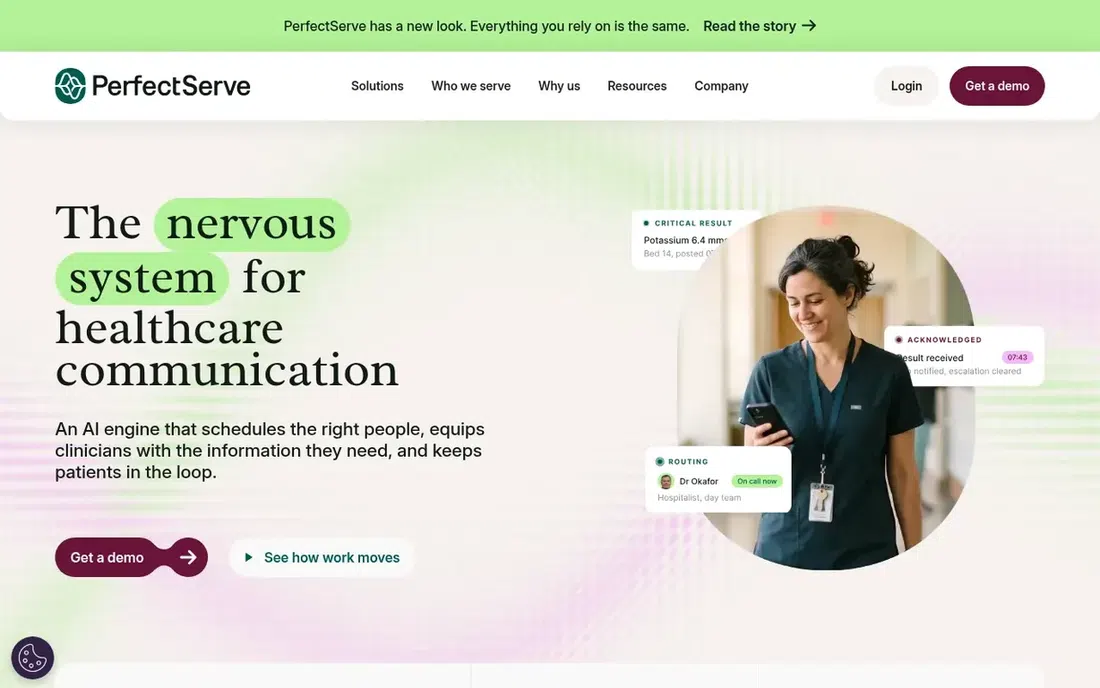
PerfectServe is built with clinical communication and alert routing in mind. Results also depend on accurate on-call schedules and contact data, which take continuing maintenance to keep reliable. More specifically, PerfectServe is a communication layer instead of a complete surveillance or EHR system, so organizations needing built-in risk scoring tied to the chart may combine it with another platform.
More specifically, PerfectServe supplies healthcare communication systems built to boost clinical efficiency and patient satisfaction. Its core strength is routing time-sensitive clinical information to the right clinician, which supports surveillance workflows by making sure alerts reach someone who can act. PerfectServe shows no starting price here, so confirm the cost on the vendor site. Free plan details: Not stated.
Watch-outs: Needs clean contact and on-call data.
- Healthcare-specific communication systems
- Aims at clinical efficiency and satisfaction
- Not a full EHR system
Epic Systems
Best for: Surveillance inside a full EHR
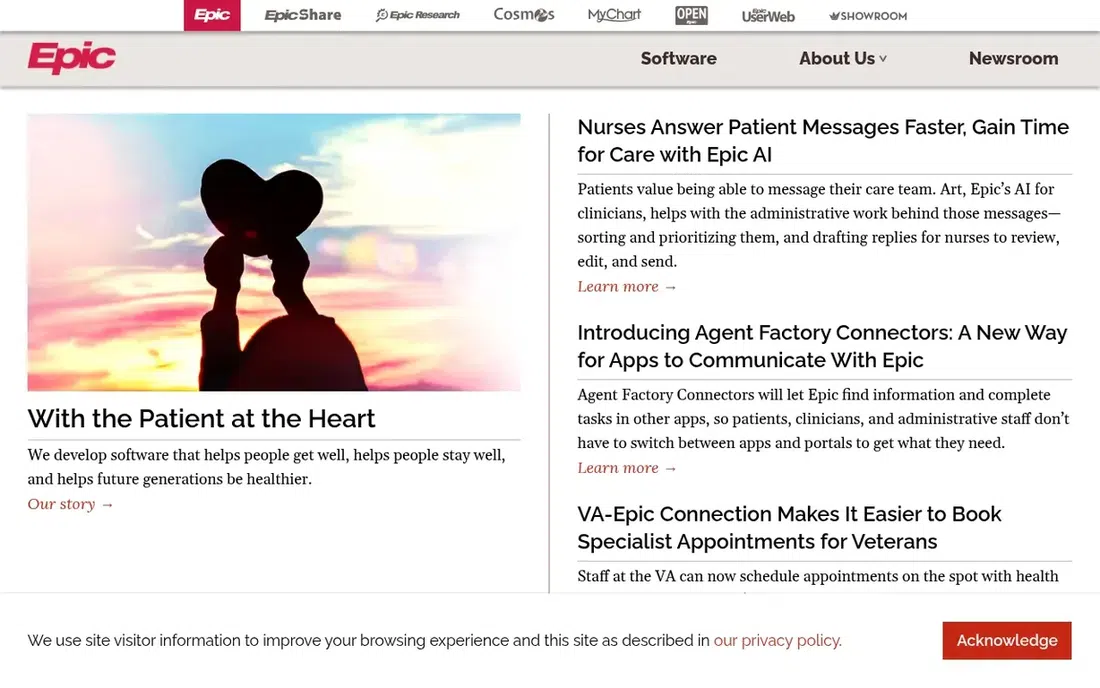
Epic Systems makes the most sense for surveillance inside a full EHR. Smaller practices or teams seeking a light, communication-focused surveillance tool may prefer a narrower choice like PerfectServe or Spok.
Drawbacks to consider: Best value only within the Epic ecosystem.
The tradeoff is scale: adopting Epic is a substantial project that touches workflows, training and IT resources, and it makes most sense for organizations already committed to that ecosystem. Worth adding: since alerts and risk signals sit alongside the patient chart, care teams can act on them without switching systems. Check the vendor site for Epic Systems pricing; none is listed in this comparison. Free plan details: Not stated.
- Fits large
- Wide clinical software foundation
- Implementation is a major undertaking
Spok
Best for: Dependable clinical alert delivery
Think of Spok for reliable clinical alert delivery. Spok is most solid as a communication and notification backbone, so organizations seeking predictive surveillance scoring should expect to integrate it with an EHR or analytics system.
Hospitals depend on Spok options to advance their communication workflows, making it a practical choice for organizations that require dependable alert and notification delivery layered onto existing clinical systems. Integration effort varies with the existing infrastructure, so confirm supported connections with the vendor before planning a rollout. This comparison lists no price for Spok; ask the vendor. Free access: Not stated.
Where it falls short: Primarily messaging and notification.
- Gives clinical information to care teams
- Long-standing hospital messaging focus
- Integration depth varies by environment
Hill-Rom
Best for: Clinical patient care options
Hill-Rom is designed for clinical patient care options. Hill-Rom, now part of Baxter, gives you professional options for clinical patient care. It tends to fit hospitals already using related Baxter or Hill-Rom equipment.
Downsides: Surveillance is one part of a wide portfolio.
As for the details, organizations seeking a software-first surveillance layer may prefer Epic, PerfectServe or Spok and treat Hill-Rom as a complementary equipment partner. From a buyer's view, since Hill-Rom's offerings are wide, buyers should confirm which specific products address their surveillance requirements instead of assuming a single platform covers everything. This comparison lists no price for Hill-Rom; ask the vendor. Free plan details: Not stated.
- Relevant to bedside and care workflow needs
- Focus on professional clinical patient care
- Fit relies on existing equipment ecosystem
Our selection method
For each of the 6 tools we noted price, free plan or trial, fit for clinical surveillance software and the main limit, using vendor pages and documentation. Where a price is missing, the vendor does not list one publicly or ties it to a quote. Always confirm before budgeting. Tools are placed by general fit for clinical surveillance software, with price clarity and free access as tie-breakers. A different team can reasonably rank them differently.
What to confirm before you sign up
- Ask each vendor, from Ascom to Hill-Rom, for a written quote; none of them publishes a starting price.
- Before choosing Ascom, weigh its main limit: not a clinical record system.
- Ask the daily users to test Vocera on a live task before you roll it out to everyone.
- Test how quickly Ascom answers a pre-sales question; it hints at how support will feel later.
- Ask Spok how an export works before you move any records in; an easy exit lowers the risk.
FAQ
What is clinical surveillance software used for?
It helps care teams detect changes in patient condition and route timely information to the right clinician. In practice, numerous products combine alerting and communication with the clinical record so responses happen rapidly.
How are the tools for clinical surveillance software ordered?
The order follows typical fit for clinical surveillance software, with Ascom first and Hill-Rom last, then price clarity and free access. It is editorial judgement, not a score, so another team could rank the tools differently.
Does any tool for clinical surveillance software here have a free plan?
A permanent free plan is not offered by Ascom, Hill-Rom or the other tools here. Plan a short evaluation period instead.
Do these tools publish their prices?
No. None of the tools, from Ascom to Hill-Rom, shows a fixed starting price here, so budget time for quotes.
Can I try these options before paying?
Not by default. None of the tools, from Ascom to Hill-Rom, lists a free plan or a free trial here, so ask each vendor for a demo before committing.
Sources
- https://www.ascom.com
- https://www.vocera.com
- https://www.perfectserve.com
- https://www.epic.com
- https://www.spok.com
- https://www.hillrom.com