ChatOps Software in 2026: The 5 Best Options Side by Side
Comparing the best ChatOps software? 5 contenders, each with entry cost, free tier and best-fit buyer. Read the caveats before you buy. Prices checked.
- Editor's choice
 xMatters
Automatic incident workflow orchestration
Starts at$15 per user a monthVisit xmatters.comFull review - Great alternative
 Mattermost
Self-hosted, regulated collaboration
Starts atSee websiteVisit mattermost.comFull review - Also consider
 PagerDuty
AI-first incident operations product
Starts at$21 per user a monthVisit pagerduty.comFull review
Direct answer
xMatters comes first here, mainly for automatic incident workflow orchestration. Listed starting prices: xMatters from $15 per user a month, PagerDuty from $21 per user a month and Slack from $4.38 per user a month. Look at Mattermost for self-hosted, regulated collaboration, and at PagerDuty for AI-first incident operations system. Prices, free plans and limits for all 5 tools follow.
TL;DR:
- xMatters takes the first slot, best suited to automatic incident workflow orchestration.
- Slack is the lowest-priced starter here at $4.38 per user per month.
- Before buying Mattermost, weigh this: needs more operational effort.
- Only 3 of the 5 tools have a free plan (xMatters, PagerDuty, Slack), so check the caps.
Last checked November 2026. Prices and plan details were read from the vendors' own pages in November 2026; vendors change plans often, so confirm the current price on the vendor site before you buy.
Quick comparison
| Tool | Best for | Starts at | Free plan? | |
|---|---|---|---|---|
| xMatters | Automatic incident workflow orchestration | $15 per user a month | Yes | Visit |
| Mattermost | Self-hosted, regulated collaboration | See website | Not stated | Visit |
| PagerDuty | AI-first incident operations product | $21 per user a month | Yes | Visit |
 Slack | Central chat workspace with automation | $4.38 per user a month | Yes | Visit |
| Opsgenie | Atlassian-aligned alerting and on-call | See website | Not stated | Visit |
ChatOps Software, one by one
LinkVetted compared 5 tools for ChatOps software. The goal is a practical shortlist: published prices, free plan facts, best-fit use cases and honest limits for every entry.
Pick xMatters if this describes you: automated incident workflow orchestration. xMatters is an automatic incident management system that helps DevOps, SRE and operations teams automate workflows, ensure infrastructure availability and deliver products at scale. Teams seeking a straightforward on-call scheduler or a chat-native experience may prefer a lighter or more chat-centered choice.
In daily use, xMatters emphasizes workflow orchestration, so initial configuration can take effort and planning. It is not a general team chat product, so it performs best alongside a messaging product. What you pay to start with xMatters: $15 per user per month. xMatters has a free plan.
Where it is weaker: Workflow setup can be complicated.
- Actionable alerting integrations
- Workflow automation for DevOps and SRE
- Less known as a chat-first product
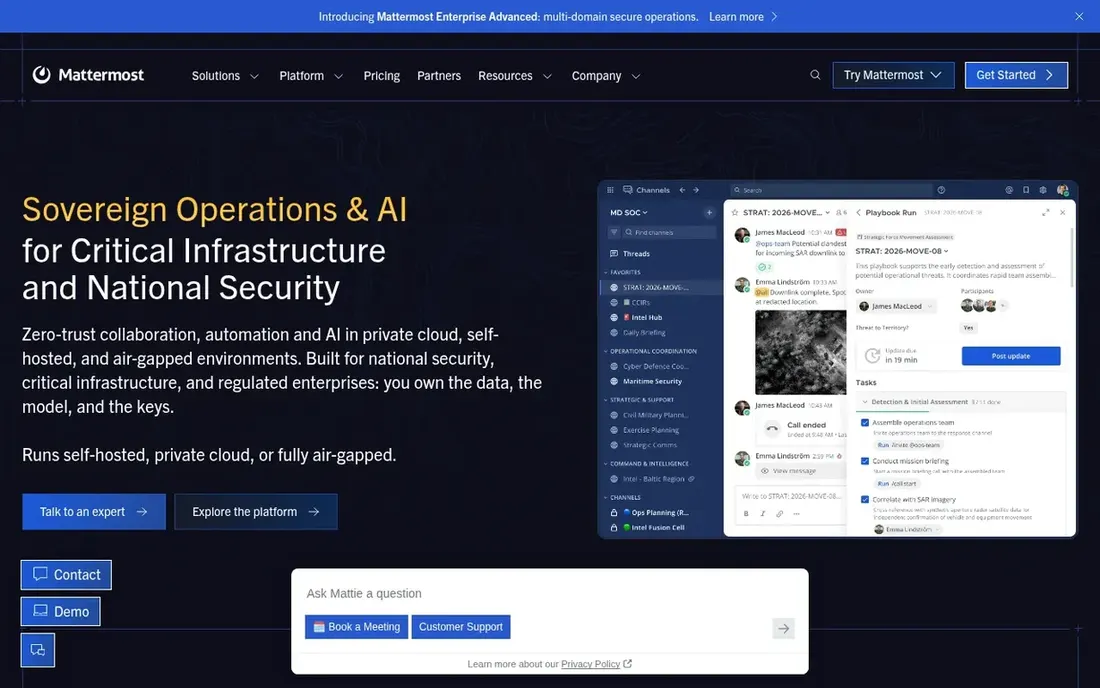
Mattermost is built with self-hosted, regulated collaboration in mind. Self-hosting shifts maintenance, upgrades and security patching to your team, which brings operational overhead.
The main drawbacks: Needs more operational effort.
Beyond that, the external app ecosystem is smaller than mainstream chat systems. No starting price is listed for Mattermost here; confirm pricing on the vendor site. As for free access: Not stated.
- Zero-trust collaboration focus
- Self-hosted and private cloud choices
- Smaller integration ecosystem
PagerDuty makes the most sense for AI-first incident operations system. PagerDuty is concentrated on incident operations instead of general team chat, so it complements instead of replaces a messaging hub.
From a buyer's view, PagerDuty presents itself as an AI-first operations product that helps teams automate, resolve and prevent critical issues from detection to resolution. Price to start with PagerDuty: $21 per user per month. You can start on PagerDuty without paying.
Honest limits: Configuration takes planning.
- Automation and prevention focus
- Operations-oriented workflows
- Can overlap with existing alerting tools
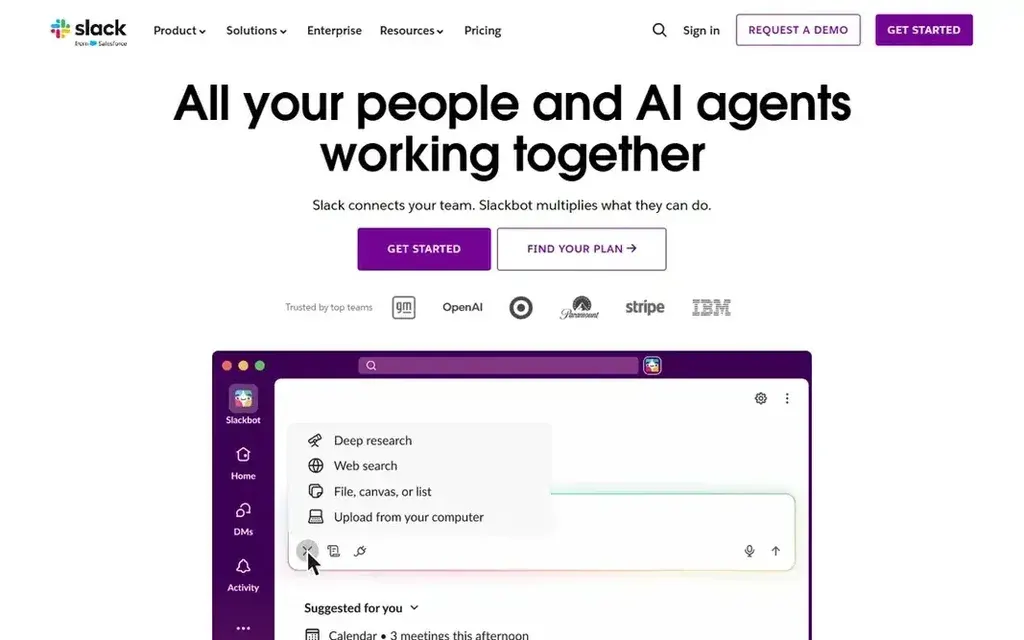
Slack is a good fit for central chat workspace with automation. Slack is an AI work system that merges messaging, project management and workflow automation in shared channels.
Drawbacks to consider: Can become noisy at scale.
In daily use, Slack is not a dedicated incident management system, so alert routing, on-call scheduling and post-incident review need other tools. On top of that, because plenty of incident and monitoring tools link to Slack, it is a typical front end for ChatOps practices across engineering and operations groups. Starting cost for Slack: $4.38 per user per month. A free plan is available with Slack.
- Broad app integration ecosystem
- Channels for team coordination
- Advanced controls may need extras
Opsgenie
Best for: Atlassian-aligned alerting and on-call
In short, Opsgenie is for Atlassian-aligned alerting and on-call. The current vendor messaging centers on migrating to Jira Service Management, so teams should confirm the long-term roadmap before standardizing on Opsgenie alone.
Check the vendor site for Opsgenie pricing; none is listed in this comparison. On free options: Not stated.
Where it falls short: Feature depth tied to Atlassian stack.
- Migration guidance available
- Suits Atlassian toolchains
- Vendor page emphasizes migration
How the list was put together
Questions to settle before buying
- Ask Mattermost and Opsgenie for a written quote, since no starting price is shown.
- Check what the free option really includes: xMatters, PagerDuty and Slack offer a free plan, and usage caps differ.
- Read the limits listed for xMatters first: workflow setup can be complicated.
- Verify that exporting from Opsgenie is possible on your plan and covers all your records.
- Get the contract term, renewal terms and any onboarding fees from PagerDuty in writing.
FAQ
What is the cheapest option for ChatOps software in this list?
On published monthly entry prices, Slack is the lowest here at $4.38 per user per month. Entry price is only part of the cost, because seats, add-ons and billing terms can change the total. Prices, free plan details and limits for all 5 tools in this ChatOps software roundup sit on the individual cards above.
Do I need a dedicated incident tool if I already use Slack or Teams?
Slack and Teams offer the conversational surface, but they do not natively run on-call schedules, escalation policies or incident retrospectives. Choose based on how formal your response process needs to be.
Can I try these options before paying?
Often, yes. xMatters, PagerDuty and Slack have a free plan. Use your own data and a real task during the test, and check what the free tier or trial limits before you rely on it.
Do these tools publish their prices?
Not all of them. Mattermost and Opsgenie publish no starting price, so expect a quote request for those. The rest, xMatters included, show a starting price, though seats and billing terms still change the final cost.
How should I evaluate ChatOps tools before choosing?
Confirm deployment choices and long-term roadmap with the vendor. A short pilot with your real incident workflow reveals more than a feature list.
Which option fits regulated or self-hosted environments?
Mattermost is aimed at zero-trust collaboration in private cloud, self-hosted and air-gapped environments, which suits regulated enterprises and critical infrastructure. Confirm deployment and compliance requirements straight with each vendor.
Sources
- https://www.xmatters.com
- https://mattermost.com
- https://www.pagerduty.com
- https://slack.com
- https://www.atlassian.com/software/opsgenie