Chief Architect Alternatives in 2026: 5 Options Vetted
Chief Architect alternatives in 2026: 5 tools with starting prices, free plans and limits. Price notes and drawbacks come with each one. Updated for 2026.
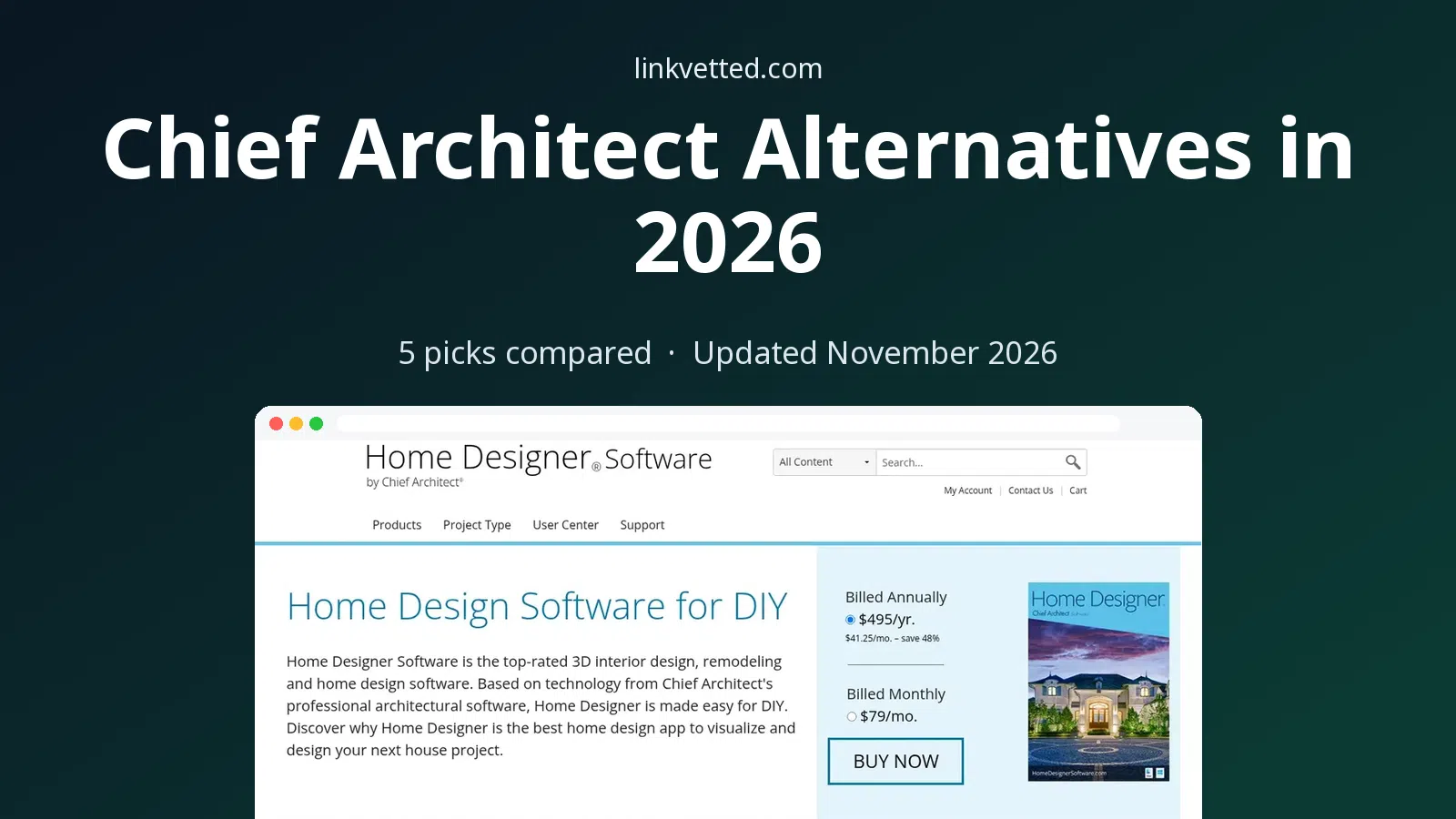
- Editor's choice
 Home Designer
DIY home design and remodeling
Starts atSee websiteVisit homedesignersoftware.comFull review - Great alternative
 Planner 5D
Simple 2D and 3D home design
Starts at$19.99 a monthVisit planner5d.comFull review - Also consider
 RoomSketcher
Quick 2D and 3D floor plans
Starts at$12 a monthVisit roomsketcher.comFull review
Direct answer
If you need DIY home design and remodeling, Home Designer is the first tool to look at here. Listed starting prices: Planner 5D from $19.99 a month and RoomSketcher from $12 a month. For a different need, Planner 5D covers simple 2D and 3D home design and RoomSketcher covers quick 2D and 3D floor plans. Details, prices and limits for the rest of the 5 tools are below.
TL;DR:
- The list opens with Home Designer, aimed at DIY home design and remodeling.
- Cedreo fits fast 2D and 3D renderings.
- Free plans exist at 3 of 5 tools (Planner 5D, RoomSketcher, Cedreo).
- The cheapest monthly starting price in the list is $12 per month, offered by RoomSketcher.
Last checked November 2026. Prices and plan details were read from the vendors' own pages in November 2026; vendors change plans often, so confirm the current price on the vendor site before you buy.
Quick comparison
| Tool | Best for | Starts at | Free plan? | |
|---|---|---|---|---|
| Home Designer | DIY home design and remodeling | See website | Not stated | Visit |
| Planner 5D | Simple 2D and 3D home design | $19.99 a month | Yes | Visit |
| RoomSketcher | Quick 2D and 3D floor plans | $12 a month | Yes | Visit |
 AutoCAD | Precise 2D drafting and documentation | See website | Not stated | Visit |
 Cedreo | Quick 2D and 3D renderings | See website | Yes | Visit |
5 options for Chief Architect in detail
Short on time? The summary and table above give the quick view of 5 tools for Chief Architect, and the profiles that follow give the detail behind each entry.
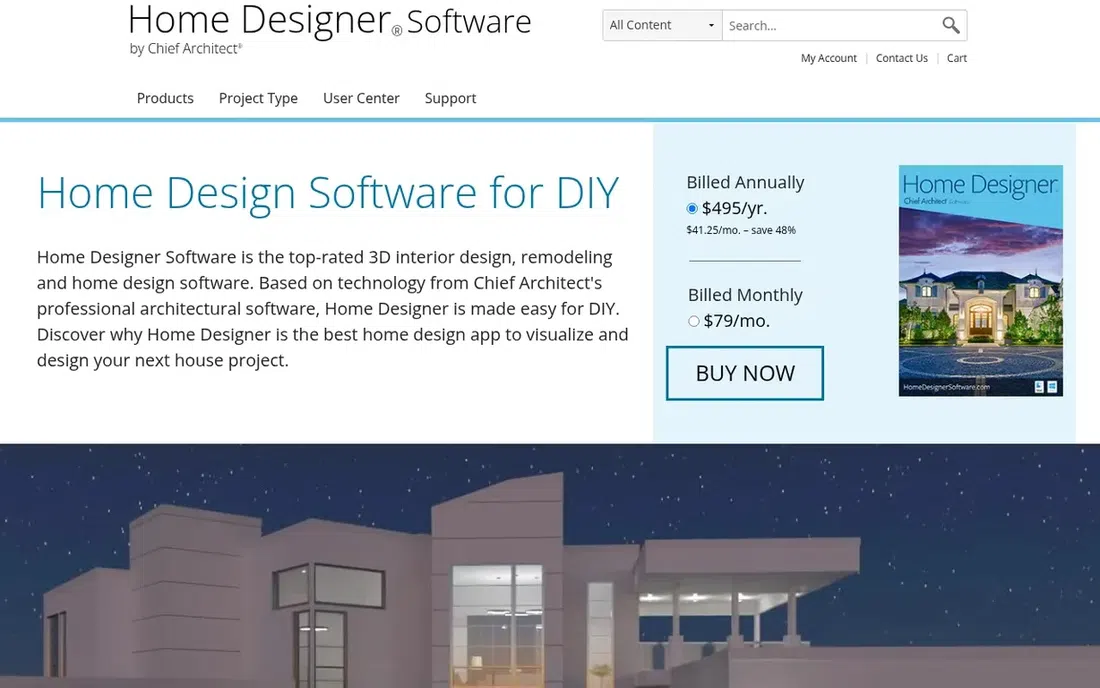
Choose Home Designer for DIY home design and remodeling. Home Designer is DIY home design, interior design, and remodeling software from the creators of Chief Architect.
From a buyer's view, the homepage emphasizes floor plans and 3D visualization. Home Designer shows no starting price here, so confirm the cost on the vendor site. As for free access: Not stated.
Watch-outs: Less advanced than full Chief Architect.
- Floor plans with 3D visualization
- From the creators of Chief Architect
- May lack deep BIM coordination
Planner 5D is aimed squarely at simple 2D and 3D home design. It suits homeowners and hobbyists who want to explore layouts and visualize ideas without professional-level complexity.
Downsides: May not suit professional documentation.
From a buyer's view, Planner 5D is oriented toward home design exploration instead of professional construction documentation. Starting cost for Planner 5D: $19.99 per month. Planner 5D has a free plan.
- 2D and 3D house design
- Targeted at dream home planning
- Less depth for BIM workflows
In short, RoomSketcher is for quick 2D and 3D floor plans. RoomSketcher is described as the easiest way to produce, edit, and visualize in-depth 2D and 3D floor plans.
The main drawbacks: Restricted for advanced architectural documentation.
It fits users who require clear layouts and visualizations without a steep ramp-up time, like real estate professionals, interior designers, and homeowners planning a space. RoomSketcher cost at the entry level: $12 per month. RoomSketcher has a free plan.
- Simple creation of in-depth floor plans
- 2D and 3D visualization in one tool
- Not a full BIM environment
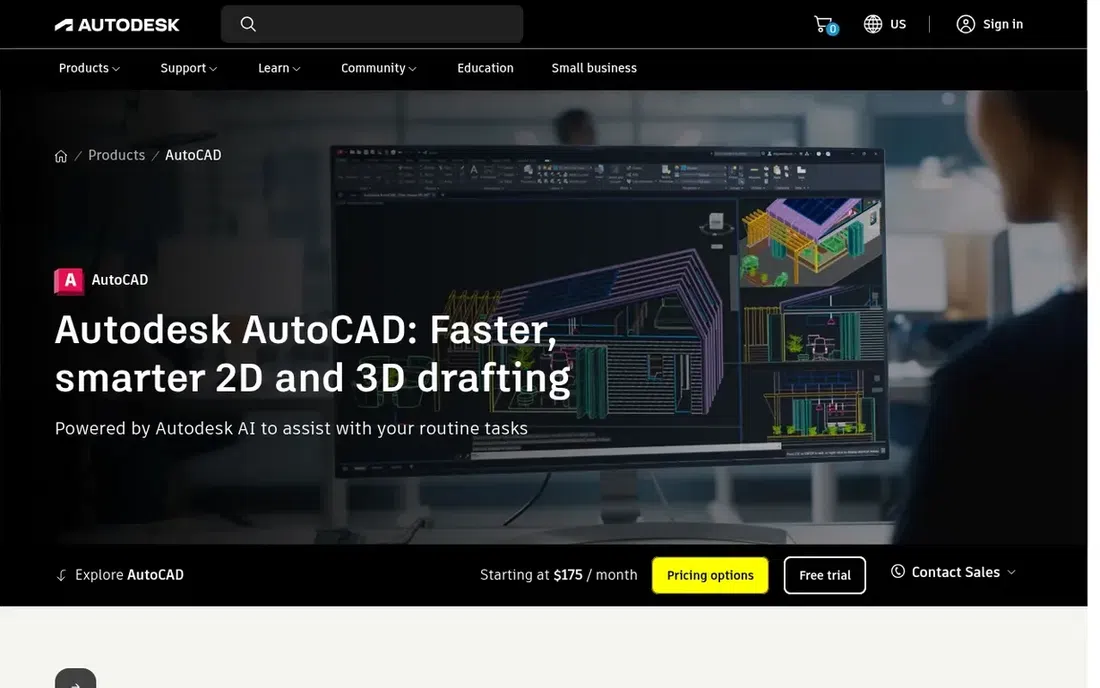
AutoCAD is built with precise 2D drafting and documentation in mind. AutoCAD is a general-purpose design and drafting system known for precise 2D and 3D documentation. More specifically, the homepage flags AI automation, better performance, and shared DWG collaboration across desktop and web.
Where it falls short: Steeper ramp-up time for beginners.
AutoCAD is not a dedicated home design or BIM tool, so residential modeling and rendering need more manual setup. Its depth can overwhelm casual users. More specifically, if you chiefly need fast floor plans or 3D home visualization, a purpose-built planner may be a better fit. Check the vendor site for AutoCAD pricing; none is listed in this comparison. Trial and free access: Not stated.
- Wide industry adoption for drawings
- Shared DWG collaboration across desktop and web
- Less concentrated on residential visualization
Cedreo was built for quick 2D and 3D renderings. Cedreo is 3D home design software for building both 2D and 3D floor plans and realistic interior and exterior renderings.
Downsides: May be restricted for advanced drafting.
Cedreo emphasizes speed and visualization, so it may not replace a full BIM or drafting product for complicated projects. The homepage notes it is a strong match for home builders, remodelers, architects, and home designers. This comparison lists no price for Cedreo; ask the vendor. Free access exists with Cedreo.
- Realistic interior and exterior renderings
- Targeted at builders and remodelers
- Less suited to complicated BIM coordination
How we built this list
LinkVetted looked at what each vendor publishes: pricing, plan limits, feature coverage for Chief Architect and stated drawbacks. No hands-on testing is claimed. Where a price is missing, the vendor does not list one publicly or ties it to a quote. Always confirm before budgeting. The order reflects how well each tool fits the most common buying scenario for Chief Architect, then price clarity, then free plan access. It is a starting point, not a verdict.
Questions to settle before buying
- Ask Home Designer, AutoCAD and Cedreo for a written quote, since no starting price is shown.
- Check what the free option really includes: Planner 5D, RoomSketcher and Cedreo offer a free plan, and usage caps differ.
- Read the limits listed for Home Designer first: less advanced than full Chief Architect.
- List the apps you already depend on and check that Cedreo supports each one on the plan you would buy.
- Verify that exporting from RoomSketcher is possible on your plan and covers all your records.
FAQ
Is Home Designer the right pick for everyone comparing Chief Architect?
No single tool suits every team. Home Designer comes first because it fits DIY home design and remodeling, while Planner 5D suits easy 2D and 3D home design and RoomSketcher suits fast 2D and 3D floor plans. Match the tool to your own size, budget and workflow before deciding.
How are the tools for Chief Architect ordered?
The order follows typical fit for Chief Architect, with Home Designer first and Cedreo last, then price clarity and free access. It is editorial judgement, not a score, so another team could rank the tools differently.
Do these tools publish their prices?
Not all of them. Home Designer, AutoCAD and Cedreo publish no starting price, so expect a quote request for those. The rest, Planner 5D included, show a starting price, though seats and billing terms still change the final cost.
What is the best Chief Architect alternative for professional drafting?
Home Designer is the pick this page puts first, mainly for DIY home design and remodeling. If your situation differs, Planner 5D suits simple 2D and 3D home design, and RoomSketcher suits quick 2D and 3D floor plans. Compare price and limits before you decide.
Which options for Chief Architect have a free plan?
On this list, Planner 5D, RoomSketcher and Cedreo include a free plan. Caps on seats, usage or features are common, so test the free plan against your real workload.
Sources
- https://www.homedesignersoftware.com
- https://planner5d.com
- https://www.roomsketcher.com
- https://www.autodesk.com/products/autocad
- https://cedreo.com
Related guides
- Choosing Cloud Based Inventory Management Software in 2026: 6 Options Compared
- Check Writing Software for Small Business in 2026: The 5 Best Options Side by Side
- Choosing Deal Analysis Software for Real Estate Investors in 2026: 6 Options Compared
- Cancellation Flow Software in 2026: The 6 Best Options Side by Side