Choosing 3D Parts Catalog Software for Small Business in 2026: 5 Options Compared
Weighing the best 3D parts catalog software for small business? We lined up 5 products by cost, free access and fit. Fit, price and catches for every tool.
- Editor's choiceSiemens Solid Edge
Mechanical design and assembly
Starts atSee websiteVisit solidedge.siemens.comFull review - Great alternative
 Onshape
Cloud-native CAD with built-in PDM
Starts at$1,500 per user per yearVisit onshape.comFull review - Also considerIronCAD
Adaptable 3D design workflows
Starts atSee websiteVisit ironcad.comFull review
Direct answer
Start with Siemens Solid Edge if you need mechanical design and assembly. Listed starting prices: Onshape from $1,500 per user per year and KeyShot from $7.92 a month. Onshape is better for cloud-native CAD with built-in PDM, and IronCAD is better for adaptable 3D design workflows. All 5 tools are compared below on price, free plan and limits.
TL;DR:
- Siemens Solid Edge is the opening pick, best for mechanical design and assembly.
- Before buying IronCAD, weigh this: less known than bigger CAD brands.
- For the cheapest start, look at KeyShot: $7.92 per month.
- Onshape is the only tool of the 5 with a free plan.
Last checked November 2026. Prices and plan details were read from the vendors' own pages in November 2026; vendors change plans often, so confirm the current price on the vendor site before you buy.
Quick comparison
| Tool | Best for | Starts at | Free plan? | |
|---|---|---|---|---|
| Siemens Solid Edge | Mechanical design and assembly | See website | Not stated | Visit |
| Onshape | Cloud-native CAD with built-in PDM | $1,500 per user per year | Yes | Visit |
| IronCAD | Adaptable 3D design workflows | See website | Not stated | Visit |
 KeyShot | Live 3D rendering and visualization | $7.92 a month | Free trial | Visit |
 Autodesk Fusion | Integrated CAD, CAM, and PCB | See website | Not stated | Visit |
The 5 tools in detail
This LinkVetted guide covers 5 options for 3D parts catalog software for small business. Each profile lists a starting price, free plan details, strengths and drawbacks, so you can drop poor fits quickly.
Siemens Solid Edge
Best for: Mechanical design and assembly
Where Siemens Solid Edge fits: mechanical design and assembly. Siemens Solid Edge is a 3D CAD tool from Siemens Digital Industries Software, targeted at mechanical design and assembly modeling.
More specifically, Solid Edge has a ramp-up time and is not primarily a supplier parts catalog. This comparison lists no price for Siemens Solid Edge; ask the vendor. On free options: Not stated.
Limits to weigh: Needs training to use effectively.
- Part of Siemens Digital Industries portfolio
- Supports part and assembly modeling
- Less concentrated on supplier catalog access
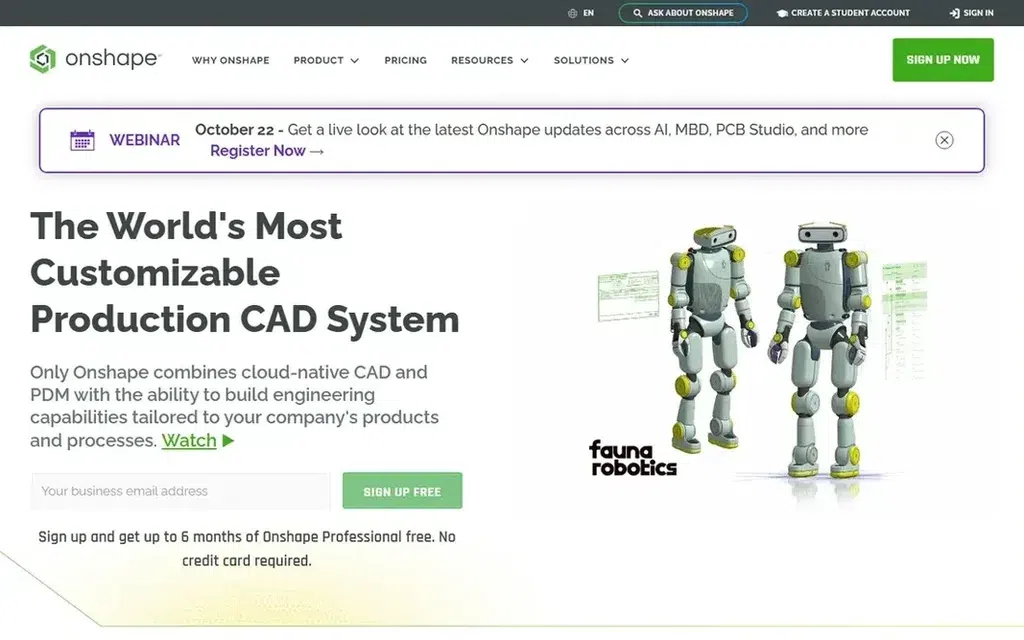
Onshape is designed for cloud-native CAD with built-in PDM. Onshape is a cloud-native CAD and product development system with built-in PDM and AI-powered customization. It is built to work on any device with zero IT required, which fits small firms that want professional parts management without maintaining local servers.
Strengths: Built-in PDM for version control.
Trade-offs to know: May be less suited to offline work. Worth adding: teams can collaborate on designs and track revisions in one place. More specifically, since Onshape is cloud-native, it relies on a stable internet connection and may not fit environments with strict offline requirements. Entry price for Onshape: $1,500 per user per year. A free plan is available with Onshape.
- Runs in the browser on any device
- AI-powered customization choices
- Needs dependable internet access
IronCAD
Best for: Adaptable 3D design workflows
IronCAD is aimed squarely at adaptable 3D design workflows. IronCAD is a 3D CAD application for product design and mechanical work.
Where it falls short: May need onboarding for new users.
The tool supports modeling and assembly tasks typical in product development. IronCAD does not show a starting price in this comparison, so check the vendor site for current pricing. As for free access: Not stated.
- Made for 3D product design
- Suits small engineering teams
- Less known than bigger CAD brands
KeyShot was built for live 3D rendering and visualization. KeyShot is 3D rendering and AI visualization software with live rendering technology for product design businesses.
What to check first: Needs separate CAD tools for design.
Strengths: Supports collaboration from concept to launch. KeyShot does not replace a CAD or parts catalog system, so teams still need a modeling tool like Autodesk Fusion or Onshape. From a buyer's view, the tool concentrates on rendering instead of catalog management. Entry price for KeyShot: $7.92 per month. Free plan details: Free trial.
- Concentrated on visualization instead of CAD modeling
- Live rendering for product visuals
- Not a parts catalog or CAD modeler
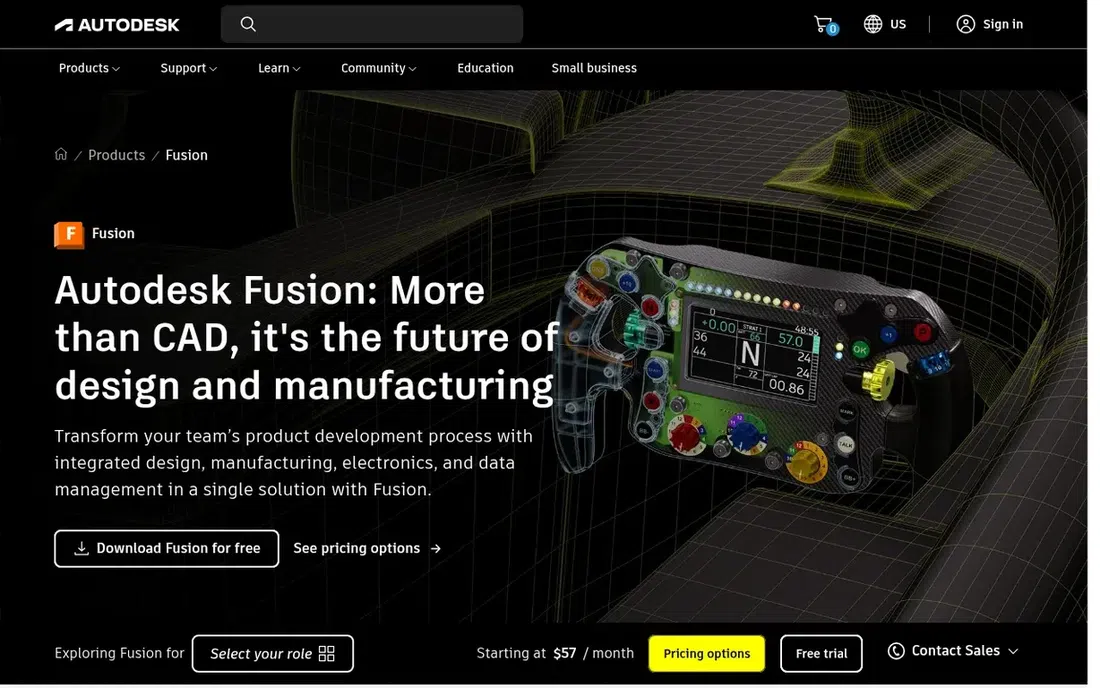
Pick Autodesk Fusion if this describes you: integrated CAD, CAM, and PCB. Autodesk Fusion, formerly Fusion 360, is a cloud-based product for 3D CAD, modeling, manufacturing, industrial design, electronics, and mechanical engineering. On top of that, the integrated approach can cut handoffs between design, engineering, and manufacturing tasks.
What to check first: Cloud dependency may not suit every workflow.
Beyond that, the breadth of Fusion means a ramp-up time for new users. Teams with straightforward catalog needs may find it more than necessary. Autodesk Fusion does not show a starting price in this comparison, so check the vendor site for current pricing. Free plan details: Not stated.
- Single environment for several engineering tasks
- Cloud-based platform for design and manufacturing
- Wide feature set can be complicated for beginners
Selection criteria
LinkVetted looked at what each vendor publishes: pricing, plan limits, feature coverage for 3D parts catalog software for small business and stated drawbacks. No hands-on testing is claimed. Where a vendor does not publish a price, the entry says quote. Where a price depends on seats or billing term, the entry says so. The order reflects how well each tool fits the most common buying scenario for 3D parts catalog software for small business, then price clarity, then free plan access. It is a starting point, not a verdict.
Questions to settle before buying
- Get a written quote from Siemens Solid Edge, IronCAD and Autodesk Fusion; the list shows no starting price for them.
- Test the free plan from Onshape against your real workload before relying on it.
- Run a trial of KeyShot with real work before paying for a year; your own workflow is the best test.
- Read the limits listed for Siemens Solid Edge first: needs training to use effectively.
- Total up the real monthly cost of KeyShot, including add-ons, extra users and usage-based fees.
- Pick one real project and run it in Autodesk Fusion first; a small pilot shows fit faster than a checklist.
FAQ
Is Siemens Solid Edge the right pick for everyone comparing 3D parts catalog software for small business?
No single tool suits every team. Siemens Solid Edge comes first because it fits mechanical design and assembly, while Onshape suits cloud-native CAD with built-in PDM and IronCAD suits flexible 3D design workflows. Match the tool to your own size, budget and workflow before deciding.
Do these tools publish their prices?
Not all of them. Siemens Solid Edge, IronCAD and Autodesk Fusion publish no starting price, so expect a quote request for those. The rest, Onshape included, show a starting price, though seats and billing terms still change the final cost.
What is 3D parts catalog software used for in a small business?
It helps small companies organize, find, and reuse 3D part models and related CAD data. Tools can range from full CAD systems with built-in data management to supplier content portals and rendering tools.
Which options for 3D parts catalog software for small business have a free plan?
Onshape is the only tool in this list with a free plan. Free plans usually cap users, projects or features, so check the limits on the vendor page. One other tool offers a trial instead. Prices, free plan details and limits for all 5 tools in this 3D parts catalog software for small business roundup sit on the individual cards above.
Can I try these tools before paying?
Often, yes. Onshape has a free plan and KeyShot offers a free trial. Use your own data and a real task during the test, and check what the free tier or trial limits before you rely on it. Each of the 5 options in this 3D parts catalog software for small business guide has its own card above with the price, free plan and limits.
Sources
- https://solidedge.siemens.com
- https://www.onshape.com
- https://www.ironcad.com
- https://www.keyshot.com
- https://www.autodesk.com/products/fusion-360
Related guides
- Choosing Cloud Based Inventory Management Software in 2026: 6 Options Compared
- Check Writing Software for Small Business in 2026: The 5 Best Options Side by Side
- Choosing Deal Analysis Software for Real Estate Investors in 2026: 6 Options Compared
- Cancellation Flow Software in 2026: The 6 Best Options Side by Side