Best Card App in 2026: 8 Apps Compared
Compare the best card apps for spending, virtual cards, and rewards in everyday use. We reviewed 8 real card apps, from Apple Card to Privacy.com. for 2026.
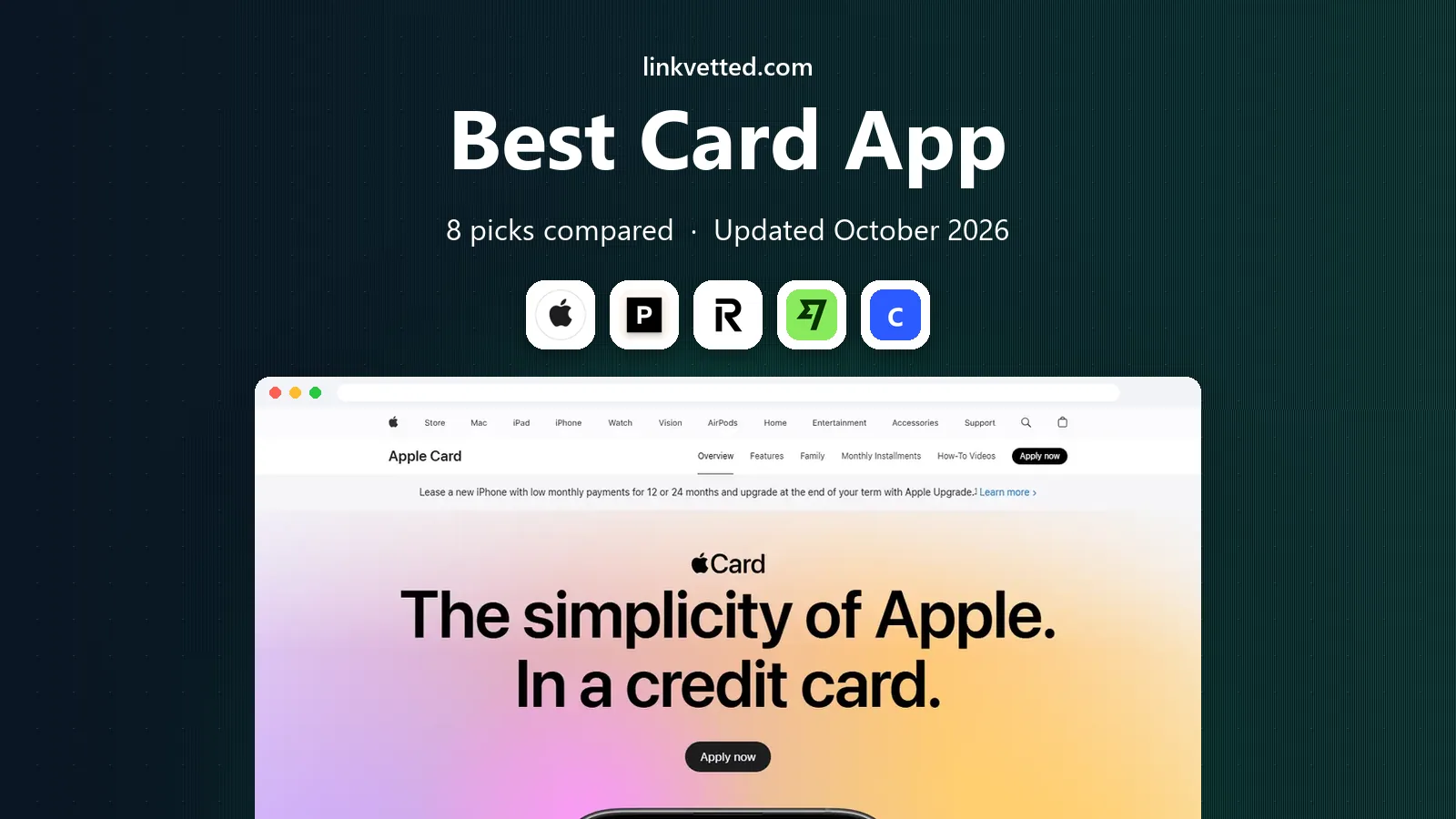
- Editor's choice
 Apple Card
Apple Pay rewards
Starts atFreeVisit apple.comFull review - Great alternative
 Privacy.com
Virtual cards for online shopping
Starts atFreeVisit privacy.comFull review - Also consider
 Revolut
Travel and multi currency spending
Starts atFreeVisit revolut.comFull review
TL;DR:
- The best card app for most people is the one tied to how they already pay: Apple Card for iPhone users, Cash App for simple debit spending, and Privacy.com for safer online cards.
- Virtual cards help limit risk online, because you can create a card for one merchant and pause or close it without replacing your main card.
- Credit cards and debit cards are not the same: credit cards can build credit and carry interest, while debit cards spend money you already have.
- Watch for monthly fees, foreign transaction fees, ATM fees, and interest rates, not just rewards, since fees often matter more than cashback.
- Our pick for online shopping safety is Privacy.com, with Apple Card as the best simple rewards card for Apple Pay users.
Quick comparison
| Tool | Best for | Starts at | Free plan? | |
|---|---|---|---|---|
| Apple Card | Apple Pay rewards | Free | Yes | Visit |
| Privacy.com | Virtual cards for online shopping | Free | Yes | Visit |
| Revolut | Travel and multi currency spending | Free | Yes | Visit |
 Wise | Low cost multi currency cards | Free | Yes | Visit |
 Cash App | Simple debit card spending | Free | Yes | Visit |
 Chime | Fee free debit banking | Free | Yes | Visit |
 Capital One | Bank card with strong app controls | Free | Yes | Visit |
 PayPal | Cashback card and online checkout | Free | Yes | Visit |
The best card apps
A card app is the app that manages the card you actually use: it shows transactions, lets you lock the card, creates virtual numbers, and tracks rewards or balances. The eight apps below are all active in the United States in October 2026, and they cover credit cards, debit cards, and virtual cards. This article is general information, not financial advice, and credit approval, interest, and fees depend on your application and the issuer terms.

Apple Card, issued by Goldman Sachs Bank USA and managed in the iPhone Wallet app, is the simplest rewards card for people who already live in the Apple ecosystem. The virtual card number is useful for online shops that do not take Apple Pay, since you can use a different number online from the one on your physical card.
The limits are clear. Apple Card is US only and needs an iPhone, so Android users should look elsewhere. Rewards also depend on how you pay: Apple Pay purchases earn 2 percent Daily Cash, while purchases with the physical titanium card earn 1 percent. If you carry a balance, interest will quickly outweigh rewards, so Apple Card works best when you pay in full each month.
- No annual fee, no late fee, and no foreign transaction fee in the published terms
- Daily Cash rewards, with 2 percent on Apple Pay purchases and 3 percent with Apple and selected partners
- Virtual card number for online purchases where Apple Pay is not accepted
- Requires an iPhone and Apple Wallet
- Physical card earns only 1 percent on purchases
- Credit approval required, and interest applies if you carry a balance

Privacy.com is our pick for safer online shopping, because it changes the risk model. Instead of giving every website your real card number, you create a virtual card for that merchant, set a limit, and pause or close it at any time. If a merchant is breached or a free trial turns into a subscription you forgot, you can close that one virtual card without waiting for a replacement main card.
The free plan covers basic virtual card use, while paid plans add more cards and features. Privacy.com is not a bank or a credit card, and it does not build credit history, so it complements a main card rather than replacing one. For subscriptions, trials, and unfamiliar online shops, it is the most practical safety tool on this list.
- Create virtual cards for single merchants or single purchases
- Pause or close a card without replacing your main card
- Set spending limits per card
- US residents only, and it links to a US bank account or debit card
- Paid plans from $5 to $25 per month add more cards and features
- Not a credit card, so it does not build credit
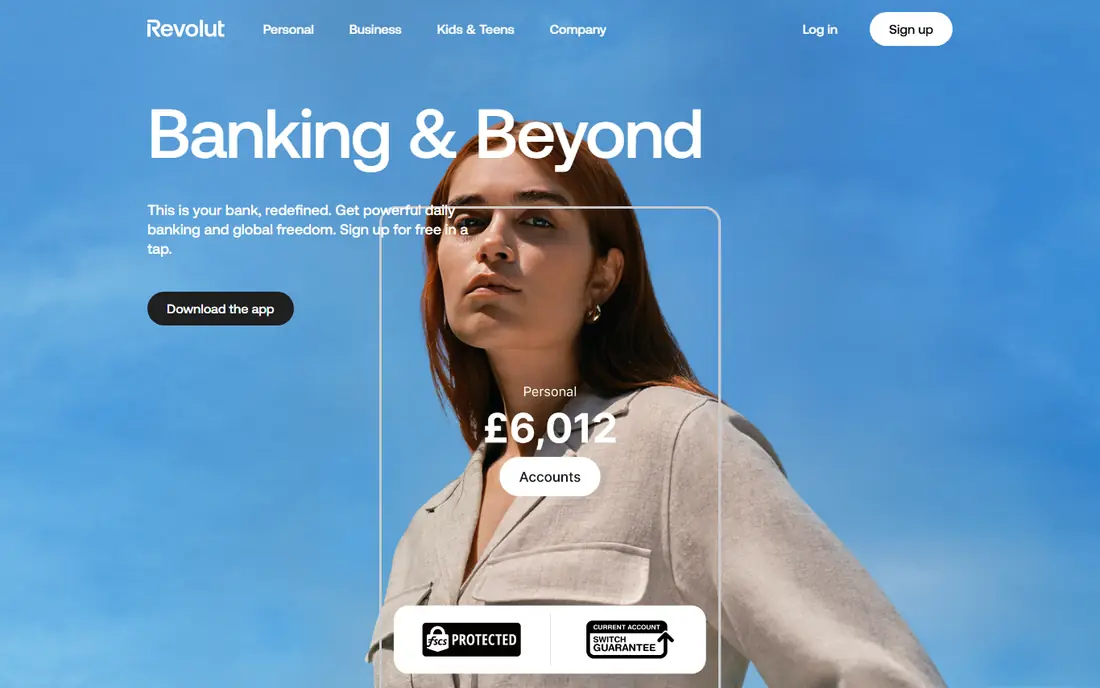
Revolut suits travelers and people who spend in more than one currency. The app lets you hold and exchange currencies, create virtual cards for online shopping, and freeze a card instantly if you lose it. That combination is useful for trips, online orders from abroad, and anyone who wants tight control over a card from their phone.
US users should check the current US plan details, since Revolut features and paid plans differ by market. If you mainly spend in US dollars at home, a simpler US bank card may be easier, but for multi currency use, Revolut is strong.
- Free plan with virtual and physical cards
- Multi currency accounts and exchange in the app
- Strong card controls, including freeze and spending limits
- US paid plans start from $9.99 per month for extra features
- Some features differ by country
- Exchange limits and fees apply on the free plan
Wise, formerly TransferWise, is best known for international transfers, and its debit card extends that idea to everyday spending. You hold balances in different currencies, convert when the rate suits you, and spend with the Wise card in stores and online.
The card spends from your Wise balance, so you need to fund the account before you use it, unlike a credit card. In the US, a physical card fee has applied in recent summaries, listed around $9, with a free virtual card after that step in many cases, so check the current Wise fee page before ordering. Wise does not build credit, so pair it with a credit card if credit history matters to you.
- Multi currency account with a debit card in many countries
- Transparent exchange rate approach
- Virtual card available after ordering a physical card in the US in many cases
- Card is tied to your Wise balance, so you must fund it first
- US physical card cost applies in many cases
- Not a credit card and does not build credit
Cash App Card is a debit card linked to your Cash App balance, and it suits people who already use Cash App to send money or receive payments. You can order a free Cash Card, customize it, and use Boosts for instant discounts at selected merchants, which is a simple form of reward without a credit card. The app shows transactions clearly and lets you lock the card quickly.
Because it is a debit card, you can only spend what you have loaded, which helps avoid interest and debt, but it also means no credit building from the card itself. Cash App also offers investing and other financial features, which are separate from the card and carry their own risks. For simple, controlled spending, Cash App Card is easy to recommend.
- Free Cash Card debit card linked to your Cash App balance
- Instant discounts, called Boosts, at selected merchants
- Simple app for sending money and tracking spending
- Debit card spends only what is in your balance
- No credit building from the standard Cash Card
- Some features, such as investing, carry separate risks and fees
Chime appeals to people who want a bank account without monthly fees or a branch visit. The Chime debit card comes with a checking account, early direct deposit for eligible deposits, and an app that shows spending, savings tools, and card controls in one place. Instant alerts help you spot a charge you do not recognize quickly.
Chime itself is not a bank: banking services are provided by partner banks, which is a normal fintech model, but it means cash deposits work through retail partners rather than a branch counter. If you need in person banking, a traditional bank card may fit better.
- No monthly fee debit account with a Visa debit card
- Early direct deposit in many cases
- Strong app controls and instant transaction alerts
- Chime is a financial technology company, not a bank, with banking services through partner banks
- Cash deposit options are limited compared with a branch bank
- No credit card in the standard account
Capital One is a useful pick for people who want a major bank behind their card app. The Capital One mobile app manages credit and debit cards together, with transaction alerts, card lock, and, for eligible cards, virtual card numbers through Eno for safer online checkout.
The catch is that Capital One is not one card: terms, rewards, and fees depend on the exact card you apply for, so compare the specific card page, not just the brand. Credit cards carry interest if you carry a balance, and approval depends on credit history. If you want one app for a bank card with solid controls, Capital One is a safe, mainstream choice.
- Large US bank with credit and debit cards in one app
- Virtual card numbers through Eno for online shopping
- Card lock, alerts, and rewards tracking in the app
- Rewards, interest, and approval depend on the specific card you choose
- Credit card interest applies if you carry a balance
- App experience varies by card product
PayPal is familiar as an online checkout tool, and its card app extends that to everyday spending. The PayPal Cashback Mastercard, issued through a partner bank, offers cashback on purchases, with a higher rate for PayPal purchases in the terms we checked, and a lower flat rate elsewhere. The PayPal app lets you manage the card, view transactions, and use PayPal for online checkout at many merchants.
Value depends on how often you check out with PayPal. If you rarely use PayPal, a flat rate card from another issuer may pay more overall. As with any credit card, interest applies if you carry a balance, and approval is required.
- PayPal Cashback Mastercard offers cashback on purchases, with higher cashback through PayPal checkout in recent terms
- Wide online acceptance through PayPal
- App shows card transactions and controls
- Rewards structure depends on the specific PayPal card and checkout method
- Credit approval and interest apply
- Best value requires using PayPal checkout often
How we picked these
We compared official issuer pages, app store listings, and fee summaries for card apps active in the United States in October 2026. We required a real card, debit or credit, managed through an app, with clear controls and a public fee page. We weighed fees, rewards, virtual card support, multi currency use, and app controls, and we left out prepaid gift cards, store only cards, and card apps with no clear US availability.
How to choose the best card app for you
Start with your payment habit. If you tap to pay with an iPhone, Apple Card rewards will beat a card you rarely use. If you shop online a lot, Privacy.com virtual cards add safety no rewards card can match. If you travel or spend in other currencies, Revolut or Wise will save more than a small cashback difference. If you want to avoid debt, pick a debit card such as Cash App Card or Chime, and skip credit cards for now.
Next, read the fee and interest terms for the exact card, not just the app brand. Check the annual fee, foreign transaction fee, ATM fee, late fee, and, for credit cards, the APR range and how interest is charged. A card with no annual fee and a modest reward often beats a high reward card with a large annual fee, unless you spend enough to cover that fee many times over.
Finally, set up controls on day one. Turn on transaction alerts, set a spending limit where the app allows it, lock the card when you are not using it, and use a virtual number for trials and unfamiliar sites. Check statements weekly, report unknown charges promptly, and never share your full card number, PIN, or one time code with anyone who contacts you unexpectedly. This is general information, not financial advice.
Credit versus debit: a quick guide
Credit cards let you borrow up to a limit and pay later, and they can build credit history if you pay on time and keep balances low. Interest applies if you carry a balance, and late payments can hurt your credit score. Debit cards spend money from your account, so there is no interest, but also no credit building, and fraud protections differ by issuer and card type. Many people use both: a credit card for planned spending they pay in full, and a debit card for daily control.
Keeping your card safe online
Use virtual cards for subscriptions and trials, use a unique password for your card app, and turn on two factor authentication where offered. Avoid saving card details on shared devices, and check that a website uses secure checkout before you enter a number. If a card is lost or you see a charge you do not recognize, lock the card in the app at once and contact the issuer through the official app or phone number, not through a link in a message.
FAQ
What is the best card app?
Apple Card is the best card app for iPhone users who want simple rewards and no annual fee, while Privacy.com is best for safer online shopping with virtual cards. Cash App and Chime are strong free debit options, and Revolut and Wise suit multi currency spending. Pick by how you pay most often, since the best app is the one you will actually use and control well.
What are the best card apps for online shopping?
Privacy.com is our top pick for online shopping safety, because you can create a merchant specific virtual card and close it at any time. Apple Card also offers a virtual number for online purchases, and Capital One Eno provides virtual numbers for eligible cards. Use a virtual card for trials, subscriptions, and unfamiliar shops, and keep your main card number for trusted merchants only.
Is Apple Card a good card app?
Apple Card is good for iPhone users who pay with Apple Pay and pay in full each month, thanks to no annual fee and Daily Cash rewards. It is less attractive if you use Android, if you mainly swipe a physical card, which earns only 1 percent, or if you carry a balance, since interest will outweigh rewards. Check the current APR and terms on the Apple Card page before applying.
Do card apps build credit?
Credit card apps can help build credit if the card reports to credit bureaus and you pay on time, but debit card apps generally do not build credit. Apple Card, Capital One credit cards, and PayPal credit cards can affect credit history, while Cash App Card, Chime debit, Privacy.com, and Wise debit do not. If building credit is your goal, choose a credit card, use a small share of its limit, and pay in full each month.
Are virtual cards safe?
Virtual cards are safer than sharing your main card number online in many cases, because you can limit, pause, or close a virtual card without replacing your main card. They do not remove all risk: you should still use trusted sites, check statements, and report fraud promptly. Privacy.com, Apple Card, Revolut, and Capital One Eno all offer virtual card options, with different limits and plans.