Best Campaign Management Software in 2026: 8 Tools Compared
Compare the best campaign management software in 2026, from HubSpot and Monday to Salesforce and ActiveCampaign, for planning and tracking results now.
- Editor's choice
 HubSpot Marketing Hub
All-round campaign management
Starts atSee websiteVisit hubspot.comFull review - Great alternative
 Monday.com
Visual campaign planning
Starts atSee websiteVisit monday.comFull review - Also consider
 Asana
Task-based campaign tracking
Starts atSee websiteVisit asana.comFull review
TL;DR:
- The best campaign management software for most teams is HubSpot Marketing Hub, because it links campaigns, contacts, email, and reporting in one system.
- Monday.com and Asana suit teams that need visual planning and task tracking, while Salesforce Marketing Cloud suits large enterprises with complex journeys.
- ActiveCampaign and Mailchimp are stronger for smaller teams that want email automation and campaign tracking without enterprise cost.
- Choose based on channels and reporting needs first, since a tool that cannot track your main channels will not help even if its task features are strong.
Quick comparison
| Tool | Best for | Starts at | Free plan? | |
|---|---|---|---|---|
| HubSpot Marketing Hub | All-round campaign management | See website | Yes | Visit |
| Monday.com | Visual campaign planning | See website | No | Visit |
| Asana | Task-based campaign tracking | See website | Yes | Visit |
 Salesforce Marketing Cloud | Enterprise journeys | See website | No | Visit |
 Adobe Campaign | Cross-channel enterprise campaigns | See website | No | Visit |
 ActiveCampaign | Email automation for small teams | See website | No | Visit |
 Zoho Campaigns | Low-cost email campaigns | See website | Yes | Visit |
 Mailchimp | Simple email and campaign tools | See website | Yes | Visit |
The best campaign management software
Campaign management software helps teams plan campaigns, assign tasks, launch messages across channels, and measure results in one place. The tools below range from full marketing platforms to work management tools with campaign templates, so the right pick depends on team size, channels, and reporting depth.
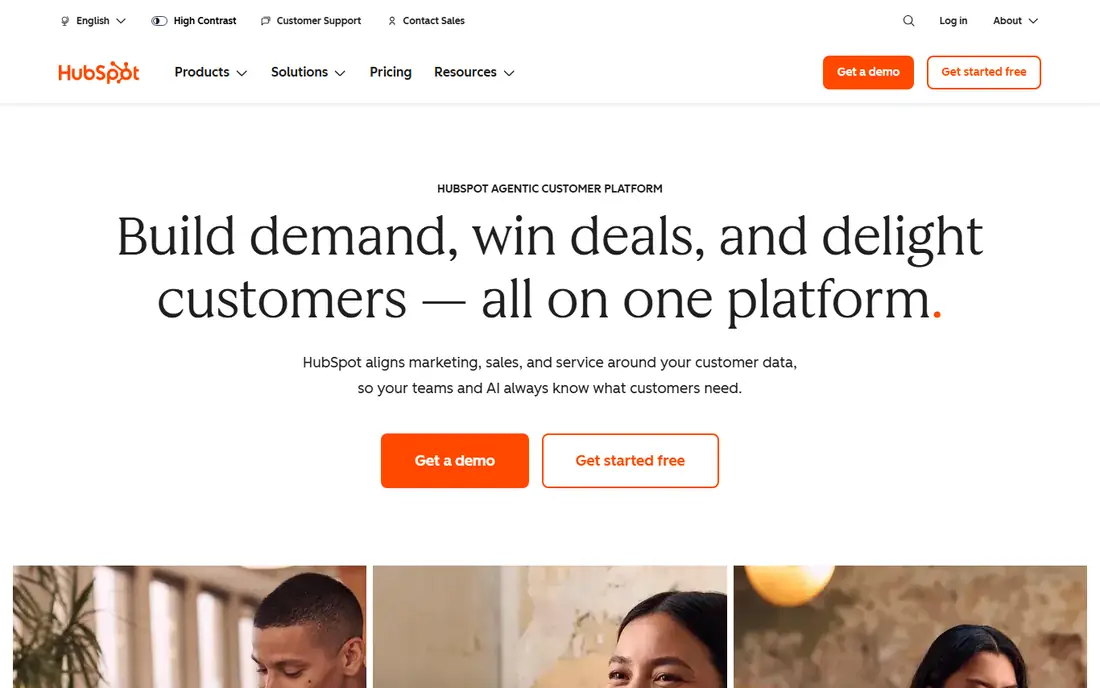
HubSpot Marketing Hub lets teams create a campaign, attach assets such as emails, landing pages, and social posts, and then track leads and revenue tied to that campaign. Because it shares a CRM with sales tools, marketers can see which campaigns produce contacts, deals, and customers, not just clicks. The free tier covers basic marketing tools, while paid tiers add automation, A/B testing, and deeper reporting. Cost is the main drawback, since pricing scales with marketing contacts and hub tiers, and larger databases can become expensive. For teams that want campaign planning plus measurable pipeline impact, HubSpot is the most complete option here.
- Campaigns linked to contacts and CRM
- Email, social, and landing page tools
- Built-in reporting
- Cost rises with contacts and hubs
- Advanced features need higher tiers

Monday.com is a work management platform that many marketing teams use to plan campaigns, with boards for tasks, timelines for launches, and dashboards for status. Campaign templates cover content calendars, product launches, and event planning, and automations can move tasks, notify owners, and update status. Integrations connect Monday.com to email, social, and CRM tools, though execution such as sending email still happens in those systems. That separation is the main limit for teams that want to launch and measure campaigns in one place. For planning, collaboration, and visibility across a busy marketing calendar, Monday.com is clear and flexible.
- Visual boards and timelines
- Campaign templates
- Automations and integrations
- Marketing execution tools are limited
- Reporting needs dashboard setup

Asana helps campaign teams break a launch into tasks, owners, and deadlines, with list, board, timeline, and calendar views for the same project. Marketing templates cover campaign planning, content calendars, and product launches, and goals features link projects to broader targets. Teams can comment, attach assets, and track approvals inside tasks, which reduces email chasing during a launch. Asana does not send email campaigns or run ads itself, so execution tools must be connected separately. For teams that mainly need disciplined planning and tracking, Asana is a strong, easy-to-adopt choice.
- Clear task and project views
- Campaign templates
- Goals and reporting features
- Email and ad execution need separate tools
- Advanced reporting needs higher tiers
Salesforce Marketing Cloud is built for large organizations running complex, multi-channel journeys across email, mobile, social, and advertising. Journey Builder lets teams design paths based on customer behavior, data, and preferences, while Einstein features add predictive insights in higher tiers. Integration with Salesforce CRM gives a unified customer view for sales and service teams. The trade-offs are cost and complexity, since implementation often needs specialists, and smaller teams may find the platform heavier than they need. For enterprises with large audiences and many channels, Marketing Cloud offers depth that smaller tools cannot match.
- Multi-channel journey builder
- Strong data and personalization
- Enterprise scale
- High cost and implementation effort
- Needs trained administrators
Adobe Campaign, part of Adobe Experience Cloud, helps enterprises orchestrate email, mobile, direct mail, and other channels from one campaign workflow. Segmentation tools let teams target audiences by behavior, purchase history, and profile data, and reporting tracks delivery, engagement, and conversions. Integration with Adobe Analytics and Experience Platform adds data depth for larger marketing organizations. Setup is enterprise-grade, with pricing by quote and implementation support often needed. Smaller teams will find it too heavy, but large brands that already use Adobe tools gain a consistent campaign system across channels.
- Cross-channel orchestration
- Strong data segmentation
- Adobe Experience Cloud integration
- Enterprise pricing and setup
- Learning curve for new teams
ActiveCampaign combines email marketing, automation, and a small CRM, making it a good fit for small and mid-size teams that run email-led campaigns. Its automation builder supports triggers based on opens, clicks, purchases, and site visits, with visual flows that are easier to follow than code-based systems. Campaign reporting shows opens, clicks, and revenue for connected stores, which helps teams judge what works. The interface has many options, so new users need time to learn it, and pricing rises with contact counts. For teams that live in email and want automation without enterprise cost, ActiveCampaign is a strong pick.
- Strong automation builder
- CRM and email in one tool
- Good deliverability tools
- Interface takes time to learn
- Pricing scales with contacts
Zoho Campaigns offers email campaign creation, automation, and reporting at a lower price than many rivals, with a free tier for small lists. Templates, drag-and-drop editing, and list management cover the basics well, and integration with Zoho CRM helps teams sync contacts and track engagement. Social campaign features are included in some plans, though they are less deep than dedicated social tools. Advanced journey branching and predictive features trail HubSpot and Salesforce, so complex enterprise campaigns may outgrow Zoho. For small businesses that need reliable email campaigns on a tight budget, Zoho Campaigns is a sensible choice.
- Low starting cost
- Email templates and automation
- Zoho CRM integration
- Fewer advanced journey features
- Template design is simpler than rivals
Mailchimp remains a popular starting point for small teams, thanks to easy setup, a large template library, and a free tier for small audiences. Teams can build email campaigns, landing pages, and simple customer journeys, with reporting on opens, clicks, and audience growth. Integrations cover stores, CRMs, and social tools, which helps small businesses connect campaigns to sales. Pricing rises as audiences grow, and advanced automation, multivariate testing, and deeper segmentation sit in higher tiers. For teams that want a simple, familiar campaign tool without a long setup, Mailchimp is still a practical option.
- Easy setup
- Templates and audience tools
- Email, landing pages, and basic automation
- Pricing rises with audience size
- Advanced automation needs higher tiers
How we picked these
We compared official feature pages, pricing pages, channel support, and public reviews for tools that help teams plan, execute, and measure campaigns. We included full marketing platforms, work management tools, and email-led tools to cover different team sizes and budgets. We did not run live campaigns on each platform, and pricing varies by contacts, seats, and tiers, so buyers should trial shortlisted tools with a real campaign before committing.
How to choose the right campaign management tool
Start with your main channels, since email-led teams need different tools than multi-channel enterprises. Check whether campaign reporting ties to leads, sales, or revenue, not just opens and clicks, and confirm integrations with your CRM, store, and analytics tools. Test the planning workflow with a real launch, including approvals, assets, and deadlines, before you roll out to a full team. Finally, model total cost at your current audience size and at double that size, since contact-based pricing can rise quickly.
Keep notes on what each trial actually delivers, since a tool that looks strong in a demo can feel slow once real deadlines and approvals pile up. That trial evidence is more useful than any feature list when the team votes on a final pick.
FAQ
What is campaign management software?
Campaign management software helps teams plan, launch, track, and measure marketing campaigns across channels such as email, social, and advertising. It typically includes task planning, asset management, audience targeting, automation, and reporting. Some tools focus on planning, while full platforms also execute messages and track revenue.
Which campaign management tool is best for small businesses?
ActiveCampaign, Mailchimp, and Zoho Campaigns suit small businesses, because they offer email automation and campaign tracking at lower cost than enterprise platforms. HubSpot also offers a free tier, but paid costs rise with contacts. Choose based on whether you need mainly email, or a full CRM-linked campaign system.
Is HubSpot or Salesforce better for campaign management?
HubSpot suits mid-size teams that want an integrated CRM, marketing tools, and reporting with faster setup. Salesforce Marketing Cloud suits large enterprises with complex journeys, large audiences, and dedicated administrators. Budget, team size, and existing CRM use should decide the pick, rather than feature lists alone.
Can Asana or Monday manage marketing campaigns?
Yes, Asana and Monday can manage campaign planning, tasks, timelines, and approvals very well, but they do not send email campaigns or run ads themselves. They work best when paired with email, social, and analytics tools through integrations. Teams that need execution and revenue reporting in one place should choose a full marketing platform instead.
How much does campaign management software cost?
Costs range from free tiers for small audiences to enterprise quotes for large platforms, with most mid-size tools charging per user, per contact, or per tier. Email tools often start at low monthly rates, while HubSpot and Salesforce rise with contacts and features. Model total cost at your audience size, including seats and add-ons, before you commit.