Best Calorie Tracking Apps in 2026: 8 Apps Compared
Compare the best calorie tracking apps for food logging, macros, and weight goals, with 8 calorie counter apps reviewed on database size and price in 2026.

- Editor's choice
 MyFitnessPal
Largest food database
Starts atFreeVisit myfitnesspal.comFull review - Great alternative
 Lose It
Simple weight loss tracking
Starts atFreeVisit loseit.comFull review - Also consider
 Cronometer
Detailed micronutrients
Starts atFreeVisit cronometer.comFull review
TL;DR:
- MyFitnessPal and Lose It lead for fast food logging, while Cronometer and MacroFactor suit people who want detailed nutrition data.
- The best apps for calorie counting balance a large food database with quick barcode and recipe tools.
- Free plans cover basic tracking for most people, and paid plans mainly add deeper analysis and fewer ads.
- Look for clear privacy controls and data export before you log months of meals.
Quick comparison
| Tool | Best for | Starts at | Free plan? | |
|---|---|---|---|---|
| MyFitnessPal | Largest food database | Free | Yes | Visit |
| Lose It | Simple weight loss tracking | Free | Yes | Visit |
| Cronometer | Detailed micronutrients | Free | Yes | Visit |
 MacroFactor | Adaptive macro coaching | See website | Free trial | Visit |
 MyNetDiary | Guided diet plans | Free | Yes | Visit |
 Nutritionix Track | Fast barcode logging | Free | Yes | Visit |
 FatSecret | Community and free tracking | Free | Yes | Visit |
 Yazio | Clean daily food diary | Free | Yes | Visit |
The best calorie tracking apps
We compared official feature pages, pricing, app store listings, privacy policies, and public reviews to find apps for different eating goals. The list below includes simple diaries and deeper nutrition tools, so you can pick based on how much detail you actually want each day.
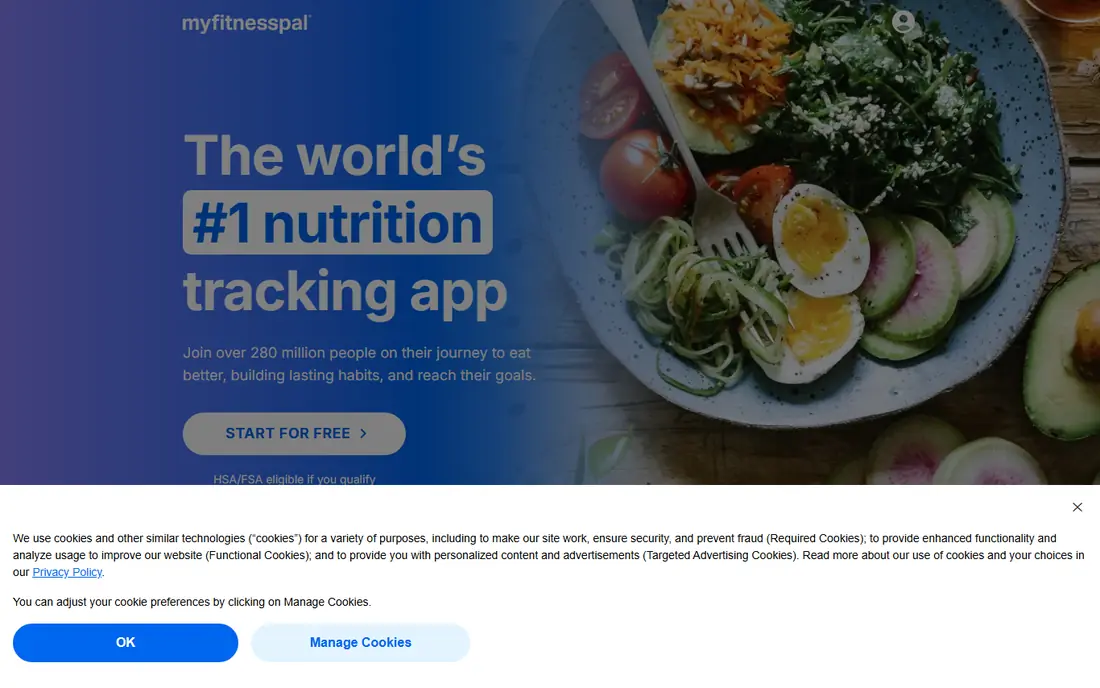
MyFitnessPal remains the default choice for many people because its food database is so large. Restaurant dishes, packaged foods, and common recipes often appear with one search, which keeps logging fast on busy days. The barcode scanner helps with groceries, and saved meals cut repeat entry for foods you eat often.
The app tracks calories, macros, and weight in a clear daily view, and it connects with many fitness trackers and health apps. That breadth makes it easy to see food and activity together without manual math. For general calorie tracking, the free plan covers the core diary well.
The catch is that user-submitted entries vary in accuracy, so check portion sizes and nutrition labels for foods you log often. Paid features add deeper analysis and remove ads, but they are not required for basic tracking. If speed and coverage matter most, MyFitnessPal is a strong first try.
- Very large food database
- Fast barcode scanner
- Wide device and app connections
- Some advanced features need a paid plan
- Database includes user entries of mixed quality
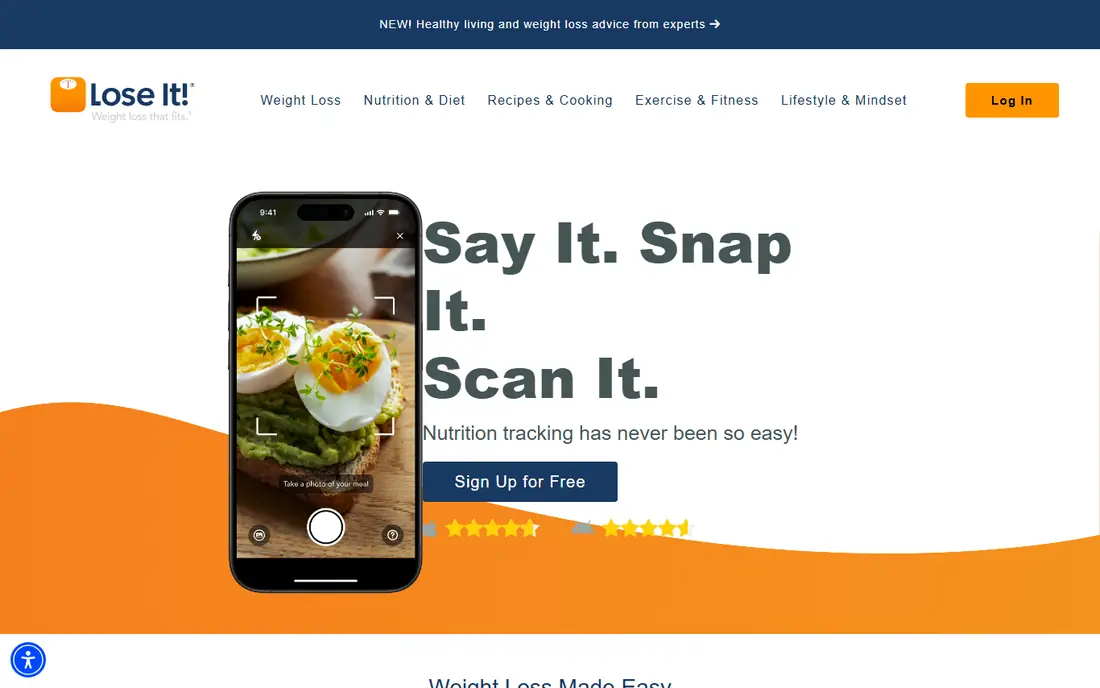
Lose It focuses on a simple idea: set a calorie budget, log food, and watch the daily total. The interface stays uncluttered, which helps people who found other trackers too busy. Barcode scanning, recent foods, and saved meals keep entry quick, and the weight chart shows trends without extra noise.
The app also offers photo-based logging and meal planning tools that can reduce the friction of tracking. For weight loss goals, the clear budget view helps you see how a snack or a restaurant meal affects the day. Weekly summaries add context without turning every meal into a data project.
Detailed micronutrient analysis is lighter here than in Cronometer, so people tracking vitamins and minerals closely may want a second tool. Paid plans add more features, but the free diary works well for basic calorie goals. Lose It suits people who want tracking to feel light, not like homework.
- Clean, simple logging flow
- Clear calorie budget view
- Good barcode and photo tools
- Detailed micronutrient tracking is limited
- Some features need a paid plan
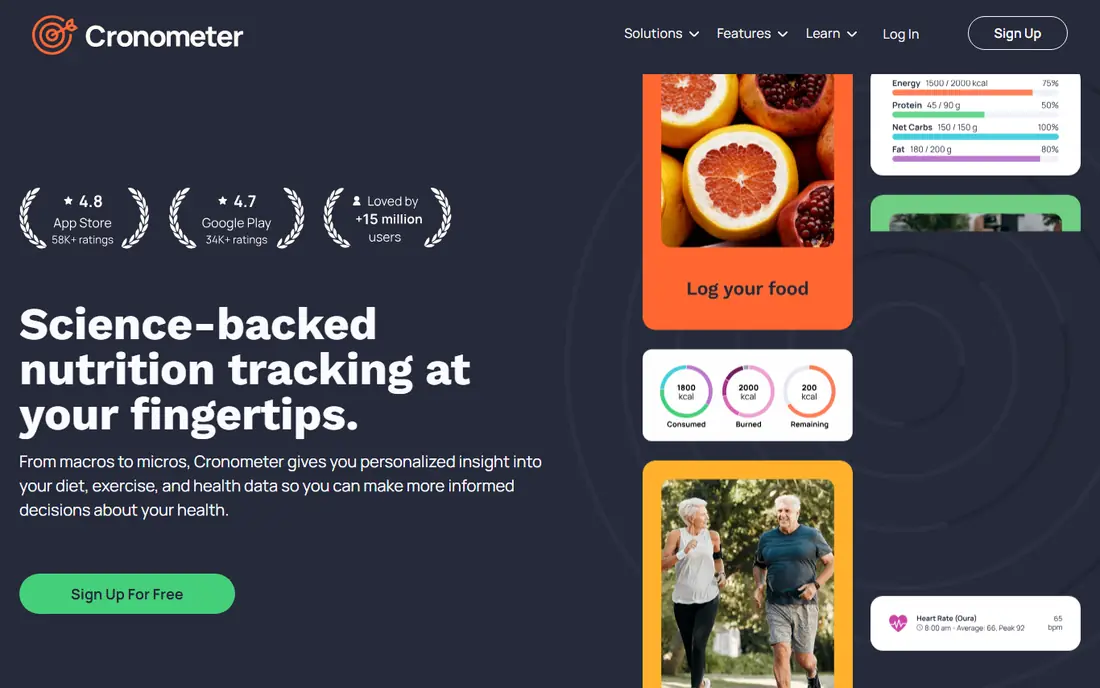
Cronometer is the pick for people who care about more than calories alone. Its database leans on verified sources, which reduces the guesswork found in user-submitted entries elsewhere. You can track vitamins, minerals, amino acids, and other nutrients alongside macros, with reports that show gaps over days and weeks.
The app also tracks biometrics such as weight, blood pressure notes, and activity, though it is not a medical device and does not replace professional advice. Custom recipes and saved foods help with repeat meals, and the web version is useful for detailed review. For careful eaters, that depth is the main reason to choose Cronometer.
New users may find the interface denser than Lose It or MyFitnessPal, and setting calorie targets takes a bit of thought. The free plan is generous for core tracking, while paid plans add more analysis and customization. If nutrition detail matters to you, the learning curve pays off quickly.
- Verified food database
- Detailed vitamin and mineral data
- Clear nutrition reports
- Interface takes time to learn
- Calorie goals need manual care for some diets
MacroFactor takes a different approach from fixed calorie budgets. It uses your logged food and weight trends to estimate energy expenditure, then adjusts calorie and macro targets over time. That adaptive model suits people whose activity or weight changes often, and who want targets that respond to real data rather than a one-time formula.
Logging itself is fast, with barcode scanning, saved foods, and a clear daily view. The app explains its estimates in plain terms, which helps you understand why a target moved up or down. For lifters, athletes, and people tracking macros closely, that feedback loop is more useful than a static goal.
The main limit is price, since MacroFactor needs a subscription after the trial and has no free tier for ongoing use. It also assumes you will log consistently, since gaps in data weaken its estimates. If you track macros daily and want adaptive coaching, it is worth the trial.
- Adaptive calorie and macro targets
- Strong expenditure estimates
- Clean logging flow
- No permanent free plan
- Best for people comfortable with macro tracking
MyNetDiary pairs food logging with guided plans for diets such as low carb, Mediterranean, and general balanced eating. That structure helps people who want more direction than a blank diary, without following a rigid meal plan. Daily tips, reminders, and progress charts keep the routine visible.
The food database is large and includes verified entries, and barcode scanning speeds up grocery logging. You can track weight, exercise, and water alongside food, which gives a fuller daily picture. The app also offers diabetes-friendly tracking options, though it does not replace medical guidance for managing a condition.
The interface holds many sections, so first-time users should spend a few days learning where key tools live. Full coaching features sit behind paid plans, while the free diary covers basic tracking well. If guided plans appeal to you, MyNetDiary is a solid middle ground between simple and detailed trackers.
- Guided plans for common diets
- Large verified database
- Helpful coaching tips
- Some premium plans needed for full coaching
- Interface has many sections
Nutritionix Track is built for speed. You can type a food in plain words, such as a coffee with milk, and the app estimates the nutrition without forcing you through long menus. That natural language entry is a real time saver for people who log many small items during the day.
Barcode scanning and recent foods add to the speed, and the daily view keeps calories and macros easy to read. The app suits people who want quick, honest totals rather than deep reports or social features. It also works well as a companion tool for checking a single food before you eat it.
Community and coaching features are lighter here than in MyFitnessPal or FatSecret, so social motivation is limited. Detailed micronutrient reports are also less central than in Cronometer. If your main need is fast, low-friction logging, Nutritionix Track does that job well.
- Fast natural language food entry
- Strong barcode tools
- Simple daily totals
- Smaller community features
- Analysis tools are lighter than rivals
FatSecret offers a capable free diary with food logging, weight tracking, and a diet calendar that shows patterns over time. The community side, with journals and groups, gives extra motivation for people who like shared accountability. For budget-conscious trackers, the free core features cover a lot of ground.
The app includes barcode scanning, saved meals, and exercise logging, so daily tracking stays in one place. Weight charts and monthly calendars help you see trends without paying for a premium plan. That combination makes FatSecret a useful option when cost is the main concern.
The interface feels less polished than newer rivals, and food entries vary in quality, so verify portions for packaged foods. Paid options exist, but many users will not need them for basic calorie tracking. If you want a free, community-friendly diary, FatSecret earns a place on this list.
- Free core tracking
- Active community
- Diet calendar and weight charts
- Interface feels dated in places
- Food database quality varies
Yazio stands out for design. The daily diary is clean, the food search is quick, and progress charts are easy to read at a glance. That polish matters when you log several times a day, since a pleasant interface makes a habit easier to keep. Fasting timers and diet plan options add structure for people who follow those approaches.
Recipe tools help with home cooking, and barcode scanning covers many packaged foods in Europe and North America. The app tracks calories, macros, and weight, with weekly summaries that show trends without clutter. For many users, Yazio hits a good balance between looks and function.
Some advanced features, such as deeper analysis and certain plans, need a paid subscription. The food database, while large, can be thinner than MyFitnessPal for some regional foods. Try the free plan first, and pay only if the extra plans and analysis fit your routine.
- Clean, attractive design
- Fasting and diet plan options
- Good recipe tools
- Some features need a paid plan
- Database smaller than MyFitnessPal in some regions
How we picked these
We compared official feature pages, pricing, app store listings, privacy policies, and public reviews, with a focus on logging speed, database quality, and clear pricing. We favored apps with a usable free plan or trial, barcode tools, and privacy settings that let you control sharing and deletion. We left out apps that locked basic calorie logging behind a paywall or made nutrition claims without clear sourcing.
These apps support general fitness and nutrition tracking and are not medical advice. If you have an eating disorder history, diabetes, or another health condition, talk with a qualified health professional before changing your diet or calorie targets. A tracker is a record-keeping tool, not a substitute for professional guidance.
How to choose the right calorie app
Start with how much detail you want, not with the longest feature list. Simple diaries work best when you only need calories and weight trends, while detailed tools suit people tracking macros or micronutrients closely. Test one app for two weeks, since early friction often fades once saved foods and routines are set.
Logging speed and accuracy
Fast logging beats perfect logging, because a tracker you skip helps no one. Look for barcode scanning, saved meals, and recent foods, and check portion sizes for packaged items. Use a kitchen scale for a week if your totals feel off, since eyeballed portions are a common source of error.
Goals, macros, and plans
Calorie targets should reflect activity, age, and goals, and they should change as weight changes. Macro-focused apps such as MacroFactor adjust targets over time, while simpler apps leave adjustments to you. Pick a diet plan only if it fits foods you enjoy, since a plan you dislike will not last.
Price, privacy, and export
Free plans from MyFitnessPal, Lose It, Cronometer, and others cover basic tracking well, so pay only for features you will use weekly. Check privacy settings for social visibility, third-party sharing, and data deletion, and prefer apps that let you export your food history. Your eating data is personal, so treat export and deletion options as core features, not extras.
FAQ
What is the best calorie tracking app overall?
MyFitnessPal is the safest overall pick for most people, thanks to its large database and fast logging. Lose It suits people who want a simpler weight loss diary, while Cronometer suits people who want detailed nutrition data. The best app is the one you will actually use daily, so test the free plan before you pay.
What is the best free calorie tracking app?
MyFitnessPal, Lose It, Cronometer, FatSecret, and Yazio all offer useful free plans for basic calorie tracking. MyFitnessPal leads for database size, while FatSecret and Cronometer offer strong free depth. Paid plans add analysis and remove ads, but they are not needed to track calories well.
What is the best app for calorie tracking and macros?
MacroFactor leads for adaptive macro coaching, with targets that adjust from your logged data and weight trends. Cronometer also tracks macros plus micronutrients in detail, while MyFitnessPal covers macros in a simpler daily view. Choose MacroFactor if you want adaptive targets, and Cronometer if you want nutrient depth.
How do the best apps for calorie counting handle restaurant food?
Most major apps include restaurant dishes and common menu items, but portions and recipes vary by location. Search for the restaurant name and dish, check the portion listed, and adjust it to what you actually ate. When a dish is missing, log its main parts separately for a closer estimate.
Are calorie counter apps accurate?
They are estimates, not lab measurements, and accuracy depends on the food entry and portion size you choose. Verified databases such as Cronometer tend to be more consistent, while user entries need checking. Use trends over weeks rather than a single day total, and verify packaged foods against the label.
Can a calorie tracking app help with weight loss?
A tracker can help by making intake visible and showing patterns over time, which supports mindful eating and portion awareness. It works best alongside regular activity, sleep, and a sustainable eating pattern you enjoy. If tracking feels stressful or obsessive, pause and talk with a health professional about a gentler approach.