Best Apps for Tracking Calories and Macros in 2026: 8 Apps Compared
Compare the best apps for tracking calories and macros in 2026, from free food logging to adaptive macro coaching for lifters and everyday eaters alike.

- Editor's choice
 Cronometer
Nutrient detail
Starts atFreeVisit cronometer.comFull review - Great alternative
 MyNetDiary
Fast free logging
Starts atFreeVisit mynetdiary.comFull review - Also consider
 MyFitnessPal
Largest database
Starts atFreeVisit myfitnesspal.comFull review
TL;DR:
- Cronometer and MyNetDiary give the most useful free macro tracking, including gram targets without a paid plan.
- MyFitnessPal has the largest familiar food database, but barcode scanning and gram targets now sit behind Premium for many users.
- MacroFactor is the strongest choice for lifters who want adaptive targets, but it has no free plan, only a trial.
- Lose It and FatSecret are easier for beginners who want a simple daily budget and fast logging.
- A tracking app is a planning tool, not medical advice, so set gentle targets and check with a clinician if you have a health condition.
Quick comparison
| Tool | Best for | Starts at | Free plan? | |
|---|---|---|---|---|
| Cronometer | Nutrient detail | Free | Yes | Visit |
| MyNetDiary | Fast free logging | Free | Yes | Visit |
| MyFitnessPal | Largest database | Free | Yes | Visit |
 Lose It | Simple beginners | Free | Yes | Visit |
 FatSecret | Generous free tier | Free | Yes | Visit |
 MacroFactor | Adaptive macros | $11.99 per month | Free trial | Visit |
 Carb Manager | Keto and low carb | Free | Yes | Visit |
 Lifesum | Meal plans and design | Free | Yes | Visit |
The best apps for tracking calories and macros
We compared free macro features, food database quality, logging speed, and paid limits, and we favored apps that show protein, carbs, and fat clearly without hiding the basics behind a paywall.
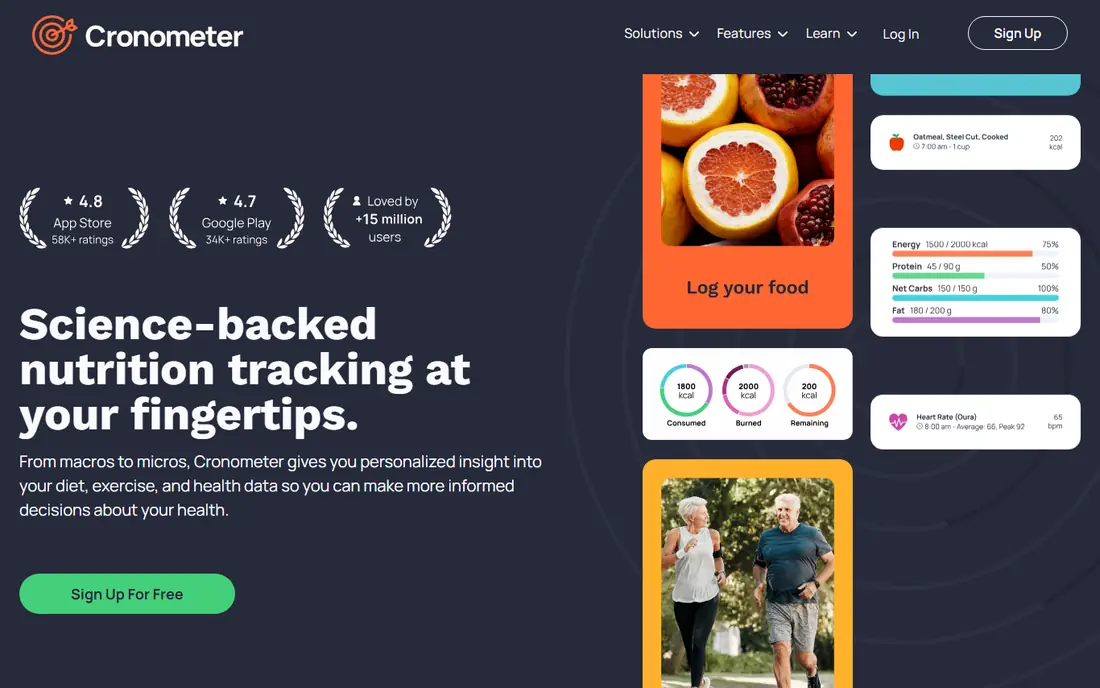
Cronometer is our pick for people who care about accuracy. The free plan lets you set macro targets in grams, scan barcodes, and see far more than calories and macros, including fiber, sugar, sodium, and many micronutrients. Foods are drawn heavily from verified sources, so entries are less likely to contain the odd errors that crowd into user-built databases.
That detail comes with a learning curve. The screens show a lot of numbers, and casual users may find the first week busy. Gold, listed at $59.99 per year in recent pricing, adds photo logging, fasting tools, and custom charts. If you want to understand your diet in depth, or you track for a health reason with clinician guidance, Cronometer gives the most free value.
- Free barcode scanning and gram targets
- Tracks many vitamins and minerals
- Clear charts and reports
- Interface feels detailed for casual users
- Photo and voice logging need Gold
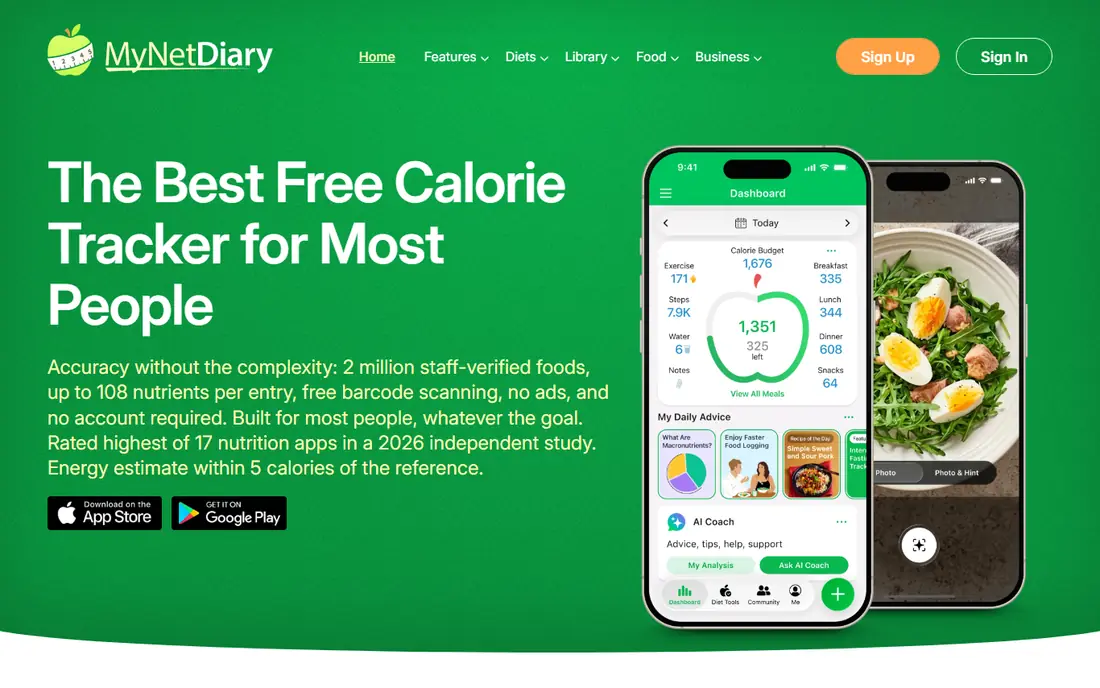
MyNetDiary is a quiet favorite for people who log every day. Food search is quick, recent foods and recipes are easy to reuse, and macro targets can be set by grams or percentages without paying. The free plan also covers basic weight tracking and simple reports, which keeps the daily routine in one place.
The app lacks the huge social feel of MyFitnessPal, and some users may miss its recipe import or community groups. Premium, listed at $59.99 per year in recent pricing, adds more diet plans and detailed analysis. For most everyday trackers, the free plan is enough, and the speed of logging is the main reason to pick it.
- Free gram targets and macro tracking
- Fast food search and logging
- No ads on the free plan in recent versions
- Smaller community than MyFitnessPal
- Some advanced reports need Premium
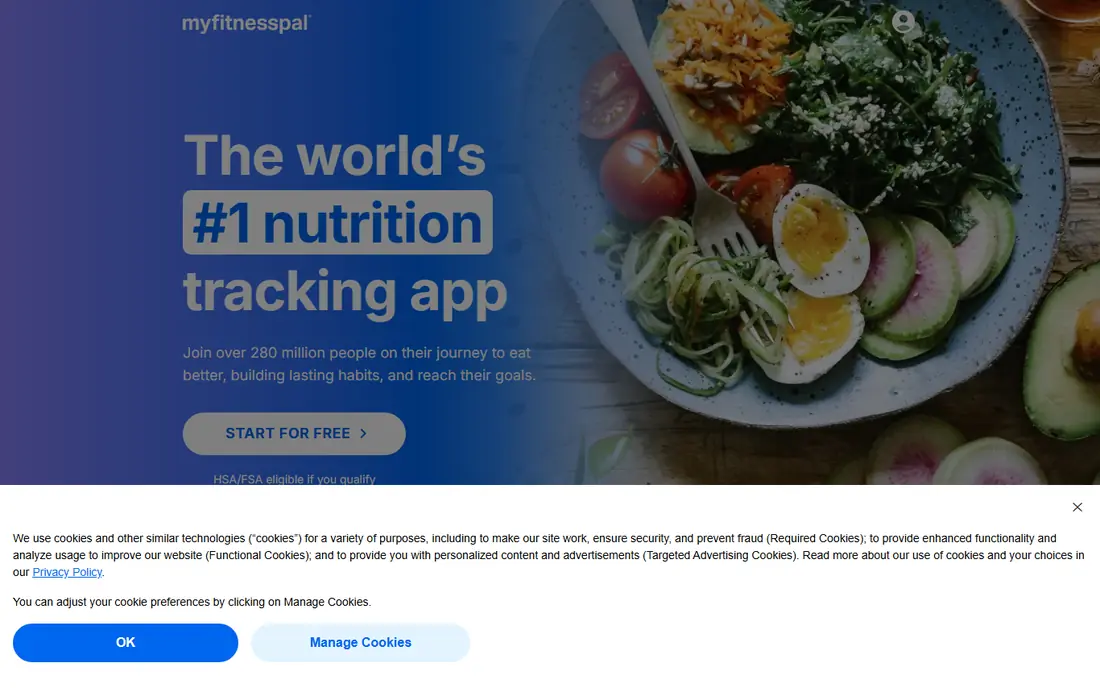
MyFitnessPal remains the app most people already know, and that familiarity helps. Restaurant foods, packaged products, and common recipes are usually easy to find, and it connects with many watches, scales, and fitness apps. If friends or a coach already use it, sharing and staying consistent is simple.
The free plan has narrowed over time. Recent listings show barcode scanning, meal scanning, and custom gram targets behind Premium, listed at $79.99 per year. The free plan still covers basic search and logging, but frequent scanners may feel pushed toward paying. Pick MyFitnessPal if database size and integrations matter most, and pick Cronometer or MyNetDiary if free macro control matters more.
- Very large food database
- Wide device and app integrations
- Familiar logging flow
- Barcode scanning and gram targets are Premium for many users
- Free plan includes ads
Lose It is built for people who want a simple plan and a calm screen. You set a goal, get a daily budget, and log foods against it. The design is less crowded than Cronometer, and the weekly patterns view helps you see weekends and weekdays without digging through charts. Photo logging in Premium is a useful extra for people who hate typing.
The limit is macro control. Free users can see basic macros, but setting custom gram targets is a Premium feature, listed at $39.99 per year in some recent pricing and higher in app store listings, so check before you pay. If your main goal is a calorie budget with a gentle view of macros, Lose It is a fine start. If grams matter every day, start free elsewhere.
- Clean and friendly design
- Simple daily calorie budget
- Helpful challenges and patterns
- Custom macro targets need Premium
- Barcode scanning is Premium for new accounts in recent versions
FatSecret gives away more than many rivals. The free plan includes a barcode scanner, photo recognition in recent versions, calorie and macro goals, and syncing with health apps. That makes it a strong budget pick, especially for people who scan packaged foods often and do not want to pay for that basic tool.
The trade-off is polish. The interface looks dated next to Lifesum or Lose It, and some settings take a few taps to find. Premium, listed at $38.99 per year in recent pricing, adds meal plans and extra tracking headings. If free features matter more than looks, FatSecret deserves a place on your shortlist.
- Free barcode scanner and macro goals
- Large food database
- Community and journals
- Design feels older than rivals
- Some Premium features are less clearly explained
MacroFactor is different from a simple diary. It watches your weight trend and logged intake, then adjusts your calorie and macro targets over time. That adaptive approach suits lifters and experienced trackers who want targets that respond to real results, not a fixed number from a one-time calculator. The interface is calm, and there are no ads or social feeds to distract from logging.
There is no free tier, only a seven day trial, and pricing is listed at $11.99 per month or $71.99 per year in recent pricing. It also works best if you log most days, since gaps weaken the algorithm. If you are new to tracking, learn the basics free first. If you already log well and want smarter targets, MacroFactor is worth the trial.
- Adaptive calorie and macro targets based on your data
- No ads
- Clear expenditure tracking
- No free plan
- Best for experienced users who log consistently
Carb Manager is built around low carb and keto eating, and it shows net carbs clearly on every food. The free plan covers basic tracking, net carb goals, and a large food database, while Premium, listed at $39.99 per year in recent pricing, adds advanced meal plans, per-meal targets, and deeper reports. Recipes and shopping lists help people who cook low carb meals at home.
If you eat a general balanced diet, the carb focus may feel narrow, and a general tracker will suit you better. If keto or low carb is your plan, Carb Manager saves time because you do not need to work out net carbs by hand or adapt a general app to a low carb goal.
- Free net carb tracking
- Keto recipes and meal plans
- Clear carb-focused reports
- Less useful if you do not follow low carb eating
- Some premium recipes and tools are paid
Lifesum is the most design-led app on this list. Food logging is visual, meal plans are easy to follow, and the Life Score gives a simple sense of how a day looks overall. That polish helps people who find detailed trackers tiring and want a calmer daily routine with recipes and plan ideas.
The free plan covers basic logging, but custom macro targets, many meal plans, and deeper insights need Premium, with recent pricing around $99.99 per year in some listings. Check the current price in the app before you subscribe, since Lifesum runs frequent offers. Pick Lifesum if design and meal ideas keep you logging, and pick Cronometer if precise free macros matter more.
- Polished design and meal plans
- Life Score gives a simple diet overview
- Fasting and water tracking
- Full macro control and many plans need Premium
- Annual price is higher than some rivals
How we picked these
We compared official pricing pages, app store listings, and recent independent comparisons of macro tracking apps, with attention to what free plans actually include. We checked whether barcode scanning, gram targets, and per-meal macros were free or paid, and we favored apps with verified food data and clear target settings. We did not claim hands-on testing, and we treated ease of use as a practical factor, not a health claim.
How to choose a calorie and macro app
Start with how you will log. If you scan packaged foods often, a free scanner matters more than a recipe library. If you cook from scratch, recipe import and quick reuse of past meals matter more. If you follow a set protein target, check that you can set grams free, not only percentages, because a percentage target falls when calories fall. Try one app for a full week, including a weekend, before you judge it.
Set targets with care
Calorie and macro numbers from an app are estimates, not prescriptions. They do not account for medical history, medication, pregnancy, eating disorders, or training load in full. This article is not medical advice. If you have diabetes, kidney disease, a history of disordered eating, or another health condition, talk with a clinician or registered dietitian before you set a deficit or a strict macro plan. A gentle, consistent target you can keep is better than a strict plan you abandon.
FAQ
What is the best app for tracking macros and calories for free?
Cronometer and MyNetDiary are strong free picks because both allow gram-based macro targets without paying. FatSecret is also generous, with a free scanner and macro goals, while MyFitnessPal is better if database size matters more than free macro control.
Which app is best for tracking macros for muscle gain?
MacroFactor suits experienced lifters because its targets adapt to weight and intake data over time. Cronometer is a strong free alternative if you want to set and hold fixed gram targets yourself.
Is MyFitnessPal still worth using in 2026?
Yes, if you value its large database and integrations. Its free plan is more limited than it once was, with scanning and gram targets behind Premium, so compare it with Cronometer before you pay.
Can I track macros without counting every calorie?
You can track protein and a rough calorie range, or log only main meals, but macro totals need food entries to be useful. Many people log fully for a few weeks, then switch to a simpler routine once portions feel familiar.
Do these apps work with Apple Health and fitness watches?
Most do, including Cronometer, MyFitnessPal, Lose It, FatSecret, and Lifesum, which sync weight, activity, and sometimes workouts. Check the app settings for your exact watch or scale before you rely on syncing.
How accurate are food databases?
Accuracy varies. Verified databases, such as those used heavily by Cronometer, tend to be cleaner, while large user-built databases can contain errors. Check labels for packaged foods and adjust portions, especially for restaurant meals.