Best Apps for Kids in 2026: 9 Apps Compared
Best apps for kids compared for learning, reading, maths, and creativity, with age ranges, safety notes, and clear parent controls for families in 2026.
- Editor's choice
 Khan Academy Kids
Free all-round early learning
Starts atFreeVisit learn.khanacademy.orgFull review - Great alternative
 PBS Kids Games
Familiar characters and free play
Starts atFreeVisit pbskids.orgFull review - Also consider
 Duolingo ABC
Learning to read with phonics
Starts atFreeVisit duolingo.comFull review
TL;DR:
- Khan Academy Kids is our pick for most families, because it is free, ad-free, and covers reading, maths, and social learning for ages 2 to 8.
- Paid apps are only worth it after a child has tried the free version and uses it often enough to justify a subscription.
- For reading, pair a structured app such as Duolingo ABC or ABCmouse with a library app such as Epic for book choice.
- Check ads, in-app purchases, and chat features before handing any app to a child, even when the app store age rating looks suitable.
Quick comparison
| Tool | Best for | Starts at | Free plan? | |
|---|---|---|---|---|
| Khan Academy Kids | Free all-round early learning | Free | Yes | Visit |
| PBS Kids Games | Familiar characters and free play | Free | Yes | Visit |
| Duolingo ABC | Learning to read with phonics | Free | Yes | Visit |
 ABCmouse | Structured early learning path | See website | Free trial | Visit |
 Epic | Digital books and reading choice | See website | Free trial | Visit |
 ScratchJr | First coding and storytelling | Free | Yes | Visit |
 Lingokids | Playful learning in English | Free | Yes | Visit |
 Prodigy Math | Gamified maths practice | Free | Yes | Visit |
 Starfall | Phonics, reading, and maths basics | Free | Yes | Visit |
The best apps for kids
The best apps for kids balance learning, fun, and safety. The picks below favour ad-free or clearly gated options, age-appropriate content, and parent controls, and we note where ads, purchases, or chat features need a closer look.
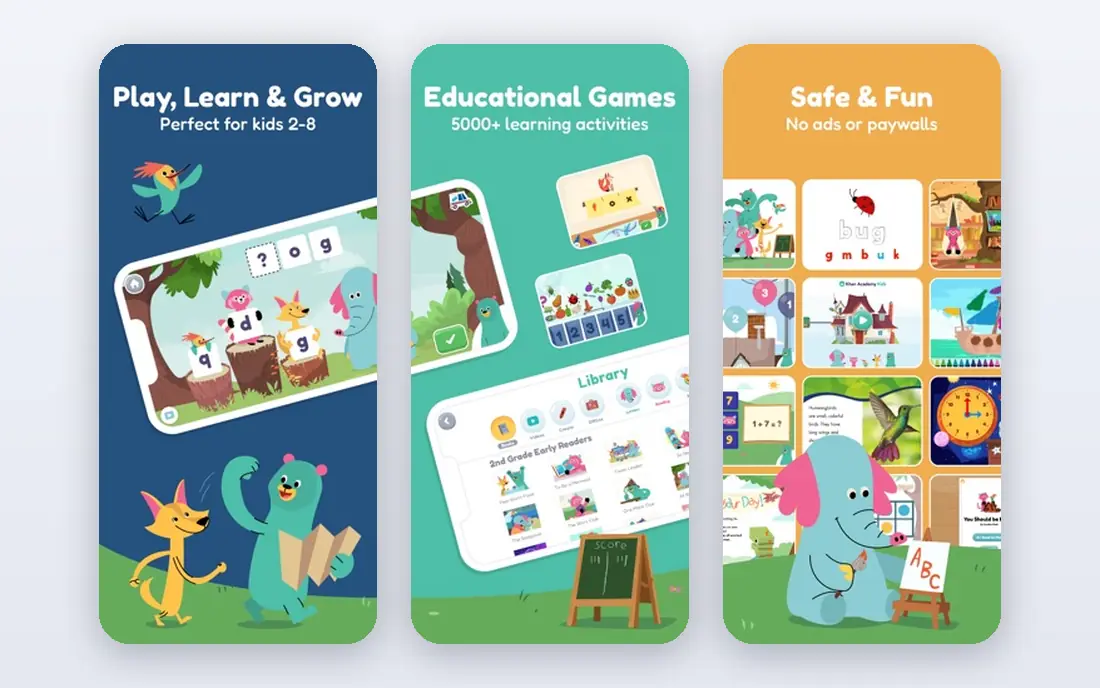
Khan Academy Kids is the easiest recommendation for families with children aged 2 to 8. It offers a guided path through early reading, phonics, maths, and social-emotional learning, with books, songs, and activities that feel playful rather than like a test. There are no ads and no purchases to manage, which removes the most common safety worry for parents.
The main limit is age. Once a child moves past early primary content, the app will feel too easy, and you will need a next step such as Khan Academy itself or a library app. For the preschool and early primary years, though, it is hard to beat a free, ad-free, well-structured option.
- Completely free with no ads or in-app purchases
- Covers reading, maths, and creative play
- Parent area for progress
- Age range ends around 8, so older children outgrow it
- Less book choice than a library app
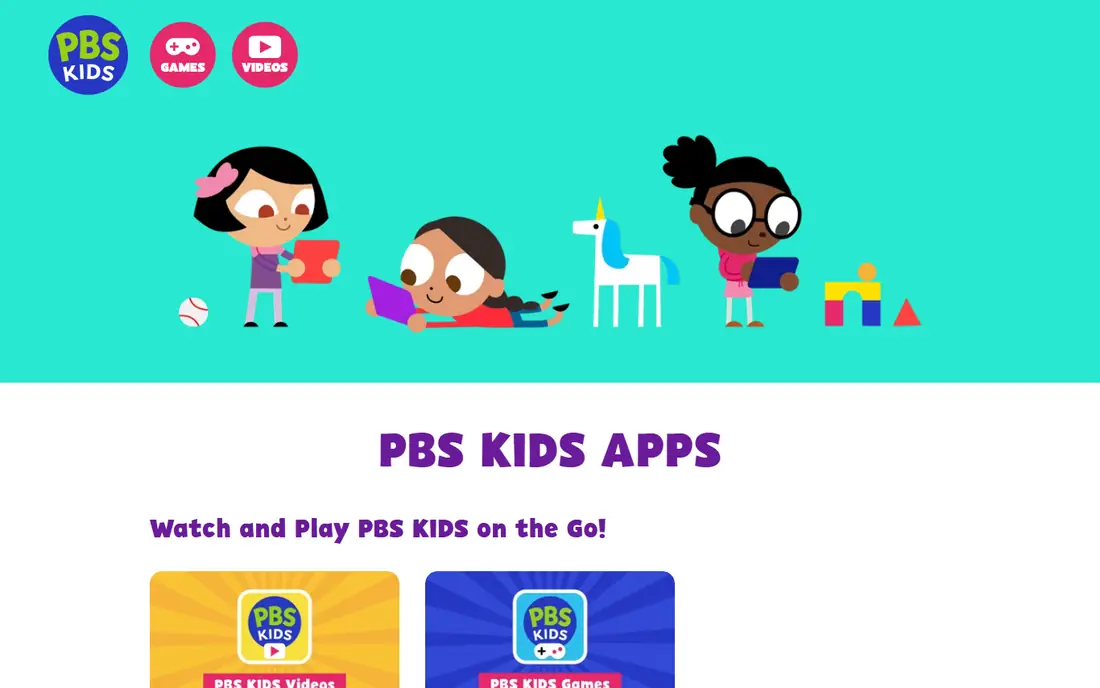
PBS Kids Games brings familiar characters into short, focused learning games for young children. Maths, reading, and science activities are built around shows many children already know, which helps a hesitant child start without pressure. As a nonprofit product, it avoids the hard sales push found in some paid kids apps.
The trade-off is structure. PBS Kids Games is better for playful practice than for a step-by-step curriculum, so pair it with Khan Academy Kids if you want a clear learning path. Parents should also check settings in related PBS video apps, since video and games are not always the same experience.
- Free games with familiar PBS characters
- Covers maths, reading, and science
- Nonprofit backing
- Content is game-led rather than a full curriculum
- Video links need parent care in related apps
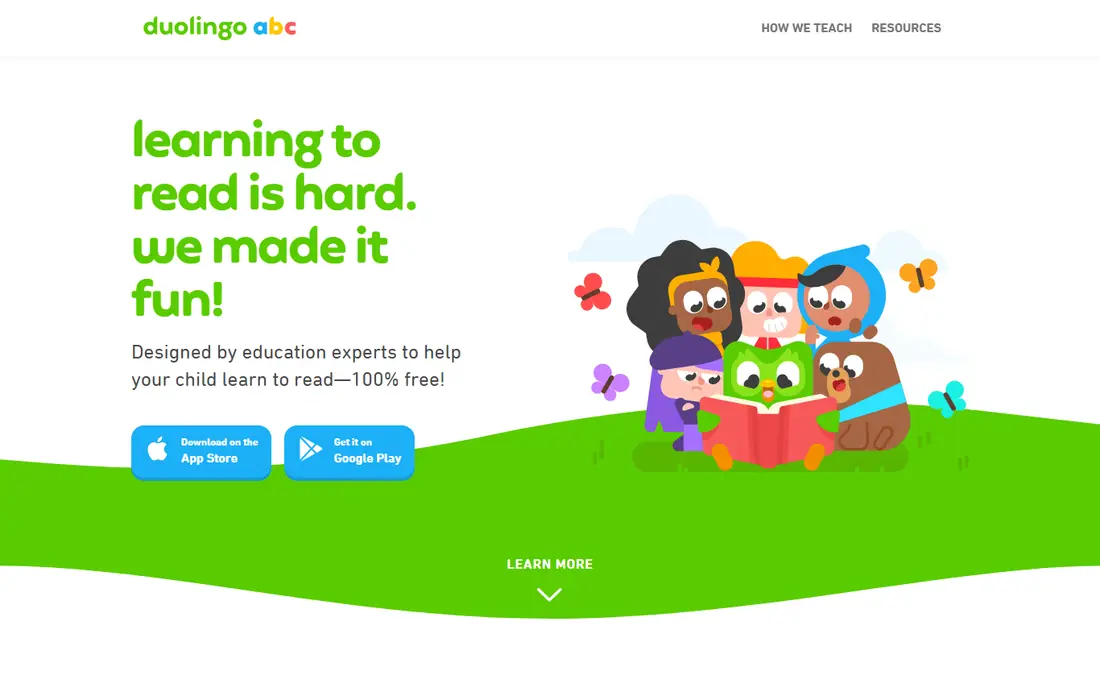
Duolingo ABC focuses on one job and does it well: helping young children learn to read through phonics, sight words, and handwriting practice. Lessons are short, bright, and game-like, but the app stays free with no ads or in-app purchases, which makes it easy for parents to trust for independent use.
The narrow focus is both its strength and its limit. Duolingo ABC will not teach maths, science, or a full curriculum, and children who already read confidently will outgrow it quickly. Use it as a reading specialist alongside a broader app, not as the only learning app on the device.
- Free phonics and early reading lessons
- No ads or purchases
- Short lessons suit young attention spans
- Narrow focus on early reading only
- Older children will need a broader reading app
ABCmouse offers one of the most structured early learning paths available, with levels that move from letters and numbers toward early primary skills. Reading, maths, science, art, and music are all covered, and parents can track progress across activities. For families who want a clear curriculum, that structure is reassuring.
The honest catch is cost and gamification. A subscription is a real monthly expense, and the reward systems that motivate some children can overwhelm others. Try the free trial first, and only continue if your child returns to the learning activities, not just to the reward games.
- Large structured curriculum for ages 2 to 8
- Covers reading, maths, science, and art
- Progress tracking for parents
- Subscription cost adds up
- Highly gamified rewards can distract some children
- Pricing varies by channel
Epic is a digital library for children, with books, audiobooks, and videos that let young readers choose what interests them. Read-to-me books help early readers follow along, while older children can explore series and nonfiction on their own. Multiple child profiles keep reading levels separate in a shared household.
The limit is that Epic is a library, not a teacher. It builds reading volume and choice, but it does not provide the structured phonics path of Duolingo ABC. Pair it with a teaching app for best results, and use the parent dashboard to check what your child is actually reading.
- Large library of books and audiobooks
- Read-to-me options
- Up to four child profiles
- Subscription needed for full access
- Screen reading suits some children better than others
- Book quality varies
ScratchJr introduces coding through colourful blocks that children snap together to make characters move, talk, and tell stories. It teaches sequencing and creative thinking without reading-heavy instructions, which suits ages 5 to 7. There are no ads, purchases, or online contacts, so parents can be confident about safety.
The narrow age range is the main limit. Children older than 7 will quickly want the fuller Scratch platform, which has different safety considerations and online features. For first coding, though, ScratchJr is a calm, creative, and genuinely free starting point.
- Free block coding for ages 5 to 7
- Creative storytelling and sequencing
- No ads or purchases
- Age range is narrow
- No online sharing or chat, which is safe but limits collaboration
Lingokids uses songs, games, and characters to teach literacy, maths, science, and social skills to children aged 2 to 8. The experience is ad-free, which matters for young children, and parents get progress reports and multiple child profiles. It works well for English learners as well as native speakers.
The free tier is limited, so families who want the full path will need a subscription. Try the free activities first to see whether your child enjoys the style, because playful apps only work when a child actually wants to return to them. For children who love its characters, Lingokids can be a strong daily habit.
- Playful literacy, maths, and science activities
- Ad-free experience
- Progress reports for parents
- Full content needs a paid subscription
- Free tier limits daily activities
- Best for ages 2 to 8
Prodigy Math turns maths practice into a fantasy game where correct answers help a character progress and battle. The core game is free, and it covers school maths skills in a way that feels like play rather than homework. A free parent account lets adults follow progress without paying.
Parents should know about the membership push. Paid membership adds pets, items, and features that children may ask for, and that pressure is a real downside. The free core still teaches maths, so families can use Prodigy without paying, and should decide together whether any upgrade is worth it.
- Free core maths game aligned to school skills
- Engaging fantasy world
- Parent account for progress
- Paid membership adds features and can create pressure to upgrade
- Game can distract from maths for some children
Starfall is a long-running, calm option for phonics, early reading, and basic maths. Its simple design avoids flashy rewards, which suits children who get overwhelmed by busy games. Free activities cover core early reading skills, and the site and apps are easy for parents to understand.
The look feels older than newer apps, and some children may find it less exciting than Khan Academy Kids or Lingokids. Full membership adds more content, so check what is free before you commit. For focused phonics practice without noise, Starfall still earns a place.
- Free phonics and early reading activities
- Simple, calm design
- Low-pressure practice
- Design feels dated next to newer apps
- Full membership needed for complete content
- Narrow age focus
How we picked these
We compared official app pages, pricing pages, and safety information, and favoured apps with no ads, no open chat, or clear parent controls. We weighed age fit, curriculum depth, and whether a free version is genuinely useful, rather than a short demo that pushes a subscription.
We did not claim hands-on testing with children. Where an app includes purchases, ads, or social features, we say so plainly, because a parent needs that information before a child uses the app alone. Prices were checked on vendor pages, with See website used where pricing varies by store or channel.
How to choose a safe app for your child
Start with age and purpose. An app for a 4-year-old learning letters is different from an app for a 9-year-old practising maths, and an app that tries to cover every age often fits none of them well. Pick one teaching app and one library or creative app, rather than filling a tablet with many similar games.
Then check the safety basics before first use. Look for ads, in-app purchases, chat, and data sharing in the app settings and privacy policy, and turn on any parent gate or purchase password on the device. An ad-free app with no chat is a much safer starting point for independent play.
Finally, watch how your child actually uses the app for a week. If they return to learning activities and can explain what they did, the app is working. If they only chase rewards, ask for purchases, or get frustrated, try a calmer option. The best app is the one your child uses happily and safely, not the one with the longest feature list.
FAQ
What is the best free app for kids?
Khan Academy Kids is our pick for most families, because it is free, ad-free, and covers reading, maths, and creative play for ages 2 to 8. Duolingo ABC is also free and excellent for early reading, while ScratchJr is free for first coding. Together, those three cover a lot without any subscription.
What is the best app for kids to learn to read?
Duolingo ABC is the best focused reading app for young children, with phonics and sight word practice. Khan Academy Kids adds broader reading and storybooks, and Epic adds book choice once a child can read with some confidence. Use Duolingo ABC for teaching and Epic for reading volume.
Are kids apps safe?
Safety varies, so check each app for ads, purchases, chat, and data practices before use. The safest picks on this list, such as Khan Academy Kids, Duolingo ABC, and ScratchJr, have no ads or purchases. For any paid app, set a device purchase password and review parent controls first.
Is ABCmouse worth paying for?
ABCmouse can be worth it for families who want a structured curriculum for ages 2 to 8 and whose child uses it often. It is not worth it if your child only plays reward games or if free options already cover the same skills. Try the trial and judge by regular use, not by the first week.
What age are these kids apps for?
Most apps on this list target ages 2 to 8, with ScratchJr for ages 5 to 7 and Prodigy Math for school-age children. Epic covers a wider range, up to about age 12, depending on book choice. Always check the app store age rating and the content itself, since age labels alone do not guarantee suitability.