Best Apps for Japan Travel in 2026: 8 Apps Compared
Find the best apps for japan travel, from NAVITIME train routes to maps, translation, bookings, and food guides for visitors, for a smoother trip in 2026.
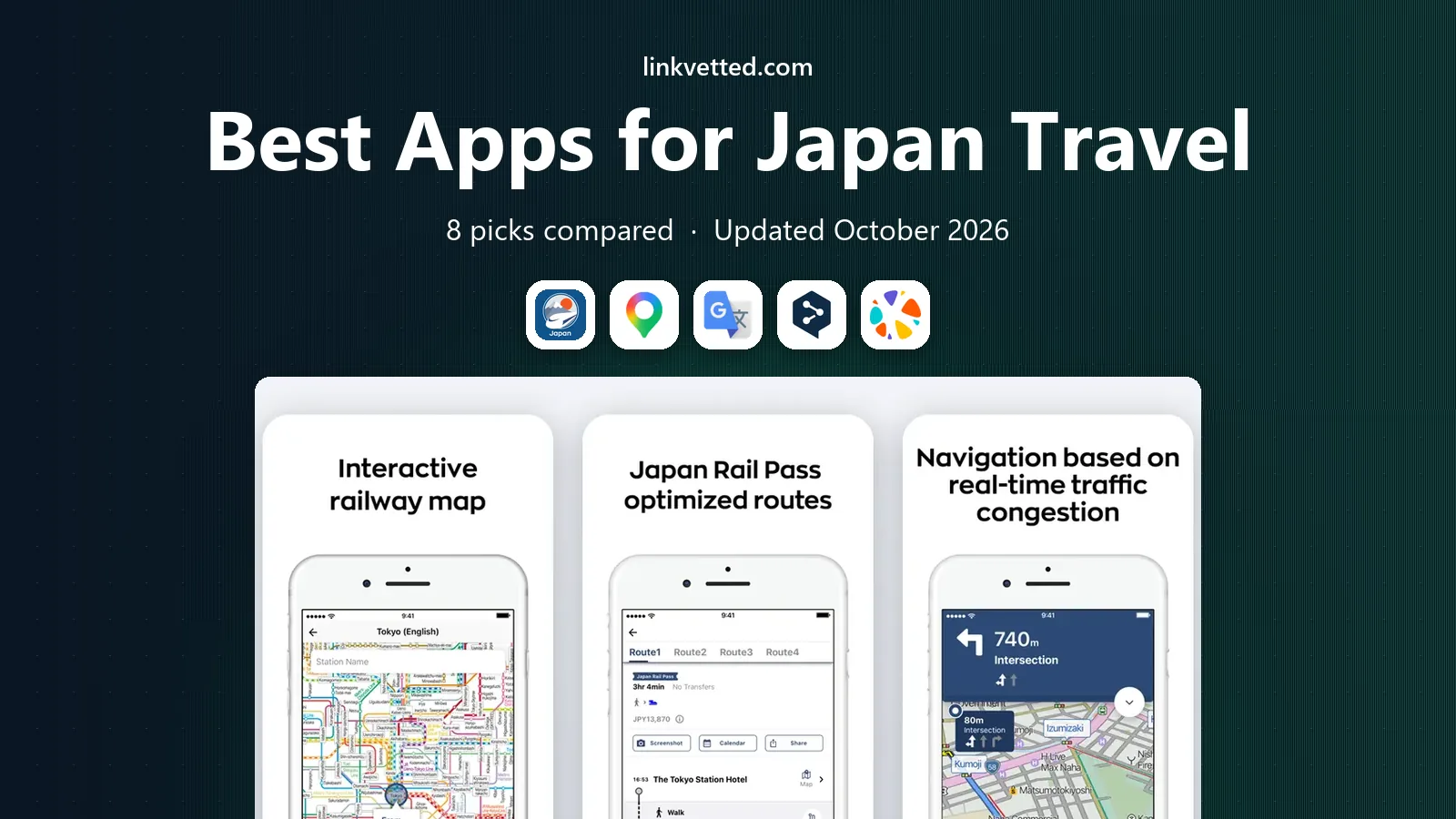
- Editor's choice
 Japan Travel by NAVITIME
Train and transit routes for visitors
Starts atFreeVisit japantravel.navitime.comFull review - Great alternative
 Google Maps
Everyday maps and transit
Starts atFreeVisit maps.google.comFull review - Also consider
 Google Translate
Signs, menus, and conversations
Starts atFreeVisit translate.google.comFull review
TL;DR:
- Japan Travel by NAVITIME is the strongest single app for train, bus, and Shinkansen routes, including Japan Rail Pass routes.
- Google Maps and Google Translate cover most daily needs, but NAVITIME is better for pass coverage and platform detail.
- Booking apps save time for hotels and activities, while food and language apps help most once you are out exploring.
- Download maps, routes, and key phrases offline before you travel, since station Wi-Fi and rural coverage can be patchy.
Quick comparison
| Tool | Best for | Starts at | Free plan? | |
|---|---|---|---|---|
| Japan Travel by NAVITIME | Train and transit routes for visitors | Free | Yes | Visit |
| Google Maps | Everyday maps and transit | Free | Yes | Visit |
| Google Translate | Signs, menus, and conversations | Free | Yes | Visit |
 DeepL | More natural written translation | Free | Yes | Visit |
 Klook | Tours, tickets, and rail passes | Free | Yes | Visit |
 Booking.com | Hotels across Japan | Free | Yes | Visit |
 Agoda | Hotels and deals in Asia | Free | Yes | Visit |
 Tabelog | Restaurant discovery in Japan | Free | Yes | Visit |
The best apps for Japan travel
We compared these tools on official feature pages, pricing, and public reviews, and we picked a mix of leaders and smaller options that fit the topic well. Start with the product that fits your main need, then check price and free limits before you build a workflow around it.
Japan Travel by NAVITIME
Best for: Train and transit routes for visitors
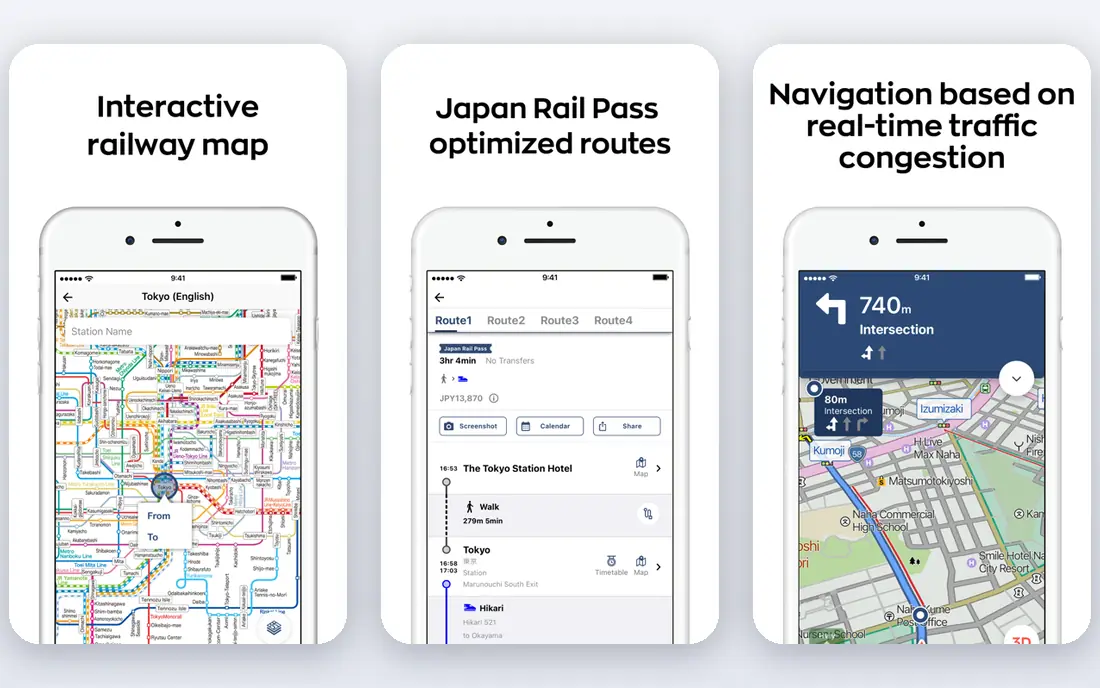
For teams that want a clear plan in one place, this is a strong place to start. First-time visitors and rail pass holders will get the most from Japan Travel by NAVITIME, since it is built for foreign visitors using trains, buses, and Shinkansen services.
The route detail is the strength, because it shows platforms, transfers, fares, and pass coverage, which helps travelers avoid paying extra on a covered journey.
The catch is premium gating, since voice navigation, delay alternatives, and some timetables sit behind an in-app purchase, so check what the free version covers first.
- Door to door routes
- Japan Rail Pass mode
- Offline spot search
- Premium features need in-app purchase
- Some routes need a connection
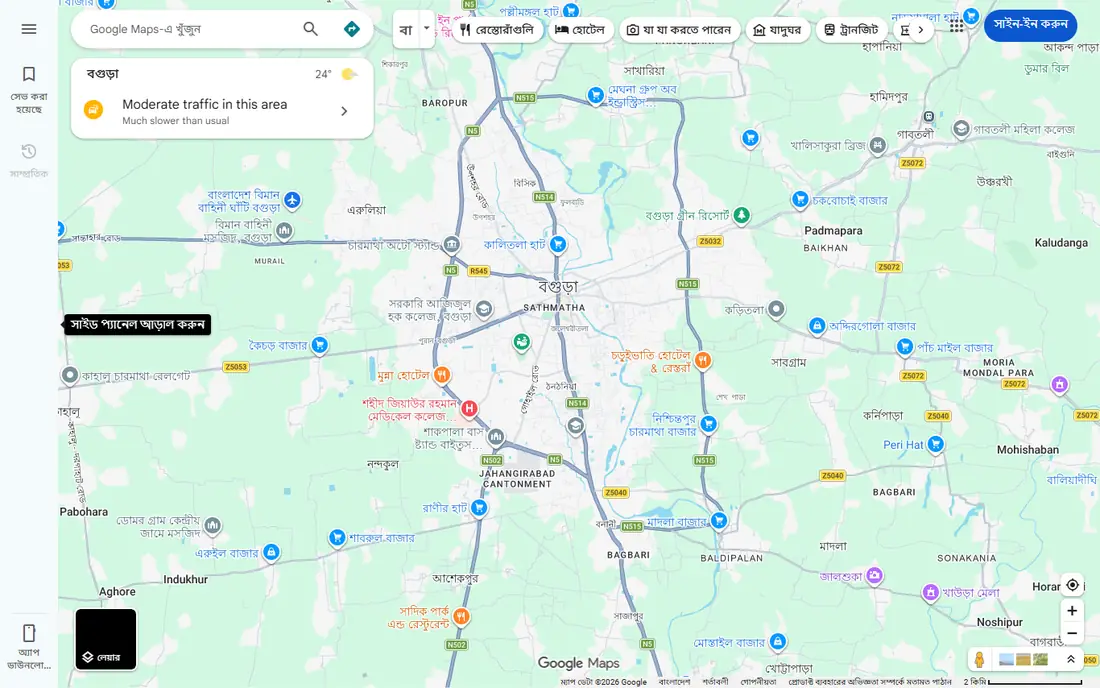
If clarity matters more than a long feature list, this option deserves a close look. Almost every traveler to Japan will use Google Maps, since it covers walking, transit, and driving in one app that most people already know.
The familiarity is the appeal, because saved places, reviews, and offline maps work the same way in Japan as they do at home, which lowers the learning curve.
The limit is rail pass detail, since Google Maps does not explain pass coverage as clearly as NAVITIME, so pass holders should cross-check longer journeys.
- Strong transit directions
- Walking routes
- Offline maps
- Less pass detail than NAVITIME
- Station exits can be confusing
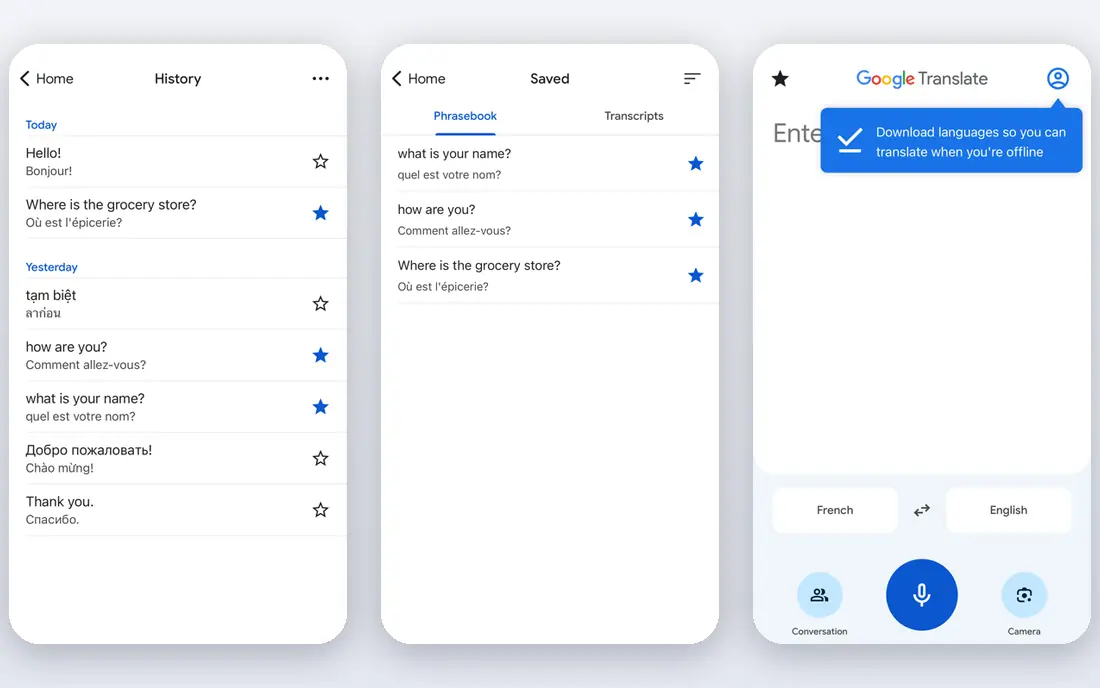
This one suits people who want structure without a long setup process. Travelers who cannot read Japanese will rely on Google Translate daily, since camera mode can read signs, menus, and station boards in seconds.
The camera feature is the standout, because it turns a confusing menu or ticket machine into readable English without typing each character.
The weakness is accuracy, since machine translation can miss nuance, polite forms, and food allergy details, so confirm important details with staff where possible.
- Camera translation
- Offline language packs
- Conversation mode
- Camera results need good light
- Nuance can be lost
A practical choice for busy teams, this tool keeps the important work visible. Travelers who need to read longer Japanese text, such as hotel emails or attraction pages, will like DeepL, since its translations often read more naturally.
The written quality is the strength, because sentences flow better than a word-by-word result, which helps when booking details or rules matter.
The trade-off is camera use, since DeepL is weaker for live sign translation, so most travelers will keep Google Translate for signs and DeepL for text.
- Natural sounding translations
- Document translation
- Clear interface
- Fewer camera features than Google Translate
- Free limits apply
When a team is growing past spreadsheets, this is often the next sensible step. Travelers who want to book attractions, tours, and transport extras in advance will find Klook useful, since it gathers many Japan options in one checkout.
The booking range is the appeal, because theme park tickets, day tours, and rail passes can be bought before arrival, which saves ticket desk time.
The catch is terms, since cancellation rules, entry times, and voucher redemption vary by product, so read each listing before paying.
- Attraction tickets
- Tours
- Rail pass and SIM options
- Prices vary by date
- Booking terms need a close read
This option works well for people who value a clean view over extra controls. Travelers booking hotels from city hotels to rural inns will find Booking.com a practical starting point, since it lists a wide range in most Japanese cities.
The range is the strength, because filters for location, price, and cancellation help travelers compare a station hotel with a quieter neighborhood stay.
The downside is detail, since room size in Japan can be small, and photos can hide that, so check room size, bed type, and check-in hours before booking.
- Wide hotel range
- Free cancellation on many stays
- Clear reviews
- Service fees and terms vary
- Popular dates sell out fast
For smaller teams on a tight budget, this choice keeps costs and complexity down. Travelers focused on Asia who want hotel deals will like Agoda, since its coverage in Japan is strong and app prices can beat the web price.
The deal focus is the point, because app-only rates and promotions can lower a hotel bill, especially for longer stays in major cities.
The weakness is terms, since cancellation and payment rules differ by property, and support can be slower for complex changes, so keep booking emails safe.
- Strong Asia hotel coverage
- Deals
- App-only prices
- Cancellation terms vary
- Support quality varies by booking
If you need a tool that others can read at a glance, this one makes that easy. Food lovers who want local restaurants, not only tourist spots, will find Tabelog useful, since its ratings come largely from Japanese diners.
The local ratings are the strength, because a high Tabelog score often points to a neighborhood favorite that international review sites miss.
The limit is language, since English listings and booking options are thinner outside Tokyo, Osaka, and Kyoto, so translation help is still useful.
- Local restaurant ratings
- Cuisine filters
- Area search
- English coverage is thinner outside big cities
- Booking can be Japanese only
How we picked these
When we compared Japan travel apps, we reviewed official app listings, feature pages, and pricing or booking pages, plus public reviews that describe transit, translation, and booking use. We favored apps that work for foreign visitors, support English, and offer offline or pass-aware features, and we noted where a premium purchase or booking term changes the value. We did not claim hands-on testing. We also checked that each product is still offered in October 2026 and that its official site matches the product name, and we left out tools with unclear pricing, weak safety controls, or a poor fit for the topic.
How to build a Japan app kit that covers trains, language, and bookings
Start with transit, since trains set the shape of a Japan trip, and a good route app saves more time than any other single tool. Download NAVITIME and Google Maps before arrival, save your hotel and key stations, and test a route from the airport on the first day.
Next, set up language help, since signs, menus, and ticket machines are the daily friction points. Download Japanese offline packs in Google Translate, keep DeepL for longer text, and learn a few polite phrases for restaurants and stations.
Book the big items early
Hotels, popular attractions, and rail passes sell out or rise in price on peak dates, so book those first and leave day trips flexible. Keep all vouchers, booking emails, and passport details in one offline folder, since station staff may ask to see a pass or ticket.
Plan for cash and connectivity
Many small restaurants and rural shops still prefer cash, so carry yen beside a card, and check where ATMs accept foreign cards. A pocket Wi-Fi or eSIM helps with maps and translation, but offline maps and saved routes cover gaps in rural areas.
Before you commit, run a short trial with real data, real users, and a real deadline, since a demo with sample data hides the limits that matter most. Note what feels slow, what needs support, and what the free plan leaves out, then compare that note with the price for your actual team size.
A good choice should feel clear after a week of real use, not only after a sales call. If setup feels heavy, if pricing is hard to explain, or if safety controls are hard to find, keep looking, since those problems tend to grow once more people rely on the tool every day. Keep a short note of what you tested, so the final choice rests on evidence, not on a first impression.
FAQ
What is the best app for Japan travel?
Japan Travel by NAVITIME is the best single app for transit and rail passes, while Google Maps covers everyday navigation. Most travelers will use both, plus a translation app.
Do I need a Japan Rail Pass app?
NAVITIME has a Japan Rail Pass mode that shows covered routes and extra costs, which helps pass holders avoid extra fares. Check pass rules and prices before buying, since a pass does not save money on every trip.
Is Google Translate enough in Japan?
For signs and menus, Google Translate camera mode is very useful, but it can miss nuance. DeepL helps for longer text, and confirming allergy or booking details with staff is still wise.
Can I use these apps offline in Japan?
Google Maps and Google Translate support offline downloads, and NAVITIME offers offline spot search. Download maps and language packs before travel, since rural coverage can be patchy.
What is the best travel app for Japan trains?
NAVITIME is best for train, bus, and Shinkansen detail, including platforms and pass coverage. Google Maps is a good backup for walking and general transit directions.