Best Apps for International Travel in 2026: 9 Apps Compared
The best apps for international travel in 2026, covering maps, language, money, eSIM data, bookings and trip plans for safe trips abroad. for US travelers.
- Editor's choice
 Google Translate
Reading signs and talking with locals
Starts atFreeVisit translate.google.comFull review - Great alternative
 Google Maps
Daily navigation in a new city
Starts atFreeVisit maps.google.comFull review - Also consider
 TripIt
Keeping a whole trip in one place
Starts atFreeVisit tripit.comFull review
TL;DR:
- Google Maps and Google Translate cover most daily needs abroad, from directions to reading a menu.
- Airalo removes the hunt for a local SIM, but check that your phone supports eSIM before you buy.
- TripIt keeps flights, hotels and reservations in one timeline, which helps on multi stop trips.
- Wise and XE Currency help you see real costs in local money, so you avoid surprise exchange rates.
Quick comparison
| Tool | Best for | Starts at | Free plan? | |
|---|---|---|---|---|
| Google Translate | Reading signs and talking with locals | Free | Yes | Visit |
| Google Maps | Daily navigation in a new city | Free | Yes | Visit |
| TripIt | Keeping a whole trip in one place | Free | Yes | Visit |
 XE Currency | Quick currency conversion | Free | Yes | Visit |
 Airalo | Prepaid mobile data abroad | See website | No | Visit |
 Wise | Holding and spending foreign money | See website | Yes | Visit |
 Rome2Rio | Planning routes between cities | Free | Yes | Visit |
 Booking.com | Booking hotels abroad | Free | Yes | Visit |
 Skyscanner | Comparing flight prices | Free | Yes | Visit |
The best apps for international travel
We compared official app listings, pricing pages and feature pages for apps that work across countries in October 2026. Our pick for most travelers is a small set: Maps, Translate, one eSIM app and one money app, plus a booking tool for your style of trip.
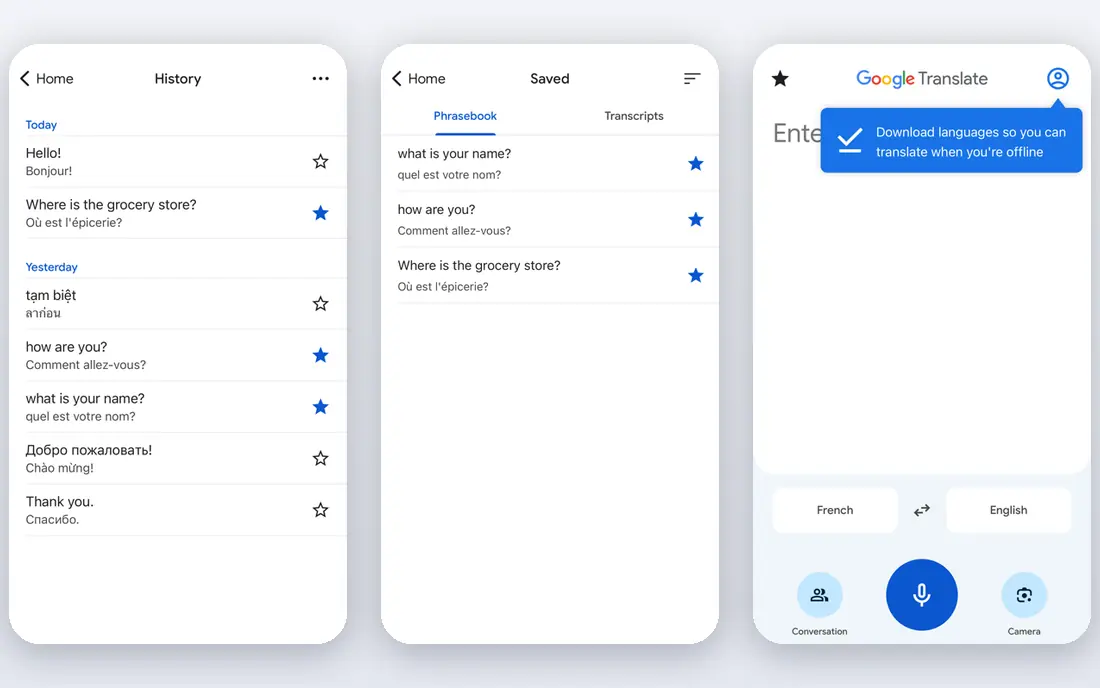
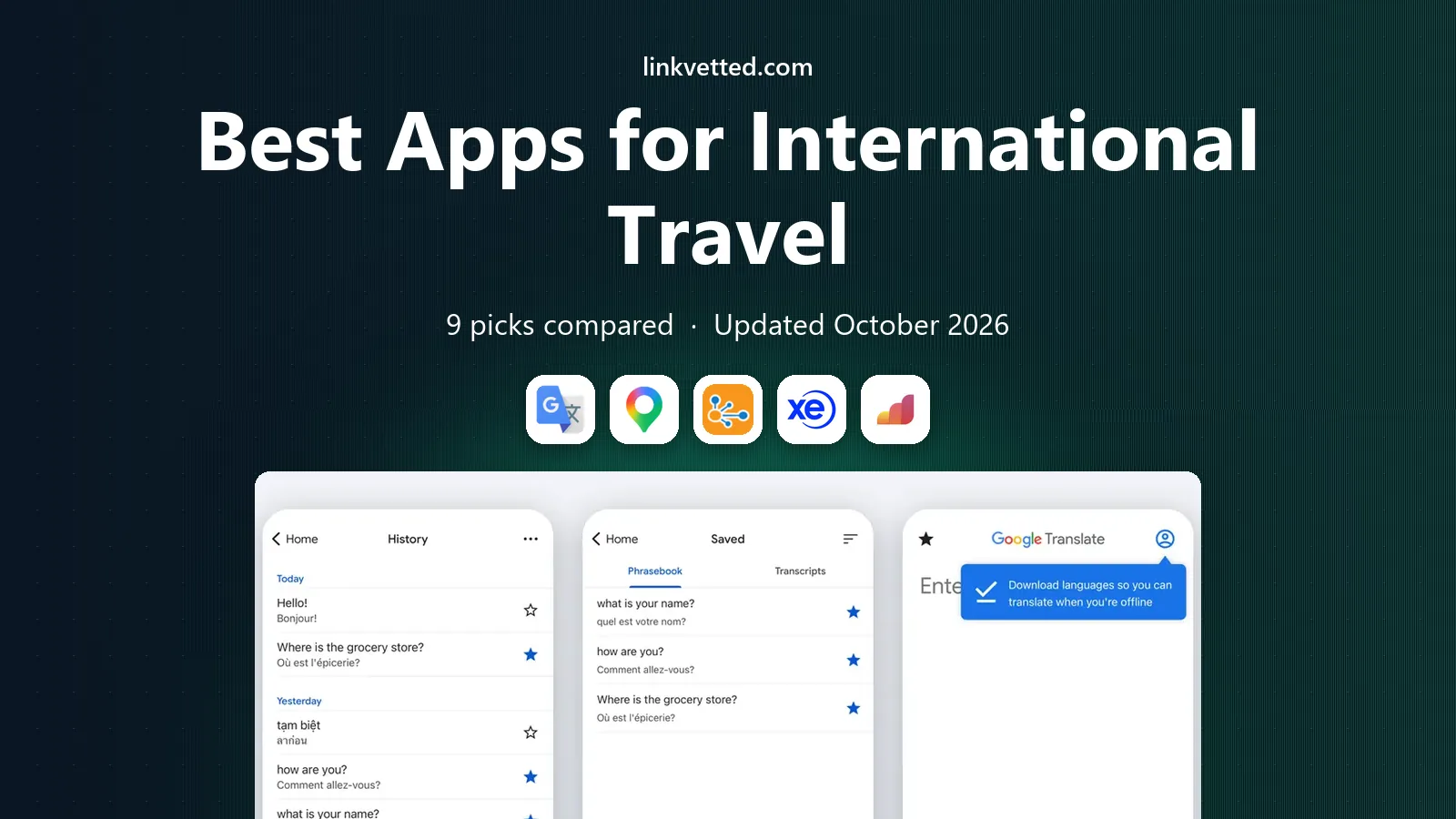
Google Translate is the first app we suggest for any trip abroad. Camera mode can read a menu, a station sign or a label in seconds, and conversation mode helps with simple questions at a hotel desk or a market stall. Downloading a language pack before you leave means it still works without data.
The catch is trust. For directions, prices and basic needs it is usually fine, but for medical details, contracts or safety instructions, confirm with a person or a second source. It is a helper, not a certified translator, and that distinction matters on a trip.
- Camera translation for signs and menus
- Offline language packs
- Conversation mode
- Accuracy varies by language
- Slang and idioms can be mistranslated
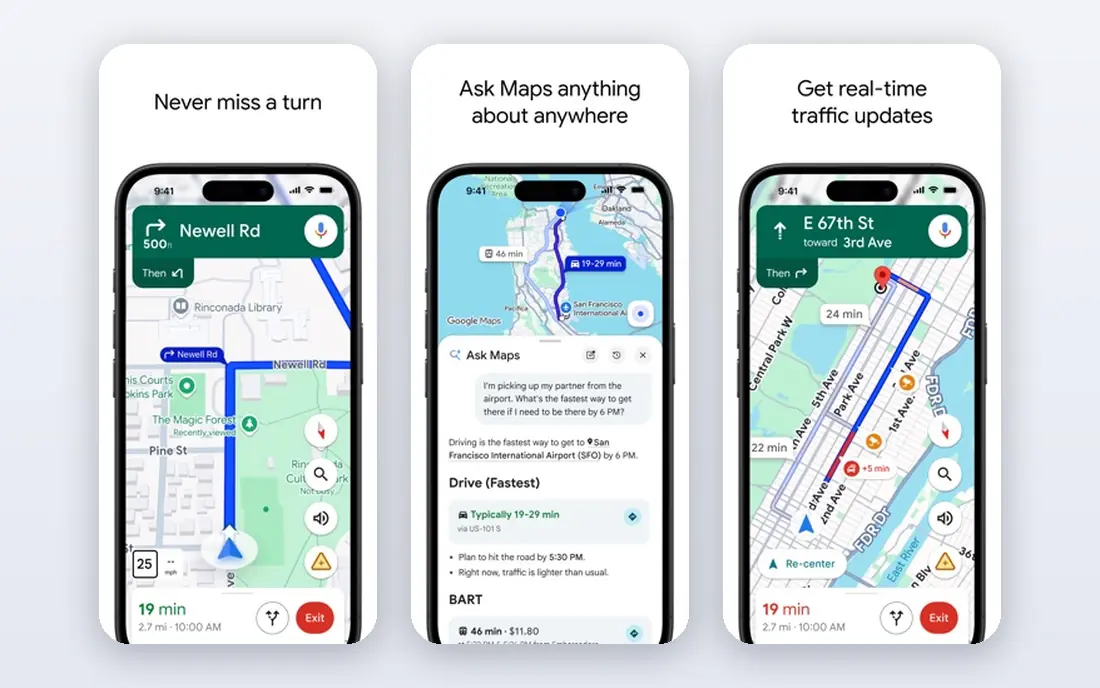
Google Maps earns its place because it covers so many travel jobs at once. It gives walking and transit directions, shows opening hours and reviews, and lets you save hotels, restaurants and sights in lists. Offline maps are the feature to set up before you fly, since they keep basic navigation working without a data plan.
Transit coverage is not equal everywhere, so in a smaller city, check the local transit app too. Battery drain is also real on long walking days, so carry a power bank. Even with those limits, Maps is hard to leave off a travel phone.
- Transit, walking and driving directions
- Offline maps
- Saved places and lists
- Transit data varies by city
- Battery use is high with navigation on
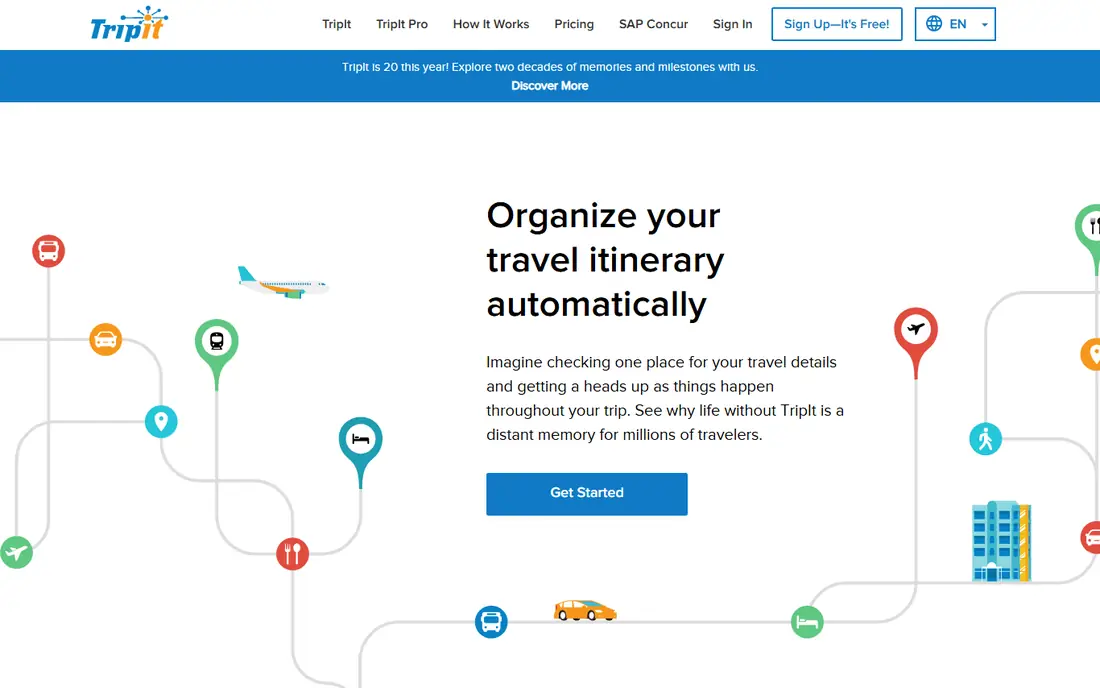
TripIt turns a messy inbox into a single timeline. Forward flight, hotel and car confirmations, and it builds a day by day plan with times, addresses and confirmation numbers. That matters most on trips with several cities, where a missed transfer time can ruin a day.
The free plan covers the core itinerary, while TripIt Pro adds fare tracking, seat alerts and other extras for a yearly fee. If you travel once a year, free may be enough. If you travel often, the Pro alerts can pay for themselves on one changed flight.
- Auto builds itineraries from forwarded bookings
- Calendar sync
- Sharing with family
- Pro features need a paid plan
- Free plan lacks some alerts
XE Currency answers the small question travelers ask all day: what does that price mean in my own money. It covers a wide range of currencies, stores the last rate for offline use, and keeps the converter simple enough to use at a market stall.
Remember that the rate shown is a mid market rate. Your bank, card issuer or exchange desk will add a margin or a fee, so the final cost will differ. Use XE to judge value, and check your card terms for the real cost before a large purchase.
- Live rates for many currencies
- Offline rate storage
- Simple converter
- Rates are mid market, not what a bank charges
- Ads in the free app
Airalo lets you buy a data plan for a country, a region or a global bundle before you leave home. You install the eSIM, land, and switch it on, which avoids airport SIM shops and high roaming bills. Coverage spans more than 200 countries and regions, and plans range from short trips to a full year.
Check two things first. Your phone must support eSIM and allow a different carrier, and most Airalo plans cover data only, so calls and texts need an app such as WhatsApp. Prices vary by destination and data amount, so compare a local plan with a regional plan if you cross borders.
- ESIM plans for many countries
- Buy before you fly
- No physical SIM swap
- Needs an eSIM compatible phone
- Most plans are data only
Wise fits travelers who want to hold several currencies and spend at a clear rate. You can convert money in the app, hold balances in different currencies, and use a Wise debit card where it is offered. The fee and rate are shown before you confirm, which makes it easier to compare with a bank card.
Fees still apply, and they change by currency, amount and payment method, so check the quote for your exact trip. Card delivery and availability also vary by region, so order early. For many travelers, Wise is a useful second card rather than a full bank replacement.
- Mid market exchange rates
- Multi currency balances
- Debit card in many regions
- Fees vary by currency and route
- Card availability varies by country
Rome2Rio answers a different question from Maps: how do I get from this city to that city, and what will it cost. It compares flights, trains, buses, ferries and driving in one search, which helps when a train beats a short flight or a bus is the only option. That overview is useful at the planning stage.
Treat its times and prices as a starting point. Schedules change, and the final booking still happens with the carrier or a booking site. Use Rome2Rio to choose a route, then confirm the time and price with the operator before you pay.
- Compares flights, trains, buses and cars
- Door to door routes
- Booking links
- Times and prices are estimates
- Rural routes can be thin
Booking.com remains the widest hotel tool for international trips. It lists hotels, apartments and guesthouses in most destinations, and many listings offer free cancellation, which helps when plans shift. Filters for price, location and guest rating make it easy to narrow a long list.
Read the fine print on each listing. Cancellation rules, breakfast inclusion and local taxes or fees vary by property, and the headline price may not be the final price. For stays in one place for a week or more, it is worth comparing the same property on its own site too.
- Huge hotel range
- Free cancellation on many listings
- Reviews in many languages
- Cancellation terms vary by property
- Resort and city fees may be extra
Skyscanner is best used as a search tool, not a booking tool. Its whole month view shows cheaper travel days, and its flexible search can reveal a cheaper nearby airport. Price alerts help when you have time to wait for a fare drop.
The final booking usually goes through an airline or an online travel seller, and baggage, change and refund rules depend on that seller. Check those terms and the total price, including bags, before you pay. Used that way, Skyscanner saves real money without adding risk.
- Whole month price view
- Flexible destination search
- Price alerts
- Booking happens with a third party
- Baggage rules vary by seller
How we picked these
We compared official app store listings, pricing pages and feature pages for apps that are live in October 2026 and work across more than one country. We favored apps with broad coverage, offline options where they matter, and clear pricing, and we left out single city tools that would not help most travelers.
We did not travel with every app for this roundup. Our comparison rests on published features, pricing and public reviews, and we note where a price is an estimate or where availability varies by country.
How to build your travel app set
Before you leave
Download offline maps and language packs, check eSIM compatibility, and save booking confirmations in TripIt or a similar tool. Do this on home Wi-Fi, not at the airport, so you are not stuck with a slow connection.
On the ground
Keep Maps, Translate and your money app on your home screen, and keep a paper or screenshot backup of hotel addresses and emergency numbers. Phones run out of battery and data plans fail, so a simple backup avoids a stressful day.
Money and data tips
Compare the total cost of a transfer or a card payment, not just the headline fee, and compare a local eSIM with a regional plan if you cross borders. Small checks like these often save more than hunting for a cheaper hotel.
FAQ
What are the best travel apps for international trips?
For most travelers, Google Maps, Google Translate, Airalo for data, Wise or XE Currency for money, and Booking.com or Skyscanner for bookings cover the main needs. Add TripIt if your trip has several stops.
Do I need an eSIM app for international travel?
Not always, but it helps if your carrier charges high roaming rates or your trip spans several countries. Check that your phone supports eSIM and is carrier free, and compare the eSIM price with a local SIM at your destination.
Can Google Translate work without internet?
Yes, if you download the language pack before you leave. Camera and conversation features work best with a connection, but basic text translation works offline for downloaded languages.
Is Wise better than a bank card abroad?
Wise often shows a clearer rate and fee before you pay, while a bank card may add a margin that is harder to see. The best choice depends on your bank fees, the currency and whether you need a physical card.
How do I avoid roaming charges abroad?
Turn off data roaming, buy a local SIM or a travel eSIM before you need data, and use Wi-Fi for large downloads. Check your carrier plan before you fly, since some plans include free roaming in certain regions.