Best Travel Apps for International Trips in 2026: 8 Apps Compared
Our guide to the best travel apps for international trips covers itineraries, offline maps, translation, currency, flights, and local transport tips for 2026.

- Editor's choice
 TripIt
Turning bookings into one itinerary
Starts atFreeVisit tripit.comFull review - Great alternative
 Wanderlog
Building a shared day-by-day plan
Starts atFreeVisit wanderlog.comFull review - Also consider
 Rome2Rio
Comparing trains, buses, and flights
Starts atFreeVisit rome2rio.comFull review
TL;DR:
- We found no single app that handles a whole international trip, so a small set of focused tools works better than one crowded app.
- TripIt and Wanderlog cover planning and itineraries, while Google Maps and Rome2Rio cover getting around once you arrive.
- Offline maps, downloaded language packs, and saved confirmations matter more abroad, where Wi-Fi and mobile data can be patchy.
- Most of the apps below are free to start, and paid plans are worth it mainly for frequent flyers or complex multi-stop trips.
- Check visa, entry, and roaming rules on an official government source before you travel, since no app in this list replaces that check.
Quick comparison
| Tool | Best for | Starts at | Free plan? | |
|---|---|---|---|---|
| TripIt | Turning bookings into one itinerary | Free | Yes | Visit |
| Wanderlog | Building a shared day-by-day plan | Free | Yes | Visit |
| Rome2Rio | Comparing trains, buses, and flights | Free | Yes | Visit |
 Skyscanner | Comparing flight prices | Free | Yes | Visit |
 Google Maps | Offline maps and local directions | Free | Yes | Visit |
 Google Translate | Translating signs and conversations | Free | Yes | Visit |
 Airalo | Buying a local data plan abroad | See website | No | Visit |
 XE | Checking exchange rates | Free | Yes | Visit |
The best travel apps for international trips
We picked apps that solve a different part of an international trip, from booking to arrival, so you can mix only the ones you need.
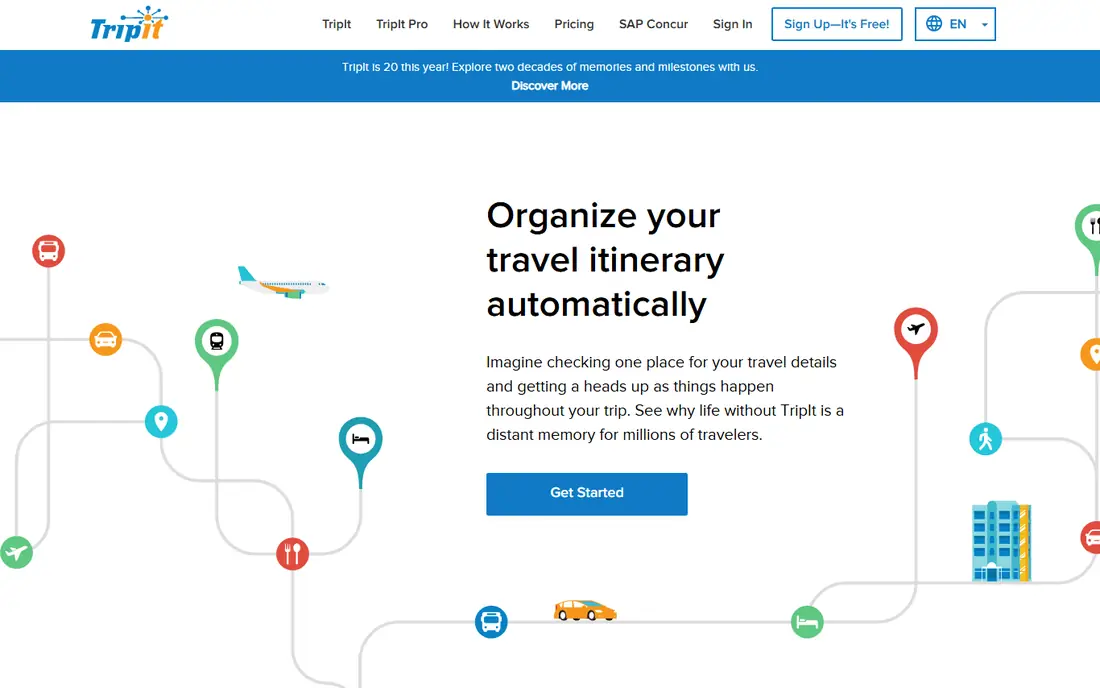
TripIt is our pick for most people who already have flights and hotels booked and just want one clear plan. Forward a confirmation email and TripIt builds a day-by-day itinerary with flight times, hotel addresses, and booking references in one place. That single view is a relief at an airport, when a gate change or a hotel check-in time is buried in a separate inbox thread.
The free plan covers the core itinerary and calendar sync, which is enough for a holiday or a short business trip. TripIt Pro, priced at $49 per year on the vendor site, adds fare tracking, refund alerts, and seat and flight alerts that matter more if you fly often. The honest catch is that unusual bookings, such as a small guesthouse or a ferry ticket bought in person, may need manual entry, so check the itinerary before you leave.
- Automatic itinerary from forwarded confirmations
- Calendar sync
- Offline access to trip details
- Best alerts sit behind Pro
- Some bookings still need manual entry
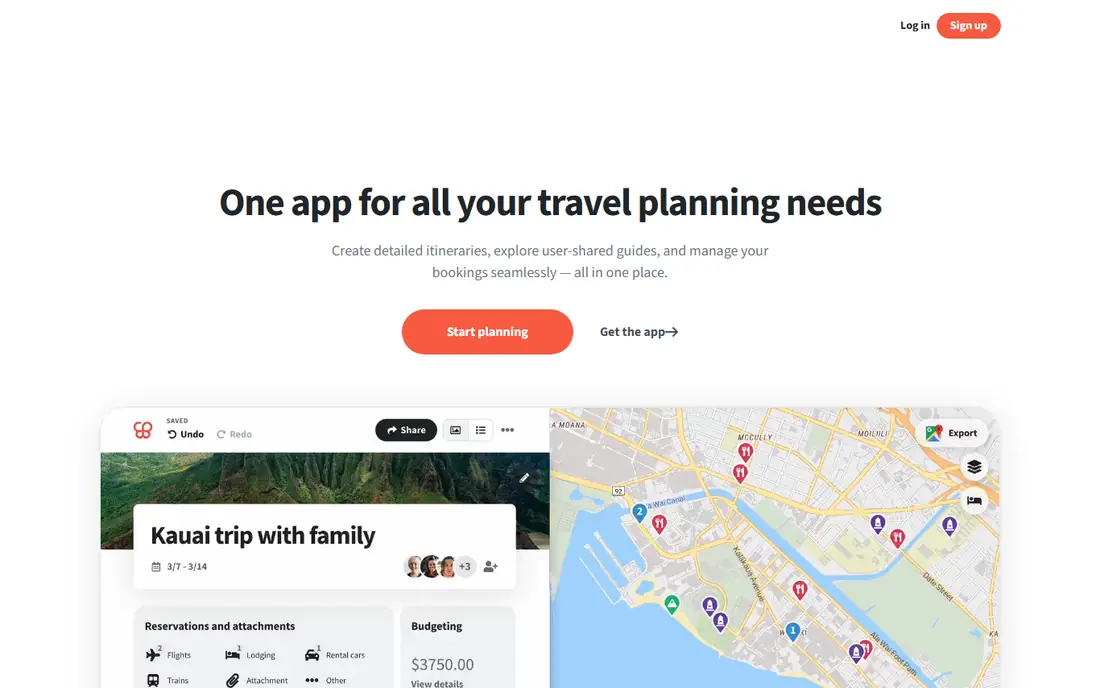
Wanderlog suits trips planned with other people, where everyone wants to add places and vote on the plan. You drop pins on a map, drag them into days, and share one link, so the group stops passing screenshots back and forth. Budget tools and expense splitting help when one person books a shared stay and the rest need to settle up later.
The free plan is generous for a first trip, with shared trips and basic planning included. Wanderlog Pro, listed at $39.99 per year, adds offline access, route optimization, and Gmail import of bookings. If your trip is already booked and you only need a tidy itinerary, TripIt is simpler. If you are still deciding where to go each day, Wanderlog is the better starting point.
- Map-based planning
- Shared editing
- Budget tracking
- Offline use and route tools sit behind Pro
- Less useful after booking than TripIt

Rome2Rio answers the question that search engines often miss: how do I actually get from this town to that town. It compares flights, trains, buses, ferries, and driving in one result, with rough times and costs side by side. That is useful abroad, where a train plus a local bus may beat a short flight once airport time is counted.
The site and app are free to use, and we like it as a research tool before booking. Treat its prices as a guide, not a quote, and confirm the final fare and timetable on the operator site before you pay. Rome2Rio also helps when a plan changes mid-trip, since you can test a new route from a station or a hotel without opening five different booking sites.
- Door-to-door routes across modes
- Time and cost estimates
- Broad global coverage
- Prices are estimates, not live fares
- Booking usually happens on another site
Skyscanner is the flight comparison tool we return to first, mainly because its date grid makes flexible travel cheaper to plan. If you can shift by a day or two, the monthly view shows where the price drops, and alerts track a route while you decide. Hotel and car rental search sit in the same app, which keeps early planning in one place.
Skyscanner itself is free, and it passes you to the airline or booking site to complete the purchase. Our advice is to compare the total on the airline site too, since baggage, seat selection, and change fees can erase a small saving. For a fixed-date trip with no flexibility, alerts matter less, but the broad search still helps you spot a direct flight you might have missed.
- Broad flight and hotel search
- Flexible date views
- Price alerts
- You still book with the airline or agent
- Cheapest fares can carry strict terms
Google Maps is the app we tell every international traveler to set up before departure. Download the map for your destination while you are on Wi-Fi, save your hotel and key stations, and you can still find your way when data is slow or costly. Walking directions, transit routes, and business hours cover most city days without a separate guidebook.
The app is free, and its strength is how much local detail it holds, from restaurant reviews to station entrances. The limits matter abroad: downloaded maps need refreshing, live traffic and some transit features need a connection, and smaller towns may have thinner coverage. Pair it with Rome2Rio for intercity routes and you cover both the journey between cities and the walk from the station.
- Offline maps
- Walking, driving, and transit directions
- Saved places and reviews
- Offline maps expire and lack live traffic
- Transit coverage varies by city
Google Translate earns its place for the camera alone. Point it at a menu, a street sign, or a train timetable and you get a readable version in seconds, which removes a lot of daily friction abroad. Conversation mode helps at a hotel desk or a pharmacy, and downloaded language packs let it work without data.
It is free, and it supports a wide range of languages, though quality varies and short phrases translate better than long, formal text. Do not rely on it for a contract, a medical form, or a legal notice without a human check. For daily travel, though, it is fast, practical, and easy to keep on your phone alongside Maps.
- Camera translation for signs and menus
- Downloadable language packs
- Conversation mode
- Idioms and formal documents can be mistranslated
- Accuracy varies by language
Airalo sells eSIM data plans that you can install before you fly, so you land with data instead of hunting for a SIM shop. That is a clear win for short trips and for phones with no spare SIM slot, and regional plans can cover several countries on one trip. You pick a country or region, choose a data amount, and activate it on arrival.
Pricing is listed on the Airalo site and varies by destination, so we list it as See website rather than quoting a single figure. Check first that your phone supports eSIM, since an incompatible phone makes the whole idea moot. If your carrier already offers a fair roaming plan, compare that total before buying, but for many travelers Airalo is cheaper and simpler than hotel Wi-Fi alone.
- ESIMs for many countries
- No physical SIM swap
- Plans bought before departure
- Needs a compatible phone
- Prices vary a lot by country and data amount
XE is a simple, reliable way to answer a common travel question: what is this price in my own currency. The converter uses mid-market rates, and alerts can tell you when a rate moves, which helps if you are deciding when to change money or pay a large hotel bill. It is free for conversion and rate checks, with money transfer services offered separately.
The catch is one every traveler should know: the mid-market rate is a benchmark, not the rate your bank, card, or airport bureau will give you. Fees and margins sit on top, so use XE to judge value, then check your card terms before you pay. Used that way, it stops small prices abroad from feeling like guesswork.
- Live mid-market rates
- Currency converter
- Rate alerts
- The rate shown is not the rate a bank or card will charge
- Transfers are a separate service
How we picked these
We compared official feature pages, pricing pages, and app store listings for widely used travel tools, and we favored apps that still work in October 2026, cover a distinct travel need, and offer a usable free tier or a clear price. We left out single-purpose tools that duplicate Maps or Translate, and we avoided apps that only aggregate deals without a clear booking path. Our test was practical: could a traveler plan, book, travel, and pay with this set, and would each app still be useful if the trip changed mid-way.
What to set up before you fly
Set up the boring parts at home, while you have stable Wi-Fi and time to fix problems. Download offline maps for each city, download the language packs you need in Translate, and forward bookings to TripIt or build the shared plan in Wanderlog. Save hotel addresses, emergency numbers, and insurance details where you can reach them without data, and check that your phone supports eSIM if you plan to use one.
On money and transport, do a quick comparison before you commit. Compare Skyscanner fares with the airline site, check Rome2Rio routes against operator timetables, and look at XE rates beside your card fees. A few minutes here can save a missed connection or an expensive roaming bill later.
Offline first, then connected
The pattern that works abroad is offline first. Maps, language packs, itineraries, and tickets should live on the phone before departure. Connected features, such as live traffic, price alerts, and booking changes, then add value when data is available, rather than being the only way to get around.
FAQ
Do I need all eight apps for one trip?
No. Most travelers need three or four: one planner, Maps, Translate, and one money or connectivity tool. Start with TripIt or Wanderlog, add Maps and Translate, then add Airalo or XE only if roaming or currency is a real concern for your trip.
Do these travel apps work without internet?
Some do, if you prepare. Google Maps offline areas, Translate language packs, and TripIt saved itineraries work without a connection, while Skyscanner, Rome2Rio, and Airalo activation need data. Download everything before you leave home.
Is TripIt Pro worth paying for?
For occasional trips, the free plan is enough. Pro at $49 per year makes sense if you fly often, want fare and refund alerts, or manage complex itineraries with many legs, since those alerts can recover real money on changed fares.
Which app is best for getting between cities abroad?
Rome2Rio is our pick for that job, because it compares trains, buses, ferries, flights, and driving in one view. Use it to shortlist routes, then confirm times and prices on the operator site before booking.
Can Google Translate replace learning the local language?
No, but it lowers the barrier a lot for daily tasks such as menus, signs, and short conversations. Learning a few polite phrases still helps, and Translate works best on short, clear sentences rather than long or formal text.
How do I avoid high roaming charges abroad?
Check your carrier roaming plan first, then compare an Airalo eSIM for your destination. Download maps and language packs on Wi-Fi, turn off background data for heavy apps, and use hotel or cafe Wi-Fi for large downloads where it is safe to do so.