Best App to Track Flights in Real Time in 2026: 9 Apps Compared
Compare the best app to track flights in real time in 2026, with live maps, delay alerts, gate info, trip tools and pricing for 9 trusted flight trackers.
- Editor's choice
 Flightradar24
Live map and aircraft detail
Starts atFreeVisit flightradar24.comFull review - Great alternative
 FlightAware
Inbound aircraft tracking
Starts atFreeVisit flightaware.comFull review - Also consider
 Flighty
Early delay warnings on iPhone
Starts atFreeVisit flightyapp.comFull review
TL;DR:
- Flightradar24 is our pick for most people who want a live map, aircraft detail and a free tier that already covers the basics.
- Flighty is the strongest choice for iPhone owners who want early delay warnings and clear reasons for a delay.
- FlightAware stands out for following the inbound aircraft that will operate your flight, which often reveals a delay before the airline does.
- Free apps cover live position, times and basic alerts, while paid tiers add history, weather layers and deeper delay prediction.
- No tracker can beat airline operations data in every case, so check the airline app too on the day of travel.
Quick comparison
| Tool | Best for | Starts at | Free plan? | |
|---|---|---|---|---|
| Flightradar24 | Live map and aircraft detail | Free | Yes | Visit |
| FlightAware | Inbound aircraft tracking | Free | Yes | Visit |
| Flighty | Early delay warnings on iPhone | Free | Yes | Visit |
 FlightStats | Clean flight status data | See website | No | Visit |
 Plane Finder | Spotting planes overhead | See website | No | Visit |
 App in the Air | Trip organisation plus tracking | Free | Yes | Visit |
 TripIt | Itineraries with flight status | Free | Yes | Visit |
 FlightView | Simple status and alerts | See website | No | Visit |
 RadarBox | Live radar and fleet views | Free | Yes | Visit |
The best apps to track flights in real time
These apps all show live flight position, times and status, but they differ in how they present that data and how early they warn you about trouble. We compared official feature pages, pricing pages, app store listings and public reviews.
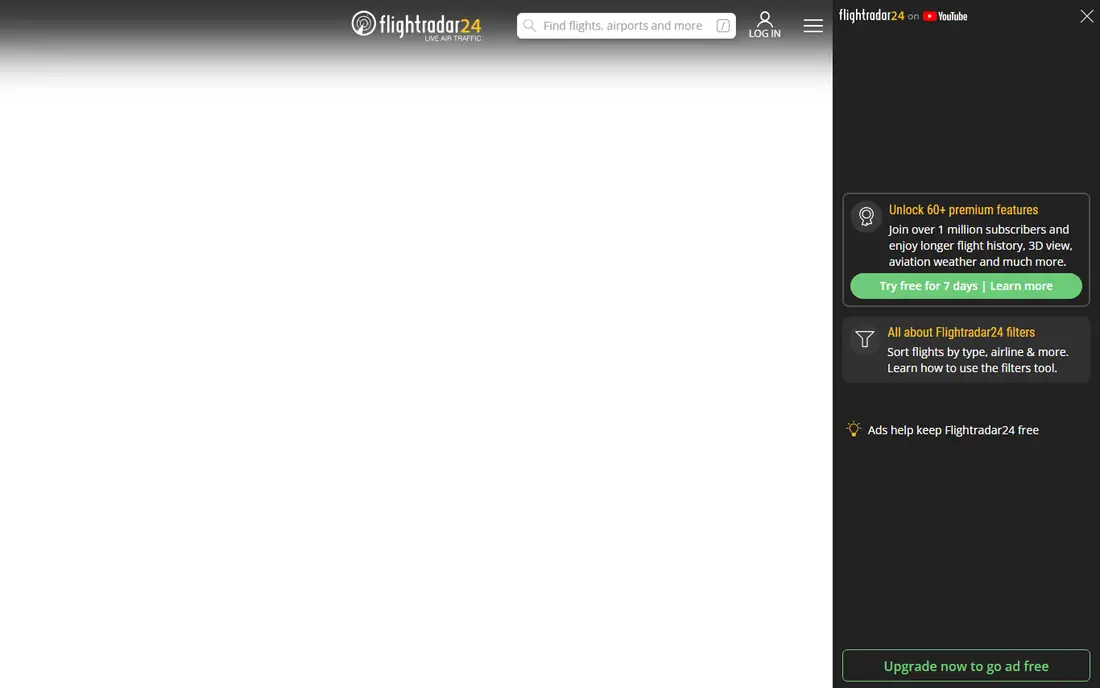
Flightradar24 is the app most people picture when they think of live flight tracking. Open the map and you can follow aircraft around the world, tap any plane for its route, altitude, speed, aircraft type and registration, and search by flight number, airport or airline. It is a good fit for travellers who also enjoy watching aviation, and for families waiting at an airport who want to see exactly where a flight is.
The free tier covers the core job well, including live position and basic status. Paid tiers add longer flight history, weather layers, aeronautical charts and extra filters. The main catch is that Flightradar24 is built around the map first and your trip second, so if you want a tool that manages connections and explains delays in plain language, a trip focused app may suit you better.
- Huge live map coverage
- Aircraft photos and details
- Augmented reality view for overhead flights
- Proactive delay alerts are less trip focused than Flighty
- Some advanced features sit behind paid tiers
FlightAware has long been a favourite of frequent flyers, and the reason is practical rather than flashy. Its "Where is my plane" style tracking follows the aircraft scheduled to operate your flight, so you can see when that plane is still in the air elsewhere or running late. That view often gives you a realistic sense of a delay before an official announcement appears.
The app also covers departures, arrivals, gate changes, cancellations and airport disruption views, including a colour coded map of troubled airports. It is less playful than Flightradar24 and the amount of data on screen can feel busy at first. For a traveller who wants early, useful warnings rather than a pretty map, that trade is worth it.
- Follows your inbound aircraft
- Clear delay and gate alerts
- Strong airport and weather views
- Interface feels data heavy for casual users
- Some premium features are aimed at business users
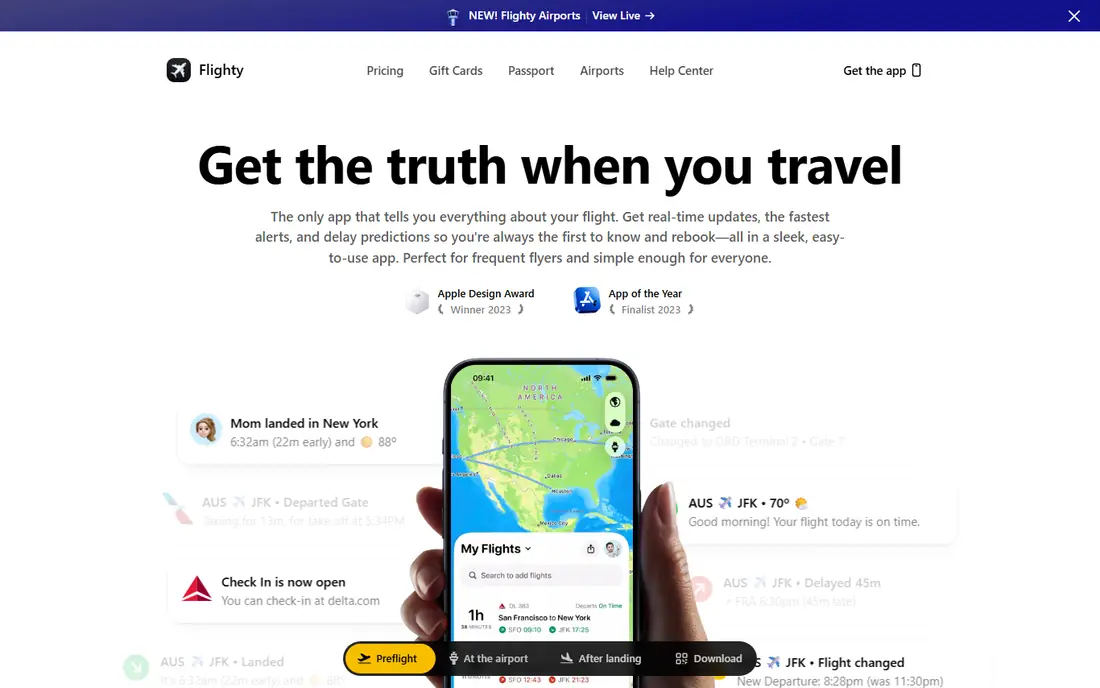
Flighty is our pick for iPhone owners who fly often and hate surprises at the gate. It uses aviation data and statistical models to predict delays, and in many cases it tells you why a delay is happening, such as a late arriving aircraft or air traffic control congestion. The timeline is clean, the alerts arrive early, and the connection help is genuinely useful on tight transfers.
The free tier gives you basic tracking, while Flighty Pro adds the deeper predictions, delay reasons and extra trip features. Pricing is listed on the vendor site and in the app store, so check the current annual and lifetime options before you commit. The clear limit is platform support: if you use Android, you will need a different app from this list.
- Fast delay predictions with reasons
- Clean trip timeline
- Works well on iPhone and Mac
- No Android version
- Full Pro features require a subscription
FlightStats suits travellers who want facts without visual clutter. Instead of a globe full of planes, you get a linear view of a flight: scheduled and estimated times, gate detail where available, and status changes in order. That simplicity makes it easy to check a flight quickly and share the status with someone else.
Its historical on-time performance data is also handy when you are choosing between flights on the same route. The downside is that plane spotting fans will find it plain, and the map experience is thinner than Flightradar24 or RadarBox. Think of FlightStats as a status tool first and an aviation toy second.
- Clear status timelines
- Historical on-time data
- Useful for business travellers
- Less visual than map based apps
- Pricing is not as simple to compare
Plane Finder is built for curiosity. Point your device at a plane overhead and the app can identify it, then show its route, altitude and speed. That makes it a strong pick for families, aviation fans and anyone who has ever looked up and wondered where a plane was heading.
It also works as a normal tracker, with search by flight number, route and airport, plus map filters for aircraft type and airline. The trade is that it is less focused on managing your own journey, with fewer trip planning and connection tools than the trip centred apps here. If spotting is your main use, that will not matter.
- Point your phone at the sky to identify flights
- Detailed aircraft data
- Good map filters
- Paid focus may put off casual users
- Trip management is thinner than Flighty or TripIt
App in the Air tries to cover the whole airport day, not just the flight itself. You can keep trips, boarding passes and flight status in one place, get alerts for changes, and use airport guides for terminals and services. That makes it a good pick for travellers who want one app for the journey rather than a separate tracker and itinerary tool.
The free version handles the basics, while a subscription adds extra features such as more detailed alerts and offline tools. The interface can feel busy because it packs in so much, and travellers who only want a quick status check may prefer FlightStats. For multi leg trips, the extra organisation is worth the learning curve.
- Combines trips, boarding passes and tracking
- Offline access for core trip data
- Airport tips
- Some features require a subscription
- Interface has a lot going on for a single flight check
TripIt is not a pure flight tracker, and that is exactly why many travellers keep it. Forward a booking confirmation and TripIt builds a day by day itinerary with flights, hotels and car hire in one place. Flight status appears inside that plan, so you can see a delay in context with the rest of your day.
The free tier is useful for organising trips, while TripIt Pro adds real time flight alerts, seat tracking, refund notifications and other travel tools. If you want to watch planes move on a map, choose Flightradar24 instead. If you want your whole trip in one tidy timeline with status updates, TripIt is hard to beat.
- Builds itineraries from forwarded bookings
- Flight status inside your trip plan
- Calendar sync
- Live map tracking is limited
- Best features sit in the paid Pro tier
FlightView keeps the job simple: enter a flight, see its status, and get alerts when things change. That focus suits travellers who do not want to learn a new map interface or sort through aviation data. It also covers airport information that helps when you are picking someone up or planning arrival times.
The catch is that it does not match the visual depth of Flightradar24 or the prediction depth of Flighty. It is a dependable status checker rather than a standout in any one area. For a traveller who mainly wants to know "is it on time, and has the gate changed", that simplicity is a strength.
- Straightforward status checks
- Alerts for delays and gate changes
- Airport info
- Map and history features are thinner than rivals
- Design feels dated next to newer apps
RadarBox is another map first tracker, with a live radar view, fleet tracking and airport views that appeal to aviation fans and professionals. You can follow flights in real time, filter by airline or aircraft, and look at activity around an airport. The free tier gives you a good taste of the map, while paid plans add history and deeper data.
For everyday trip tracking, its alerts and itinerary tools are less refined than Flighty or TripIt. That matters less if your main interest is watching traffic or following a specific fleet. RadarBox is best seen as a strong second app for enthusiasts, or a main tracker for people who love the map itself.
- Live radar map
- Fleet and airport views
- Useful for aviation fans
- Trip alerts are less polished than Flighty
- Some features need a paid plan
How we picked these
We compared official feature pages, pricing pages and app store listings for trackers that were live and working in October 2026, and we checked public reviews for how alerts and delay predictions perform in real travel. We favoured apps with broad coverage, clear status data and a free tier or trial, and we included both map first and trip first tools because travellers use them for different jobs. We did not claim hands on testing we did not do, and we left out apps that were discontinued, region locked in a way that limits US travellers, or unclear about their data sources.
What to check before you rely on a tracker
Start with the job you actually need. If you are meeting someone, a live map and an estimated arrival time matter most. If you are flying yourself, early delay warnings, gate changes and connection help matter more than a pretty globe. Pick one map app and one trip app if you fly often, rather than trying to make a single app do everything.
Check alert settings before travel day. Turn on push notifications for departure, delay, gate change and cancellation, and make sure the app has permission to send alerts while you are travelling. Add the flight by number and date, not just by route, because the same route can have several flights a day. Also save the airline app as a backup, since only the airline can rebook you, change your seat or issue vouchers.
Data sources matter more than design. Trackers combine radar style position data, airline schedules and airport feeds, and each source can lag during disruption. That is why two apps sometimes disagree for a few minutes. When they do, trust the airline for rebooking decisions and use the tracker for planning your time at the airport. Finally, check whether a paid tier is worth it for your travel pattern: occasional flyers can stay free, while frequent flyers may save real stress with delay predictions and history.
FAQ
What is the best app to track flights in real time for most people?
Flightradar24 is our pick for most people because its free tier covers live position, search and status, and its map is easy to read. Flighty is better if you fly often on an iPhone and want early delay warnings, while FlightAware is better for following the inbound aircraft behind your flight.
Are flight tracking apps free?
Many of the best trackers have a free tier that covers live position, basic status and some alerts. Paid tiers usually add longer history, weather layers, deeper delay predictions and extra trip tools. Start free and only pay if you use those extras often enough to justify the cost.
Why does my flight tracker disagree with the airline app?
Trackers and airlines use different data feeds, and each feed can update at a different speed during disruption. Position data, schedule changes and gate updates do not always arrive at the same moment. Use the tracker for planning and the airline app for rebooking, boarding passes and official status.
Can I track a flight without knowing the flight number?
Yes, most apps let you search by route, airport, airline or aircraft, and map apps let you tap a plane directly. A flight number and date still give the most accurate result, especially on busy routes with several flights a day. If you only know the route, check the departure time to pick the right flight.
Which app is best for predicting delays?
Flighty is the strongest on delay prediction for iPhone users, with reasons for many delays and early warnings. FlightAware is also strong because following the inbound aircraft often reveals a delay early. No prediction is guaranteed, so treat warnings as a prompt to check the airline app, not as a final decision.