Best Call Center Software for Remote Teams for 2026: Our 5 Vetted Picks
Weighing the best call center software for remote teams? We lined up 5 products by cost, free access and fit. Read the caveats before you buy. Decide faster.
- Editor's choice
 Freshdesk
Omnichannel ticketing with automatic workflows
Starts atSee websiteVisit freshworks.comFull review - Great alternative
 RingCentral Contact Center
Agentic AI with native integrations
Starts at$75 per host a monthVisit ringcentral.comFull review - Also consider
 Zendesk
AI-assisted support with voice and ticketing
Starts at$19 agent/month premium yearlyVisit zendesk.comFull review
Direct answer
Our first pick is Freshdesk, best for omnichannel ticketing with automatic workflows. Listed starting prices: RingCentral Contact Center from $75 per host a month, Zendesk from $19 agent/month premium yearly and Five9 from $119 per seat a month. If your case is different, RingCentral Contact Center suits agentic AI with native integrations and Zendesk suits AI-assisted support with voice and ticketing. The remaining 2 options are covered below with prices and limits.
TL;DR:
- Number one here is Freshdesk, a fit for omnichannel ticketing with automatic workflows.
- Check the limits for Freshdesk before you commit: voice depth may trail pure contact centers.
- Genesys Cloud CX is the one to check for orchestrating real-time customer experiences.
- None of the 5 tools, from Freshdesk to Genesys Cloud CX, has a free plan, so budget for a subscription or use a trial.
Last checked November 2026. Prices and plan details were read from the vendors' own pages in November 2026; vendors change plans often, so confirm the current price on the vendor site before you buy.
Quick comparison
| Tool | Best for | Starts at | Free plan? | |
|---|---|---|---|---|
| Freshdesk | Omnichannel ticketing with automatic workflows | See website | Not stated | Visit |
| RingCentral Contact Center | Agentic AI with native integrations | $75 per host a month | Free trial | Visit |
| Zendesk | AI-assisted support with voice and ticketing | $19 agent/month premium yearly | Free trial | Visit |
 Five9 | Enterprise contact centers blending AI and agents | $119 per seat a month | Not stated | Visit |
 Genesys Cloud CX | Orchestrating live customer experiences | See website | Not stated | Visit |
Every option for call center software for remote teams explained
If you are comparing call center software for remote teams, this page covers 5 tools in one place: what each is best for, what it costs to start, whether it has a free plan, and the main limit to know about.
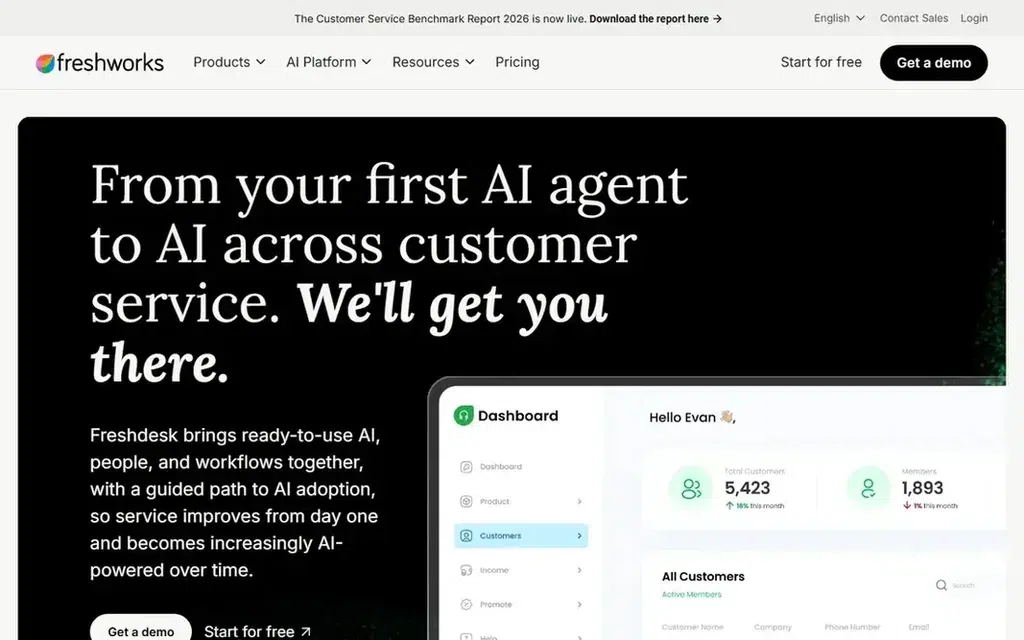
Freshdesk is aimed squarely at omnichannel ticketing with automatic workflows. Freshdesk is described as an AI-powered customer service option with omnichannel ticketing and automatic workflows built to boost agent productivity.
For everyday use, teams whose primary requirement is advanced telephony routing, workforce management or deep call analytics may need a more contact-center-focused system. Remote teams benefit from having conversations from several channels funneled into a shared ticketing view that agents can access wherever they work. Pricing for Freshdesk is not stated here, so ask the vendor for current figures. Free plan details: Not stated.
Honest limits: Setup effort grows with workflow complexity.
- Omnichannel ticketing in one place
- Automatic workflows to boost productivity
- Voice depth may trail pure contact centers
RingCentral Contact Center is aimed squarely at agentic AI with native integrations. RingCentral Contact Center is presented through a comparison of contact center software for 2026, positioning its agentic AI-powered product against legacy tools and highlighting native integrations. Worth adding: if you do not use RingCentral for business communications, the integration advantage matters less.
Watch-outs: Comparison-led page needs deeper digging.
On top of that, the homepage leans on comparison framing. So teams should look past it to confirm specific routing, reporting and integration details. RingCentral Contact Center starts at: $75 per host per month. Free options: Free trial.
- Agentic AI-powered system
- Contact center positioned against legacy tools
- Fit relies on existing phone stack
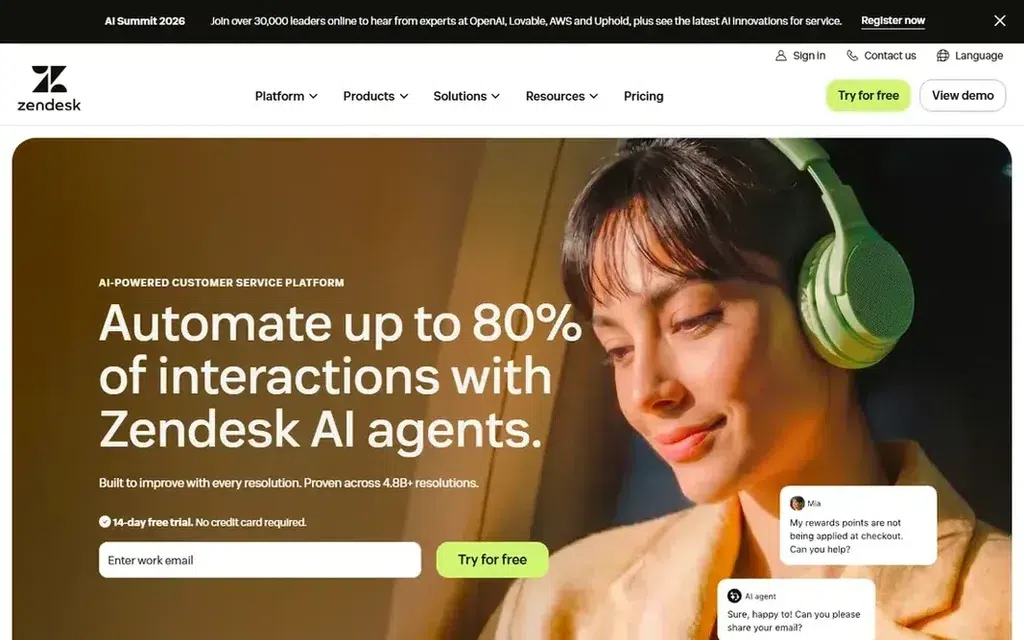
Choose Zendesk for AI-assisted support with voice and ticketing. Zendesk presents itself as an AI-powered customer service system built to move beyond deflection, with AI agents that resolve issues end-to-end.
Where it is weaker: Wide system may need configuration.
Beyond that, since Zendesk spans a broad service surface, teams wanting only a pure outbound or inbound dialer may find more focused choices more straightforward to run. Entry price for Zendesk: $19 agent/month premium yearly. As for free access: Free trial.
- Wide customer service product
- Focus on service quality and scale
- Contact center depth varies by setup
Five9 makes the most sense for enterprise contact centers blending AI and agents. Five9 describes its system as made for enterprises, blending AI and human agents across every channel for smarter customer experience with each interaction. In daily use, the enterprise orientation means smaller teams may find the product heavier than their needs justify, and setup can call for dedicated planning.
Trade-offs to know: Enterprise focus may overwhelm small teams.
Remote teams in bigger organizations can run blended voice and digital service from one contact center environment. Also, confirm that the channel mix and administration model suit your team. Entry price for Five9: $119 per seat per month. Free plan details: Not stated.
- Consistent experience across interactions
- AI and human agents across channels
- Configuration demands planning resources
Genesys Cloud CX is built with orchestrating live customer experiences in mind. Review which orchestration and AI capabilities you will actually operate before choosing it.
More specifically, Genesys Cloud CX is presented as an AI-powered product that orchestrates experiences in live, helping organizations foster customer loyalty and build efficient teams. Where needs are restricted to entry-level call handling and ticketing, a narrower tool can be quicker to stand up. Genesys Cloud CX shows no starting price here, so confirm the cost on the vendor site. Free access: Not stated.
Where it is weaker: May suit bigger operations best.
- Aims at efficient
- AI-powered product
- Wide scope needs careful scoping
Selection criteria
LinkVetted looked at what each vendor publishes: pricing, plan limits, feature coverage for call center software for remote teams and stated drawbacks. No hands-on testing is claimed. Treat prices as a snapshot: vendors change plans often, so check the vendor site for the figure that applies today. We ordered the tools by general fit, then by how clearly pricing is shown, then by free access. A buyer with unusual needs may reorder them.
Before you commit
- Ask Freshdesk and Genesys Cloud CX for a written quote, since no starting price is shown.
- Use real work to test the free trial from RingCentral Contact Center and Zendesk, rather than a demo project.
- Before choosing Freshdesk, weigh its main limit: voice depth may trail pure contact centers.
- Let daily users try Five9 on real work; their feedback beats any feature checklist.
- Look at the renewal terms for RingCentral Contact Center: auto-renewal, notice periods and price changes can matter more than the first-year price.
FAQ
How are the tools for call center software for remote teams ordered?
Freshdesk sits first and Genesys Cloud CX last because the order follows typical fit for call center software for remote teams, then price clarity and free access. It is a judgement call, so read each profile for fit and limits.
Does any tool for call center software for remote teams here have a free plan?
A permanent free plan is not offered by Freshdesk, Genesys Cloud CX or the other tools here. RingCentral Contact Center, Zendesk offer a trial. Plan a short evaluation period instead.
Do these tools publish their prices?
Not all of them. Freshdesk and Genesys Cloud CX publish no starting price, so expect a quote request for those. The rest, RingCentral Contact Center included, show a starting price, though seats and billing terms still change the final cost.
Can I try these tools before paying?
Often, yes. RingCentral Contact Center and Zendesk offer a free trial. Use your own data and a real task during the test, and check what the free tier or trial limits before you rely on it. Prices, free plan details and limits for all 5 tools in this call center software for remote teams roundup sit on the individual cards above.
Sources
- https://www.freshworks.com/freshdesk
- https://www.ringcentral.com/contact-center.html
- https://www.zendesk.com
- https://www.five9.com
- https://www.genesys.com