5 Best Business Phone Software for Freelancers for 2026, Vetted and Compared
Best business phone software for freelancers in 2026: 5 tools with starting prices, free plans and limits. Cost notes and weak points included. Compare quickly.
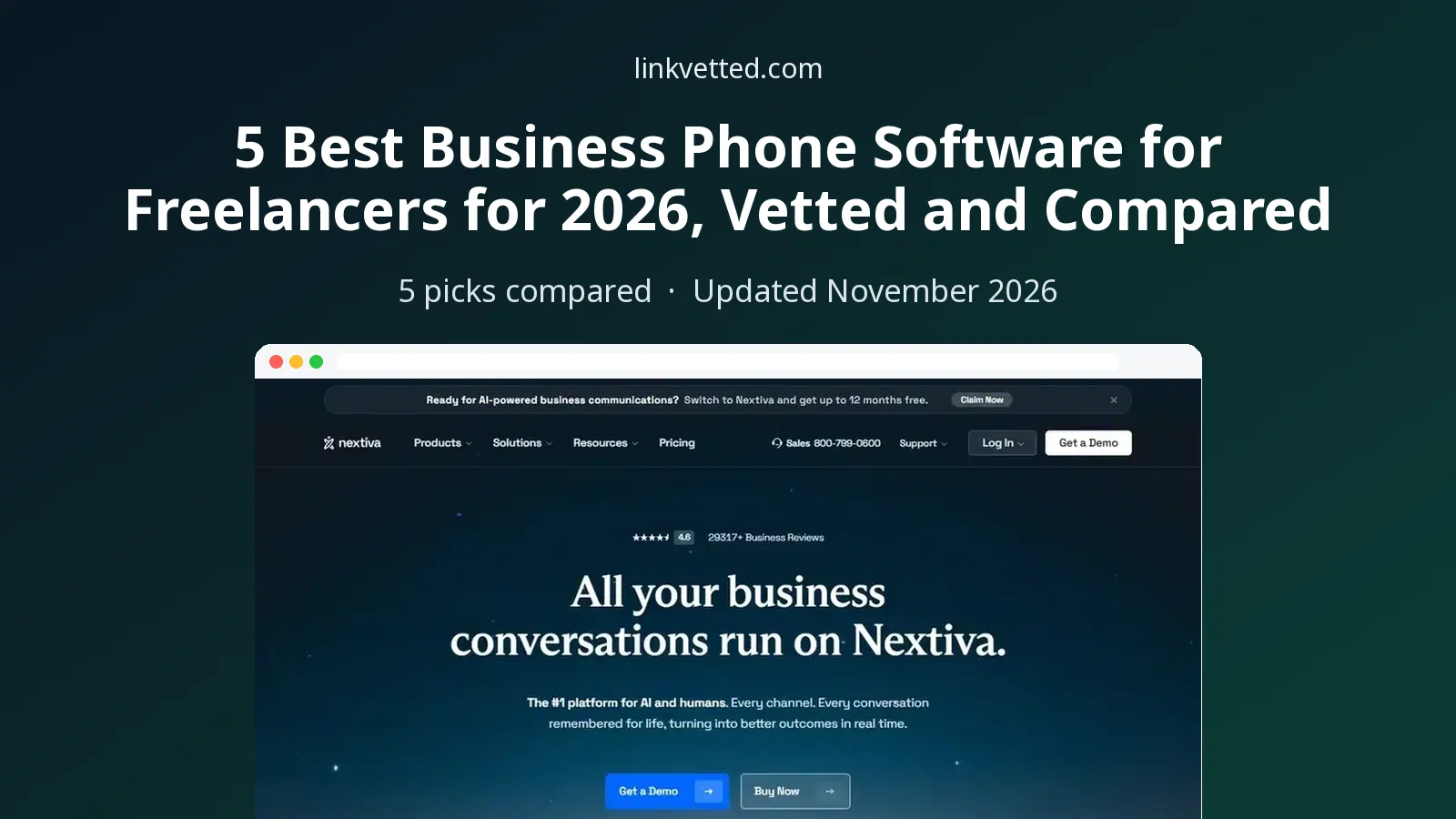
- Editor's choice
 Dialpad
AI-driven conversation intelligence
Starts at$15 per user per monthVisit dialpad.comFull review - Great alternative
 Nextiva
Phone plus customer experience tools
Starts at$15 per user a monthVisit nextiva.comFull review - Also considerRingCentral MVP
Voice plus AI assistant features
Starts at$52 a monthVisit ringcentral.comFull review
Direct answer
If you need AI-driven conversation intelligence, Dialpad is the first tool to look at here. Listed starting prices: Dialpad from $15 per user per month, Nextiva from $15 per user a month and RingCentral MVP from $52 a month. Nextiva is the stronger choice for Phone plus customer experience tools, while RingCentral MVP suits Voice plus AI assistant features. Prices, free plans and limits for all 5 tools follow.
TL;DR:
- Dialpad is the opening pick, best for AI-driven conversation intelligence.
- Check the limits for Nextiva before you commit: broader system than plenty of freelancers need.
- Dialpad, Microsoft Teams Phone and the 3 others all need a premium plan or a trial, since no free plan is listed.
- For the cheapest start, look at Grasshopper: $14 per month.
Last checked November 2026. Prices and plan details were read from the vendors' own pages in November 2026; vendors change plans often, so confirm the current price on the vendor site before you buy.
Quick comparison
| Tool | Best for | Starts at | Free plan? | |
|---|---|---|---|---|
| Dialpad | AI-driven conversation intelligence | $15 per user per month | Free trial | Visit |
| Nextiva | Phone plus customer experience tools | $15 per user a month | No | Visit |
| RingCentral MVP | Voice plus AI assistant features | $52 a month | Free trial | Visit |
 Grasshopper | Straightforward virtual phone for solo work | $14 per month | Not stated | Visit |
 Microsoft Teams Phone | Calling within Microsoft Teams | See website | Not stated | Visit |
Our 5 business phone software for freelancers
Choosing business phone software for freelancers usually comes down to price, fit and limits. This LinkVetted guide sets 5 tools side by side on those three points, with the facts kept short and checkable.
In short, Dialpad is for AI-driven conversation intelligence. If you chiefly need a professional number with voicemail, a simpler tool is likely enough. Dialpad is built around contact center and sales use cases, which can be more than a solo freelancer needs.
Trade-offs to know: More system than an entry-level phone line.
Freelancers who record and review client calls, or who run a small sales motion, may find that angle handy. From a buyer's view, consider Dialpad when conversation intelligence and AI support become central to how you work. On top of that, the ramp-up time may be steeper than an entry-level virtual phone system. Starting cost for Dialpad: $15 per user per month. On free options: Free trial.
- Turns conversations into usable intelligence
- Contact center and sales features
- Sales and contact center focus may be heavy
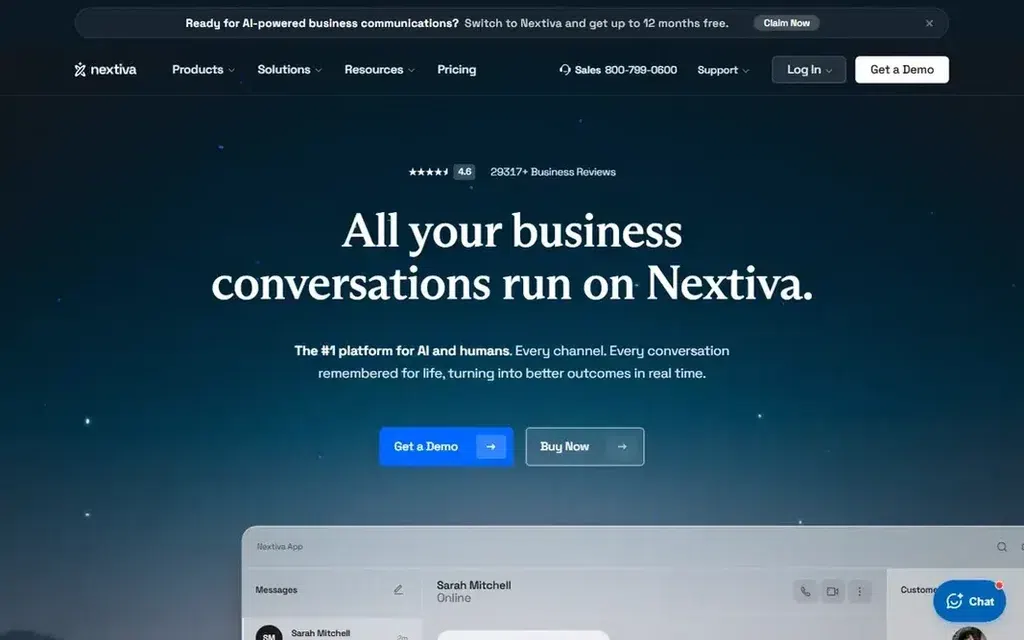
Pick Nextiva if this describes you: Phone plus customer experience tools. Freelancers who manage client inquiries across channels may value having phone and customer experience tooling in one place.
Where it falls short: Broader product than plenty of freelancers need.
Nextiva pricing: $15 per user per month. Nextiva has no free tier.
- Contact center and unified CX in one
- Business phone within a CX product
- CX features may go unused solo
RingCentral MVP
Best for: Voice plus AI assistant features
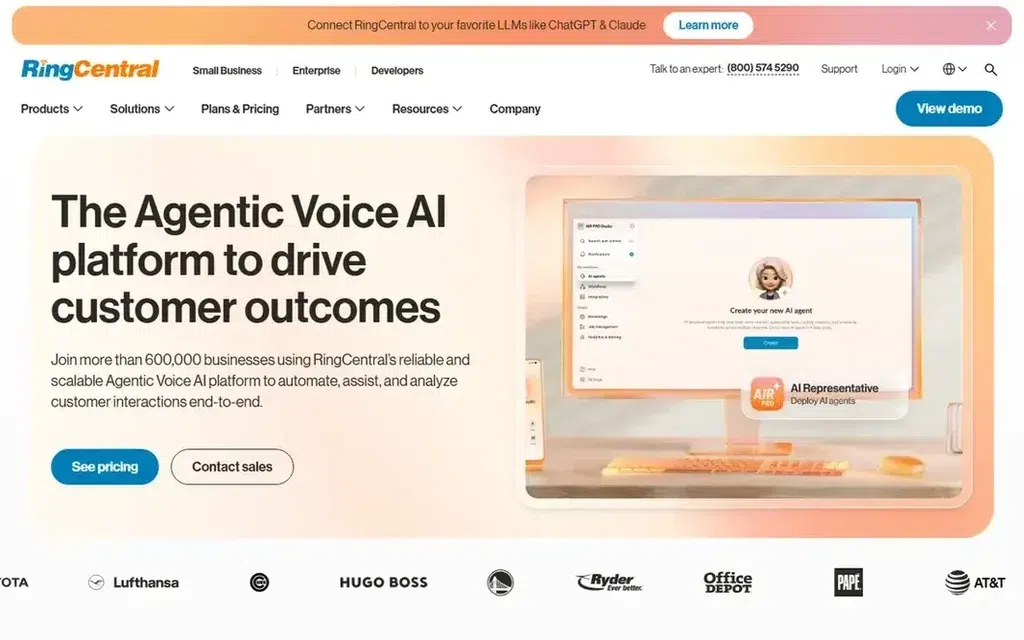
RingCentral MVP serves Voice plus AI assistant features. RingCentral MVP is presented as a voice product for business, with AI Receptionist, AI Virtual Assistant and AI Conversation Expert highlighted on its homepage. Worth adding: the product leans toward fuller business communications, so a freelancer with occasional calls may find more capability than needed.
Consider a lighter choice if you only need a business line and entry-level voicemail, and revisit RingCentral when call handling becomes a larger part of your day. Also, for freelancers who take a steady stream of client calls and want help handling them, these tools can cut manual work. Price to start with RingCentral MVP: $52 per month. Free plan details: Free trial.
The main drawbacks: More setup than an entry-level virtual line.
- AI virtual assistant and conversation tools
- Wide business communications focus
- Feature depth may exceed freelancer needs
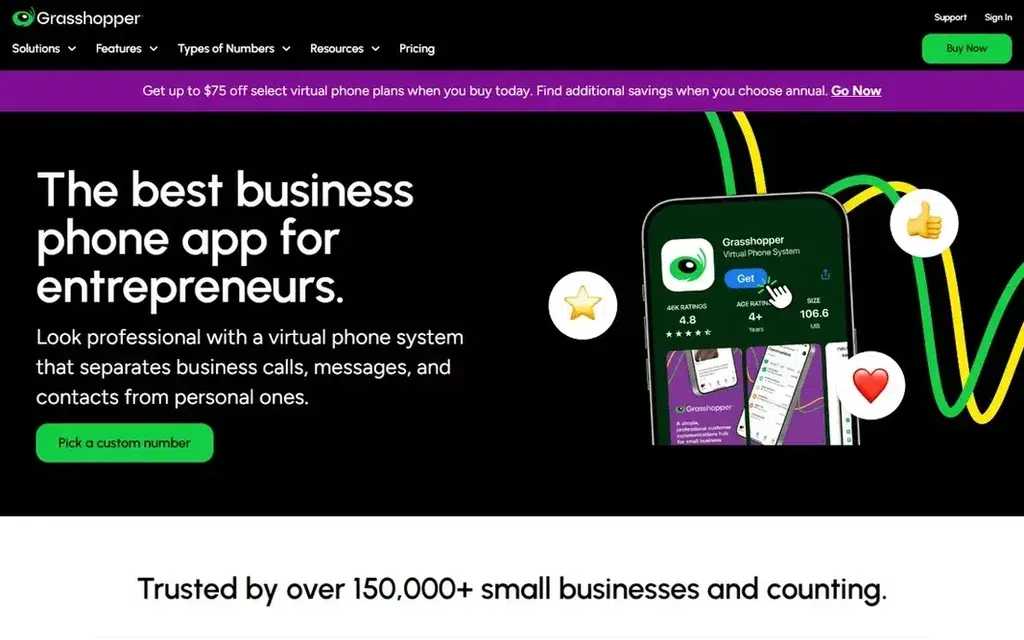
In short, Grasshopper is for straightforward virtual phone for solo work. Freelancers who expect to grow into a multi-channel support operation may prefer a broader system. In daily use, Grasshopper is a virtual phone system positioned for firms that want to stay organized as call volume grows.
Its homepage flags unlimited users and around-the-clock support, which suits freelancers who want a separate business number and entry-level call handling without a complicated setup. Worth adding: since it is a focused virtual phone system, it may not handle the deeper contact center, analytics or AI assistant features that bigger platforms advertise. On cost, Grasshopper starts like this: $14 per month. As for free access: Not stated.
What to check first: Fewer advanced collaboration features.
- Virtual phone system designed for small teams
- Unlimited users supported
- Not targeted at large contact centers
For calling within Microsoft Teams, Microsoft Teams Phone is a natural candidate. Microsoft Teams Phone brings calling into Microsoft Teams, which the vendor describes as a place where tools and files are always available and meant to help people link and stay organized.
What to check first: Phone is part of a wider collaboration tool.
The calling experience is tied to Teams, so the fit relies on how much you use the Microsoft ecosystem. Microsoft Teams Phone shows no starting price here, so confirm the cost on the vendor site. As for free access: Not stated.
- Files and tools kept in one place
- Suits organizations already on Teams
- Needs comfort with the Microsoft ecosystem
How the list was put together
We compared the tools on published pricing, free plan or trial availability, feature coverage for business phone software for freelancers, and the limits each vendor documents. Where a price is missing, the vendor does not list one publicly or ties it to a quote. Always confirm before budgeting. The sequence is a judgement call: typical use case first, then pricing transparency, then free access. Use the profiles to check fit.
Pre-purchase checklist
- Confirm the entry price on the vendor page. For Microsoft Teams Phone that means a quote rather than a fixed price.
- Use real work to test the free trial from Dialpad and RingCentral MVP, rather than a demo project.
- Before choosing Dialpad, weigh its main limit: sales and contact center focus may be heavy.
- Ask whether RingCentral MVP integrates with your current software, and whether that comes standard or as an add-on.
- Ask the daily users to test Grasshopper on a live task before you roll it out to everyone.
FAQ
How are the tools for business phone software for freelancers ordered?
The order follows typical fit for business phone software for freelancers, with Dialpad first and Microsoft Teams Phone last, then price clarity and free access. It is editorial judgement, not a score, so another team could rank the tools differently.
Do these tools publish their prices?
Not all of them. Microsoft Teams Phone publishes no starting price, so expect a quote request for it. The rest, Dialpad included, show a starting price, though seats and billing terms still change the final cost.
Is Dialpad the right pick for everyone comparing business phone software for freelancers?
No single tool suits every team. Dialpad comes first because it fits AI-driven conversation intelligence, while Nextiva suits Phone plus customer experience tools and RingCentral MVP suits Voice plus AI assistant features. Match the tool to your own size, budget and workflow before deciding.
What is the cheapest option for business phone software for freelancers in this list?
On published monthly entry prices, Grasshopper is the lowest here at $14 per month. Entry price is only part of the cost, because seats, add-ons and billing terms can change the total. Prices, free plan details and limits for all 5 tools in this business phone software for freelancers roundup sit on the individual cards above.
Do freelancers need a virtual phone system at all?
A virtual phone system provides you a separate business number and call handling without physical hardware. If calls are rare, a more straightforward setup may be enough.
Sources
- https://www.dialpad.com
- https://www.nextiva.com
- https://www.ringcentral.com
- https://grasshopper.com
- https://www.microsoft.com/en-us/microsoft-teams