Best Phone System for Freelancers for 2026: Our 6 Vetted Picks
Comparing the best phone system for freelancers? 6 contenders, each with entry cost, free tier and best-fit buyer. Clear notes on pricing gaps and limits.
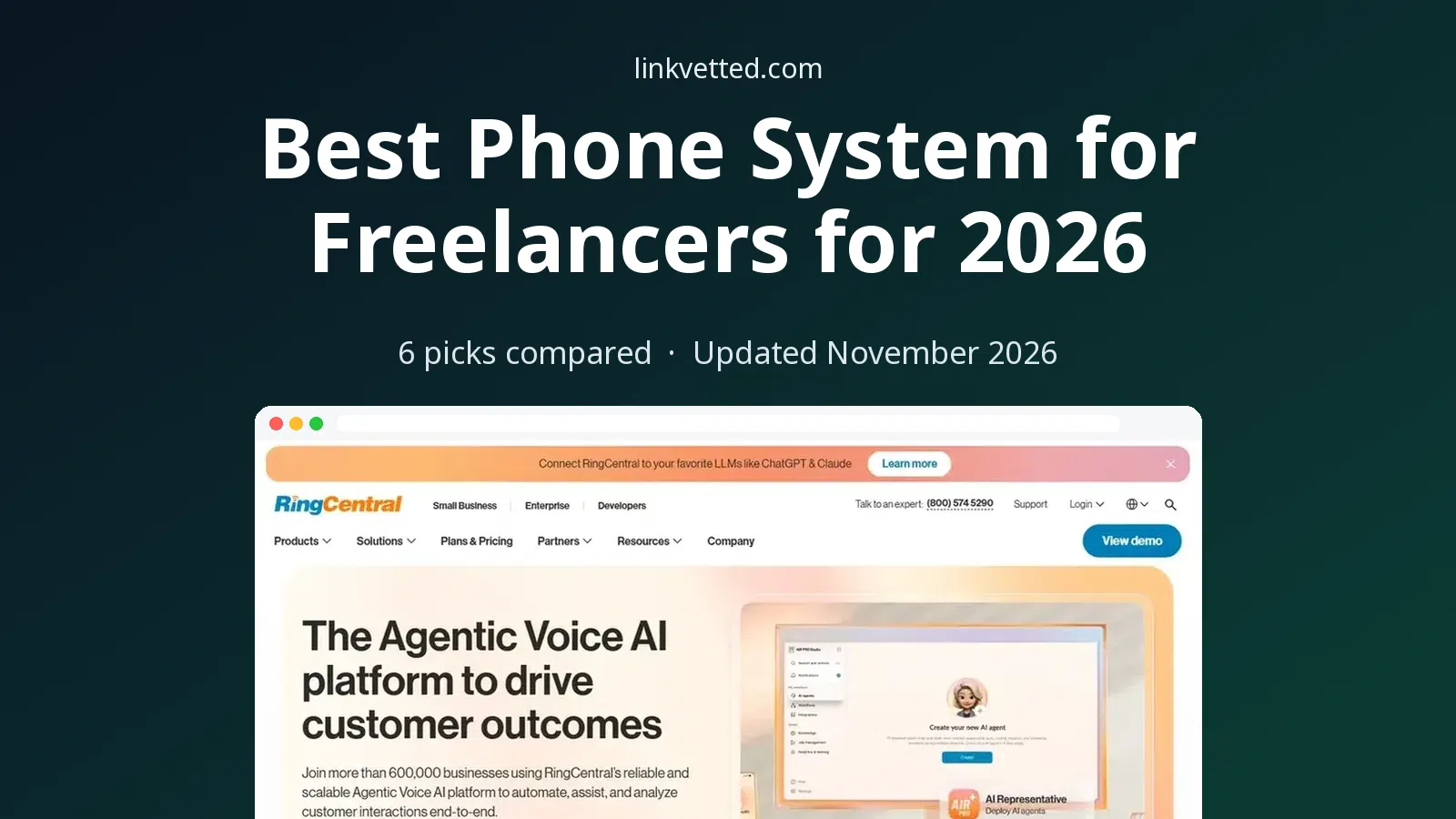
- Editor's choice
 RingCentral
Voice AI and business calling
Starts at$52 a monthVisit ringcentral.comFull review - Great alternative
 Nextiva
Unified phone and customer experience
Starts at$15 per user a monthVisit nextiva.comFull review - Also considerVonage Business Communications
Adaptable voice, messaging and APIs
Starts atSee websiteVisit vonage.comFull review
Direct answer
RingCentral comes first here, mainly for Voice AI and business calling. Listed starting prices: RingCentral from $52 a month, Nextiva from $15 per user a month and Dialpad from $15 per user per month. If your case is different, Nextiva suits unified phone and customer experience and Vonage Business Communications suits flexible voice, messaging and APIs. All 6 tools are compared below on price, free plan and limits.
TL;DR:
- RingCentral is the opening pick, best for Voice AI and business calling.
- Microsoft Teams Phone suits cloud calling inside Microsoft Teams.
- RingCentral, Microsoft Teams Phone and the 4 others all need a premium plan or a trial, since no free plan is listed.
- For the cheapest start, look at Grasshopper: $14 per month.
- Check the limits for RingCentral before you commit: feature set may exceed solo needs.
Last checked November 2026. Prices and plan details were read from the vendors' own pages in November 2026; vendors change plans often, so confirm the current price on the vendor site before you buy.
Quick comparison
| Tool | Best for | Starts at | Free plan? | |
|---|---|---|---|---|
| RingCentral | Voice AI and business calling | $52 a month | Free trial | Visit |
| Nextiva | Unified phone and customer experience | $15 per user a month | No | Visit |
| Vonage Business Communications | Adaptable voice, messaging and APIs | See website | Not stated | Visit |
 Dialpad | AI-assisted conversations and communications | $15 per user per month | Free trial | Visit |
 Grasshopper | Straightforward virtual phone for solo companies | $14 a month | Not stated | Visit |
 Microsoft Teams Phone | Cloud calling inside Microsoft Teams | See website | Not stated | Visit |
Every option for phone system for freelancers explained
Choosing phone system for freelancers usually comes down to price, fit and limits. This LinkVetted guide sets 6 tools side by side on those three points, with the facts kept short and checkable.
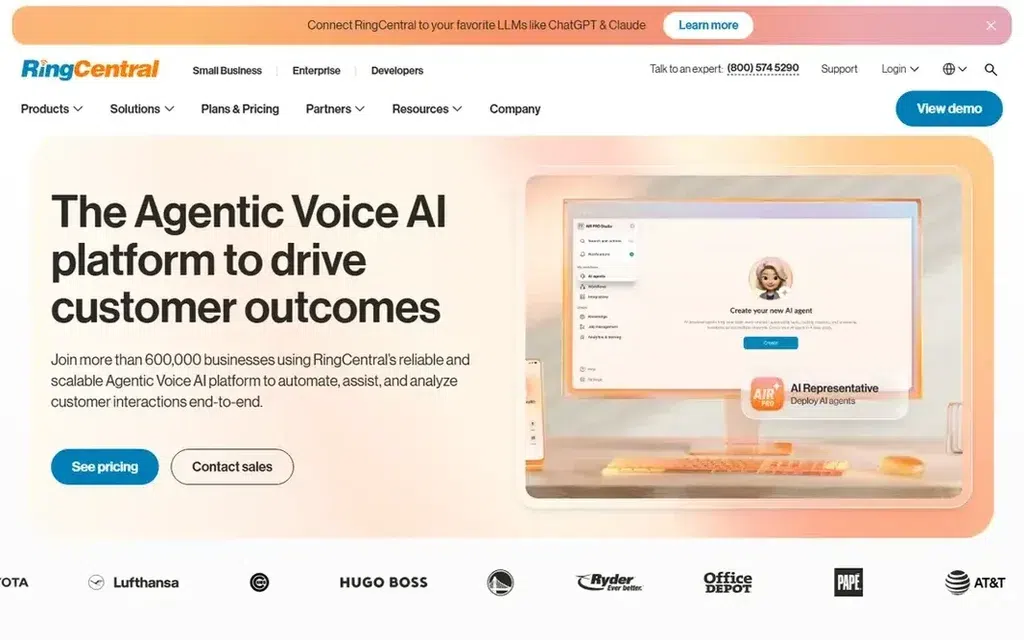
RingCentral makes the most sense for Voice AI and business calling. RingCentral describes itself as the voice of your business, with AI Receptionist, AI Virtual Assistant and AI Conversation Expert among its highlighted capabilities.
Drawbacks to consider: Setup may feel heavy for beginners.
In practice, a more straightforward virtual number service could be a better match if you want minimal setup. RingCentral pricing: $52 per month. Free options: Free trial.
- Wide voice platform
- Positioned for business calls
- Feature set may exceed solo needs
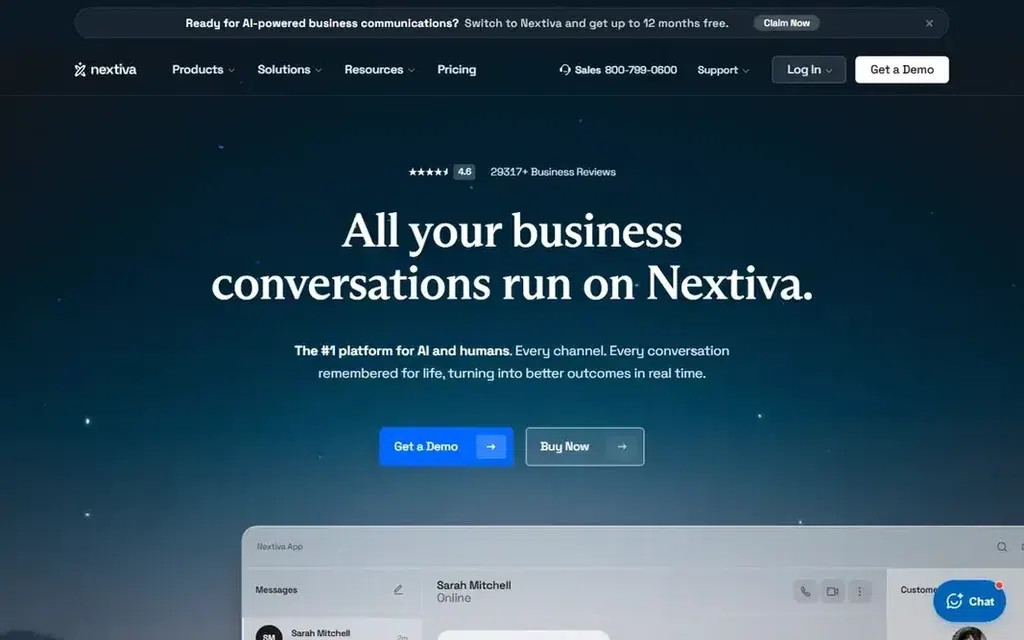
Nextiva is a good fit for unified phone and customer experience. Nextiva positions itself as an AI customer experience management product that brings business phone, contact center, AI receptionist and unified CX together.
On top of that, if you primarily need a business number and entry-level voicemail, a lighter option may be more proportionate to your needs. What you pay to start with Nextiva: $15 per user per month. Nextiva has no free plan.
Limits to weigh: Customer experience focus may be excessive.
- Business phone plus contact center
- AI receptionist included
- Broader product than numerous freelancers need
Vonage Business Communications
Best for: Adaptable voice, messaging and APIs
Vonage Business Communications works best for adaptable voice, messaging and APIs. Vonage describes adaptable and scalable voice, messaging, video and data capabilities across unified communications, contact centers and communications APIs.
A more straightforward phone system may be simpler to handle if you only need entry-level business calling. Pricing for Vonage Business Communications is not stated here, so ask the vendor for current figures. Trial and free access: Not stated.
Downsides: Breadth may overwhelm straightforward needs. What works well: Scalable communications framing.
- Messaging and video capabilities
- Voice
- API focus is not for everyone
Think of Dialpad for AI-assisted conversations and communications. Freelancers with light call volume may prefer a straightforward virtual phone service instead.
Downsides: Pitched at bigger conversation volumes.
More specifically, Dialpad presents an AI customer experience product that brings AI agents, contact center, sales and business communications together, turning customer conversations into intelligence. Entry price for Dialpad: $15 per user per month. Trial and free access: Free trial.
- Business communications combined
- Conversation intelligence focus
- May be more than solo work demands
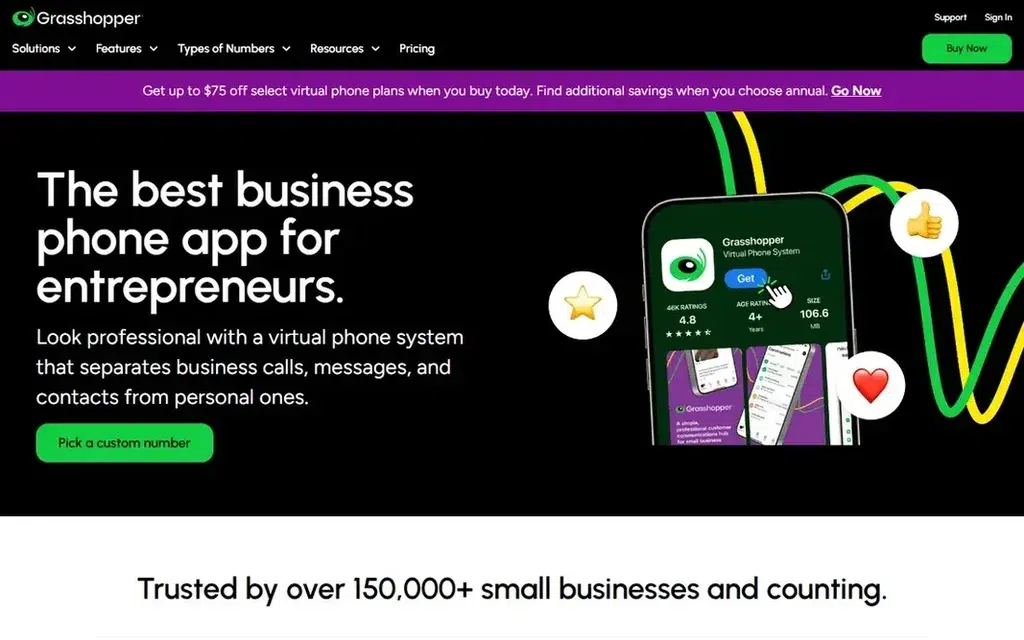
Grasshopper is built with straightforward virtual phone for solo firms in mind. Grasshopper presents itself as a virtual phone system geared toward firms that want to stay organized as call volume grows.
Worth adding: since the page emphasizes the basics of a virtual phone system, freelancers who want deep AI or contact center tooling may find it less feature-dense than bigger systems. On cost, Grasshopper starts like this: $14 per month. As for free access: Not stated.
Limits to weigh: May suit smaller operations best.
- Support availability highlighted
- Virtual phone system focus
- Restricted advanced AI detail on page
Microsoft Teams Phone serves cloud calling inside Microsoft Teams. Microsoft Teams Phone is a cloud-based phone system that lets users make Teams calls or dial external numbers to stay connected with their team and customers. In daily use, a standalone virtual phone system could be more straightforward if you do not already depend on Teams.
Freelancers who already collaborate through Teams may find it a natural way to add calling without adopting a separate phone product. Its value depends heavily on using Microsoft Teams as your working environment, so freelancers outside that ecosystem may not get the most from it. No starting price is listed for Microsoft Teams Phone here; confirm pricing on the vendor site. As for free access: Not stated.
Drawbacks to consider: Less handy outside Microsoft ecosystem.
- Cloud-based phone system
- Calls and external dialing
- Tied closely to Teams environment
How we chose
For each of the 6 tools we noted price, free plan or trial, fit for phone system for freelancers and the main limit, using vendor pages and documentation. Figures are shown as the vendors publish them. Billing terms, seat minimums and add-ons can change the real cost. Tools are placed by general fit for phone system for freelancers, with price clarity and free access as tie-breakers. A different team can reasonably rank them differently.
A buyer's checklist
- Ask Vonage Business Communications and Microsoft Teams Phone for a written quote, since no starting price is shown.
- Take the trial from RingCentral and Dialpad and push a live task through it before you pay.
- Read the limits listed for RingCentral first: feature set may exceed solo needs.
- Ask the daily users to test Grasshopper on a live task before you roll it out to everyone.
- Check the support hours and onboarding help Dialpad offers; smaller vendors vary a lot here.
FAQ
Do these tools publish their prices?
Not all of them. Vonage Business Communications and Microsoft Teams Phone publish no starting price, so expect a quote request for those. The rest, RingCentral included, show a starting price, though seats and billing terms still change the final cost.
Can I try these tools before paying?
Often, yes. RingCentral and Dialpad offer a free trial. Use your own data and a real task during the test, and check what the free tier or trial limits before you rely on it.
Does any tool for phone system for freelancers here have a free plan?
A permanent free plan is not offered by RingCentral, Microsoft Teams Phone or the other tools here. RingCentral, Dialpad offer a trial. Plan a short evaluation period instead.
What is the cheapest option for phone system for freelancers in this list?
On published monthly entry prices, Grasshopper is the lowest here at $14 per month. Entry price is only part of the cost, because seats, add-ons and billing terms can change the total. For the full picture, the cards above cover all 6 entries of this phone system for freelancers list, including price, free plan and limits.
Is a straightforward virtual phone system enough for solo work?
For numerous freelancers, a straightforward virtual phone system includes business calling and voicemail without additional complexity. If your work involves frequent inbound calls or client support at scale, a broader system with call routing or AI tools may be worth reviewing.
Sources
- https://www.ringcentral.com
- https://www.nextiva.com
- https://www.vonage.com/business
- https://www.dialpad.com
- https://grasshopper.com
- https://www.microsoft.com/en-us/microsoft-teams/microsoft-teams-phone