Best Budget App for Family in 2026: 8 Apps Compared
Our best budget app for family guide for 2026 compares 8 apps for shared budgets, bills and kids costs, with prices, free plans and honest limits for readers.
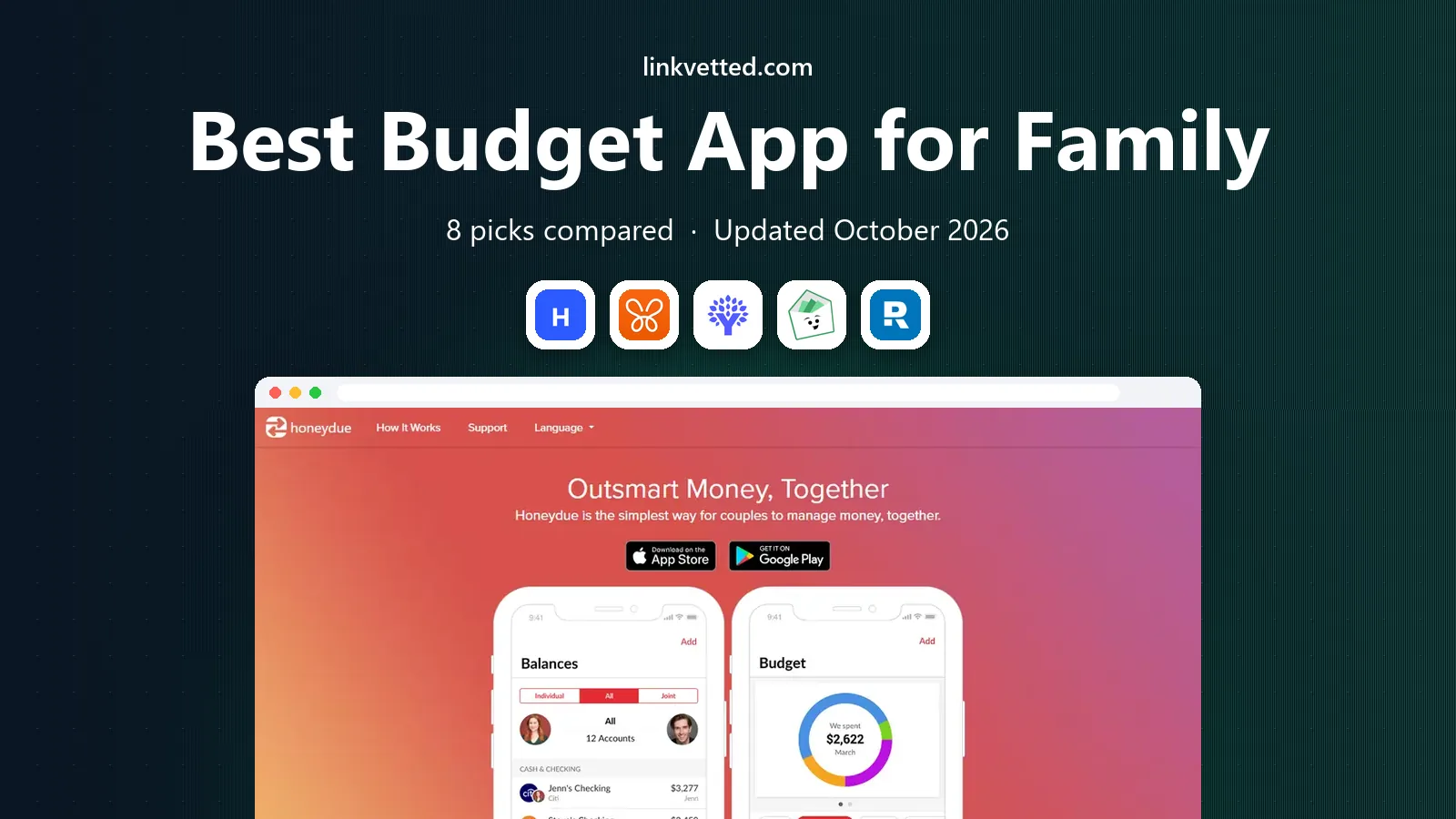
- Editor's choice
 Honeydue
Couples and shared bills
Starts atFreeVisit honeydue.comFull review - Great alternative
 Monarch Money
Whole household dashboard
Starts at$14.99 per monthVisit monarchmoney.comFull review - Also consider
 YNAB
Zero-based family budgeting
Starts at$14.99 per monthVisit ynab.comFull review
TL;DR:
- Honeydue and Goodbudget are the best free starting points for a shared household budget.
- Monarch Money gives the fullest shared picture, while YNAB gives the strictest method for families that want rules.
- A family app only works if both adults use it, so pick the simplest tool everyone will open weekly.
- Bank linking saves time, but manual entry gives more privacy and often more awareness of spending.
Quick comparison
| Tool | Best for | Starts at | Free plan? | |
|---|---|---|---|---|
| Honeydue | Couples and shared bills | Free | Yes | Visit |
| Monarch Money | Whole household dashboard | $14.99 per month | Free trial (7 days) | Visit |
| YNAB | Zero-based family budgeting | $14.99 per month | Free trial (34 days) | Visit |
 Goodbudget | Digital envelope budgeting | Free | Yes | Visit |
 EveryDollar | Simple shared budgets | Free | Yes | Visit |
 Quicken Simplifi | Flexible spending plan | $3.99 per month | No | Visit |
 PocketGuard | Simple spendable balance | Free | Yes | Visit |
 Copilot | Apple household tracking | $13 per month | Free trial (1 month) | Visit |
The best budget apps for families
A family budget has more moving parts than a solo budget: two incomes, shared bills, kids costs, school fees and different spending habits. The best app for families makes shared totals clear without turning every purchase into an argument. Start free, test for a month, then pay only if the paid features change behavior.
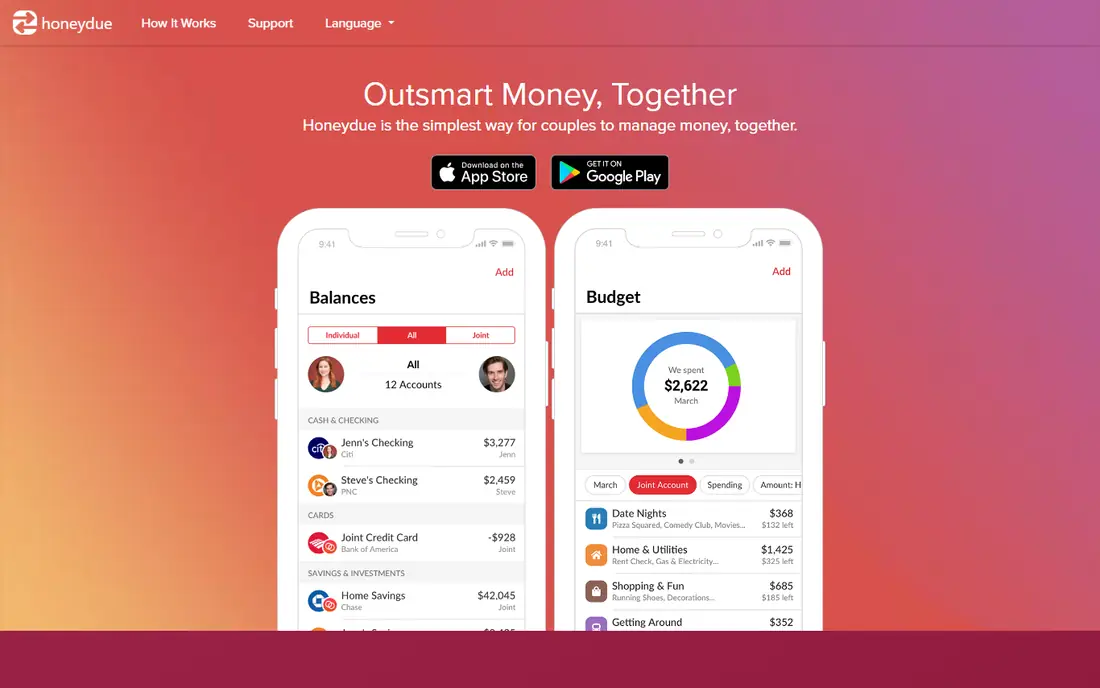
Honeydue is our pick for most families starting out because the core product is free and built for two people. Both partners can link accounts, see shared bills, set reminders and chat about a transaction in the app. Privacy controls let each person keep some accounts private, which helps when a household shares bills but not every purchase.
The limit is depth. Honeydue is not a full wealth dashboard, and reporting is simpler than Monarch or YNAB. For many families that is a strength, since a simpler app gets opened more often. If you need investment tracking or detailed forecasts, pair it with a bank app or move up later.
- Free for core sharing
- Bill reminders
- Privacy controls for individual accounts
- Mobile only
- Fewer investment and reporting tools than Monarch
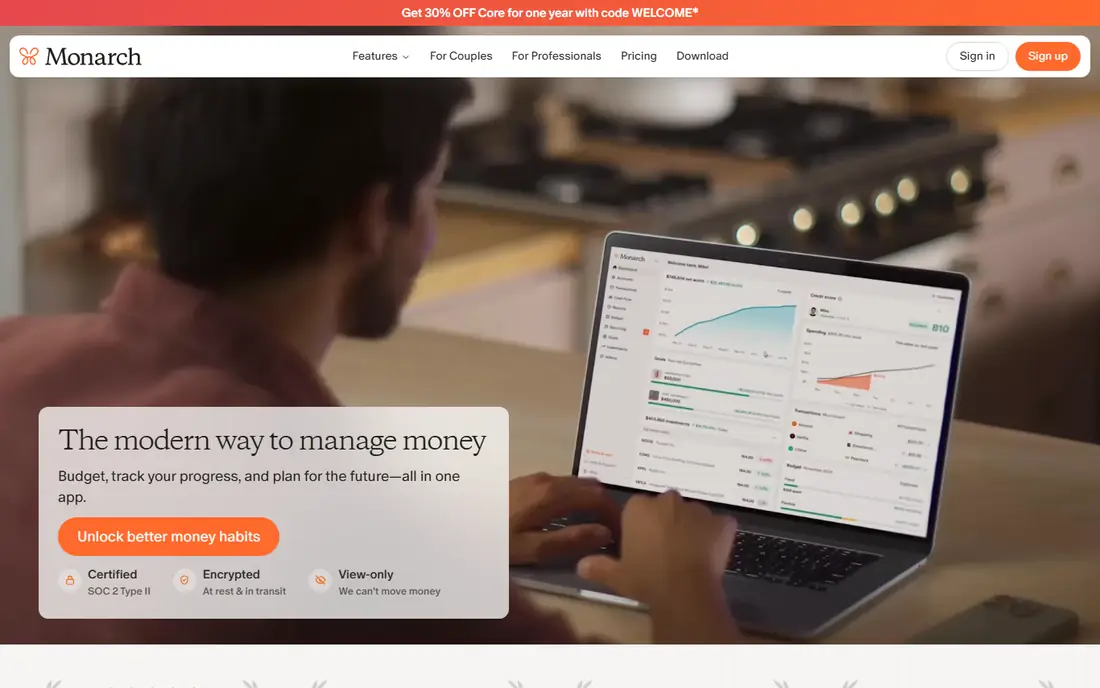
Monarch Money is the fullest dashboard on this list. It pulls accounts, cards, loans and investments into one view, so a family can see cash flow, bills and net worth without juggling apps. Shared access lets both partners see the same budget, and custom categories help separate groceries, kids costs, transport and housing.
The price is the main barrier, at $14.99 per month or $99.99 per year, and the trial is only seven days. Use that week properly: link the main accounts, set categories, and run a weekly check-in. If both partners do not open it after the trial, a free app will serve you better.
- Accounts, budgets, investments and net worth in one place
- Shared access
- Strong reports
- Short 7-day trial
- Yearly price of $99.99 is a real commitment
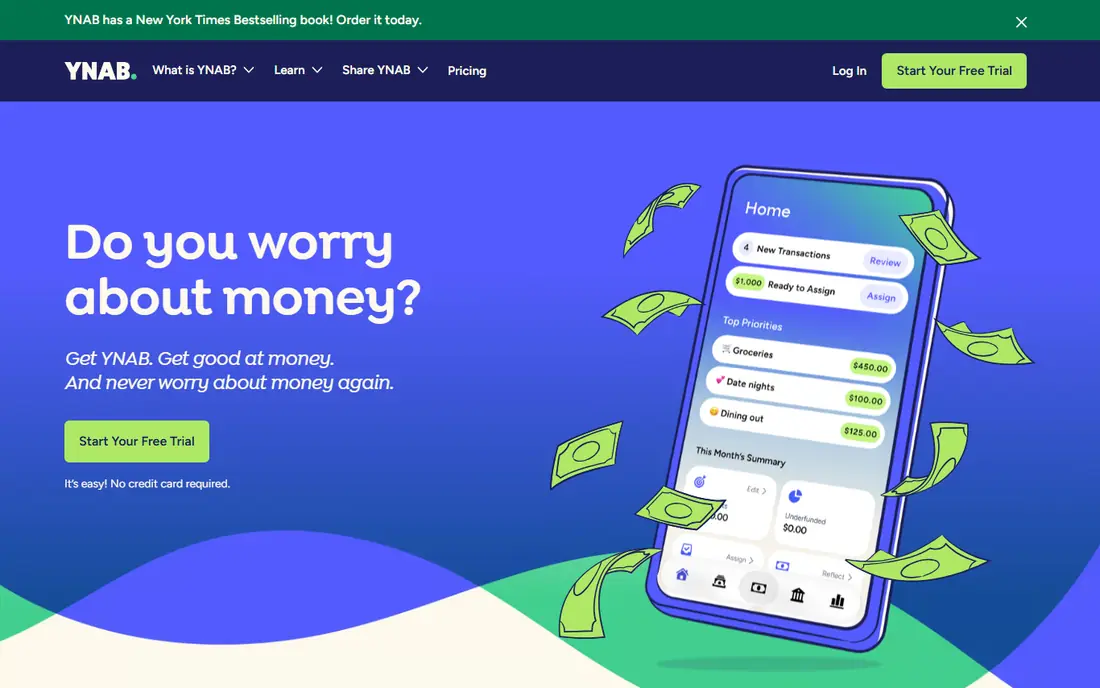
YNAB, short for You Need A Budget, gives every dollar a job before the month starts. That method suits families that overspend in a few categories and want a rule for each paycheck. The app supports shared budgets, loan payoff planning and age-of-money tracking, which shows whether you are living on last month's income.
It takes effort to learn, and the first two weeks can feel like homework. Families that stick with it often say the method, not just the app, changes habits. The 34-day trial is generous, so use a full month, including a bill cycle, before deciding. At $109 per year, it needs to earn its place.
- Clear method with rules
- Shared budget for up to six people
- Strong learning resources
- Learning curve in the first weeks
- No free tier after the trial
Goodbudget turns the old cash envelope method into a phone app. Each category gets an envelope, you fill it at payday, and spending draws it down. That visual limit helps families with kids costs, groceries and fun money, because everyone can see what is left without reading a spreadsheet.
Manual entry is both the strength and the weakness. It forces awareness, but it also takes time, and the free tier limits you to 20 envelopes and two devices. The Plus plan at $10 per month or $80 per year removes those limits. If your family hates manual entry, pick a bank-linked app instead.
- Envelope method is easy to explain
- Shared envelopes
- Free tier for basics
- No bank linking
- Manual entry takes time
- Free tier limits envelopes and devices
EveryDollar is the simplest zero-based option here. Create categories, assign amounts, and track spending against them. The free tier works well for a family that wants a plan without a complex dashboard, and the shared budget lets both partners see the same numbers.
Bank sync, automatic transactions and paycheck planning sit in Premium, at $17.99 per month or $79.99 per year. That price is high for what is mainly a simpler app, so test the free manual version first. If manual entry lasts a month, the method fits your family. If it fades in a week, a linked app may work better.
- Very simple setup
- Shared budgets
- Debt snowball tools
- Bank sync needs Premium
- Free tier is manual only
Simplifi by Quicken gives families a spending plan rather than a rigid budget. It projects bills, shows what is safe to spend after planned costs, and tracks savings goals alongside accounts. That flexibility helps households with irregular income or variable bills, where a fixed monthly plan always breaks.
There is no free tier, though first-year pricing is often lower than later years, so check the current offer before signing up. It lacks the strict method of YNAB and the family-specific tools of Honeydue, but for a household that wants a clear spendable number, it is a strong middle ground.
- Spending plan with bills and savings goals
- Account linking
- Watchlists for categories
- No free tier
- Interface takes a short while to learn
PocketGuard answers one question well: after bills and goals, what can we spend? That single figure helps families avoid the common trap of seeing a bank balance and forgetting rent, utilities and school costs. Bill tracking and subscription lists add practical value, especially for households with many small recurring charges.
The free tier covers basics, while Plus at $12.99 per month or $74.99 per year adds custom categories, unlimited goals and more detail. It is not the best pick for a family that wants deep reports or investment views. It is a good pick for a family that wants a quick daily check.
- Clear In My Pocket figure
- Bill and subscription tracking
- Simple goals
- Plus features need a paid plan
- Reporting is lighter than Monarch
Copilot is built for Apple users who want a polished, fast budgeting app. It links accounts, categorizes spending with machine learning, and presents budgets, cash flow and net worth in a clean interface. Shared access lets a household see the same picture, and the design makes a weekly review feel less like admin.
The catch is platform. Copilot is Apple-focused, so an Android household should skip it. At $13 per month or $95 per year, it also costs more than simpler apps. Try the month trial with both partners, and keep it only if the design genuinely gets you both opening it.
- Clean design
- Smart categorization
- Shared household view on Apple devices
- Apple only for full app use
- $95 per year is a premium price
How we picked these
We compared official pricing pages, feature pages and app store listings for apps with real shared or household features, not just solo tracking. We kept only products that work in October 2026 and that a family can use together, whether through shared logins, shared budgets or shared envelopes. We favored clear pricing, bank linking or honest manual entry, and tools that handle bills, categories and goals.
How to run a family budget that lasts
Agree on the rules before you pick an app. Decide which accounts are shared, which categories matter, and how much each partner can spend without checking first. A budget fails when one person sets it and the other person never sees it, so keep the category list short at first.
Hold a ten-minute money check-in once a week, at the same time. Review what was spent, what bills are due, and what needs moving between envelopes. Keep it factual and short, and end with one decision, such as moving money to groceries or pausing a subscription. That habit matters more than any feature.
Review the app itself after a month. If only one partner opens it, simplify. If manual entry is the blocker, switch to a linked app. If the app is fine but spending still drifts, tighten two categories only, rather than rebuilding the whole budget. Small, steady changes last longer than a perfect plan that nobody follows.
FAQ
What is the best budget app for families?
Honeydue is the best free starting point for couples, while Monarch Money is the best full dashboard for a household that wants everything in one place. YNAB is the best choice when a family wants a strict method rather than just tracking.
Is there a free budget app for families?
Yes. Honeydue is free for core sharing, Goodbudget has a free tier, and EveryDollar and PocketGuard offer free plans. Free tiers usually limit envelopes, devices or bank sync, so check those limits before you commit to one.
Can both parents use the same budget app?
Yes, all the apps here support sharing in some form, through a shared login, shared budget or shared envelopes. Honeydue and Monarch are built for this, while YNAB supports up to six people on one budget.
Should a family budget app link to bank accounts?
Linking saves time and catches transactions you forget, but it also means sharing bank access with a third party. Manual apps such as Goodbudget give more privacy and awareness, at the cost of time. Pick the tradeoff your household is comfortable with.
How much should a family budget app cost?
Free apps cover most needs, and paid apps here range from about $4 to $15 per month. Pay only when a paid feature, such as bank sync, full reports or unlimited envelopes, clearly changes how your family spends.