Best App to Track Expenses and Budget in 2026: 8 Apps Compared
Compare the best app to track expenses and budget, from free tools to paid planners, with current prices and honest limits for US households in 2026 now.
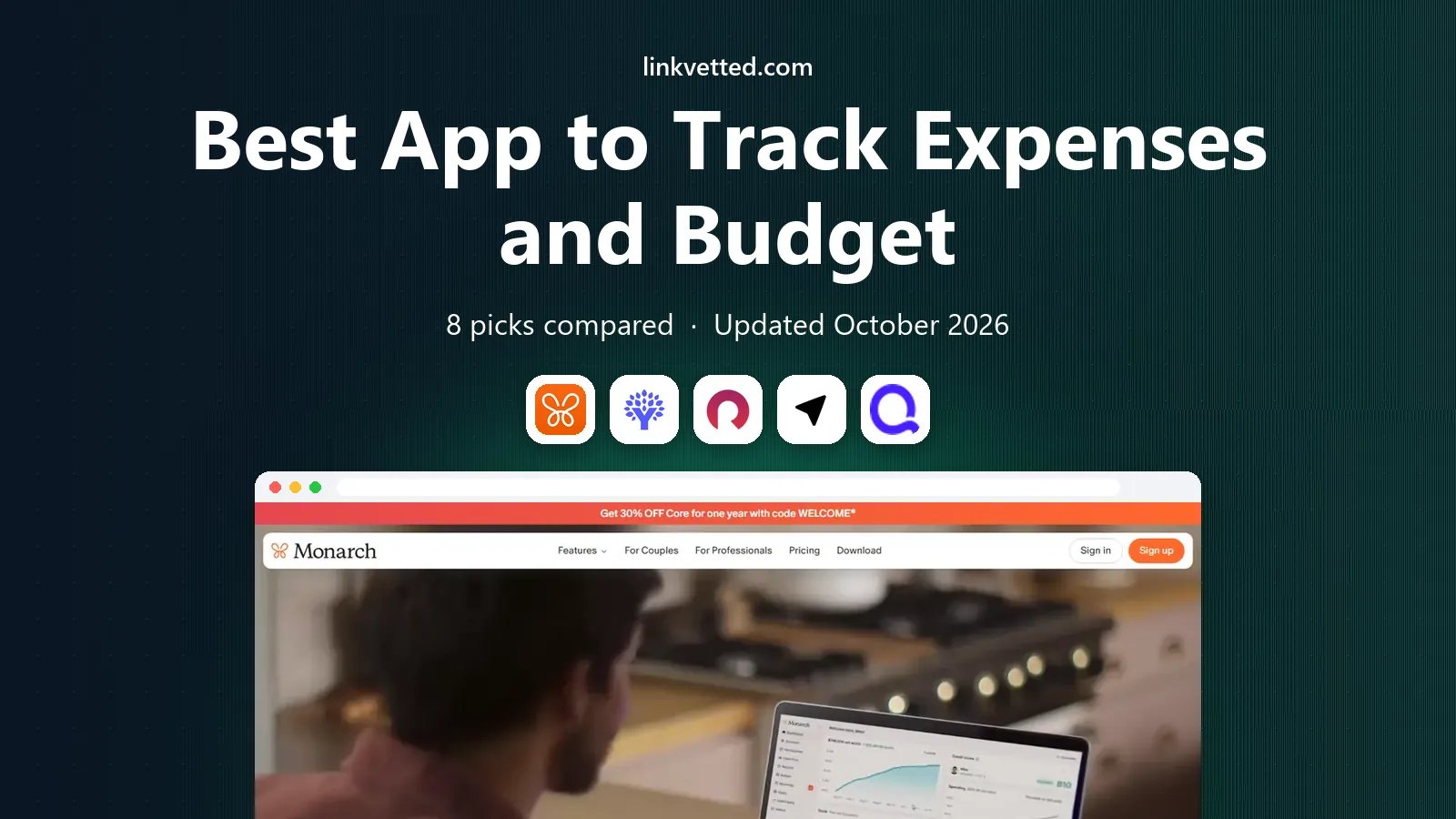
- Editor's choice
 Monarch Money
All round household money
Starts at$14.99 per monthVisit monarchmoney.comFull review - Great alternative
 YNAB
Strict zero based budgeting
Starts at$14.99 per monthVisit ynab.comFull review - Also consider
 Rocket Money
Subscriptions and free tracking
Starts atFreeVisit rocketmoney.comFull review
TL;DR:
- Monarch Money is our top all round pick for households that want budgeting, net worth, and investments in one dashboard.
- YNAB is best for people who want a strict method and are willing to learn it, with a long free trial before paying.
- Rocket Money, Goodbudget, and EveryDollar offer genuinely useful free tiers, so you can start tracking without a subscription.
- Copilot is the design led pick for Apple users, while Simplifi is the cheapest capable paid all rounder in this list.
- This is general information, not financial advice. An app can show your spending clearly, but it cannot decide your financial goals for you.
Quick comparison
| Tool | Best for | Starts at | Free plan? | |
|---|---|---|---|---|
| Monarch Money | All round household money | $14.99 per month | Free trial | Visit |
| YNAB | Strict zero based budgeting | $14.99 per month | Free trial | Visit |
| Rocket Money | Subscriptions and free tracking | Free | Yes | Visit |
 Copilot | Apple users who value design | $13 per month | Free trial | Visit |
 Simplifi | Low cost all rounder | $5.99 per month | Free trial | Visit |
 Goodbudget | Envelope budgeting | Free | Yes | Visit |
 EveryDollar | Simple zero based budgets | Free | Yes | Visit |
 PocketGuard | Safe to spend guidance | $12.99 per month | Free trial | Visit |
The best apps to budget and track expenses
We compared official pricing, bank connection options, budgeting methods, and free tier limits. The list below mixes free starters with paid tools that earn their fee through automation or method.
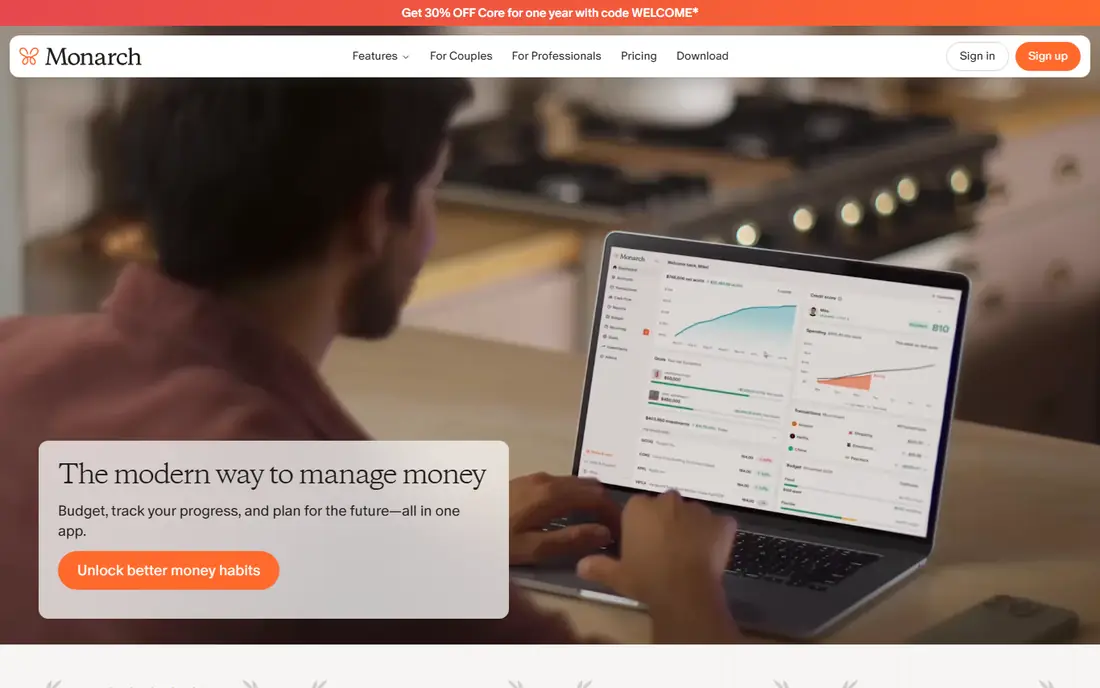
Monarch Money is our pick for most households that want one dashboard instead of three apps. It connects bank, card, and investment accounts, builds budgets from real transactions, and shows net worth alongside spending. Couples can share a household view while keeping some accounts private, which solves a common friction point. The price is at the higher end, and the trial is short, so use the trial week to connect your main accounts and test the budget categories. If you only need simple expense tracking, a free tool below may be enough. If you want the full picture in one place, Monarch justifies its fee.
- Budgets, net worth, and investments in one place
- Strong partner sharing
- Flexible categories
- No permanent free tier
- Trial period is short
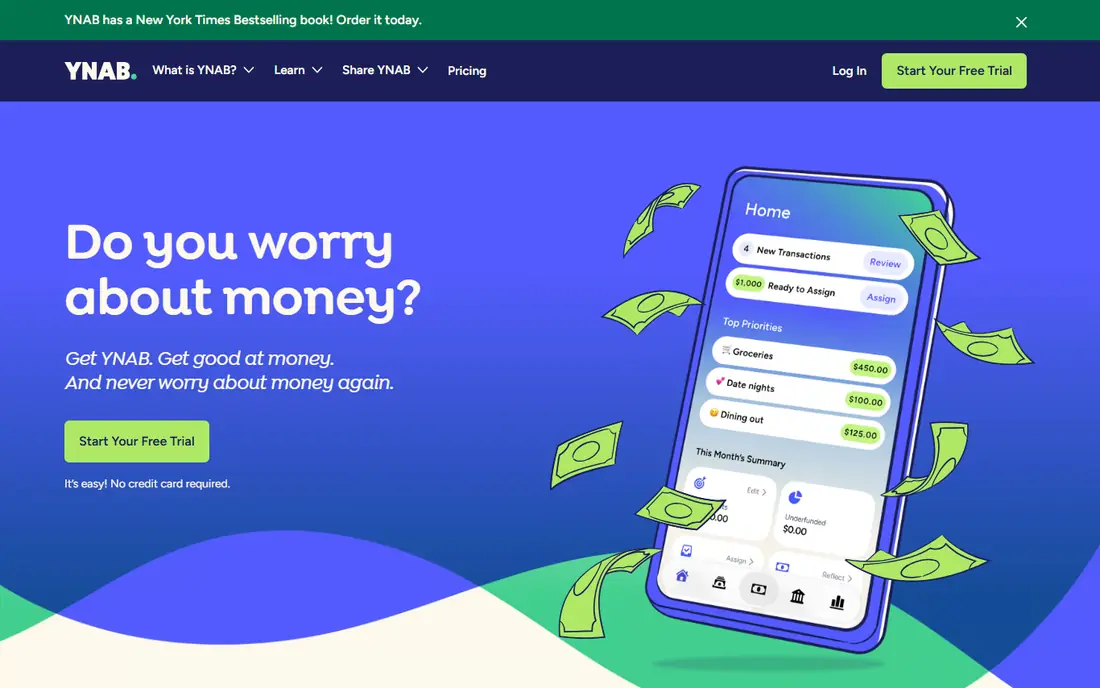
YNAB, short for You Need A Budget, asks you to give every dollar a job before you spend it. That discipline is the point: instead of looking back at spending, you plan it, adjust when life changes, and build a buffer for irregular bills. Users who stick with the method often say it changes how they think about money, not just how they record it. The first two weeks can feel like homework, and the app costs as much as Monarch at monthly rates. The 34 day trial is long enough to test the method properly, and students can check for a free year offer. Choose YNAB if you want a system with rules, not just a dashboard.
- Clear method that changes habits
- Generous 34 day trial
- Strong goal and debt tools
- Learning curve in the first weeks
- No permanent free tier
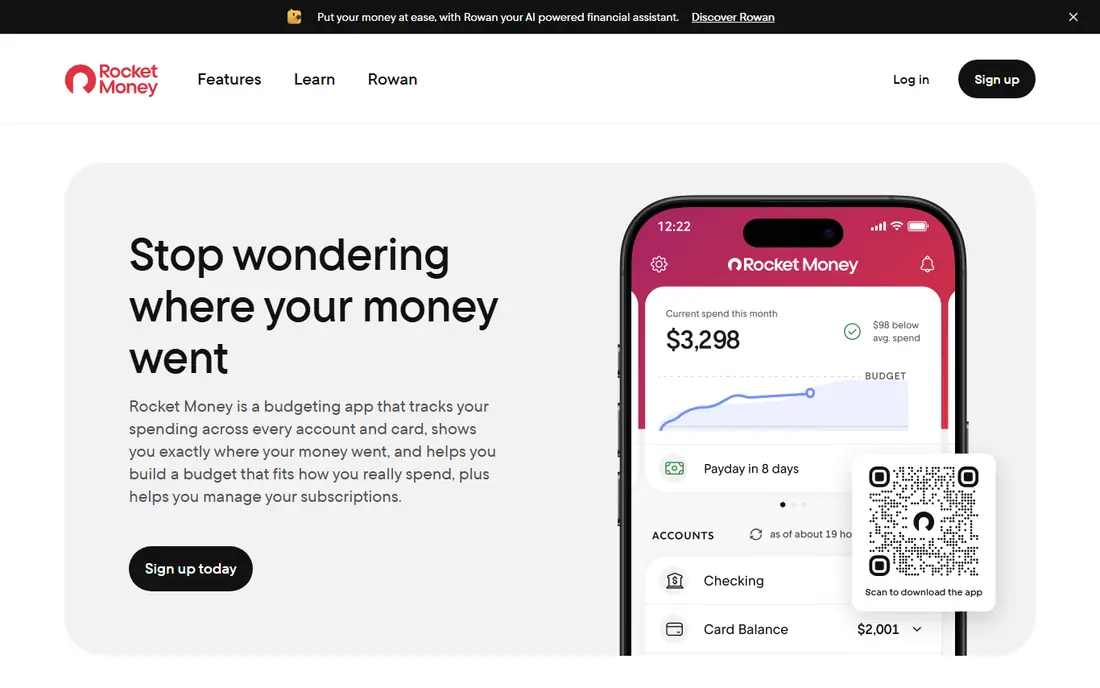
Rocket Money is the best free starting point in this list for people whose main leak is subscriptions. Its free tier tracks spending and surfaces recurring charges you may have forgotten, which alone can pay for the time spent setting it up. Premium adds cancellation help, budgeting tools, and other extras on a pay what you think is fair model within a published range. Read the terms for bill negotiation before using it, since the service keeps a share of first year savings on negotiated bills. For pure tracking, the free tier is enough to learn where your money goes. Upgrade only if subscription cancellation help matters to you.
- Genuinely useful free tier
- Finds recurring subscriptions
- Spending tracking included
- Premium features cost extra
- Bill negotiation takes a share of savings
Copilot is built for iPhone and Mac users who care about how an app feels as much as what it does. It connects accounts, categorizes transactions with strong accuracy, and presents spending in clear charts that make a monthly review pleasant rather than a chore. Its cash flow view helps you see upcoming bills against expected income. The limit is platform: there is no Android version, so mixed device households should look at Monarch or Simplifi instead. The monthly price is lower than Monarch and YNAB on annual billing, and the trial lasts about a month. If you live in the Apple ecosystem, Copilot is the most polished tracker here.
- Clean Apple focused design
- Smart transaction categories
- Useful cash flow views
- No Android app
- No permanent free tier
Simplifi, from Quicken, is our value pick among paid trackers. It covers account connections, spending plans, bill reminders, and a cash flow forecast at a price well below Monarch and YNAB. Setup is quick, and the spending plan approach is easier to grasp than strict zero based budgeting. It does not match Monarch for investment detail or YNAB for method, and its design is functional rather than beautiful. For a household that wants automation and a clear monthly plan without a high fee, Simplifi is hard to beat. Check the current annual billing terms on the vendor site before subscribing.
- Low price for a full tracker
- Spending plans and cash flow forecasts
- Simple setup
- Less deep on investing than Monarch
- Interface is plainer than Copilot
Goodbudget brings the envelope method to a phone: you divide money into virtual envelopes for groceries, rent, transport, and fun, then record spending against them. It works without linking bank accounts, which suits readers who prefer manual control or worry about account connections. Couples can share envelopes and see the same balances. Manual entry is the cost of that privacy and simplicity, and the free plan caps you at 20 envelopes. If you have many categories, the paid plan adds more envelopes and history. Choose Goodbudget if you like a hands on method and do not mind entering transactions yourself.
- Free envelope budgeting
- Works without bank links
- Good for couples sharing envelopes
- Free plan limited to 20 envelopes
- Manual entry takes time
EveryDollar offers a clean take on zero based budgeting: plan every dollar, track what you spend, and adjust during the month. The free version uses manual entry, which keeps it simple and free, and the layout is easier to learn than YNAB for beginners. Fans of a well known budgeting method will find the structure familiar. Automatic bank connections sit behind the premium plan, which is priced above most rivals here, so the free version suits people happy to enter spending by hand. If automation matters, Simplifi or Monarch will serve you better. If simplicity matters most, EveryDollar is a strong free start.
- Free manual budgeting
- Simple zero based layout
- Easy to learn
- Bank connections require the paid plan
- Premium price is high
PocketGuard answers one question better than most rivals: after bills and goals, how much can you safely spend today? It calculates that figure from linked accounts, bills, and savings goals, then shows it front and center. That single number helps impulsive spending more than a long category list. The free tier is limited, and the paid plan is needed for full features, so test it during the trial and check whether the safe to spend figure changes your habits. It is less suited as a net worth tool than Monarch. For readers who want a simple daily guardrail, PocketGuard earns its place.
- Clear safe to spend figure
- Subscription detection
- Simple daily view
- Limited free tier
- Less deep for investment tracking
How we picked these
We compared official pricing pages, free tier terms, bank connection methods, and budgeting approaches, and we excluded tools that are no longer available to US users. We favored apps that are still maintained, connect to major US banks or offer a workable manual option, and state their prices clearly. We did not rank apps on claimed savings figures, since those vary widely by household and are hard to verify.
How to choose a budget app that you will actually use
Start with your method, not the price. If you like rules and planning ahead, YNAB or EveryDollar fits. If you like envelopes, Goodbudget fits. If you want a dashboard that does the work, Monarch, Copilot, or Simplifi fits. If you only need to find forgotten subscriptions, Rocket Money fits. Picking against your habit is the fastest way to abandon an app in week two. Next, test the connection and the daily habit. Link your main checking account and one card, set a simple budget for the next month, and check the app for five minutes each evening for a week. If categorization needs constant fixing, or the app feels like a chore, switch before you pay for a year. Finally, review the fee once a year against what you actually saved or learned. This is general information, not financial advice, and a paid app only earns its fee if it changes spending or saves time in a way you can see.
FAQ
What is the best app to budget and track expenses?
Monarch Money is our top all round pick, while YNAB is best for a strict method and Rocket Money is best for a free start. The best app to budget and track expenses depends on whether you want automation, a method, or a free tool. Try a free tier or trial for a full week before paying.
Is there a free app to track expenses and budget?
Yes. Rocket Money, Goodbudget, and EveryDollar all offer free tiers that track spending, though bank connections and advanced features may require payment. Start free, learn your main spending categories, and pay only for a feature you miss. A free app used weekly beats a paid app ignored monthly.
How do budget apps connect to my bank?
Most paid trackers connect through secure account aggregators that read transactions but do not move money. You can also choose manual entry in Goodbudget and EveryDollar, which avoids bank links entirely. Check the privacy policy of any app before linking accounts, and use strong passwords and two factor authentication.
Why did Mint disappear from budget lists?
Mint closed in 2024, so it no longer appears in current recommendations. Former Mint users often move to Monarch Money, Simplifi, or Copilot, depending on whether they want a full dashboard, a low price, or an Apple focused design. Export any old Mint data you still need before relying on a new app.
How often should I check my budget app?
A short check each evening or every few days works better than a long monthly review. Daily checks catch duplicate charges and forgotten subscriptions early, while a monthly review is the right time to adjust categories and goals. Set a reminder for the same time each week until the habit sticks.