Best Budget AI Culling Software in 2026: 8 Tools Compared
Find the best budget ai culling software for wedding, portrait, and event work. We compare 8 low cost culling tools on price, speed, and Lightroom export.
- Editor's choice
 AfterShoot
lowest cost local AI culling
Starts at$10 per monthVisit aftershoot.comFull review - Great alternative
 Narrative Select
photographers who want control over picks
Starts at$10 per monthVisit narrative.soFull review - Also consider
 FilterPixel
testing AI culling for free
Starts at$14.99 per monthVisit filterpixel.comFull review
TL;DR:
- AfterShoot and Narrative Select start at about $10 per month, which makes them the lowest cost AI culling entry points in this list.
- FilterPixel offers a free tier, so photographers can test AI culling before paying for a monthly plan.
- Local processing keeps photos on your computer, while cloud processing can be faster on a weaker machine but needs uploads first.
- A culling tool should send picks to Lightroom or Capture One with ratings intact, or it will add work back at the end.
Quick comparison
| Tool | Best for | Starts at | Free plan? | |
|---|---|---|---|---|
| AfterShoot | lowest cost local AI culling | $10 per month | Free trial (30 days) | Visit |
| Narrative Select | photographers who want control over picks | $10 per month | Free trial | Visit |
| FilterPixel | testing AI culling for free | $14.99 per month | Yes | Visit |
 Imagen | culling plus AI editing in one account | $12 per month | Free trial | Visit |
 Optyx | hobbyists and part time photographers | $6.99 per month | Yes | Visit |
 Excire Foto | one time purchase with no subscription | $249 one-time | Free trial (14 days) | Visit |
 Photo Mechanic | fast manual culling for press and sports | $14.99 per month | Free trial (30 days) | Visit |
 Adobe Lightroom Classic | photographers already paying for Adobe | $14.99 per month | Free trial (7 days) | Visit |
The best budget AI culling software
We compared 8 tools that fit this topic, using official pricing and feature pages, public documentation, and user facing details that affect daily work. The list below starts with the strongest all round picks and then covers strong options for smaller budgets, specialist needs, and different team sizes.
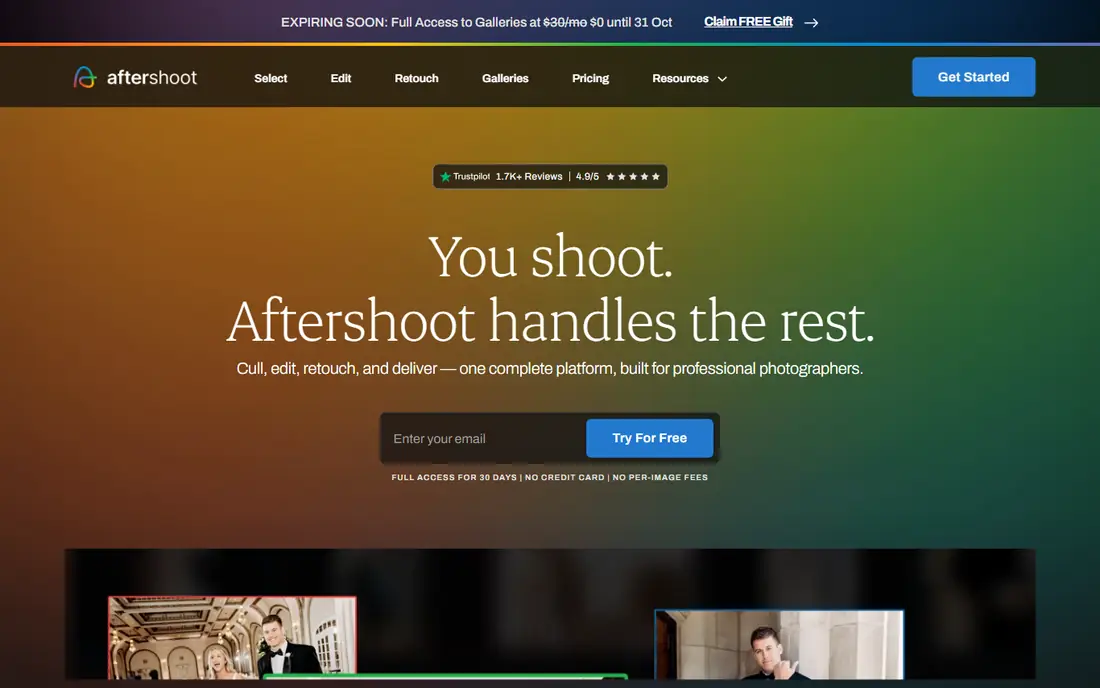
AfterShoot is our pick for lowest cost local AI culling. AfterShoot Select runs on your computer and sorts large shoots into keepers and rejects, with options for AI assisted review or a more automated first pass.
The strengths of AfterShoot are clear from its feature set: local processing that works offline; unlimited culling on the select plan; exports to lightroom and capture one That combination suits buyers who want lowest cost local AI culling without paying for a much larger system.
The main limits are: editing is a separate paid module; interface is focused on speed rather than browsing If those limits touch your daily work, try another tool on this list first. Starting price is $10 per month, with a free plan or trial status of Free trial (30 days). Check the current pricing page before you sign, since plans and limits change.
- Local processing that works offline
- Unlimited culling on the Select plan
- Exports to Lightroom and Capture One
- Editing is a separate paid module
- Interface is focused on speed rather than browsing
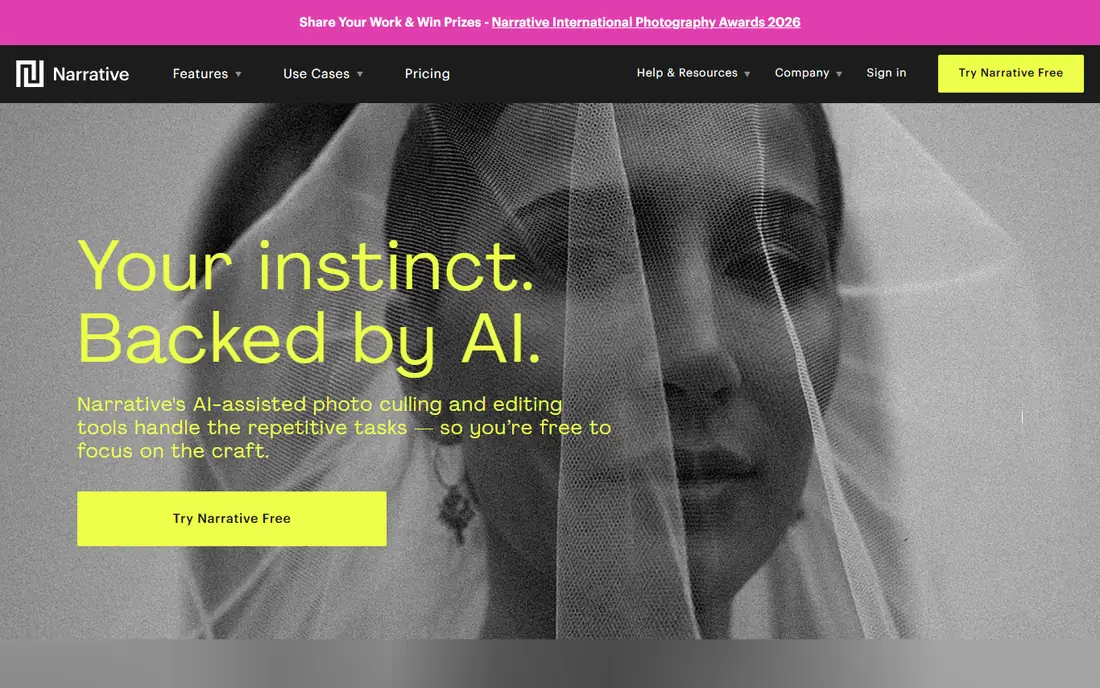
Narrative Select is our pick for photographers who want control over picks. Narrative Select helps you move through a shoot by grouping similar frames and showing focus and expression details, so you make the final call rather than handing it to full automation.
The strengths of Narrative Select are clear from its feature set: ai scores and groups similar frames; close up and eye focus views; exports to lightroom and capture one That combination suits buyers who want photographers who want control over picks without paying for a much larger system.
The main limits are: no permanent free plan; higher tiers cost much more than the entry plan If those limits touch your daily work, try another tool on this list first. Starting price is $10 per month, with a free plan or trial status of Free trial. Check the current pricing page before you sign, since plans and limits change.
- AI scores and groups similar frames
- Close up and eye focus views
- Exports to Lightroom and Capture One
- No permanent free plan
- Higher tiers cost much more than the entry plan
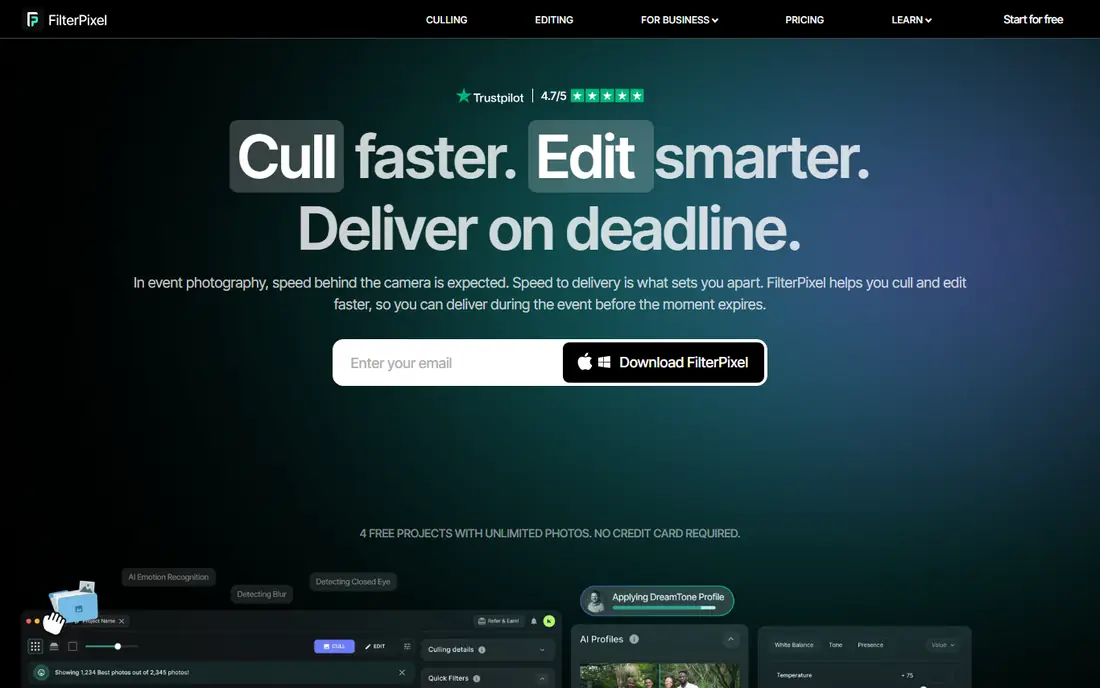
FilterPixel is our pick for testing AI culling for free. FilterPixel processes photos in the cloud and gives each frame a score and a reason, with genre modes that suit deadline work such as sports, concerts, and conferences.
The strengths of FilterPixel are clear from its feature set: free tier for trying the tool; genre modes for sports and events; scores with reasons for each frame That combination suits buyers who want testing AI culling for free without paying for a much larger system.
The main limits are: cloud processing needs uploads; paid plan costs more than the cheapest local options If those limits touch your daily work, try another tool on this list first. Starting price is $14.99 per month, with a free plan or trial status of Yes. Check the current pricing page before you sign, since plans and limits change.
- Free tier for trying the tool
- Genre modes for sports and events
- Scores with reasons for each frame
- Cloud processing needs uploads
- Paid plan costs more than the cheapest local options
Imagen is our pick for culling plus AI editing in one account. Imagen is best known for AI editing, and its culling add on can select to an exact target count, which helps when a client expects a set number of delivered images.
The strengths of Imagen are clear from its feature set: culling can learn from your past selections; editing profiles can match your style; cloud workflow suits teams That combination suits buyers who want culling plus AI editing in one account without paying for a much larger system.
The main limits are: editing is billed per photo on some plans; full flat rate plan costs much more If those limits touch your daily work, try another tool on this list first. Starting price is $12 per month, with a free plan or trial status of Free trial. Check the current pricing page before you sign, since plans and limits change.
- Culling can learn from your past selections
- Editing profiles can match your style
- Cloud workflow suits teams
- Editing is billed per photo on some plans
- Full flat rate plan costs much more
Optyx is our pick for hobbyists and part time photographers. Optyx is a simple, low cost AI culling option for photographers who shoot less often and want a fast first pass without a large monthly commitment.
The strengths of Optyx are clear from its feature set: lowest starting price in this list; simple workflow for smaller shoots; free option to try That combination suits buyers who want hobbyists and part time photographers without paying for a much larger system.
The main limits are: fewer advanced controls than larger tools; less suited to very high volume wedding work If those limits touch your daily work, try another tool on this list first. Starting price is $6.99 per month, with a free plan or trial status of Yes. Check the current pricing page before you sign, since plans and limits change.
- Lowest starting price in this list
- Simple workflow for smaller shoots
- Free option to try
- Fewer advanced controls than larger tools
- Less suited to very high volume wedding work
Excire Foto is our pick for one time purchase with no subscription. Excire Foto uses local AI to group and search photos by content, faces, and similarity, which helps photographers sort a shoot and a larger library without paying every month.
The strengths of Excire Foto are clear from its feature set: one time purchase, not a monthly fee; local ai search and grouping; works with lightroom metadata That combination suits buyers who want one time purchase with no subscription without paying for a much larger system.
The main limits are: upfront cost is higher than one month of a subscription; culling workflow is less automated than dedicated culling tools If those limits touch your daily work, try another tool on this list first. Starting price is $249 one-time, with a free plan or trial status of Free trial (14 days). Check the current pricing page before you sign, since plans and limits change.
- One time purchase, not a monthly fee
- Local AI search and grouping
- Works with Lightroom metadata
- Upfront cost is higher than one month of a subscription
- Culling workflow is less automated than dedicated culling tools
Photo Mechanic is our pick for fast manual culling for press and sports. Photo Mechanic is not an AI culling tool, but it belongs on a budget list because it is the fastest manual way to ingest, tag, and sort thousands of frames, and it pairs well with an AI tool.
The strengths of Photo Mechanic are clear from its feature set: very fast ingest and browsing; strong metadata and tagging; trusted for deadline work That combination suits buyers who want fast manual culling for press and sports without paying for a much larger system.
The main limits are: no ai culling in the core product; you still make every pick yourself If those limits touch your daily work, try another tool on this list first. Starting price is $14.99 per month, with a free plan or trial status of Free trial (30 days). Check the current pricing page before you sign, since plans and limits change.
- Very fast ingest and browsing
- Strong metadata and tagging
- Trusted for deadline work
- No AI culling in the core product
- You still make every pick yourself
Adobe Lightroom Classic is our pick for photographers already paying for Adobe. Lightroom Classic now includes AI assisted culling flags alongside manual tools, so photographers already in Adobe may not need a separate culling subscription for lighter shoots.
The strengths of Adobe Lightroom Classic are clear from its feature set: catalog, editing, and culling in one place; ai assisted culling flags; wide camera raw support That combination suits buyers who want photographers already paying for Adobe without paying for a much larger system.
The main limits are: monthly cost covers more than culling, so it is poor value if you only need culling; catalog needs regular care If those limits touch your daily work, try another tool on this list first. Starting price is $14.99 per month, with a free plan or trial status of Free trial (7 days). Check the current pricing page before you sign, since plans and limits change.
- Catalog, editing, and culling in one place
- AI assisted culling flags
- Wide camera raw support
- Monthly cost covers more than culling, so it is poor value if you only need culling
- Catalog needs regular care
How we picked these
We compared official pricing pages, product documentation, and public feature descriptions for AI culling and fast manual culling tools. We kept tools that are still sold, that handle raw files from major camera brands, and that export selections to a main editor. We weighed entry price, free tier or trial, local versus cloud processing, and how well picks move to Lightroom or Capture One.
How to pick a budget culling tool
Start with volume. A photographer who shoots 3,000 frames per wedding needs unlimited culling and fast grouping. A photographer who shoots a few hundred frames per job can use a free tier or a pay per project option and save money.
Local or cloud
Local tools keep files on your computer and work offline, which suits travel and weak internet. Cloud tools can process large batches faster on a modest laptop, but you must upload first, so test with a real shoot size before you rely on one for a deadline.
Check the export step
Confirm that stars, flags, or picks arrive in Lightroom or Capture One exactly as you expect. Also check whether the tool groups duplicates and near duplicates, shows focus on eyes, and lets you override the AI quickly. If overriding takes longer than manual culling, the tool is not saving you time.
FAQ
What is AI culling software?
AI culling software sorts a large set of photos into likely keepers, duplicates, and rejects using focus, exposure, expression, and composition signals. You still review the shortlist and make final picks in most tools. It is meant to cut the first pass from hours to minutes, not to replace your taste.
Is there free AI culling software?
FilterPixel offers a free tier, and Optyx lists a free option, while most other tools offer a time limited trial instead. Free tiers usually limit projects or features, so they suit testing and small shoots. For regular wedding or event volume, a paid plan is usually better value.
How much does budget AI culling cost per month?
Entry plans in this list start at about $6.99 to $14.99 per month when billed annually, with AfterShoot and Narrative Select at about $10 per month. One time tools such as Excire Foto cost more upfront but have no monthly fee. Check whether editing is included, since some tools charge for it separately.
Does AI culling work with Lightroom?
Most tools in this list export picks to Lightroom Classic or Capture One using ratings or flags. Check the exact export method before you buy, since a tool that only exports a folder of files will slow your editing workflow. Test the export with a small shoot first.
Can AI culling replace manual selection?
For high volume work, AI culling can handle the first pass well, especially for technical rejects such as closed eyes and missed focus. For client facing selects where expression and story matter, most photographers still review the shortlist. Use AI to remove the obvious rejects, then spend your time on the close calls.