Best Benefits Support Software for Small Business for 2026: Our 5 Vetted Picks
Compare 5 picks for the best benefits support software for small business, with prices, free plans and who each fits. Caveats come with every verdict.
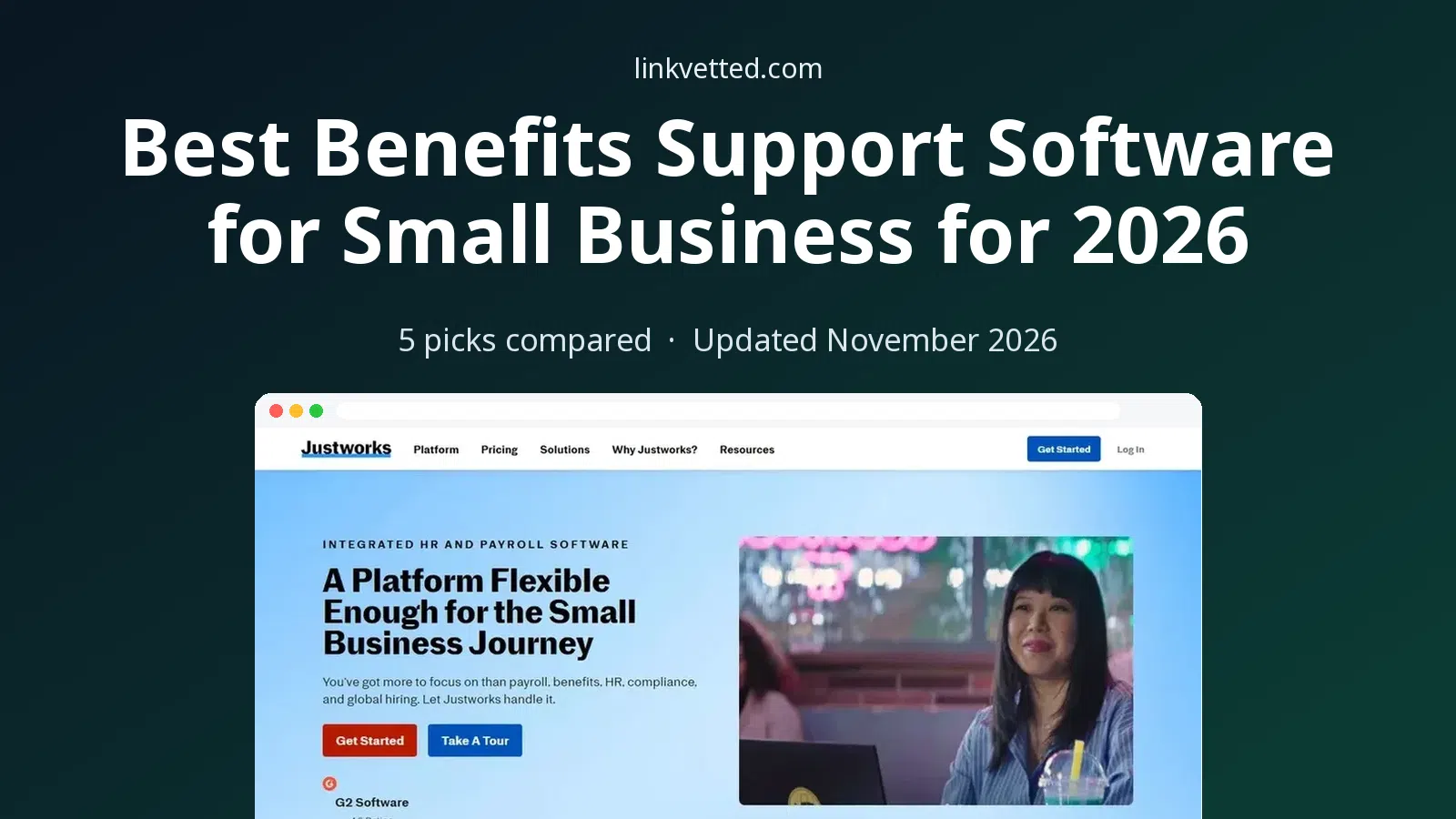
- Editor's choice
 Paycom
Automatic HR and payroll in one database
Starts atSee websiteVisit paycom.comFull review - Great alternative
 ADP Workforce Now
Scalable payroll, tax and HCM
Starts atSee websiteVisit adp.comFull review - Also consider
 Justworks
HR software with human support
Starts atSee websiteVisit justworks.comFull review
Direct answer
Start with Paycom if you need automatic HR and payroll in one database. Listed starting prices: Rippling from $8 per employee a month and BambooHR from $10 per employee a month. ADP Workforce Now fits scalable payroll, tax and HCM; Justworks fits HR software with human support. The full list of 5 tools follows, with prices and free plan facts.
TL;DR:
- The list opens with Paycom, aimed at automatic HR and payroll in one database.
- For core HR with benefits administration, BambooHR is worth a look.
- Neither Paycom nor BambooHR, nor any of the other 3 tools, has a permanent free plan; trials and quotes are the norm.
- For the cheapest start, look at Rippling: $8 per employee per month.
Last checked November 2026. Prices and plan details were read from the vendors' own pages in November 2026; vendors change plans often, so confirm the current price on the vendor site before you buy.
Quick comparison
| Tool | Best for | Starts at | Free plan? | |
|---|---|---|---|---|
| Paycom | Automatic HR and payroll in one database | See website | Not stated | Visit |
| ADP Workforce Now | Scalable payroll, tax and HCM | See website | Not stated | Visit |
| Justworks | HR software with human support | See website | Not stated | Visit |
 Rippling | Unified HR, IT and Finance system | $8 per employee a month | Not stated | Visit |
 BambooHR | Core HR with benefits administration | $10 per employee a month | No | Visit |
Benefits Support Software for Small Business compared in detail
If you are comparing benefits support software for small business, this page covers 5 tools in one place: what each is best for, what it costs to start, whether it has a free plan, and the main limit to know about.
In short, Paycom is for automatic HR and payroll in one database. Small firms that want benefits support connected to payroll and HR tasks can consider it.
Drawbacks to consider: Suited to businesses wanting an all-in-one system.
In daily use, Paycom presents itself as HR and payroll software that automates decisions across the employee life cycle in a single database. As for the details, very small firms with straightforward needs might find a lighter tool sufficient. Pricing for Paycom is not stated here, so ask the vendor for current figures. Trial and free access: Not stated.
- Spans the employee life cycle
- Full-solution automation
- Automation focus may cut adaptability
Pick ADP Workforce Now if this describes you: scalable payroll, tax and HCM. ADP Workforce Now is part of ADP's payroll, tax, HR and HCM options for firms of every size. Small firms that expect to scale can use it for benefits support alongside payroll and compliance.
Businesses wanting a lighter, self-service HR tool may prefer a narrower choice. The breadth of ADP's offerings can mean more setup and complexity for very small teams with straightforward benefits needs. No starting price is listed for ADP Workforce Now here; confirm pricing on the vendor site. Trial and free access: Not stated.
Downsides: Configuration can take time.
- Payroll
- Tax and HR combined
- Wide suite may feel complicated for tiny teams
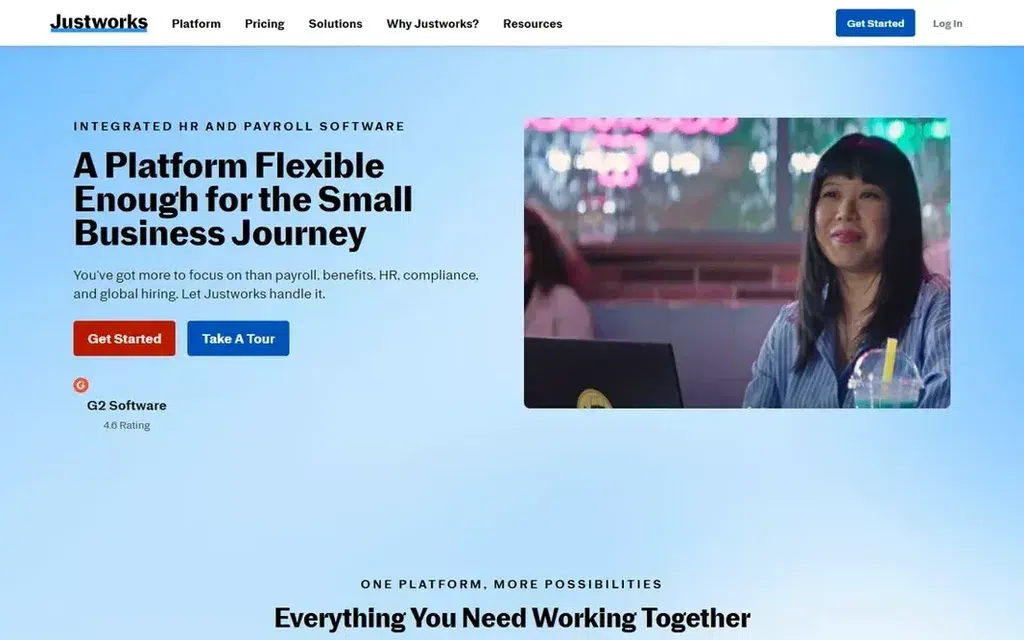
Justworks was built for HR software with human support. Justworks merges easy-to-use HR software with real human support to manage your company's benefits and payroll needs.
Drawbacks to consider: Less suited to complicated multi-entity setups.
It is designed with small firms in mind, so teams without a dedicated HR staff can get help with benefits questions. Check the vendor site for Justworks pricing; none is listed in this comparison. Free plan details: Not stated.
- Built for small companies
- Real human support included
- Focus is on small business needs
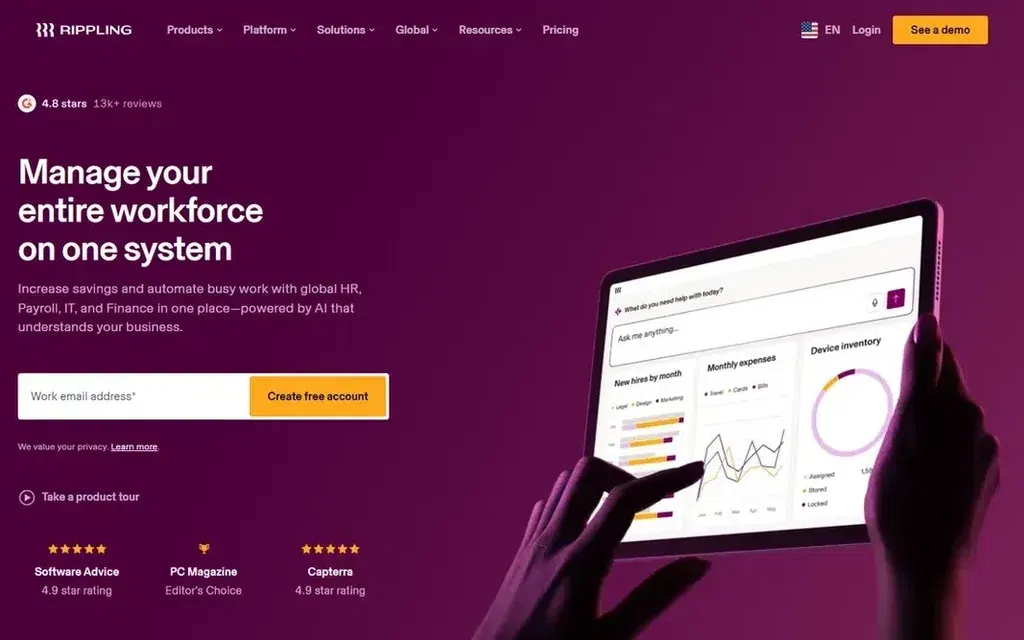
Pick Rippling if this describes you: unified HR, IT and Finance product. Rippling is a workforce management system that brings HR, IT and Finance apps together on one unified data system.
Drawbacks to consider: Wide product may overwhelm very small teams.
It suits firms that expect to grow and want to avoid stitching together separate tools for HR and IT as they add employees. On cost, Rippling starts like this: $8 per employee per month. As for free access: Not stated.
- Unified data product
- IT and Finance apps
- Setup can need more configuration
Choose BambooHR for core HR with benefits administration. Small companies that want a clean HR system of record with benefits administration built in frequently shortlist it.
It fits teams that value an organized employee database alongside benefits and payroll workflows. On cost, BambooHR starts like this: $10 per employee per month. BambooHR does not include a free plan.
Points against: Payroll coverage differs by region.
- Payroll and benefits
- Covers people
- Benefits depth may vary by add-on
How these tools were picked
We compared the tools on published pricing, free plan or trial availability, feature coverage for benefits support software for small business, and the limits each vendor documents. Plan names, prices and limits change often. Treat the figures here as a starting point and verify them with the vendor. Position on the page reflects fit for a typical buyer first, with price clarity and free access breaking ties. Treat it as a guide, not a ruling.
Before you commit
- Get a written quote from Paycom, ADP Workforce Now and Justworks; the list shows no starting price for them.
- Before choosing Paycom, weigh its main limit: automation focus may cut adaptability.
- Find out whether the entry plan of BambooHR covers your must-haves or only a trimmed-down version.
- Before you load data into Justworks, check what an export looks like and who can run it.
- Look at the help docs and support options for Rippling before you commit.
FAQ
Can I try these tools before paying?
Not by default. None of the tools, from Paycom to BambooHR, lists a free plan or a free trial here, so ask each vendor for a demo before committing.
Is a PEO-style provider better than standalone benefits software?
A PEO-style provider can bundle benefits with payroll, risk management and compliance, which fits firms that want to outsource HR administration. Standalone benefits software hands more direct control and may fit teams with existing HR processes.
Do these tools publish their prices?
Not all of them. Paycom, ADP Workforce Now and Justworks publish no starting price, so expect a quote request for those. The rest, Rippling included, show a starting price, though seats and billing terms still change the final cost.
Does any tool for benefits support software for small business here have a free plan?
No tool in this list, Paycom and BambooHR included, has a permanent free plan. Trials and quotes are the usual route, so plan a short evaluation period. All 5 picks in this benefits support software for small business comparison list a starting price, free plan details and the main limits on their cards above.
Can benefits support software scale with an expanding small business?
Plenty of choices are built to scale, including ADP Workforce Now and Rippling, which describe wide workforce and HCM capabilities. Confirm how benefits administration, payroll and compliance features change as headcount grows. Beyond that, review vendor documentation for scaling details before you commit.
What should a small business look for in benefits support software?
Confirm whether the vendor takes care of compliance tasks or leaves them to you. Also check how well the system scales as you add employees.
Sources
- https://www.paycom.com
- https://www.adp.com
- https://www.justworks.com
- https://www.rippling.com
- https://www.bamboohr.com