The 5 Best Backup Software for Universities in 2026, Ranked
Best backup software for universities in 2026: 5 contenders with entry costs and free tiers. Each pick lists its main limit. Built for quick decisions.
- Editor's choice
 Druva
Completely managed SaaS data protection
Starts atPricing on requestVisit druva.comFull review - Great alternativeCommvault Backup & Recovery
AI-driven recovery and cyber resilience
Starts atPricing on requestVisit commvault.comFull review - Also considerVeeam Backup & Replication
Cyber resilience and AI data challenges
Starts atPricing on requestVisit veeam.comFull review
Direct answer
Druva leads the list, best for completely managed SaaS data protection. Commvault Backup & Recovery is the stronger choice for AI-driven recovery and cyber resilience, while Veeam Backup & Replication suits Cyber resilience and AI data challenges. Details and limits for the rest of the 5 tools are below. None of these vendors publish plan prices, so pricing is on request for every option.
TL;DR:
- Druva is the opening pick, best for completely managed SaaS data protection.
- Check the limits for Commvault Backup & Recovery before you commit: may be complicated to deploy.
- Rubrik fits enterprise cyber resilience and data security.
- Druva, Rubrik and the 3 others all need a premium plan or a trial, since no free plan is listed.
- Druva, Rubrik and the 3 others all sell by quote; expect sales conversations before you see a price.
Last checked November 2026. Pricing on request: vendors did not publish plan prices when this guide was last checked (November 2026), so ask each vendor for a written quote.
Quick comparison
| Tool | Best for | Starts at | Free plan? | |
|---|---|---|---|---|
| Druva | Completely managed SaaS data protection | Pricing on request | Free trial | Visit |
| Commvault Backup & Recovery | AI-driven recovery and cyber resilience | Pricing on request | Not stated | Visit |
| Veeam Backup & Replication | Cyber resilience and AI data challenges | Pricing on request | Not stated | Visit |
 Cohesity DataProtect | AI-powered data security and management | Pricing on request | Not stated | Visit |
 Rubrik | Enterprise cyber resilience and data security | Pricing on request | Not stated | Visit |
Backup Software for Universities profiles
LinkVetted put together this guide to backup software for universities for readers who want a clear shortlist without reading every vendor page. It compares 5 tools on starting price, free plans, who each one suits and where each one falls short.
Druva works best for completely managed SaaS data protection. Universities with strict data residency requirements or restricted bandwidth might have to consider other choices.
Where it falls short: Needs steady internet connectivity.
Its AI-powered, cloud-native design fits universities looking to offload infrastructure management and ensure data protection with minimal on-premises hardware. Druva shows no starting price here, so confirm the cost on the vendor site. On free options: Free trial.
- AI-powered data security and identity resilience
- Cloud-native SaaS product
- May have restricted customization choices
Commvault Backup & Recovery
Best for: AI-driven recovery and cyber resilience
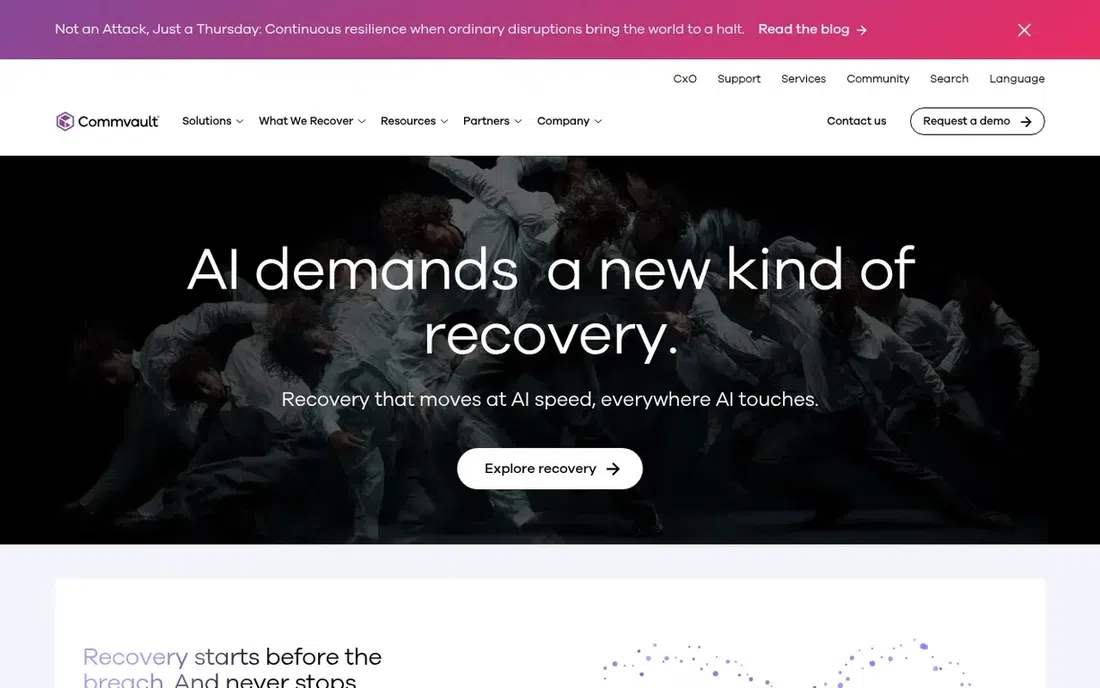
Commvault Backup & Recovery serves AI-driven recovery and cyber resilience. It fits universities that need advanced threat detection and rapid recovery to maintain continuity in research and administrative operations.
It could need significant training and resources to completely use. Commvault Backup & Recovery shows no starting price here, so confirm the cost on the vendor site. Trial and free access: Not stated.
Trade-offs to know: May be complicated to deploy.
- Spots compromise as it happens
- Restores clean data, apps, identity
- Needs continuing management
Veeam Backup & Replication
Best for: Cyber resilience and AI data challenges
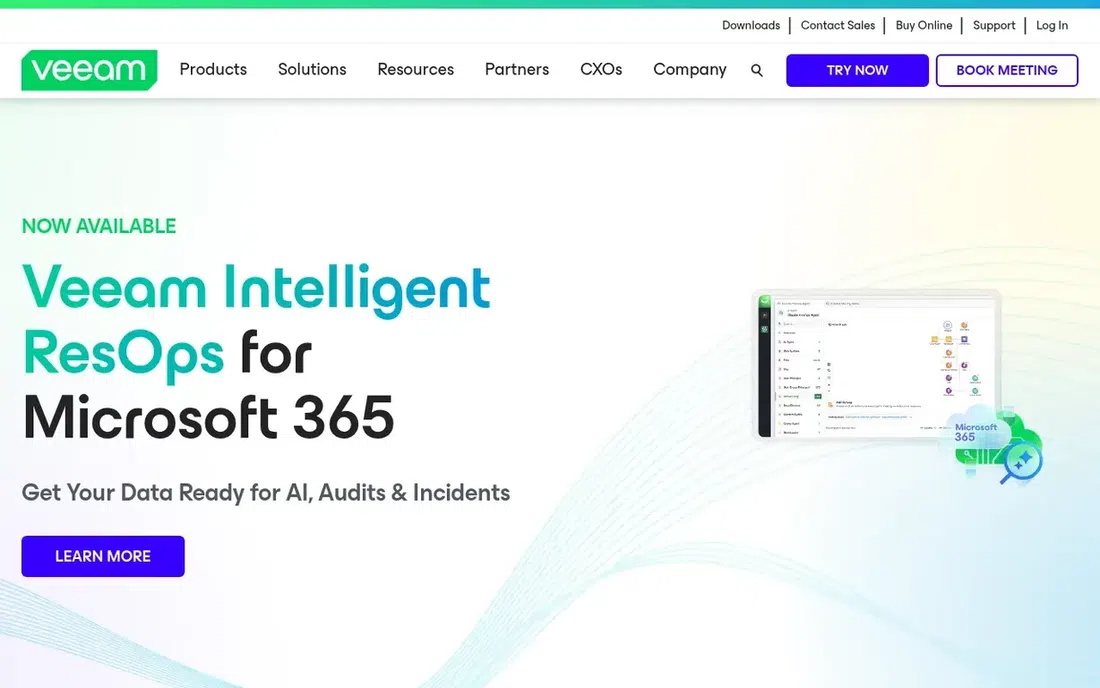
Pick Veeam Backup & Replication if this describes you: Cyber resilience and AI data challenges. Veeam Backup & Replication is meant to solve impossible AI and data challenges by supplying cyber resilient options.
In practice, universities with restricted IT resources might find the ramp-up time steep. Consider more straightforward alternatives if you need a more turnkey option or have minimal backup needs. Check the vendor site for Veeam Backup & Replication pricing; none is listed in this comparison. Free plan details: Not stated.
Watch-outs: Can be complicated to configure for large environments.
- Compliance support and safe AI acceleration
- Cyber resilient options for AI and data
- May need specialized expertise
For AI-powered data security and management, Cohesity DataProtect is a natural candidate. Cohesity DataProtect gives you both data security and data management, defending against ransomware with immutable backup, AI-based early threat detection, and rapid data recovery.
Drawbacks to consider: Could be complicated for entry-level needs.
For everyday use, the product's advanced features might be more than needed for straightforward backup scenarios, and integration with legacy systems could pose challenges. Evaluate whether the AI-driven security aligns with your institution's needs and resources. Cohesity DataProtect does not show a starting price in this comparison, so check the vendor site for current pricing. Trial and free access: Not stated.
- AI-based early threat detection
- Rapid data recovery
- May need integration with existing systems

In short, Rubrik is for enterprise cyber resilience and data security. Consider more straightforward tools if you need entry-level backup without advanced cyber resilience features. In daily use, Rubrik's full system may come with a higher cost and complexity, which could be challenging for smaller universities or those with restricted budgets.
Where it shines: secures identities.
What to check first: May be expensive for smaller institutions.
It may also need specialized skills to run. It guards data, secures identities, and governs AI agents, enabling restoration after ransomware and cyberattacks at machine speed with immutable backups. This tool is a strong match for universities with stringent security requirements and large data footprints. No starting price is listed for Rubrik here; confirm pricing on the vendor site. Free access: Not stated.
- Immutable backups for ransomware recovery
- Protects data
- Complicated feature set may need expert staff
How the list was put together
Each tool was reviewed on what its vendor publishes: price, plan limits, core features and stated drawbacks. We did not run hands-on tests. Where a vendor does not publish a price, the entry says quote. Where a price depends on seats or billing term, the entry says so. Tools are placed by general fit for backup software for universities, with price clarity and free access as tie-breakers. A different team can reasonably rank them differently.
Questions to settle before buying
- Request quotes from Druva, Rubrik and the others; the list shows no fixed prices.
- Use real work to test the free trial from Druva, rather than a demo project.
- Before choosing Druva, weigh its main limit: needs steady internet connectivity.
- Ask whether Veeam Backup & Replication integrates with your current software, and whether that comes standard or as an add-on.
- Test how quickly Druva answers a pre-sales question; it hints at how support will feel later.
FAQ
How are the tools for backup software for universities ordered?
Druva sits first and Rubrik last because the order follows typical fit for backup software for universities, then price clarity and free access. It is a judgement call, so read each profile for fit and limits.
Do these tools publish their prices?
No. None of the tools, from Druva to Rubrik, shows a fixed starting price here, so budget time for quotes. All 5 picks in this backup software for Universities comparison list a starting price, free plan details and the main limits on their cards above.
How does Veeam compare to Commvault for university backup?
Veeam concentrates on cyber resilient options for AI and data, whereas Commvault emphasizes AI-driven recovery and identity restoration. Both offer advanced features, but the choice relies on specific needs like workload types and existing infrastructure.
Does any tool for backup software for universities here have a free plan?
A permanent free plan is not offered by Druva, Rubrik or the other tools here. Druva offer a trial. Plan a short evaluation period instead.
Can I try these tools before paying?
Often, yes. Druva offers a free trial. Use your own data and a real task during the test, and check what the free tier or trial limits before you rely on it. For the full picture, the cards above cover all 5 entries of this backup software for Universities list, including price, free plan and limits.
Sources
- https://www.druva.com
- https://www.commvault.com
- https://www.veeam.com
- https://www.cohesity.com
- https://www.rubrik.com