Best Access Management Software for Universities in 2026: Prices, Free Plans and 6 Picks
Searching for the best access management software for universities? Here are 6 options with prices and free plans. The weak spots sit next to the strengths.
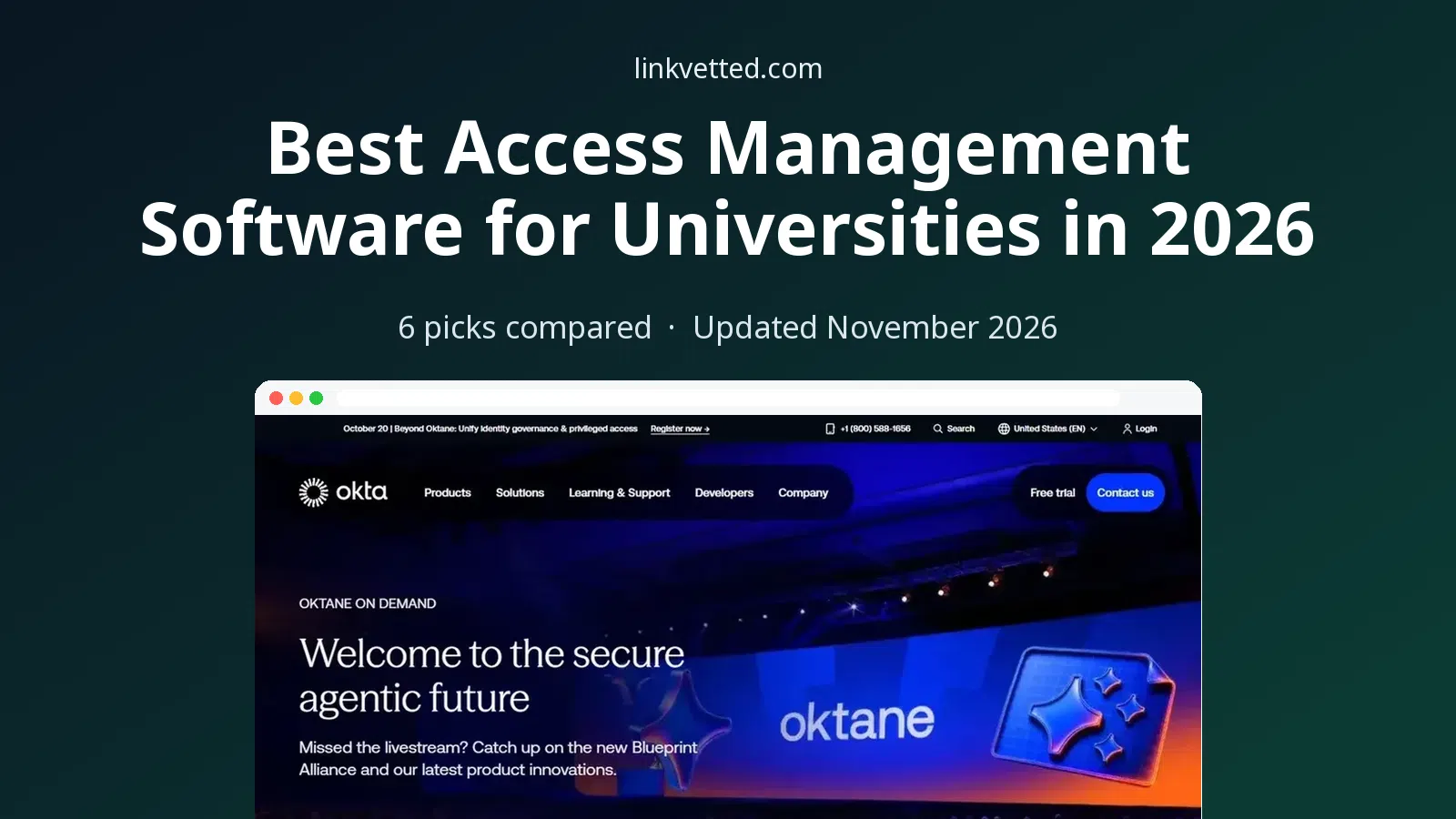
- Editor's choiceForgeRock Identity Platform
Enterprise-scale identity security
Starts atSee websiteVisit forgerock.comFull review - Great alternativeSailPoint IdentityIQ
Adaptive least-privilege enforcement
Starts atSee websiteVisit sailpoint.comFull review - Also considerCyberArk Identity
Identity governance and access reviews
Starts atSee websiteVisit cyberark.comFull review
Direct answer
If you need enterprise-scale identity security, ForgeRock Identity Platform is the first tool to look at here. Listed starting prices: Okta Identity Cloud from $6 per user a month and OneLogin from $3 per user per month. SailPoint IdentityIQ fits adaptive least-privilege enforcement; CyberArk Identity fits Identity governance and access reviews. Details, prices and limits for the rest of the 6 tools are below.
TL;DR:
- Number one here is ForgeRock Identity Platform, a fit for enterprise-scale identity security.
- Check the limits for Okta Identity Cloud before you commit: feature depth can add administrative complexity.
- OneLogin fits budget-conscious workforce access.
- OneLogin has the lowest monthly starting price in this list: $3 per user per month.
- ForgeRock Identity Platform, OneLogin and the 4 others all need a premium plan or a trial, since no free plan is listed.
Last checked November 2026. Prices and plan details were read from the vendors' own pages in November 2026; vendors change plans often, so confirm the current price on the vendor site before you buy.
Quick comparison
| Tool | Best for | Starts at | Free plan? | |
|---|---|---|---|---|
| ForgeRock Identity Platform | Enterprise-scale identity security | See website | Not stated | Visit |
| SailPoint IdentityIQ | Adaptive least-privilege enforcement | See website | Not stated | Visit |
| CyberArk Identity | Identity governance and access reviews | See website | Not stated | Visit |
| Okta Identity Cloud | Wide campus single sign-on | $6 per user a month | Free trial | Visit |
 Ping Identity | Frictionless user experiences | See website | Not stated | Visit |
 OneLogin | Budget-conscious workforce access | $3 per user per month | Free trial | Visit |
The best access management software for universities
LinkVetted compared 6 access management software for universities. The goal is a practical shortlist: published prices, free plan facts, best-fit use cases and honest limits for every entry.
ForgeRock Identity Platform
Best for: Enterprise-scale identity security
Choose ForgeRock Identity Platform for enterprise-scale identity security. ForgeRock Identity Platform appears alongside Ping Identity messaging about protecting users and every digital interaction whereas keeping experiences frictionless.
What to check first: A good match for mature identity teams.
Beyond that, smaller institutions or those without dedicated identity teams may find lighter systems simpler to adopt and operate. Worth adding: since its positioning closely mirrors Ping Identity, buyers should compare documented capabilities straight instead of relying on summaries. This comparison lists no price for ForgeRock Identity Platform; ask the vendor. On free options: Not stated.
- Guards users across digital interactions
- Frictionless experience emphasis
- Positioning overlaps with Ping Identity
SailPoint IdentityIQ
Best for: Adaptive least-privilege enforcement
Think of SailPoint IdentityIQ for adaptive least-privilege enforcement. Universities with sprawling entitlement sets across departments can benefit from that adaptive approach, especially where access should tighten automatically as risk changes.
The main drawbacks: Needs clear identity data ownership.
The system's strength is governance and decision automation, so institutions wanting a straightforward authentication front end may find it indirect. SailPoint IdentityIQ does not show a starting price in this comparison, so check the vendor site for current pricing. Free access: Not stated.
- Dynamic access adjustment
- Least privilege enforcement
- Governance-centric scope
CyberArk Identity
Best for: Identity governance and access reviews
Choose CyberArk Identity for Identity governance and access reviews. CyberArk Identity is described as an identity security product that modernizes identity governance, automates access reviews and secures identities across hybrid cloud environments.
Plan carefully for how the product includes different identity types, and compare against broader access suites when authentication breadth matters most. Also, if your primary goal is just connecting applications through single sign-on, the governance emphasis may be more than you need at first. Pricing for CyberArk Identity is not stated here, so ask the vendor for current figures. On free options: Not stated.
Trade-offs to know: Needs planning across identity types.
- Automatic access reviews
- Identity governance modernization focus
- Governance depth may exceed straightforward SSO needs
Okta Identity Cloud
Best for: Wide campus single sign-on
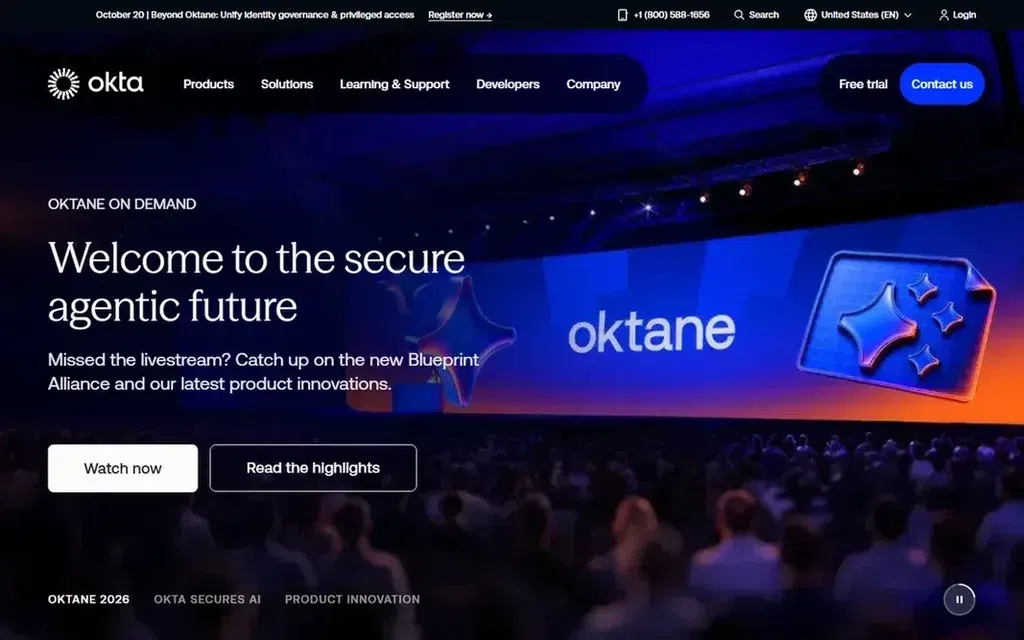
Choose Okta Identity Cloud for wide campus single sign-on. Okta Identity Cloud centers on secure access and authentication for employees, customers and other identities, with automation positioned as part of business security.
From a buyer's view, the platform handles a broad surface area, which means configuration and continuing administration demand dedicated identity staff. Okta Identity Cloud starts at: $6 per user per month. As for free access: Free trial.
Honest limits: Feature depth can add administrative complexity.
- Supports workforce and customer identities
- Broad application integration coverage
- Costs scale with identity volume
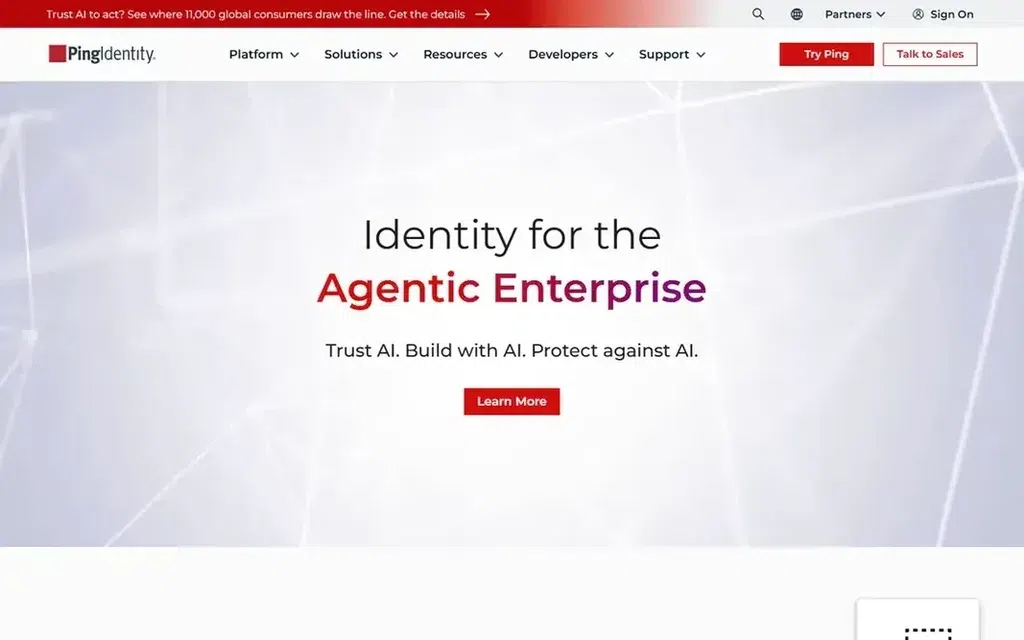
Ping Identity is designed for Frictionless user experiences. That combination fits universities where students and researchers expect fast, low-friction sign-in across numerous services but IT still needs solid security controls behind the scenes.
Also, the product assumes a certain level of identity maturity, so smaller colleges may find it heavier than needed. Ping Identity does not show a starting price in this comparison, so check the vendor site for current pricing. On free options: Not stated.
Where it is weaker: Deployment needs identity expertise.
- Enterprise identity security positioning
- Emphasis on smooth user journeys
- Overlap with other enterprise suites
OneLogin is a good fit for budget-conscious workforce access. For universities, that can mean a practical single sign-on and access layer for staff and affiliates without the heaviest enterprise overhead.
Upsides: Modern IAM platform positioning.
Also, very large, multi-campus systems may prefer products aimed at heavier administrative scale. The starting price for OneLogin: $3 per user per month. As for free access: Free trial. Downsides: Fit relies on institution size.
- Customer and partner coverage
- Workforce
- Less emphasis on deep governance features
How we compared the tools
The comparison looks at four things: starting price, free access, how well the feature set matches access management software for universities, and the main limit of each tool. Figures are shown as the vendors publish them. Billing terms, seat minimums and add-ons can change the real cost. Tools are placed by general fit for access management software for universities, with price clarity and free access as tie-breakers. A different team can reasonably rank them differently.
Pre-purchase checklist
- Confirm the entry price on the vendor page. For ForgeRock Identity Platform, SailPoint IdentityIQ, CyberArk Identity and Ping Identity that means a quote rather than a fixed price.
- Run a trial of Okta Identity Cloud and OneLogin with real work before paying for a year; your own workflow is the best test.
- Read the limits listed for ForgeRock Identity Platform first: positioning overlaps with Ping Identity.
- Look at which plan of OneLogin unlocks the features you need; entry tiers are often cut down.
- Test the integrations you rely on with SailPoint IdentityIQ before committing; some connectors sit on upper tiers.
FAQ
Can I try these tools before paying?
Often, yes. Okta Identity Cloud and OneLogin offer a free trial. Use your own data and a real task during the test, and check what the free tier or trial limits before you rely on it.
Why confirm details on vendor sites before buying?
Homepage descriptions summarize positioning instead of full capability. From a buyer's view, integration lists, deployment models and governance depth change over time, so verify current documentation and ask vendors direct questions about your environment.
Do these tools publish their prices?
Not all of them. ForgeRock Identity Platform, SailPoint IdentityIQ, CyberArk Identity and Ping Identity publish no starting price, so expect a quote request for those. The rest, Okta Identity Cloud included, show a starting price, though seats and billing terms still change the final cost.
How do governance-focused systems differ from access suites?
Access suites concentrate on authentication, single sign-on and connecting plenty of applications. In practice, some institutions need both and should check overlap carefully.
Does any tool for access management software for universities here have a free plan?
No tool in this list, ForgeRock Identity Platform and OneLogin included, has a permanent free plan. Okta Identity Cloud, OneLogin offer a trial. Trials and quotes are the usual route, so plan a short evaluation period.
How are the tools for access management software for universities ordered?
The order follows typical fit for access management software for universities, with ForgeRock Identity Platform first and OneLogin last, then price clarity and free access. It is editorial judgement, not a score, so another team could rank the tools differently.
Sources
- https://www.forgerock.com
- https://www.sailpoint.com
- https://www.cyberark.com
- https://www.okta.com
- https://www.pingidentity.com
- https://www.onelogin.com