Best Backup Software for Franchises for 2026: Our 5 Vetted Picks
Shortlisting the best backup software for franchises? 5 products compared on cost, free access and ideal buyer. Every tool lists pros and cons. Facts only.
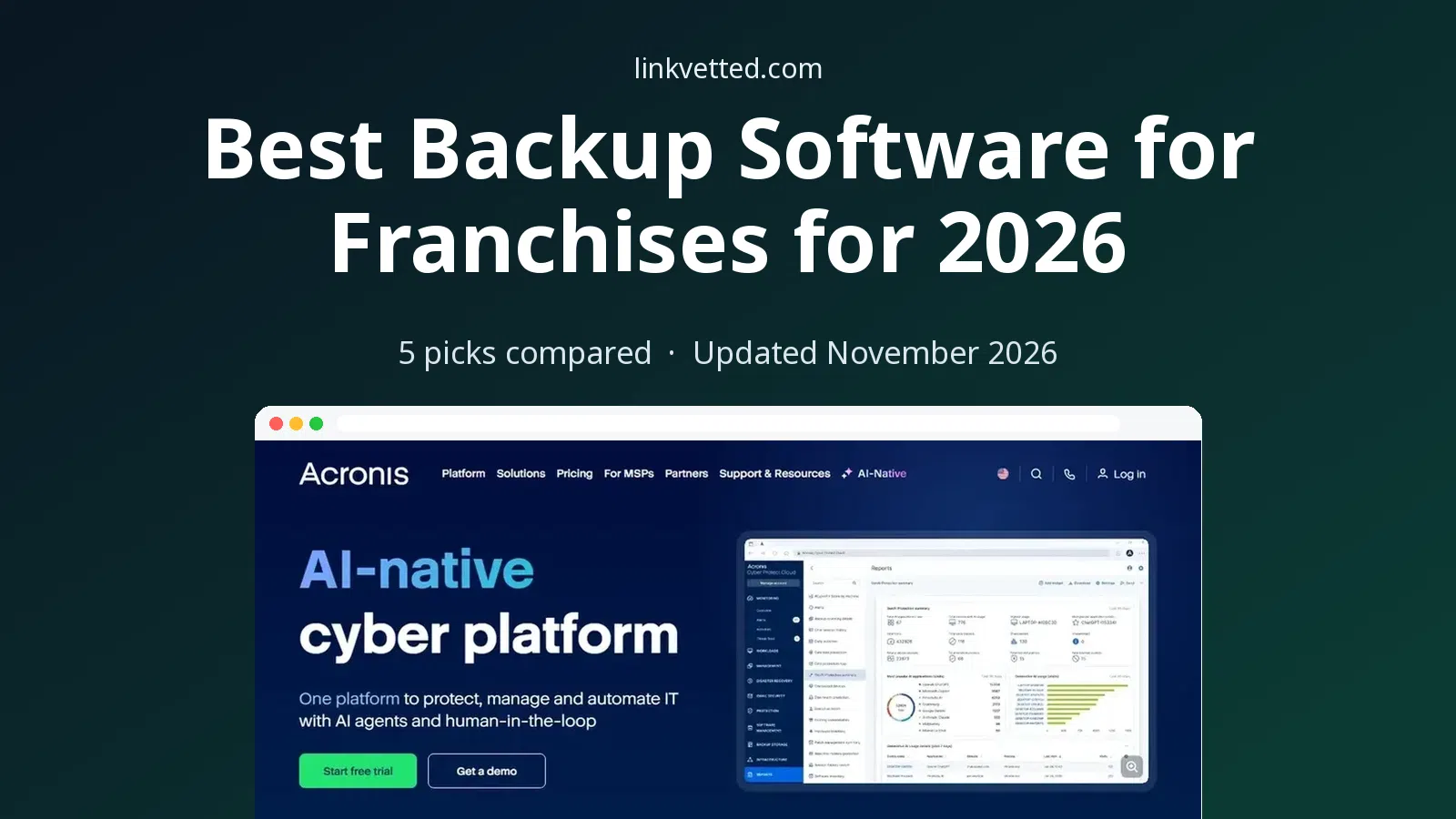
- Editor's choiceCommvault Backup & Recovery
Cyber resilience across data, apps, and identity
Starts atPricing on requestVisit commvault.comFull review - Great alternative
 Acronis Cyber Protect
Franchises wanting backup plus cybersecurity
Starts atPricing on requestVisit acronis.comFull review - Also considerVeeam Backup & Replication
Virtualized and multi-cloud franchise environments
Starts atPricing on requestVisit veeam.comFull review
Direct answer
This list puts Commvault Backup & Recovery first for Cyber resilience across data, apps, and identity. Look at Acronis Cyber Protect for franchises wanting backup plus cybersecurity, and at Veeam Backup & Replication for Virtualized and multi-cloud franchise environments. All 5 tools are compared below on fit, free plan and limits. None of these vendors publish plan prices, so pricing is on request for every option.
TL;DR:
- Commvault Backup & Recovery takes the first slot, best suited to Cyber resilience across data, apps, and identity.
- Neither Commvault Backup & Recovery nor Datto SIRIS, nor any of the other 3 tools, has a permanent free plan; trials and quotes are the norm.
- For turnkey business continuity for multi-site franchises, Datto SIRIS is worth a look.
- Pricing across the list, from Commvault Backup & Recovery to Datto SIRIS, is by quote only.
Last checked November 2026. Pricing on request: vendors did not publish plan prices when this guide was last checked (November 2026), so ask each vendor for a written quote.
Quick comparison
| Tool | Best for | Starts at | Free plan? | |
|---|---|---|---|---|
| Commvault Backup & Recovery | Cyber resilience across data, apps, and identity | Pricing on request | Not stated | Visit |
| Acronis Cyber Protect | Franchises wanting backup plus cybersecurity | Pricing on request | Not stated | Visit |
| Veeam Backup & Replication | Virtualized and multi-cloud franchise environments | Pricing on request | Not stated | Visit |
 Veritas NetBackup | Large franchises with complicated data estates | Pricing on request | Not stated | Visit |
 Datto SIRIS | Turnkey business continuity for multi-site franchises | Pricing on request | Not stated | Visit |
5 backup software for franchises in detail
Choosing backup software for franchises usually comes down to price, fit and limits. This LinkVetted guide sets 5 tools side by side on those three points, with the facts kept short and checkable.
Commvault Backup & Recovery
Best for: Cyber resilience across data, apps, and identity
Commvault Backup & Recovery is designed for Cyber resilience across data, apps, and identity. Commvault Backup & Recovery concentrates on cyber resilience, detecting compromise as it happens and restoring clean data, applications, and identity across the stack. Deployment and management can be complicated, and specialist skills are commonly needed.
Points against: May need specialist skills.
In daily use, choose Commvault when cyber resilience is a top priority and you have the staff to support it. The product is aimed at organizations with mature IT operations. No starting price is listed for Commvault Backup & Recovery here; confirm pricing on the vendor site. Free options: Not stated.
- Broad stack coverage
- Spots compromise during recovery
- Can be complicated to deploy
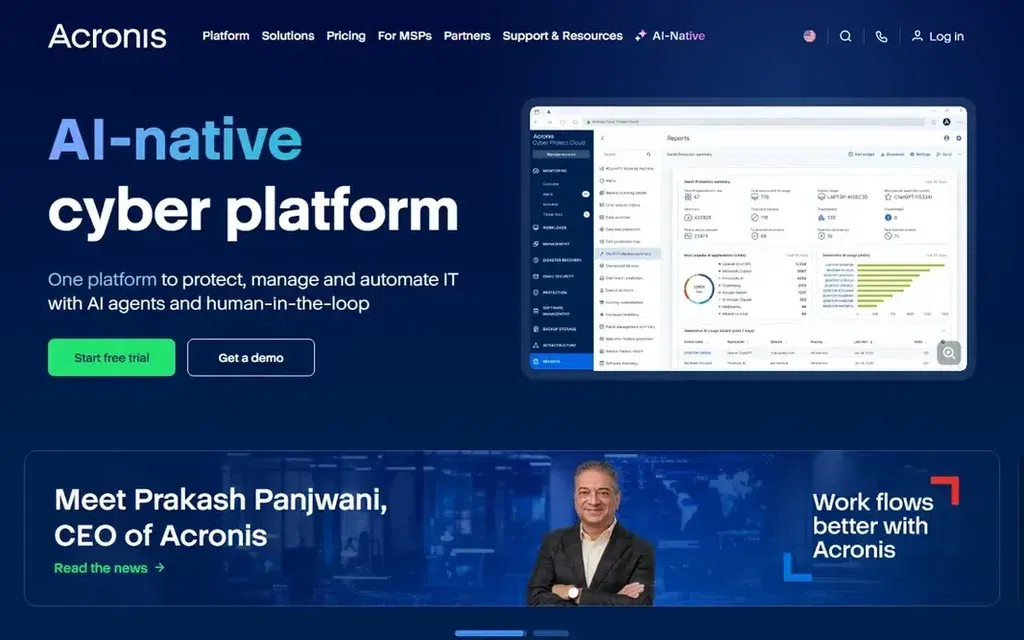
Acronis Cyber Protect serves franchises wanting backup plus cybersecurity. Choose Acronis when you want to consolidate security and backup, but be prepared for a ramp-up time. Since it bundles plenty of features, the interface can feel dense for users who only need entry-level backup.
Watch-outs: Can be complicated for non-technical users.
Franchises with restricted IT staff may appreciate the integrated approach, which cuts the have to juggle separate backup and security tools. It is targeted at managed service providers and companies that want to protect and handle workloads from a single console. No starting price is listed for Acronis Cyber Protect here; confirm pricing on the vendor site. On free options: Not stated.
- Integrated backup and cybersecurity features
- Endpoint management and automation included
- Feature depth may vary by module
Veeam Backup & Replication
Best for: Virtualized and multi-cloud franchise environments
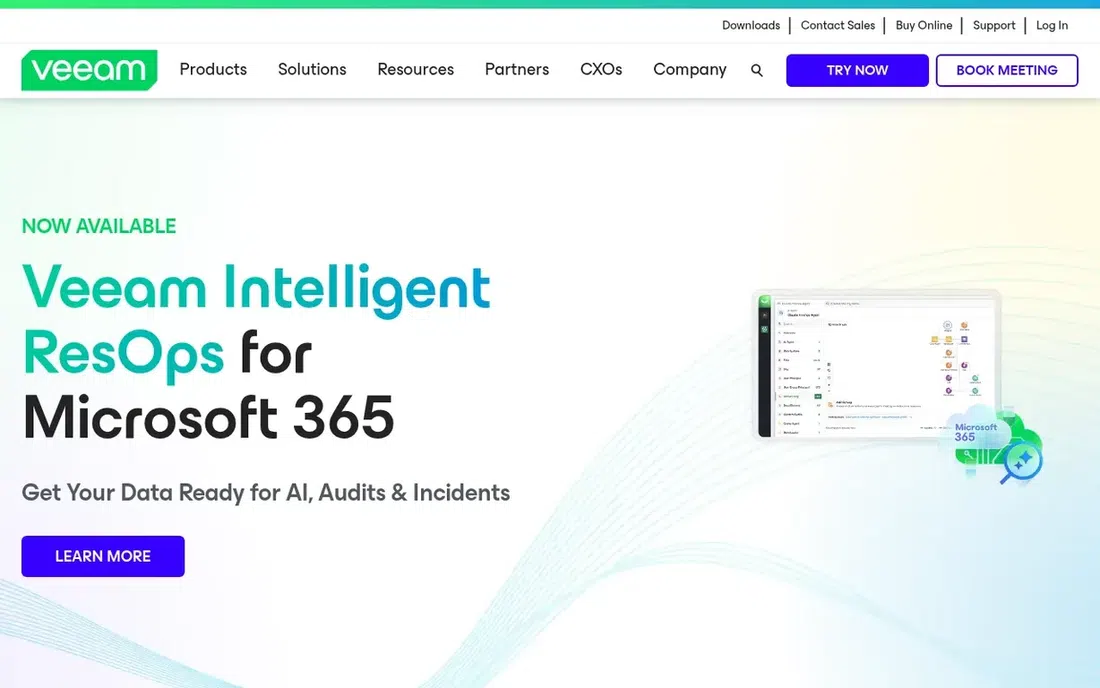
Think of Veeam Backup & Replication for Virtualized and multi-cloud franchise environments. It concentrates on cyber resilience, secure data movement, and compliance, making it a fit for franchises that run several workloads and need steady recovery across sites.
Where Veeam Backup & Replication stands out: Solid recovery and replication capabilities.
Honest limits: May be more than small franchises need.
More specifically, smaller franchises with straightforward setups might find it overkill. Also, organizations with virtualized infrastructure commonly choose it for its adaptability and wide ecosystem support. This comparison lists no price for Veeam Backup & Replication; ask the vendor. As for free access: Not stated.
- Cloud workloads
- Cyber resilience features for data protection
- Can need specialized knowledge to configure
Where Veritas NetBackup fits: large franchises with complicated data estates. Veritas NetBackup, now part of Cohesity, is an enterprise data security and management system. It provides immutable backup, AI-based early threat detection, and rapid recovery, which fits large franchises with complicated, distributed data estates.
The product is feature-rich but complicated, requiring skilled administrators. Look at lighter tools if you lack dedicated backup staff or want quicker time to value. Pricing for Veritas NetBackup is not stated here, so ask the vendor for current figures. As for free access: Not stated.
Downsides: May be overkill for small franchises.
- Immutable backup for ransomware defense
- AI-based threat detection
- Steep ramp-up time
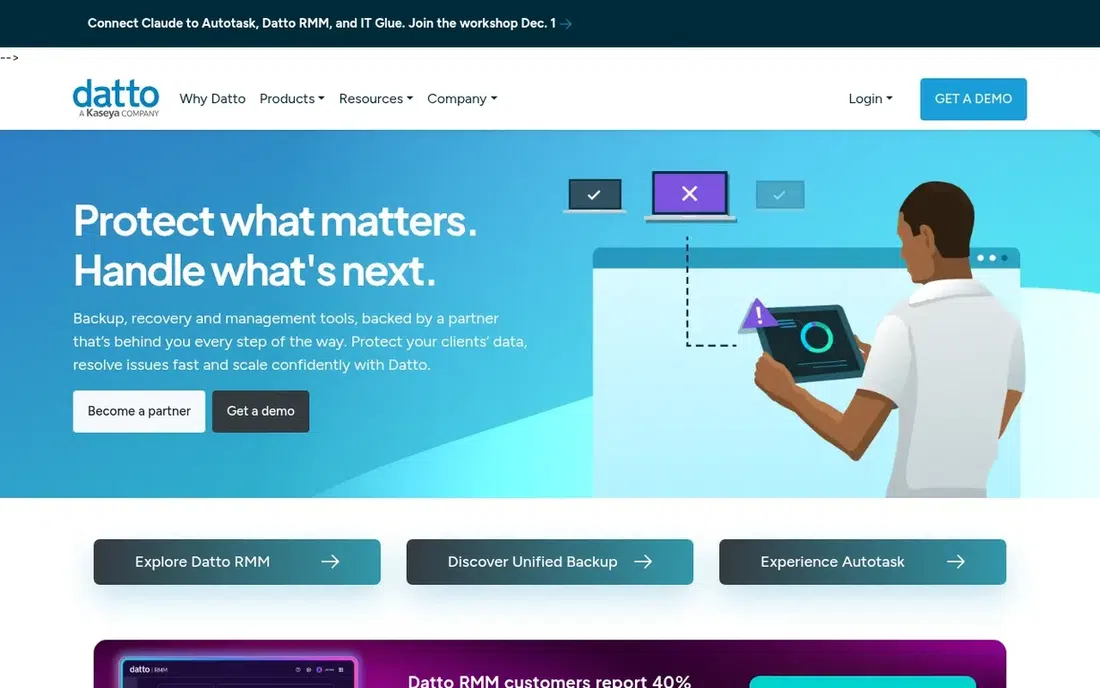
Datto SIRIS is aimed squarely at turnkey business continuity for multi-site franchises. Datto SIRIS is a business continuity and disaster recovery option aimed at IT professionals and service providers. It handles mission-critical backup, networking, and file sync, making it a fit for franchises that require turnkey continuity across locations.
More specifically, the appliance-based approach may not suit franchises that prefer software-only or cloud-native backup. Numerous franchises access it through a managed service provider, which can ease deployment and continuing management. This comparison lists no price for Datto SIRIS; ask the vendor. Free options: Not stated.
Where it is weaker: Hardware appliance model may limit adaptability.
- Bundles networking and file backup choices
- Designed for business continuity and disaster recovery
- Best value through managed service providers
What went into this list
Selection started from tools commonly considered for backup software for franchises, then narrowed to 5 that have clear pricing information or a clear quote process. Where a price is missing, the vendor does not list one publicly or ties it to a quote. Always confirm before budgeting. Order on the page follows fit for the typical buyer first, then price transparency and free access. Your own requirements should decide the final pick.
Before you commit
- Request quotes from Commvault Backup & Recovery, Datto SIRIS and the others; the list shows no fixed prices.
- Before choosing Commvault Backup & Recovery, weigh its main limit: can be complicated to deploy.
- Price Acronis Cyber Protect for your actual team size; headline prices rarely include add-ons or overage.
- Map your must-have features to a specific Commvault Backup & Recovery plan before you compare prices.
- Let daily users try Veeam Backup & Replication on real work; their feedback beats any feature checklist.
FAQ
Do these tools publish their prices?
No. None of the tools, from Commvault Backup & Recovery to Datto SIRIS, shows a fixed starting price here, so budget time for quotes.
Is Commvault Backup & Recovery the right pick for everyone comparing backup software for franchises?
No single tool suits every team. Commvault Backup & Recovery comes first because it fits Cyber resilience across data, apps, and identity, while Acronis Cyber Protect suits franchises wanting backup plus cybersecurity and Veeam Backup & Replication suits Virtualized and multi-cloud franchise environments. Match the tool to your own size, budget and workflow before deciding.
How are the tools for backup software for franchises ordered?
The order follows typical fit for backup software for franchises, with Commvault Backup & Recovery first and Datto SIRIS last, then price clarity and free access. It is editorial judgement, not a score, so another team could rank the tools differently.
Is cloud backup enough for a franchise?
That said, some firms need local backups for quicker recovery or compliance. A hybrid approach may offer the best balance of speed and resilience.
Can I try these tools before paying?
Not by default. None of the tools, from Commvault Backup & Recovery to Datto SIRIS, lists a free plan or a free trial here, so ask each vendor for a demo before committing.
Sources
- https://www.commvault.com
- https://www.acronis.com
- https://www.veeam.com
- https://www.veritas.com
- https://www.datto.com