Best Automated Trading Platform in 2026: 8 Platforms Compared
We compare 8 best automated trading platform options for 2026, from MetaTrader 5 and NinjaTrader to TradingView and Interactive Brokers, with risks and costs.
- Editor's choice
 MetaTrader 5
Forex and multi asset automation
Starts atFreeVisit metatrader5.comFull review - Great alternative
 NinjaTrader
Futures automation with free platform
Starts atFreeVisit ninjatrader.comFull review - Also consider
 TradeStation
EasyLanguage strategy automation
Starts atSee websiteVisit tradestation.comFull review
TL;DR:
- This is not financial advice and trading carries risk of loss, including losing more than you expect when strategies run without supervision.
- MetaTrader 5 and cTrader suit forex automation through brokers, while NinjaTrader suits futures traders who want a free platform.
- TradingView suits scripted alerts and webhook automation, while Interactive Brokers suits API traders across many asset types.
- Always test a strategy on paper trading and historical data before you risk real money, and set loss limits first.
Quick comparison
| Tool | Best for | Starts at | Free plan? | |
|---|---|---|---|---|
| MetaTrader 5 | Forex and multi asset automation | Free | Yes | Visit |
| NinjaTrader | Futures automation with free platform | Free | Yes | Visit |
| TradeStation | EasyLanguage strategy automation | See website | Free trial | Visit |
 TradingView | Pine Script alerts and webhooks | $12.95 per month | Yes | Visit |
 cTrader | ECN forex automation with C# | Free | Yes | Visit |
 Interactive Brokers | Multi asset API trading | Free | Yes | Visit |
 MultiCharts | Professional backtesting | See website | Free trial | Visit |
 QuantConnect | Cloud algorithm research and trading | See website | Yes | Visit |
The best automated trading platform
We compared official feature pages, pricing pages, and app store listings to build this list, and we focused on tools that work today and fit the topic closely. Use the comparison table to narrow the field, then read the write ups for the two or three options that match your needs best.
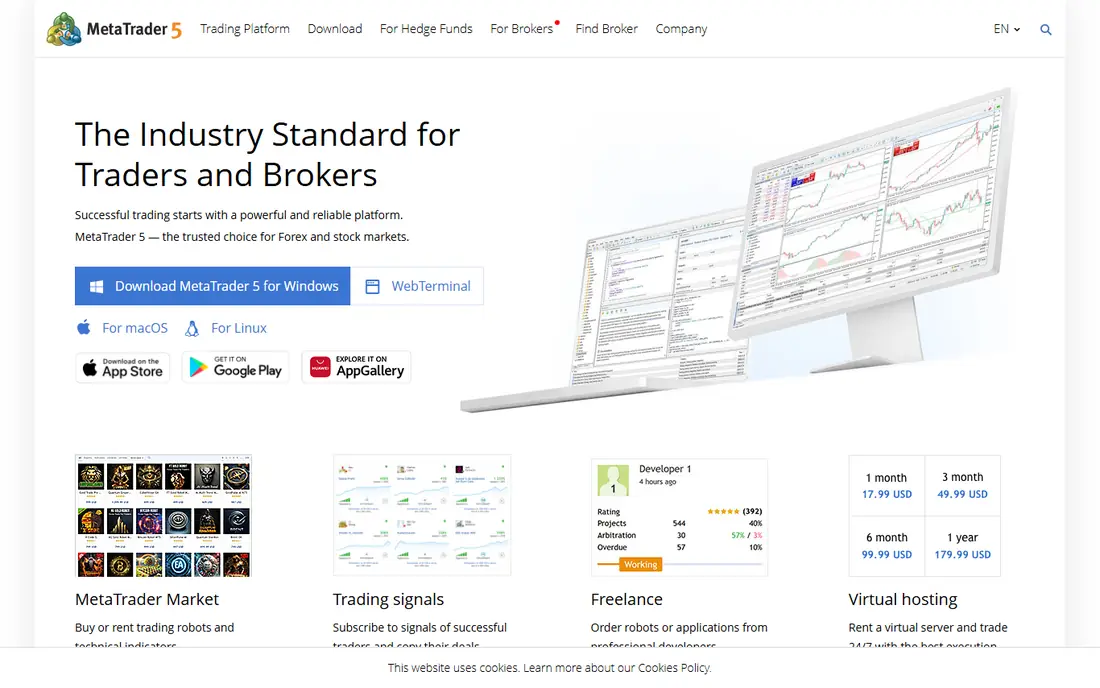
For teams weighing MetaTrader 5, the fit depends on daily workflow more than on a feature list. MetaTrader 5 is provided by brokers for forex and multi asset trading, with Expert Advisors, backtesting, and a large library of ready made robots. That focus matters because a tool that tries to do everything often makes its core job harder to find, while a focused tool keeps the daily path clear.
MetaTrader 5 works best when you set it up around one real project first. Add your team, import a small set of real items, and run a full week of work before you judge it. That trial will reveal gaps in permissions, integrations, and exports that a demo will not show.
The honest catch with MetaTrader 5 is in its limits, so read the cons above as a checklist, not a warning to avoid it. Every tool here trades depth for simplicity or breadth for focus, and MetaTrader 5 is no exception. If those limits touch your core workflow, pick a different option. If they touch only edge cases, MetaTrader 5 can still be the right pick, especially when its strengths match your main job.
- Large library of robots
- Backtesting
- Broker support
- Broker dependent
- Interface feels dated
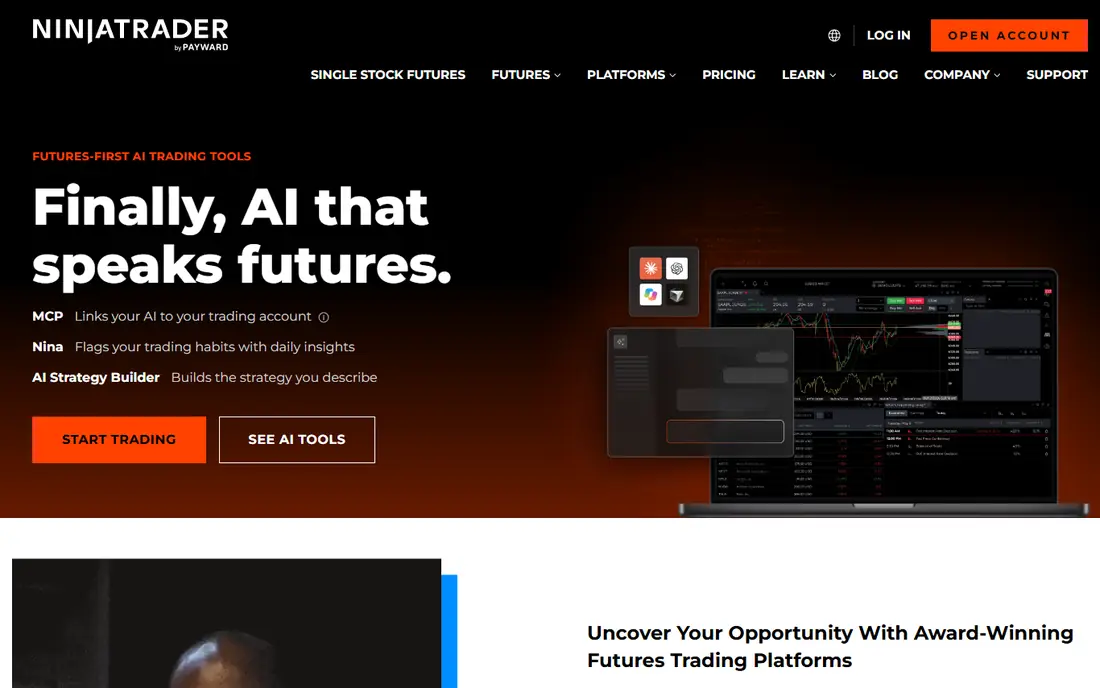
If you want futures automation with free platform, NinjaTrader is worth a close look, because it centers that job in its design. NinjaTrader offers a free platform for charting, backtesting, and simulated trading, which suits futures traders who want to test before they pay for brokerage. That focus matters because a tool that tries to do everything often makes its core job harder to find, while a focused tool keeps the daily path clear.
Pricing deserves a second look before you commit to NinjaTrader. Check what the free plan actually includes, what happens when you hit limits, and whether guests, viewers, or extra seats change the bill. Annual billing often lowers the monthly rate, but it also locks you in, so start monthly when you can.
Our view on NinjaTrader is balanced: it earns its place for futures automation with free platform, but it will not suit every team or every project. Test it against your real constraints, such as budget, team size, and existing tools, before you buy. A short pilot with clear success measures will tell you more than any review, including this one, so use the free plan or trial to prove the fit.
- Free charting and simulation
- Strategy builder
- Futures focus
- Live brokerage costs vary
- Learning curve for coding

Our pick for easylanguage strategy automation is TradeStation, and the reason is practical rather than flashy. TradeStation is built for systematic traders, with EasyLanguage strategies, historical backtesting, and a scanner that watches many symbols at once. That focus matters because a tool that tries to do everything often makes its core job harder to find, while a focused tool keeps the daily path clear.
A practical test for TradeStation is to hand it to the least technical person on your team and watch how long a basic task takes. Clear labels, search, and templates help new users succeed, while hidden settings and jargon slow adoption.
Choose TradeStation when easylanguage strategy automation is your priority and its limits are acceptable for now. Revisit the choice as your team grows, since needs change and pricing changes with them. Keep your data exportable, document your setup, and review the tool each quarter. That habit keeps a good pick from turning into a costly default.
- Readable EasyLanguage
- Strong backtesting
- RadarScreen scanner
- Options and futures fees vary
- Platform can feel complex
TradingView stands out for pine script alerts and webhooks, especially when you need a tool that stays simple under real use. TradingView pairs strong charting with Pine Script strategies, alerts, and webhooks, which suits traders who build signals on charts and route them to brokers. That focus matters because a tool that tries to do everything often makes its core job harder to find, while a focused tool keeps the daily path clear.
TradingView works best when you set it up around one real project first. Add your team, import a small set of real items, and run a full week of work before you judge it. That trial will reveal gaps in permissions, integrations, and exports that a demo will not show.
The honest catch with TradingView is in its limits, so read the cons above as a checklist, not a warning to avoid it. Every tool here trades depth for simplicity or breadth for focus, and TradingView is no exception. If those limits touch your core workflow, pick a different option. If they touch only edge cases, TradingView can still be the right pick, especially when its strengths match your main job.
- Great charts
- Pine Script
- Alert and webhook automation
- Live automation needs a broker or connector
- Data fees vary
When ecn forex automation with c# is the main job, cTrader earns its place by doing that job with fewer detours. cTrader is a broker provided platform for forex automation in C#, with a clean interface and tools for building and testing trading robots. That focus matters because a tool that tries to do everything often makes its core job harder to find, while a focused tool keeps the daily path clear.
Pricing deserves a second look before you commit to cTrader. Check what the free plan actually includes, what happens when you hit limits, and whether guests, viewers, or extra seats change the bill. Annual billing often lowers the monthly rate, but it also locks you in, so start monthly when you can.
Our view on cTrader is balanced: it earns its place for ecn forex automation with c#, but it will not suit every team or every project. Test it against your real constraints, such as budget, team size, and existing tools, before you buy. A short pilot with clear success measures will tell you more than any review, including this one, so use the free plan or trial to prove the fit.
- C# automation
- Clean interface
- Broker support
- Forex focused
- Fewer stock features
Teams that need multi asset api trading often land on Interactive Brokers, since it keeps that workflow front and center. Interactive Brokers suits API traders who want stocks, options, futures, and global markets through one broker account. That focus matters because a tool that tries to do everything often makes its core job harder to find, while a focused tool keeps the daily path clear.
A practical test for Interactive Brokers is to hand it to the least technical person on your team and watch how long a basic task takes. Clear labels, search, and templates help new users succeed, while hidden settings and jargon slow adoption.
Choose Interactive Brokers when multi asset api trading is your priority and its limits are acceptable for now. Revisit the choice as your team grows, since needs change and pricing changes with them. Keep your data exportable, document your setup, and review the tool each quarter. That habit keeps a good pick from turning into a costly default.
- Many markets
- Strong API
- Global access
- API needs coding skill
- Interface can overwhelm beginners
MultiCharts is a strong match for professional backtesting, with a setup that rewards a short trial. MultiCharts focuses on professional backtesting and optimization, which suits traders who test many strategy variants before going live. That focus matters because a tool that tries to do everything often makes its core job harder to find, while a focused tool keeps the daily path clear.
MultiCharts works best when you set it up around one real project first. Add your team, import a small set of real items, and run a full week of work before you judge it. That trial will reveal gaps in permissions, integrations, and exports that a demo will not show.
The honest catch with MultiCharts is in its limits, so read the cons above as a checklist, not a warning to avoid it. Every tool here trades depth for simplicity or breadth for focus, and MultiCharts is no exception. If those limits touch your core workflow, pick a different option. If they touch only edge cases, MultiCharts can still be the right pick, especially when its strengths match your main job.
- Deep backtesting
- Optimization
- Multi broker support
- Price is higher
- Setup takes time
For cloud algorithm research and trading, QuantConnect offers a focused path that is easy to test before you commit. QuantConnect provides cloud research, backtesting, and live trading in Python and C#, which suits coders who want data and compute without local setup. That focus matters because a tool that tries to do everything often makes its core job harder to find, while a focused tool keeps the daily path clear.
Pricing deserves a second look before you commit to QuantConnect. Check what the free plan actually includes, what happens when you hit limits, and whether guests, viewers, or extra seats change the bill. Annual billing often lowers the monthly rate, but it also locks you in, so start monthly when you can.
Our view on QuantConnect is balanced: it earns its place for cloud algorithm research and trading, but it will not suit every team or every project. Test it against your real constraints, such as budget, team size, and existing tools, before you buy. A short pilot with clear success measures will tell you more than any review, including this one, so use the free plan or trial to prove the fit.
- Cloud backtesting
- Python and C#
- Large data library
- Cloud and data costs vary
- Coding skill needed
How we picked these
We started with official homepages, pricing pages, and app store listings, and we kept only products that exist today and truly fit the topic. We checked free plans, entry paid prices, and core features on vendor pages, and we used See website where a price could not be verified at the time of writing. We favored a mix of well known leaders and smaller options, and we noted honest limits for each pick rather than listing only strengths.
How to choose an automated trading platform safely
Start with the assets you trade and the code you can maintain. Forex traders often start with MetaTrader 5 or cTrader, futures traders with NinjaTrader, and stock traders with TradeStation or Interactive Brokers. Check whether automation runs on your computer, on a server, or through webhooks, since a home computer that sleeps can break a strategy. Paper trade first, watch for slippage and fees, and keep a log of every change you make.
Risk control matters more than strategy choice. Set position size limits, daily loss limits, and kill switches that stop trading when limits hit. Avoid strategies you do not understand, vendors that promise guaranteed returns. This is not financial advice and trading carries risk of loss. If you are unsure, speak to a qualified financial adviser before you trade with real money.
FAQ
What is the best automated trading platform?
MetaTrader 5 suits forex automation, NinjaTrader suits futures, TradingView suits Pine Script alerts, and Interactive Brokers suits API trading across assets. The best pick depends on your markets, coding skill, and broker.
Can automated trading make money?
It can, but it can also lose money quickly, especially with borrowed money or untested strategies. Past backtest results do not guarantee future results. Paper trade, control risk, and never trade money you cannot afford to lose.
Do I need to know how to code to automate trading?
Not always. TradeStation EasyLanguage and TradingView Pine Script are easier than full API coding, and some platforms offer visual builders. API platforms such as Interactive Brokers and QuantConnect usually need Python or another language.
Is automated trading risky?
Yes. Automated strategies can place many trades fast, and bugs, data gaps, or market gaps can cause losses. Use paper trading, loss limits, and monitoring, and remember this is not financial advice and trading carries risk of loss.
What is the difference between MetaTrader 5 and TradingView?
MetaTrader 5 is a broker provided platform for live algorithmic trading, mainly in forex and multi asset markets. TradingView is mainly a charting and scripting tool that can send alerts and webhook signals to brokers through third party connectors.