Best Application Security Testing Tools in 2026: 8 Tools Compared
Compare the best application security testing tools in 2026, covering SAST, DAST, and SCA scanning, pricing, and honest limits for teams of every size.
- Editor's choice
 Snyk
Developer-first security scanning
Starts at$25 per developer per monthVisit snyk.ioFull review - Great alternative
 Veracode
Enterprise application security
Starts atSee websiteVisit veracode.comFull review - Also consider
 Checkmarx
Large enterprise AppSec programs
Starts atSee websiteVisit checkmarx.comFull review
TL;DR:
- Snyk and Semgrep are the most accessible starting points for developer teams, with free tiers and clear per-developer pricing.
- Veracode and Checkmarx suit larger organizations that need broad coverage, compliance reporting, and portfolio governance.
- SonarQube adds code quality to security scanning, which helps teams fix maintainability problems as well as vulnerabilities.
- No single tool covers everything, so many teams pair static scanning with dependency scanning and dynamic testing.
Quick comparison
| Tool | Best for | Starts at | Free plan? | |
|---|---|---|---|---|
| Snyk | Developer-first security scanning | $25 per developer per month | Yes | Visit |
| Veracode | Enterprise application security | See website | No | Visit |
| Checkmarx | Large enterprise AppSec programs | See website | No | Visit |
 SonarQube | Code quality plus security | Free | Yes | Visit |
 Burp Suite Professional | Manual web app testing | $449 per user per year | Free trial | Visit |
 OWASP ZAP | Free dynamic testing | Free | Yes | Visit |
 Invicti | Automated web vulnerability scanning | See website | Free trial | Visit |
 Semgrep | Custom rules and fast scanning | $30 per contributor per month | Yes | Visit |
The best application security testing tools
We compared official documentation, pricing pages, and scan coverage for static analysis, software composition analysis, and dynamic testing. The list mixes developer tools that run in pull requests with enterprise platforms that scan a whole application portfolio.
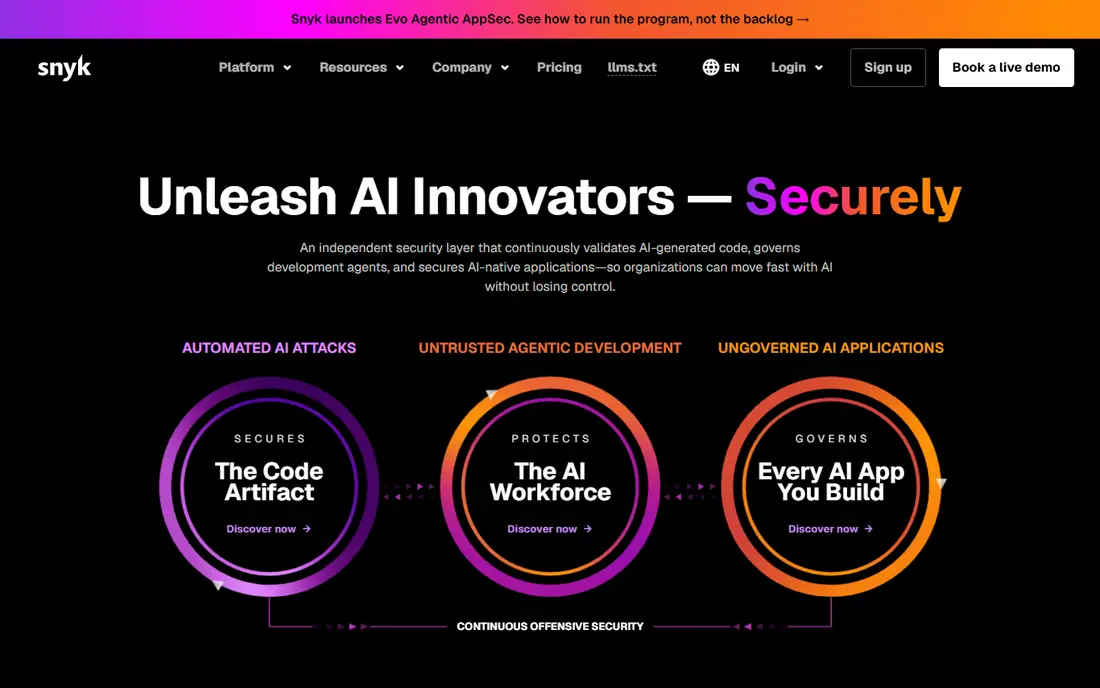
Snyk is a strong first choice for teams that want security feedback inside normal development work. It scans code and open source dependencies, flags known vulnerabilities, and suggests fixes in the pull request. That placement matters, because developers are more likely to fix an issue when it appears in their own workflow.
The free tier is useful for small projects, with limits on tests per month. Paid plans add more scanning and policy controls. The honest catch is scale: per-developer pricing can grow quickly for large engineering teams, so compare it with per-application pricing if you have many developers and fewer apps.
- Covers code, dependencies, containers, and infrastructure as code
- Integrates with pull requests
- Useful free tier
- Full enterprise pricing is quote-based
- Costs rise with developer count
Veracode suits organizations that need to scan many applications under one policy. It combines static analysis, dynamic testing, and software composition analysis, with reporting designed for security teams and auditors. That breadth helps large companies show consistent coverage across a portfolio.
The trade-off is effort and cost. Pricing is quoted, and smaller teams may find the platform more than they need. For regulated industries or companies with formal security programs, Veracode offers depth and governance that lighter tools do not match.
- Broad SAST, DAST, and SCA coverage
- Strong compliance reporting
- Mature enterprise controls
- Quote-based pricing
- Setup and tuning take time

Checkmarx One brings static analysis, software composition, API security, and other checks into one platform. Security teams value its depth for complex codebases and its ability to enforce policies across many projects. It also supports cloud and self-hosted deployment options for larger organizations.
We would shortlist Checkmarx for enterprises with dedicated security staff. Smaller teams may struggle with tuning and cost, since pricing is quote-based and implementation takes planning. If compliance reporting and portfolio visibility are top priorities, the investment can be justified.
- Deep static analysis
- Broad language support
- Strong enterprise and cloud platform options
- No public starting price
- Can be complex to tune for low false positives
SonarQube started as a code quality tool, and that history shows in its strengths. It checks for bugs, code smells, duplication, and security hotspots, and it can block a pull request when quality gates fail. Teams that want cleaner code as well as safer code often adopt it first.
Security coverage improves on paid tiers, which add taint analysis and more rules. For teams that already use Snyk or Semgrep for deep security scanning, SonarQube still adds value on maintainability. For teams that want one tool for both jobs, check which security rules are included at each tier.
- Free community build for self-hosting
- Combines quality gates with security rules
- Clear code quality metrics
- Security depth is lighter than dedicated AppSec platforms on free tiers
- Paid tiers scale by lines of code
Burp Suite Professional is the tool many penetration testers reach for first. Its proxy lets testers inspect and modify web traffic, while tools for scanning, repeating requests, and intruding on parameters support deep manual testing. For web applications with complex logic, manual testing finds issues that automated scans miss.
The catch is skill. Burp rewards experienced testers and can overwhelm beginners. It is best paired with an automated scanner, not used as a replacement for one. If your team hires testers or works with a security firm, Burp is a standard part of that workflow.
- Industry-standard manual testing tools
- Powerful proxy and repeater
- Strong for penetration testing
- Requires security skill to use well
- Not a hands-off automated scanner for all teams
OWASP ZAP, often called ZAP, is a free dynamic application security testing tool. It crawls a running web application, probes for common vulnerabilities, and lets testers inspect traffic through a proxy. For teams with no budget for dynamic testing, ZAP provides a real starting point.
We recommend ZAP for learning, for small projects, and as a complement to static scanning. It will not replace a full enterprise dynamic scanner, and false positives need review. Still, running ZAP in a test environment can catch basic issues before release, which is better than no dynamic testing at all.
- Free and open source
- Good automated and manual dynamic testing
- Active community and add-ons
- Needs setup and tuning
- Results need review by someone who understands web security
Invicti focuses on scanning running web applications and verifying findings with proof-based checks. That approach helps security teams spend less time chasing false positives. It also supports interactive testing, which can see more of an application than a simple crawler.
The main limit is scope. Invicti is strongest for web apps and APIs, not for reviewing source code in isolation. Pair it with a static tool for full coverage. For teams that run many public-facing web apps, automated dynamic scanning on a schedule is a practical way to keep watch between manual tests.
- Automated dynamic and interactive scanning
- Proof-based verification reduces false positives
- Good reporting
- Quote-based pricing
- Best suited to web applications rather than code-only review
Semgrep appeals to teams that want to write their own security rules. The open source engine scans code quickly, and the paid platform adds team management, findings triage, and more integrations. Developers can add a rule for a risky pattern in their own codebase, which is useful for internal standards.
The honest catch is ownership. Custom rules need someone to maintain them, and the free engine alone does not provide full platform reporting. For teams with security-minded developers, Semgrep offers speed and flexibility at a fair price. For teams that want a fully managed rule set, Snyk or SonarQube may feel simpler.
- Fast scans
- Custom rules are easy to write
- Free open source engine for basic use
- Paid features and platform controls cost extra
- Rule management needs ownership
How we picked these
We reviewed official product pages, documentation, and pricing pages, and we checked that each tool is actively maintained and available in October 2026. We included static, dynamic, and composition tools because application security testing covers more than one scan type. Where a vendor does not publish a starting price, we wrote See website rather than guessing.
What to check before you buy
Start by listing what you need to scan: source code, open source dependencies, containers, APIs, or running web apps. One tool rarely covers all of these well, so plan a small stack instead of searching for a single perfect product.
Scan types explained
Static testing reviews code without running it. Dynamic testing probes a running application. Software composition analysis checks open source libraries for known vulnerabilities. Most mature teams use at least static and composition scanning, plus dynamic testing for public web apps.
False positives and workflow
Ask how findings appear in pull requests, how developers suppress or fix them, and how security teams triage results. A tool that floods developers with low-value alerts will be ignored. A trial on your own codebase, with real pull requests, shows the true signal quality.
Pricing model
Compare per-developer, per-application, and lines-of-code pricing against your team shape. A small team with many apps may prefer per-developer pricing. A large team with few apps may prefer per-application pricing. Confirm whether container, infrastructure, and API scanning are included or sold separately.
FAQ
What is application security testing?
Application security testing checks software for vulnerabilities before attackers find them. It includes static code analysis, dependency checks, and dynamic testing of running apps. Together, these methods help teams find and fix security flaws during development and before release.
What is the difference between SAST, DAST, and SCA?
SAST reviews source code without running it. DAST tests a running application by sending requests and observing responses. SCA checks open source components and libraries for known vulnerabilities. Teams often use all three because each method finds different kinds of problems.
Which tool is best for a small development team?
Snyk, Semgrep, and SonarQube are common starting points because they offer free tiers and integrate with pull requests. The best choice depends on your language, your code hosting, and whether you need code quality tools too. Start with a free tier on a real project before paying.
Do I need both SAST and DAST?
For most web applications, yes, because static analysis finds code flaws while dynamic testing finds runtime and configuration issues. A small internal tool may need only static and dependency scanning. A public-facing app benefits from both, plus regular manual testing for complex logic.
How do I handle false positives?
Tune rules, suppress confirmed safe findings with a documented reason, and review new rule sets on a small project first. Good tools let you mark findings, assign owners, and track fixes in pull requests. If false positives stay high, check whether the tool fits your language and framework.
Is OWASP ZAP enough on its own?
ZAP is a useful free dynamic testing tool, but it does not replace static code review or dependency scanning. It works best as part of a stack that also checks source code and libraries. For a small project, ZAP plus a free static scanner is a solid low-cost start.