The 6 Best Application Performance Monitoring Tools for Small Business in 2026, Ranked
Compare 6 picks for the best application performance monitoring tools for small business, with prices, free plans and who each fits. See the full list.
- Editor's choice
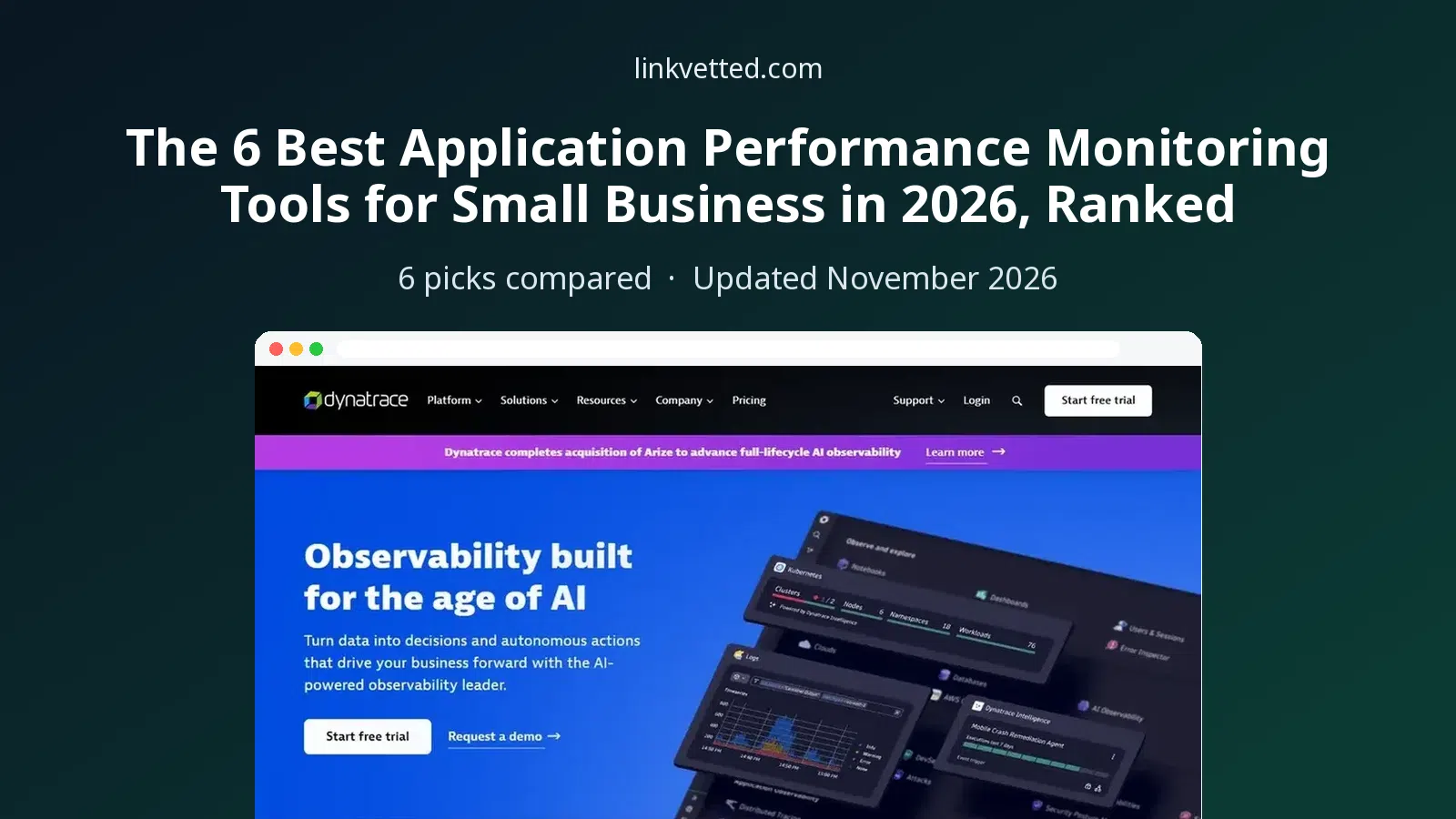
 Dynatrace
Observability with AI, automation, and security
Starts at$7 per host a monthVisit dynatrace.comFull review - Great alternative
 Site24x7
All-in-one website and infrastructure monitoring
Starts atSee websiteVisit site24x7.comFull review - Also consider
 Datadog
Unified cloud monitoring for apps and infrastructure
Starts at$8 per committer a monthVisit datadoghq.comFull review
Direct answer
Dynatrace is the first pick on this list for observability with AI, automation, and security. Listed starting prices: Dynatrace from $7 per host a month, Datadog from $8 per committer a month and Sentry from $26 a month. If your case is different, Site24x7 suits all-in-one website and infrastructure monitoring and Datadog suits unified cloud monitoring for apps and infrastructure. All 6 tools are compared below on price, free plan and limits.
TL;DR:
- The list opens with Dynatrace, aimed at observability with AI, automation, and security.
- The lowest published monthly entry price here is $6 per month, per CPU core, billed annually, from AppDynamics.
- New Relic is the one to check for AI-powered observability across the stack.
- Before buying Dynatrace, weigh this: wide system can be complicated for small teams.
Last checked November 2026. Prices and plan details were read from the vendors' own pages in November 2026; vendors change plans often, so confirm the current price on the vendor site before you buy.
Quick comparison
| Tool | Best for | Starts at | Free plan? | |
|---|---|---|---|---|
| Dynatrace | Observability with AI, automation, and security | $7 per host a month | Free trial | Visit |
| Site24x7 | All-in-one website and infrastructure monitoring | See website | Not stated | Visit |
| Datadog | Unified cloud monitoring for apps and infrastructure | $8 per committer a month | Free trial | Visit |
 Sentry | Developer-focused error tracking and performance | $26 a month | Yes | Visit |
 AppDynamics | Unified observability within the Splunk portfolio | $6 per month, per CPU core, billed yearly | Yes | Visit |
 New Relic | AI-powered observability across the stack | $10 per user a month | Yes | Visit |
Application Performance Monitoring Tools for Small Business compared in detail
If you are comparing application performance monitoring tools for small business, this page covers 6 tools in one place: what each is best for, what it costs to start, whether it has a free plan, and the main limit to know about.
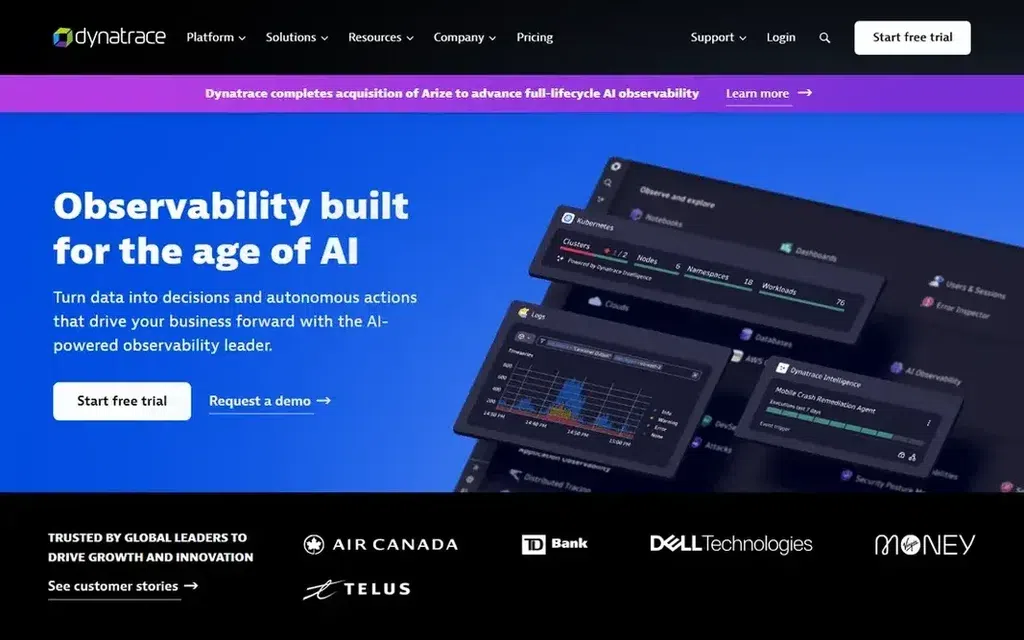
Pick Dynatrace if this describes you: observability with AI, automation, and security. Pick Dynatrace when you want an integrated system and can support its breadth.
Price to start with Dynatrace: $7 per host per month. On free options: Free trial.
What works well: Aims at better business outcomes. What to check first: Wide system can be complicated for small teams.
- Merges observability, AI, automation
- Aimed at the age of AI
- May need dedicated onboarding effort
Site24x7 works best for all-in-one website and infrastructure monitoring. Since it includes plenty of monitoring domains, initial setup and alert tuning can take effort.
What Site24x7 does well: Watches websites, servers, networks, applications.
Downsides: Less developer-centric than error tracking tools.
Check the vendor site for Site24x7 pricing; none is listed in this comparison. Trial and free access: Not stated.
- Digital experience management and observability
- Instant alerts through several channels
- Wide scope may need configuration time
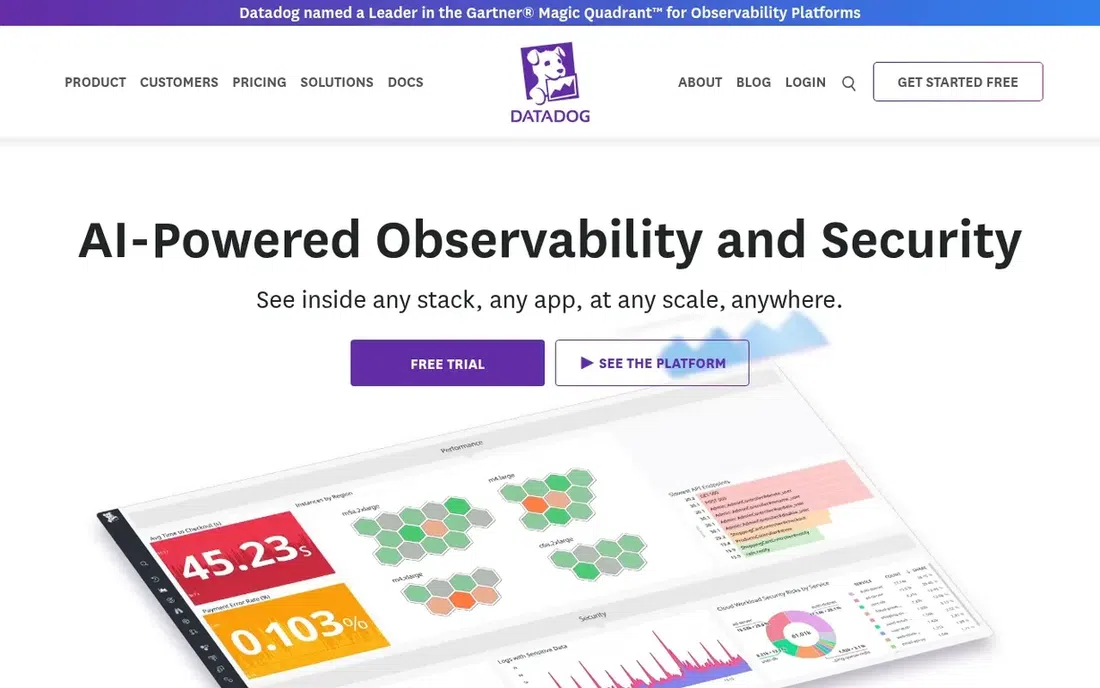
Choose Datadog for unified cloud monitoring for apps and infrastructure. Datadog is a cloud monitoring as a service system that collects metrics from all of your apps, tools, and services in one place. In practice, the homepage emphasizes seeing all metrics together, which helps teams spot performance issues early and correlate them across services.
Downsides: Costs can grow with usage.
In daily use, consider Datadog when you want a consolidated monitoring service and can invest in setup. More specifically, the product is wide, so smaller teams may need time to configure dashboards and alerts meaningfully. Starting cost for Datadog: $8 per committer per month. Free plan details: Free trial.
- Wide integration coverage
- Single place for metrics from apps, tools, services
- Feature depth can overwhelm very small teams
Sentry is designed for developer-focused error tracking and performance. Small firms with in-house developers frequently find this developer-first approach practical because it ties performance issues straight to code-level errors. As for the details, choose Sentry when developer workflows and error visibility are the primary priority.
As for the details, Sentry is centered on application errors and performance instead of wide infrastructure or network monitoring. Teams needing unified cloud metrics across services may prefer a wider system. Starting cost for Sentry: $26 per month. Sentry includes a free tier.
Watch-outs: May not handle full-stack telemetry needs.
- Designed for developers and software teams
- Helps see errors clearer and solve issues quicker
- Less focused on infrastructure monitoring
AppDynamics is aimed squarely at unified observability within the Splunk portfolio. The homepage flags ensuring resilience of digital systems, identifying problems proactively, and finding root causes rapidly. Consider AppDynamics when resilience across diverse environments is a core requirement.
Trade-offs to know: May be more than small teams need.
Beyond that, small companies with complicated or hybrid environments can benefit from this focus on proactive detection and quick resolution. The system is positioned for enterprise-grade observability, so smaller teams may find the scope and setup demanding. AppDynamics, now part of the Splunk Observability portfolio, supplies unified observability across any environment and stack. What you pay to start with AppDynamics: $6 per month, per CPU core, billed annually. You can start on AppDynamics without paying.
- Proactive problem identification
- Quick root cause resolution
- Enterprise-oriented positioning
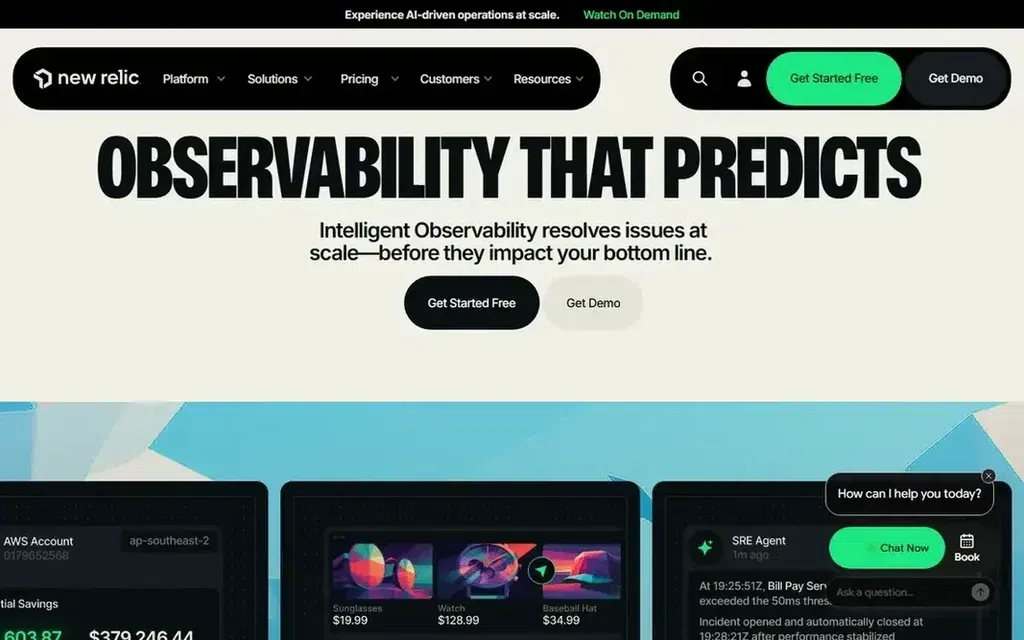
New Relic was built for AI-powered observability across the stack. New Relic is an AI-powered observability system that correlates telemetry across your whole stack. It is built to help teams isolate the root cause of issues and cut mean time to repair.
More specifically, choose New Relic when root cause analysis across a distributed stack is a priority. In practice, effective use requires thoughtful instrumentation and a clear understanding of your telemetry sources. In practice, the system is built around full-stack observability, so teams wanting only straightforward uptime or error alerts may find it heavy. Entry price for New Relic: $10 per user per month. A free plan is available with New Relic.
Watch-outs: May be more than entry-level monitoring needs.
- Aims to cut mean time to repair
- Correlates telemetry across the whole stack
- Full observability setup takes planning
How the list was put together
LinkVetted looked at what each vendor publishes: pricing, plan limits, feature coverage for application performance monitoring tools for small business and stated drawbacks. No hands-on testing is claimed. Prices and plan limits come from vendor pages and can change, so confirm them on the vendor site before you buy. Position on the page reflects fit for a typical buyer first, with price clarity and free access breaking ties. Treat it as a guide, not a ruling.
Before you commit
- Confirm the entry price on the vendor page. For Site24x7 that means a quote rather than a fixed price.
- Read the fine print on the free plans from Sentry, AppDynamics and New Relic; seat, project and feature caps differ.
- Take the trial from Dynatrace and Datadog and push a live task through it before you pay.
- Read the limits listed for Dynatrace first: wide product can be complicated for small teams.
- Check the integration list for Sentry against the tools you run today, and note which ones need a higher plan.
- Add up seats, add-ons and usage charges for AppDynamics before comparing it with cheaper entries.
FAQ
Is a wide observability platform overkill for a small team?
Products for example Dynatrace and AppDynamics span observability, automation, and security, which may need dedicated effort. Start with your key use cases and choose accordingly.
Which options for application performance monitoring tools for small business have a free plan?
Sentry, AppDynamics and New Relic offer a free plan in this list. Free plans usually cap users, projects or features, so check the limits on the vendor page. Several others offer a trial instead.
Is Dynatrace the right pick for everyone comparing application performance monitoring tools for small business?
No single tool suits every team. Dynatrace comes first because it fits observability with AI, automation, and security, while Site24x7 suits all-in-one website and infrastructure monitoring and Datadog suits unified cloud monitoring for apps and infrastructure. Match the tool to your own size, budget and workflow before deciding.
How are the tools for application performance monitoring tools for small business ordered?
Dynatrace sits first and New Relic last because the order follows typical fit for application performance monitoring tools for small business, then price clarity and free access. It is a judgement call, so read each profile for fit and limits.
Do these tools publish their prices?
Not all of them. Site24x7 publishes no starting price, so expect a quote request for it. The rest, Dynatrace included, show a starting price, though seats and billing terms still change the final cost.
Sources
- https://www.dynatrace.com
- https://www.site24x7.com
- https://www.datadoghq.com
- https://sentry.io
- https://www.appdynamics.com
- https://newrelic.com