Best Database Software for Consistent Performance in 2026: 8 Tools Compared
We compare 8 tools for best database software for consistent performance, with low latency, scaling, replicas, and pricing for production apps. in 2026.
- Editor's choice
 CockroachDB
Distributed SQL across regions
Starts atFreeVisit cockroachlabs.comFull review - Great alternative
 Amazon Aurora
MySQL and Postgres on AWS
Starts atSee websiteVisit aws.amazon.comFull review - Also consider
 Google Cloud Spanner
Global scale on Google Cloud
Starts atSee websiteVisit cloud.google.comFull review
TL;DR:
- Consistent performance means steady latency under load, not just fast peak speed, so test with real traffic patterns before you choose.
- Distributed SQL tools such as CockroachDB and Spanner suit global apps, while Aurora and Cosmos DB suit teams already on AWS or Azure.
- Read replicas, caching, and data placement near users matter more than raw benchmark numbers for most production apps.
- Usage based pricing can grow with traffic, so model cost at peak load, not just at launch size, before you commit.
Quick comparison
| Tool | Best for | Starts at | Free plan? | |
|---|---|---|---|---|
| CockroachDB | Distributed SQL across regions | Free | Yes | Visit |
| Amazon Aurora | MySQL and Postgres on AWS | See website | No | Visit |
| Google Cloud Spanner | Global scale on Google Cloud | See website | No | Visit |
 Azure Cosmos DB | Multi region apps on Azure | See website | No | Visit |
 MongoDB Atlas | Document data with global clusters | Free | Yes | Visit |
 SingleStore | Fast transactional and analytical work | See website | No | Visit |
 PlanetScale | MySQL and Postgres with branching | $5 per month | No | Visit |
 YugabyteDB | Open source distributed SQL | See website | Yes | Visit |
The best database software for consistent performance
Production apps need a database that stays fast when traffic spikes, a region fails, or data grows. The tools below all offer managed scaling, replication, and monitoring, but they differ on cloud fit, data model, and price structure.
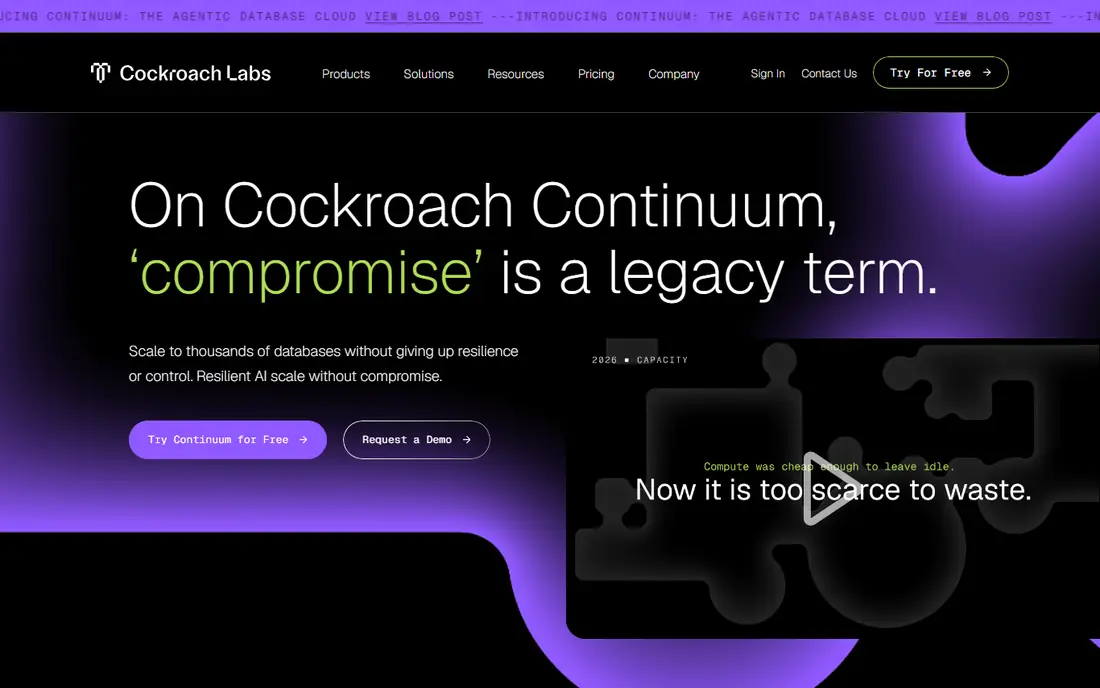
CockroachDB is our pick for teams that need SQL across regions without manual sharding. Data is distributed, rebalanced, and replicated automatically, so adding nodes increases capacity and a node failure does not take the database down. That design helps global apps keep latency steady when traffic shifts between regions.
The free serverless tier covers small workloads, with usage based pricing beyond free request units and storage. Dedicated clusters start at a higher monthly cost, so model vCPU and storage needs before scaling. For a team that knows Postgres and needs multi region resilience, CockroachDB offers a clear and well documented path.
- Distributed SQL with survival across node and region failures
- Postgres compatibility for familiar tools
- Free serverless tier for small workloads
- Distributed concepts need learning time
- Dedicated pricing rises with vCPU count for large clusters
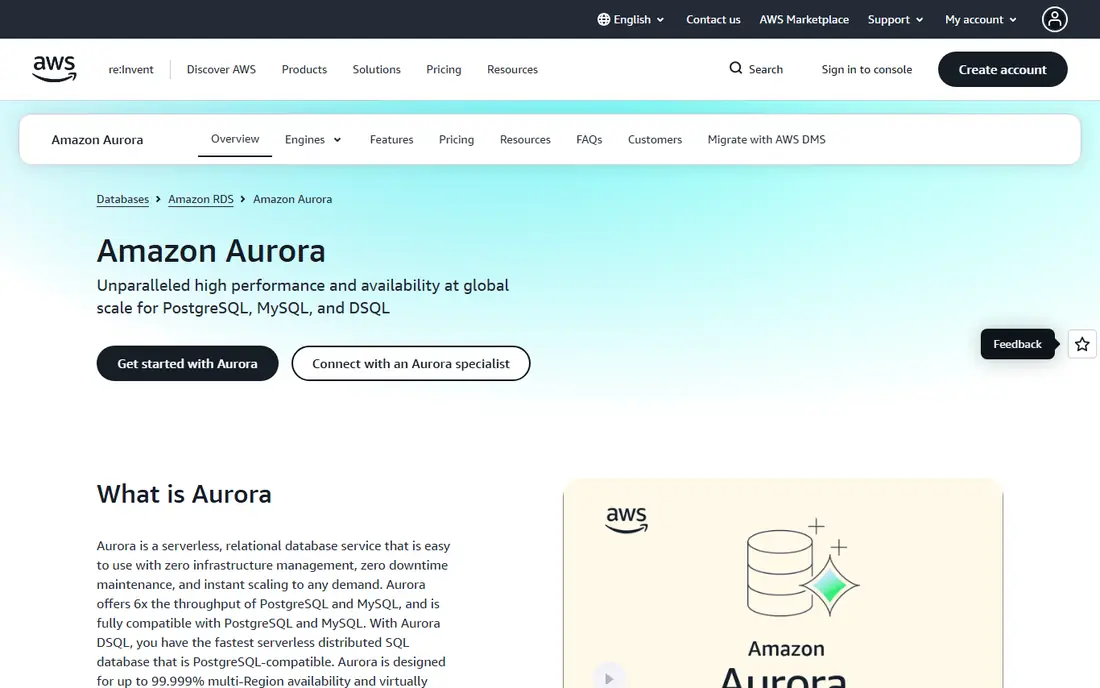
Amazon Aurora suits teams already on AWS that want managed relational performance. It combines MySQL or Postgres compatibility with cloud storage that scales, replicates across availability zones, and supports many low latency read replicas. That setup helps read heavy apps keep response times steady as traffic grows.
Pricing depends on instance size, storage, I/O, and replicas, so a small launch can cost far less than a large production cluster. There is no simple free plan for ongoing production use, though AWS free tier credits may help new accounts for a limited time. For AWS teams, Aurora is a natural and well supported choice.
- MySQL and Postgres compatibility on managed AWS infrastructure
- Fast storage with up to 15 read replicas
- Continuous backup and point in time recovery
- Pricing is usage based and varies by instance and storage
- Best value appears inside AWS, not as a standalone choice
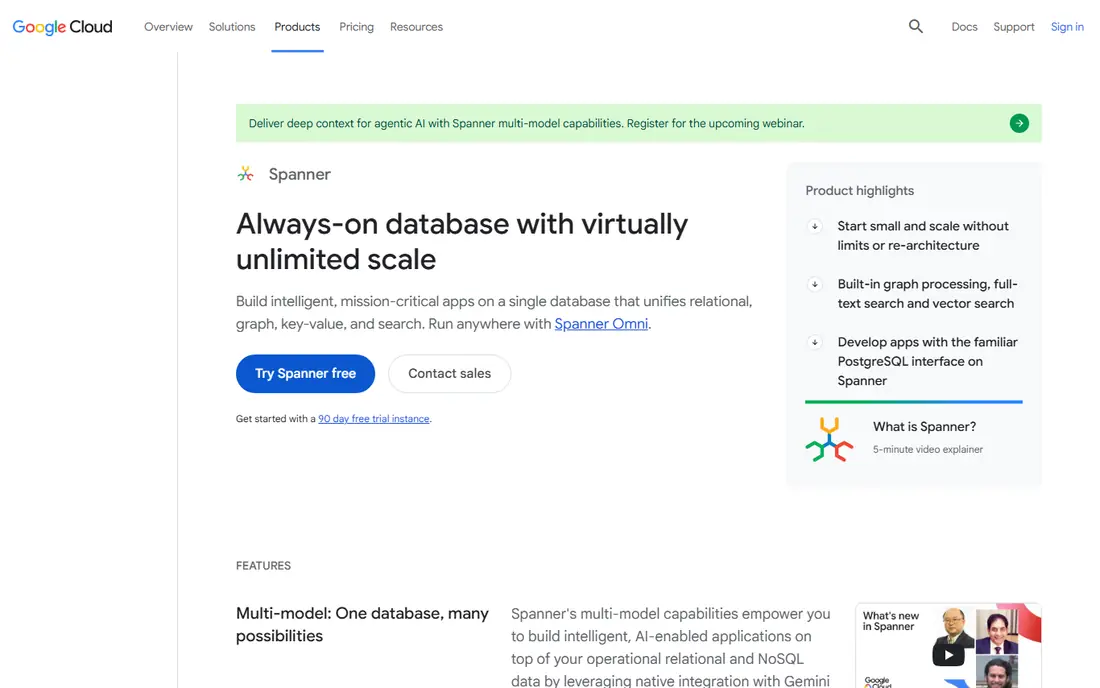
Google Cloud Spanner is built for apps that need strong consistency across regions at large scale. Transactions stay consistent worldwide, while the system scales horizontally as data and traffic grow. That combination is hard to achieve with a single region database, and it matters for payments, inventory, and other workloads where stale reads cause real problems.
The trade off is cost and complexity for small apps. Spanner pricing is based on nodes, storage, and operations, so a tiny app may pay more than it needs. For a Google Cloud team with global users and strict consistency needs, Spanner delivers steady performance where simpler databases would struggle.
- Globally consistent SQL at large scale
- Strong consistency without giving up horizontal scaling
- Managed backups, scaling, and monitoring
- Pricing is usage based and can be high for small apps
- Learning curve for schema and query design at global scale
Azure Cosmos DB suits Azure teams that need global distribution with low latency. Data can replicate to many regions, and apps can read from the nearest region for fast responses. Support for document, key value, graph, and other models helps teams that store varied data without running several databases.
Pricing is based on provisioned or autoscale throughput, storage, and operations, so a poor data model can raise costs. There is a free tier for learning in some programs, but production use is paid. For an Azure team building a global app with varied data, Cosmos DB offers a managed and fast foundation.
- Multi region distribution with single digit millisecond reads and writes
- Multiple data models including document, key value, and graph
- Managed scaling and backups
- Pricing is based on throughput and storage, so modeling matters
- Best value appears inside Azure
MongoDB Atlas helps document based apps stay fast as they grow globally. Global clusters place data near users, read replicas spread read load, and Atlas search and vector features support modern app needs without a separate search cluster. That breadth helps teams that start with a prototype and grow to production on the same platform.
The free M0 tier suits learning and small apps, while Flex clusters start around $8 per month and dedicated clusters cost more. Performance still depends on indexes, query design, and data placement, so test with realistic traffic. For document data with global users, Atlas is a strong and flexible choice.
- Global clusters with data placement near users
- Flexible document model for varied data
- Search, vector, and analytics features in one platform
- Dedicated clusters cost more than the free tier
- Query and index design still affect latency at scale
SingleStore, formerly MemSQL, suits apps that need to ingest events fast and query live plus historical data in SQL. It handles transactional and analytical workloads together, which helps dashboards, fraud checks, and operational analytics that cannot wait for a nightly warehouse load. Ingest rates and query speed are the main strengths.
Pricing is quoted for many deployments, so budgeting needs a sales conversation and a clear workload model. The community is smaller than Postgres or MySQL, though SQL familiarity helps teams get started. For high volume, low latency analytics beside transactions, SingleStore is worth evaluating.
- Fast ingest and query for transactional plus analytical work
- Familiar SQL for teams that know relational databases
- Scales for high volume event data
- Pricing is quoted for many deployments
- Smaller community than Postgres or MySQL based tools
PlanetScale helps teams keep performance steady through safe schema changes. Branching lets developers test a migration, check query insights, and deploy with less risk of a slow or breaking change reaching production. That workflow matters for performance, because a bad index or schema change is a common cause of sudden slowdowns.
Single node Postgres starts from $5 per month, while Vitess high availability starts from $39 per month. There is no free tier, so testing requires a small paid plan. For MySQL and Postgres teams that ship schema changes often, PlanetScale gives a safer and more observable path to production.
- Database branching for safe schema changes
- Query insights that help spot slow queries
- Simple managed MySQL and Postgres options
- No free tier
- High availability Vitess tiers cost more than single node plans
YugabyteDB suits teams that want distributed SQL with open source control. It offers Postgres compatibility, multi region resilience, and horizontal scaling, with self hosted and managed deployment options. That flexibility helps firms that need to run in their own cloud account or on premises, not only on a vendor cloud.
The trade off is operational planning. Distributed databases need careful schema, index, and region design to keep latency low, and managed pricing is quoted for many clusters. For a team comfortable with distributed concepts and Postgres, YugabyteDB offers a strong open source path to consistent global performance.
- Open source distributed SQL with Postgres compatibility
- Multi region resilience and horizontal scaling
- Self hosted and managed options
- Distributed setup needs planning for production
- Managed pricing is quoted for many clusters
How we picked these
We compared official product pages, scaling and replication features, latency and availability claims, and public pricing information for database tools in production use in October 2026. We favored managed tools with read replicas, automatic scaling or rebalancing, backups, and monitoring, because those features protect performance under real load. We mixed distributed SQL, cloud native relational, document, and hybrid analytical options, so different data models and cloud homes can compare fairly.
How to keep database performance steady in production
Start by measuring the queries that matter most, not just average latency. Track p95 and p99 latency, slow queries, and error rates, because averages hide the slow requests users actually feel. Set alerts for latency, connection counts, and storage growth, so a problem is caught before it becomes an outage.
Indexes, replicas, and data placement
Index the fields you filter and sort by, and review slow query logs weekly. Use read replicas for read heavy work, and place data near users when your platform supports global distribution. Avoid full table scans on large tables, and test schema changes on a branch or staging copy before production, because one missing index can change performance overnight.
Load testing and cost at peak
Load test with realistic traffic, including spikes, not just steady state. Test failover by simulating a node or region issue in staging, and confirm that latency and errors stay within your targets. Model cost at peak load, including replicas, storage, and throughput, because a database that is cheap at launch can become costly at scale. A clear cost model helps you choose between autoscale, provisioned, and dedicated options.
FAQ
What does consistent database performance mean?
Consistent performance means latency stays steady under normal and peak load, not just fast in a single benchmark. It covers read and write speed, availability during failures, and predictable behavior as data grows. A database with low average latency but frequent slow spikes feels worse to users than a slightly slower database with steady response times.
Is distributed SQL better than a single region database?
Distributed SQL suits global apps, high availability needs, and workloads that must scale horizontally without manual sharding. A single region database suits smaller apps, simpler operations, and lower cost, especially when users are in one region. Choose based on user location, availability needs, and team experience, not on scale alone.
How do read replicas help performance?
Read replicas spread read traffic across several copies of the data, which lowers load on the primary database and keeps response times steady. They also support reporting and analytics without slowing transactions. Writes still go to the primary, so replicas help read heavy apps most.
Should we use caching with a database?
Yes, caching helps for frequently read, slowly changing data, but it does not replace good indexes and query design. Use caching for hot reads, set clear expiry rules, and test cache misses under load. A database that performs well without cache will perform even better with it, while a poor database hidden by cache can fail when cache clears.
How much does a high performance database cost?
Costs range from free tiers for small apps to usage based or quoted pricing for global production clusters. Model instance or throughput cost, storage, replicas, backups, and data transfer at peak load. A database that looks cheap at launch can cost far more at scale, so compare total cost, not just the starting price.
Sources
- https://www.cockroachlabs.com/pricing
- https://aws.amazon.com/rds/aurora/pricing
- https://cloud.google.com/spanner/pricing
- https://azure.microsoft.com/en-us/products/cosmos-db/pricing
- https://www.mongodb.com/pricing
- https://www.singlestore.com/pricing
- https://planetscale.com/pricing
- https://www.yugabyte.com/pricing